

Free UK delivery over £75 — ordered before 3pm, out the same day0330 229 0175Contact usSign in3D PrintworxShop

Scanning software · Turn a scan into CAD you can edit

Reverse engineering software

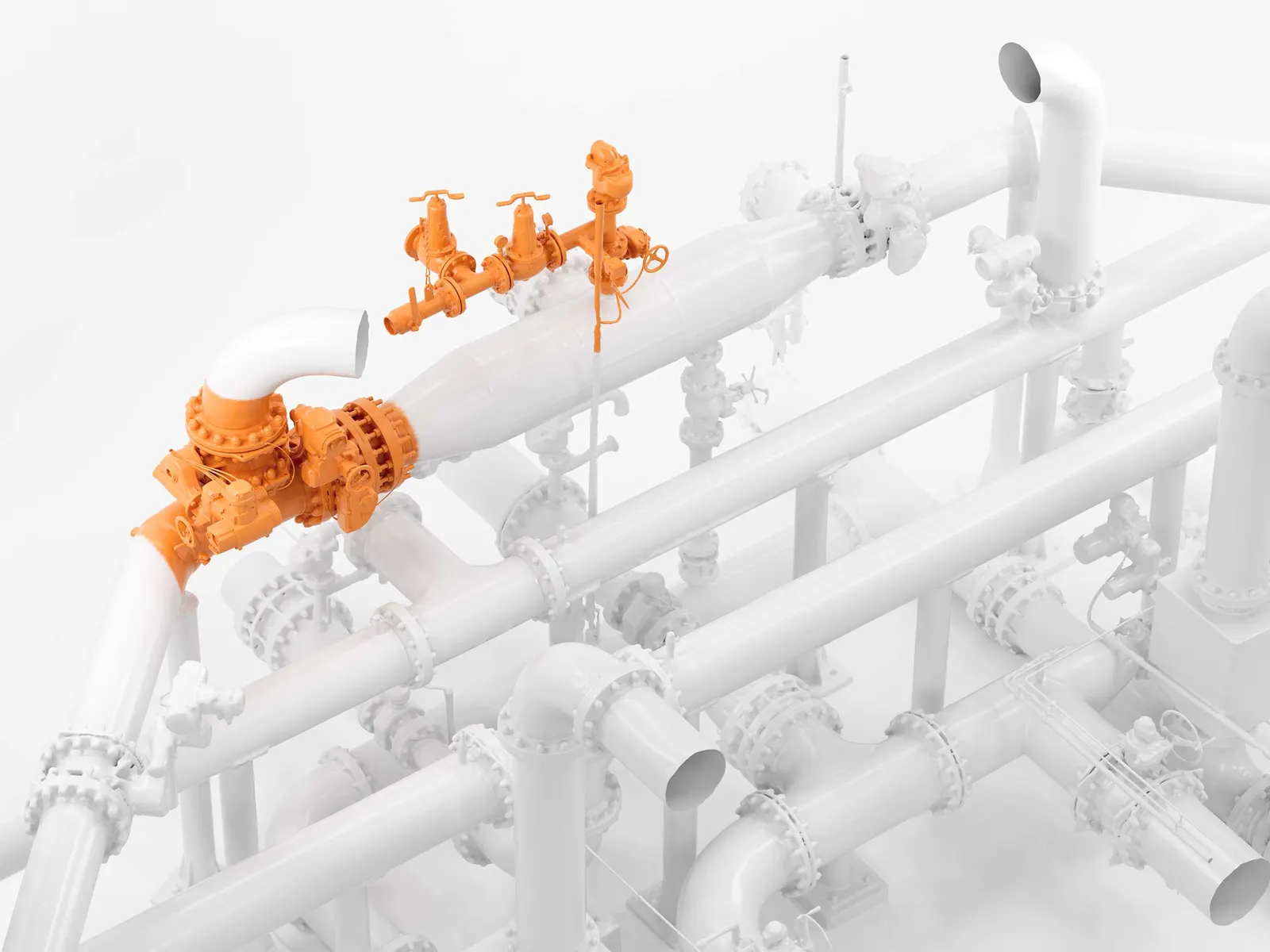
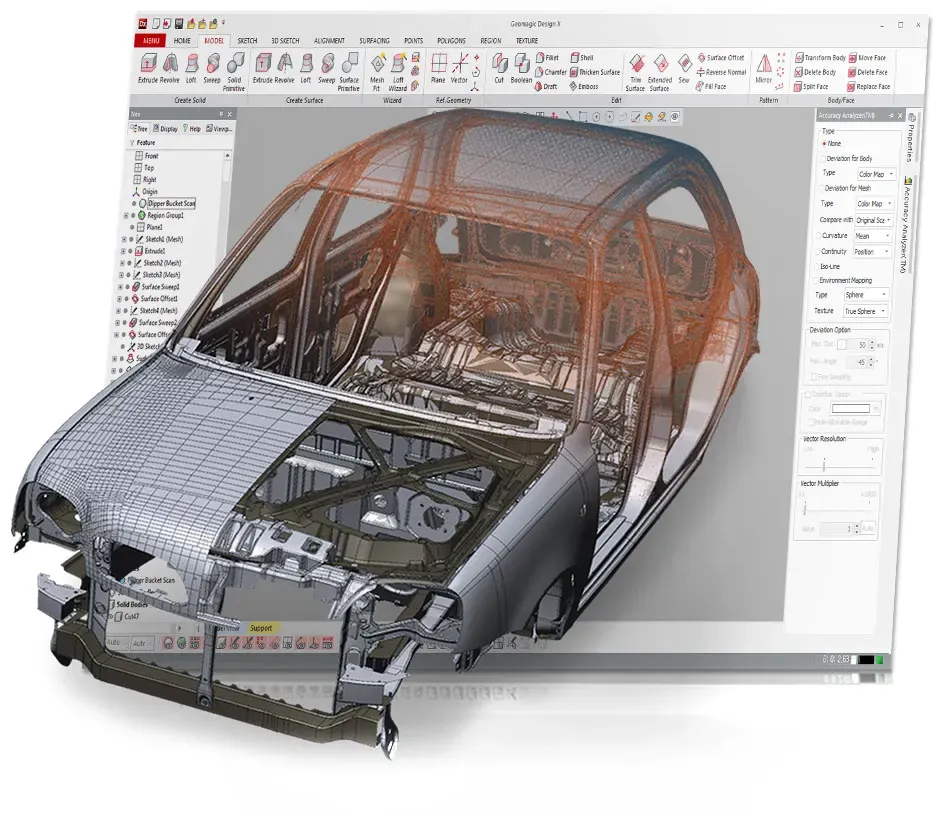
Turn a 3D scan mesh into a CAD model your design office can actually use: features, dimensions and a history tree, not just a surface.

Packages we supply
4
Lowest licence: Geomagic Design X, ex VAT
From £1,470
Training courses
2
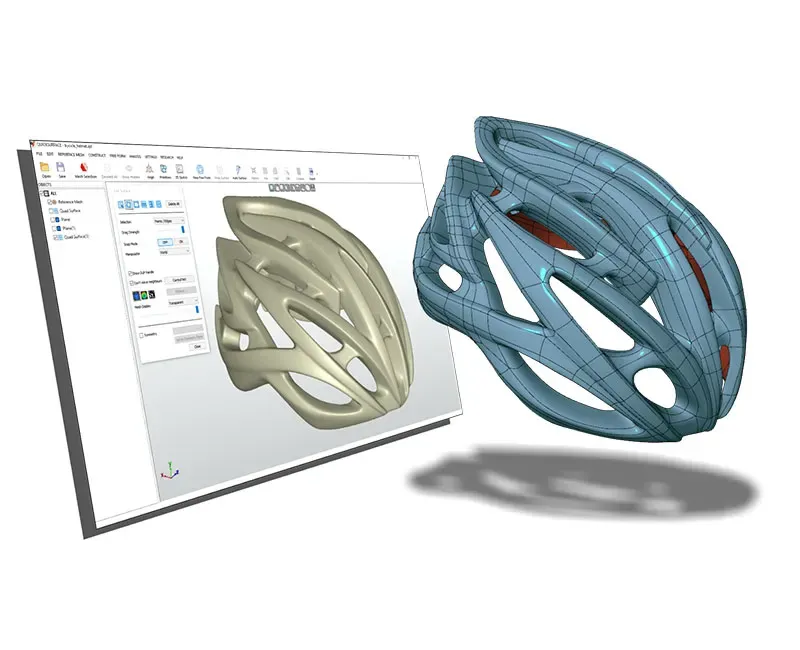
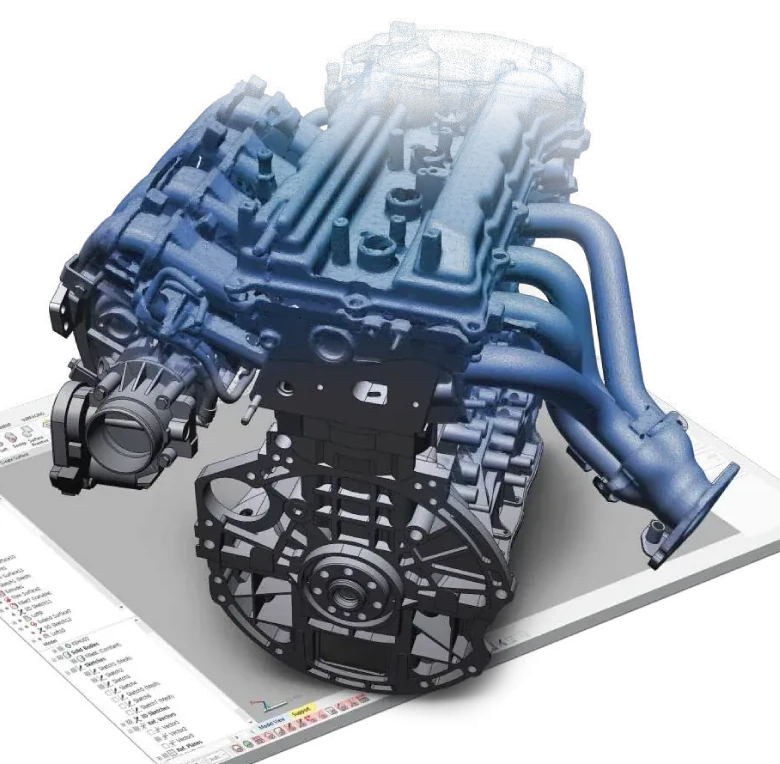
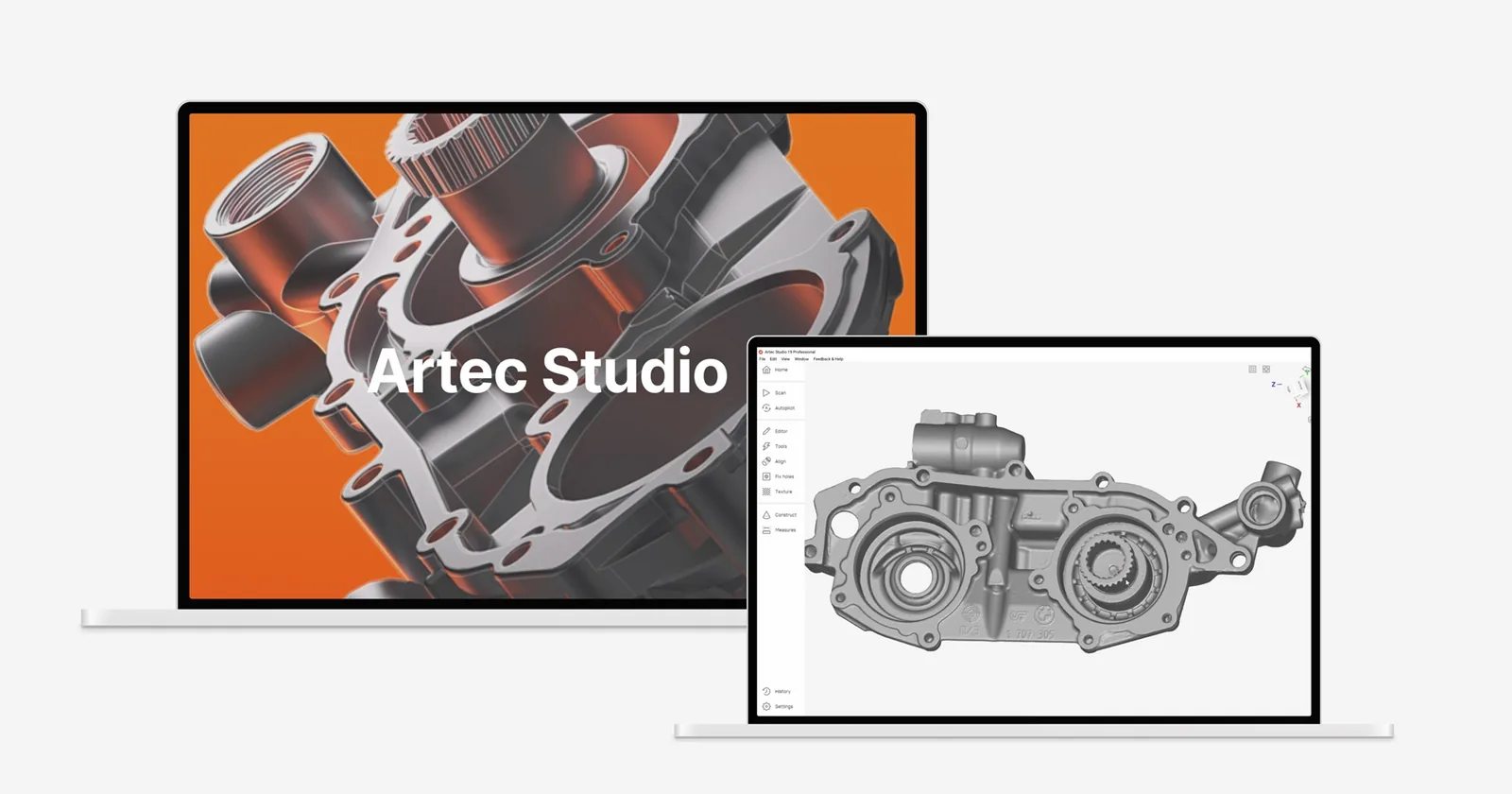
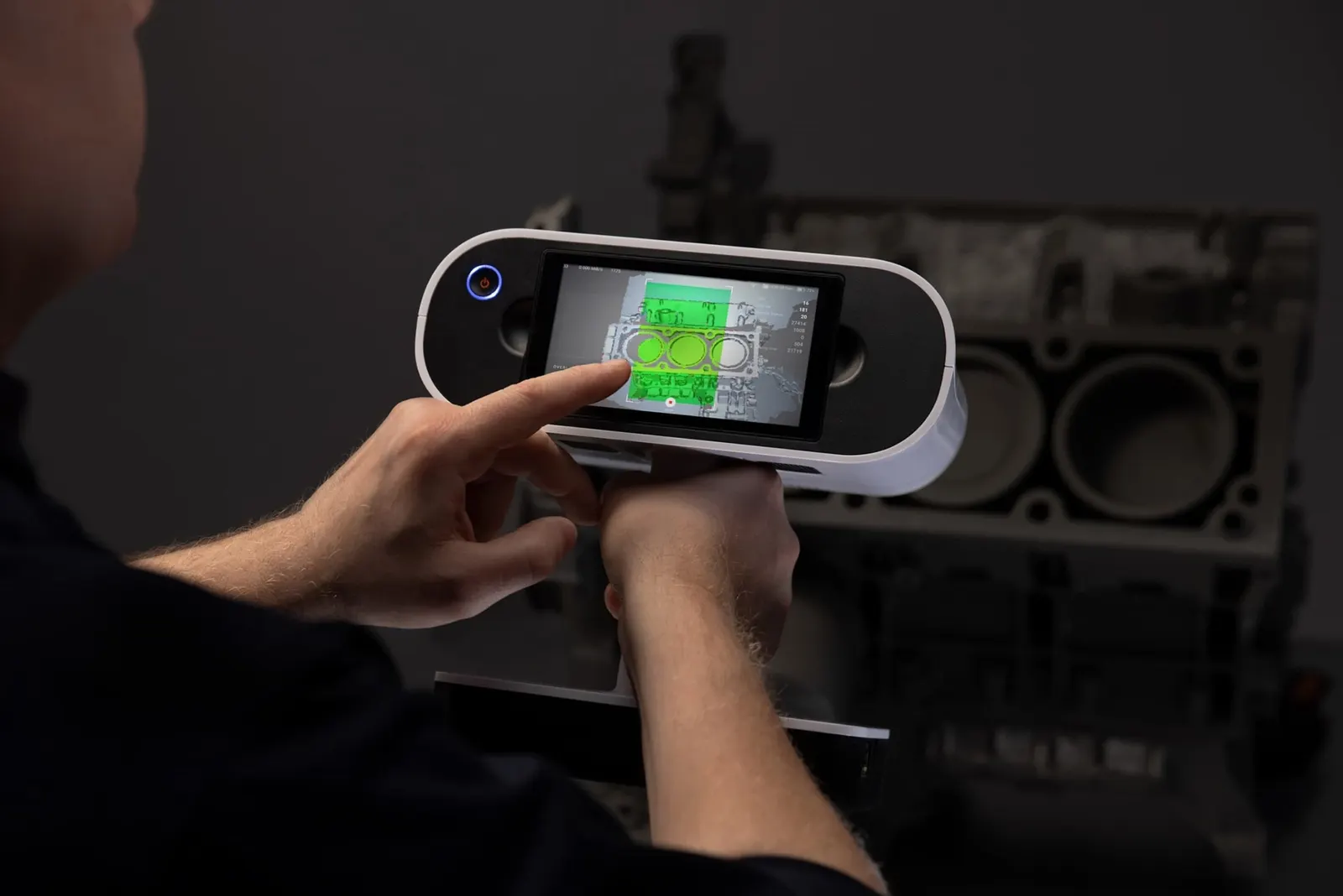
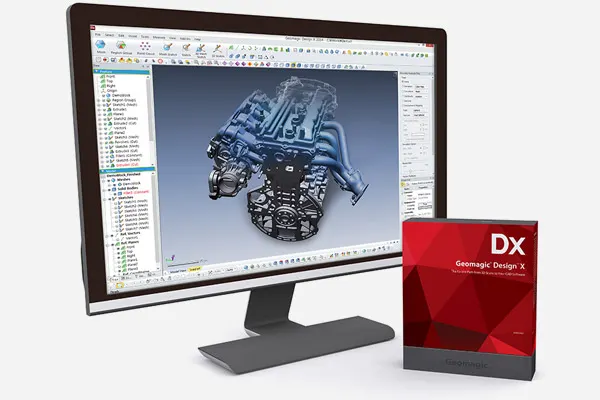
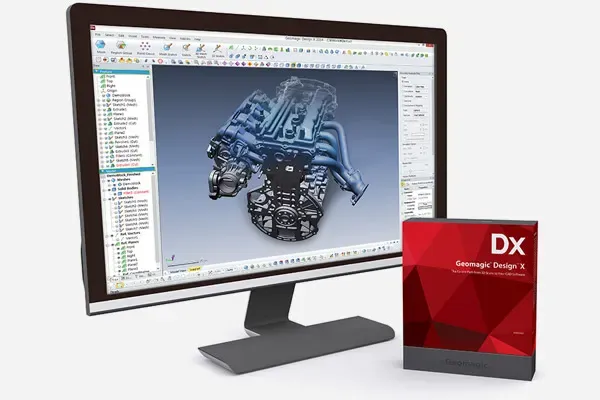
Geomagic Design X rebuilding a scanned engine part as CAD

The packages

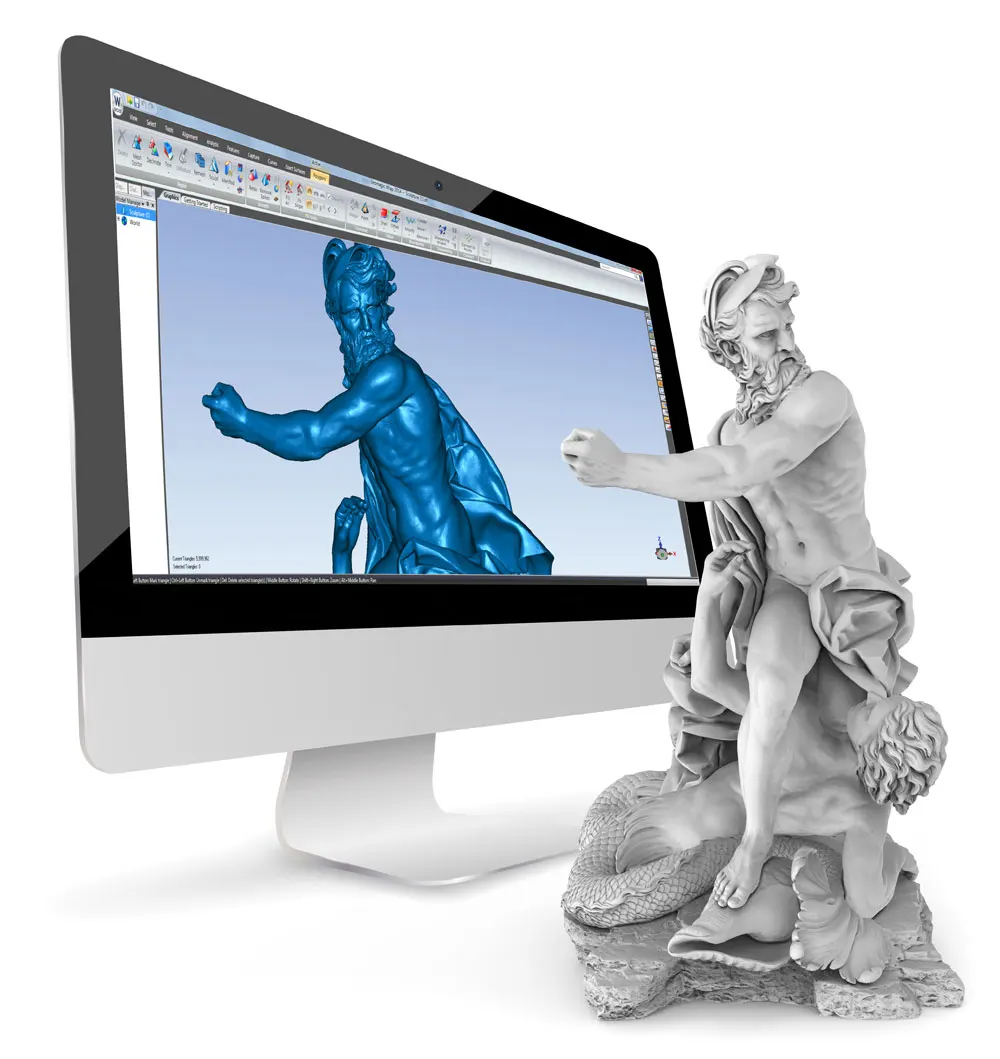
A mesh is a record of a shape, not a model of it. Reverse engineering gives you features and dimensions back.

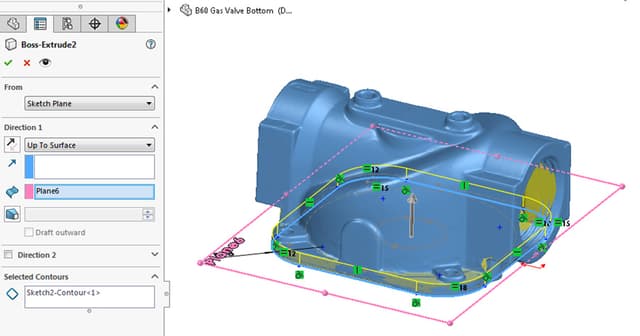
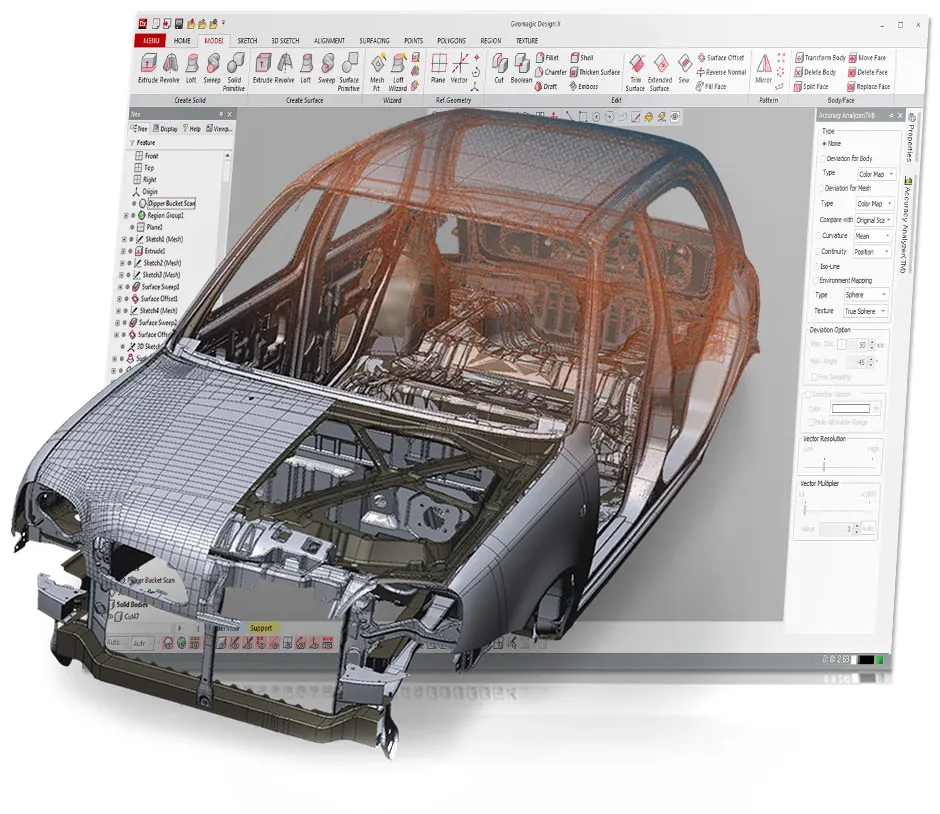
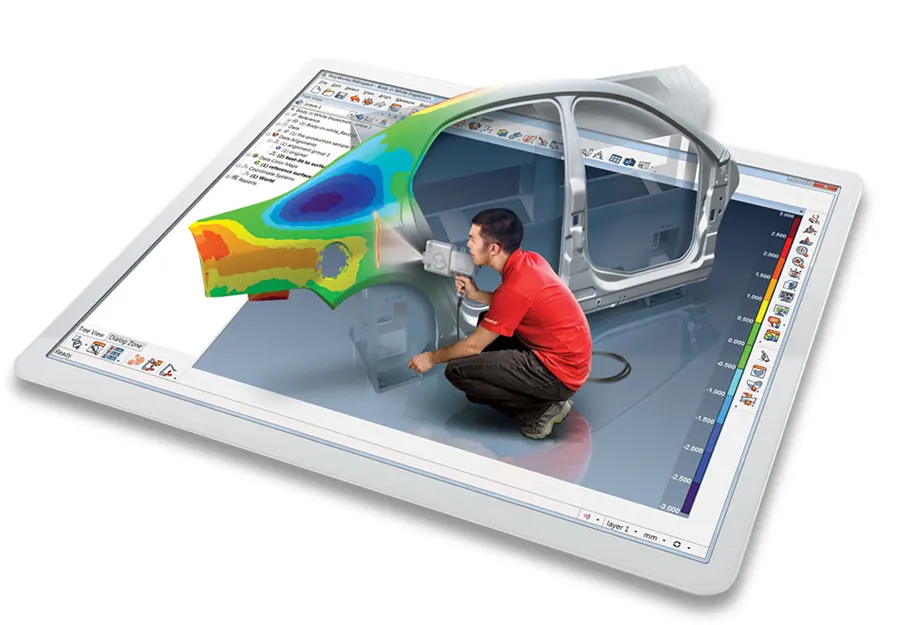
Geomagic Design X screenshot

Reverse engineering

Geomagic Design X

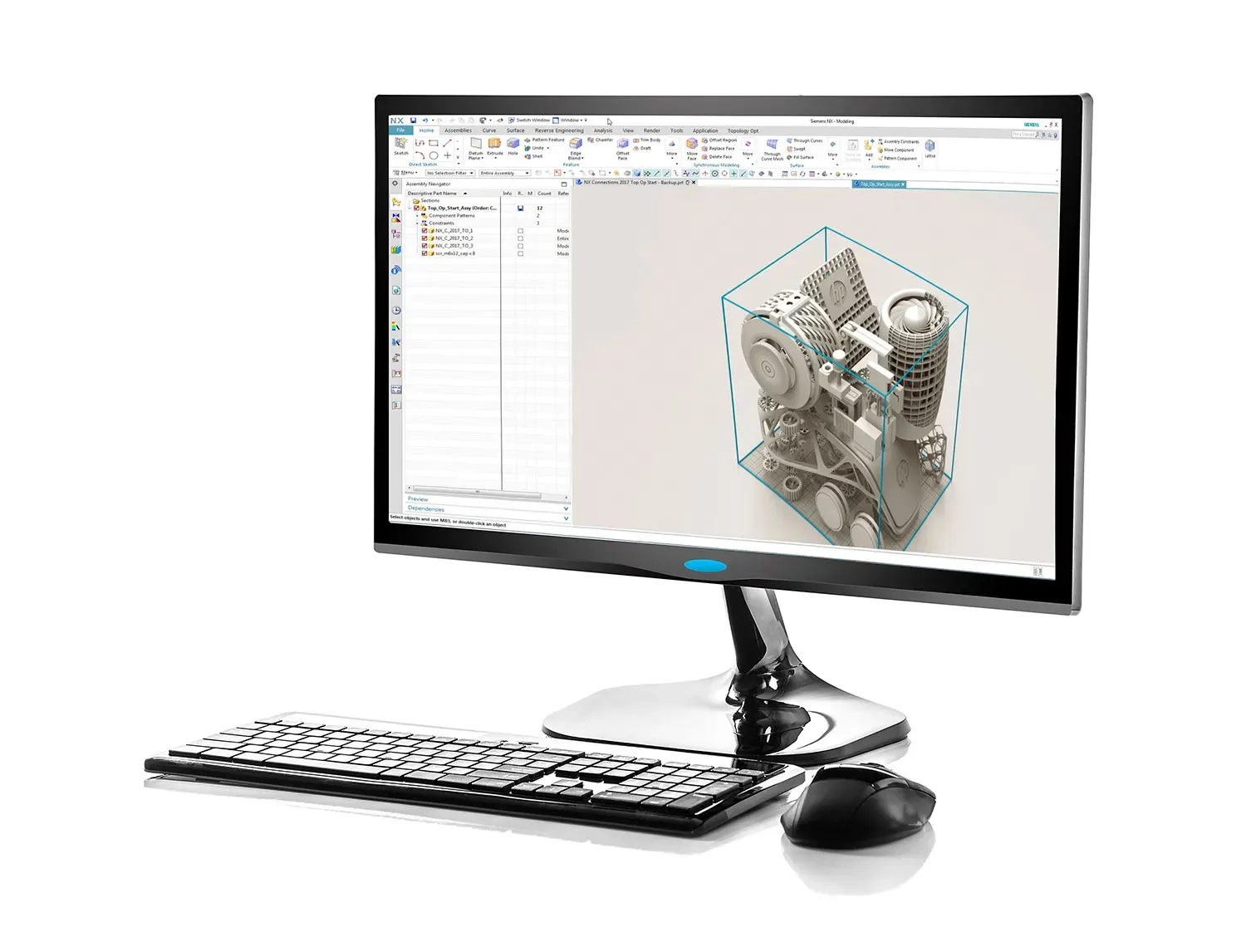
Converts scan data into real, feature-based CAD. LiveTransfer sends the model into SOLIDWORKS, PTC Creo, Siemens NX or Autodesk Inventor with its full parametric history, as if it had been designed there from scratch.

Editions: Go, Plus and Professional
3
CAD systems by LiveTransfer
4
Days of training, from £2,000
2 or 3

£1,470from, ex VAT

Works with
Artec, Kreon, V-Track
Licence
Go, Plus, Professional
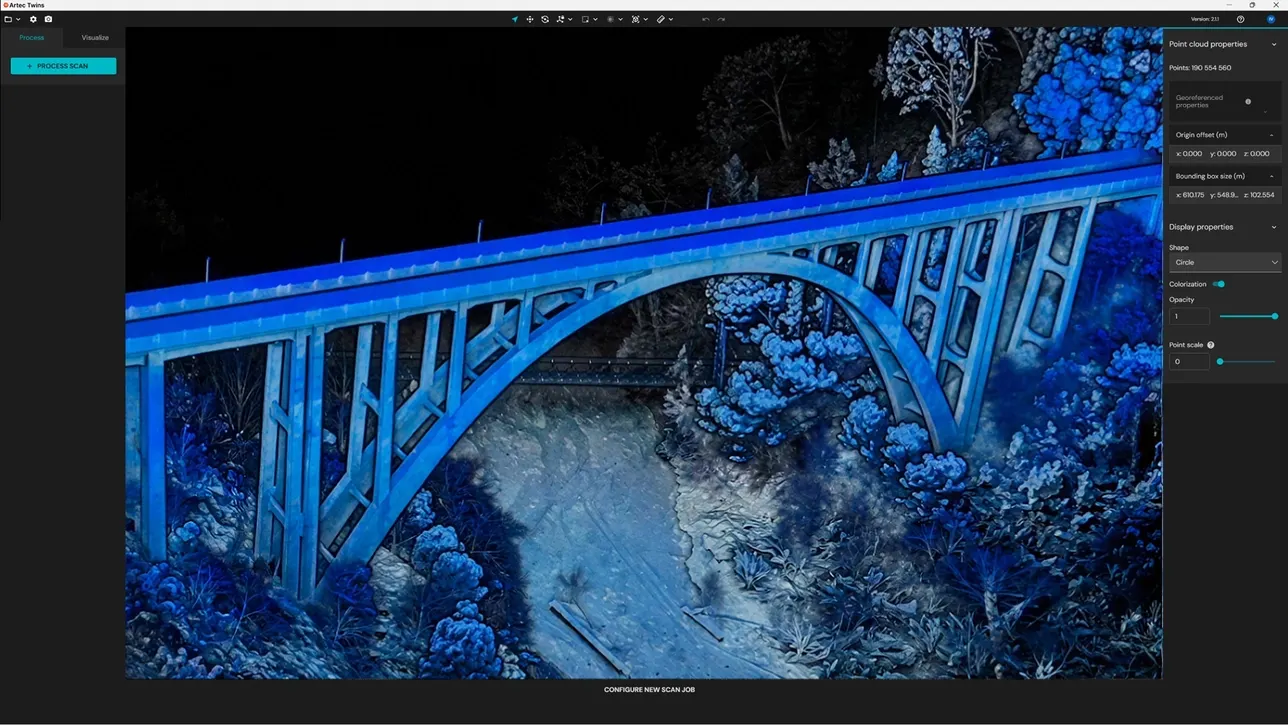
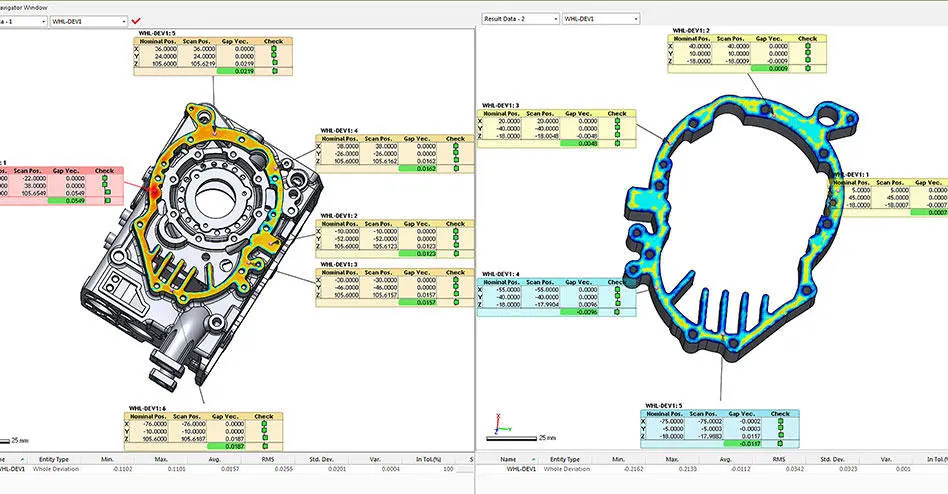
Geomagic for SOLIDWORKS screenshot

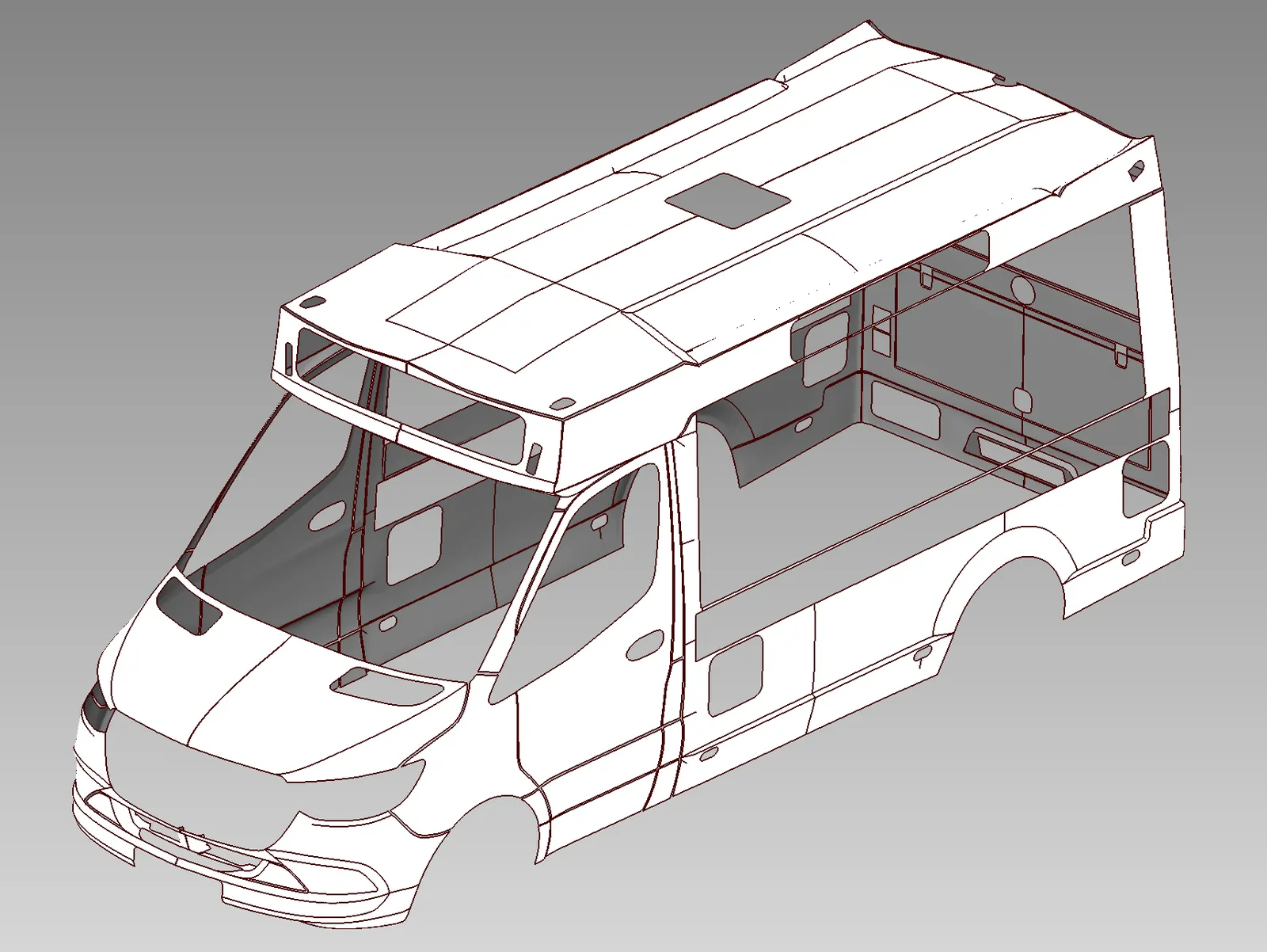
Scan to CAD inside SOLIDWORKS

Geomagic for SOLIDWORKS

Scan straight into SOLIDWORKS and rebuild usable CAD. Bring in the scan, clean the mesh, check deviation and fit surfaces without leaving the CAD seat your engineers already use every day.

SOLIDWORKS, no switching
Inside
Toolsets, capture to surfacing
4
Interface languages
12

£1,917from, ex VAT

Works with
Artec, Kreon, V-Track
Licence
Subscription or lifetime

Learn it properly

Courses run in Cheshire or at your site. Each card shows what the days cover and the price.

All training

Course2 days

Geomagic Design X Essentials

Core training for mechanical scan-to-CAD and parametric reverse engineering, scan data in, an editable, validated CAD model out.

  • Design X interface and workflow
  • Importing scan and mesh data
  • Mesh preparation and repair
  • Alignment and coordinate systems
  • Region segmentation and editing
  • Creating reference geometry
  • Introduction to scan-based modelling
  • Creating sketches from scan data
  • Extracting dimensions and design intent
  • Building parametric CAD features

£2,000ex VAT, per course

Course3 days

Geomagic Design X Complete

The full two-day Essentials course plus a third day on complex geometry, freeform modelling and advanced surfacing, for parts that will not reduce to prismatic features.

  • Advanced mesh preparation and editing
  • Working with complex and organic geometry
  • Freeform surfacing
  • Selective surfacing techniques
  • Auto Surfacing workflows
  • Combining parametric and surface modelling
  • Choosing the most appropriate reverse-engineering method
  • Advanced accuracy checking
  • Practical complex-part exercise

£3,000ex VAT, per course

See it on your own data

A demonstration on your own scans or parts is the quickest way to know whether a package fits your work. It takes about an hour.

1 of 2
What can we help with?

Tap one to get started.

A specialist replies the same working day. Rather talk? 0330 229 0175

Book a demonstration

Tell us what you work on and an engineer will set it up on the right kit.

Where would suit you?

A specialist replies the same working day. Rather talk? 0330 229 0175