.svg)
Inspection and metrology
CAD comparison inspection
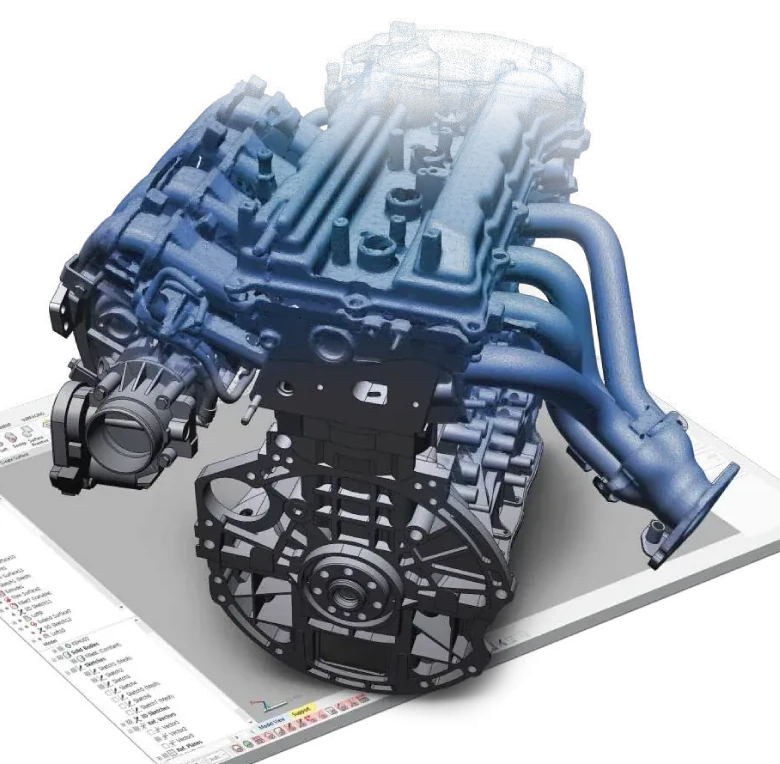
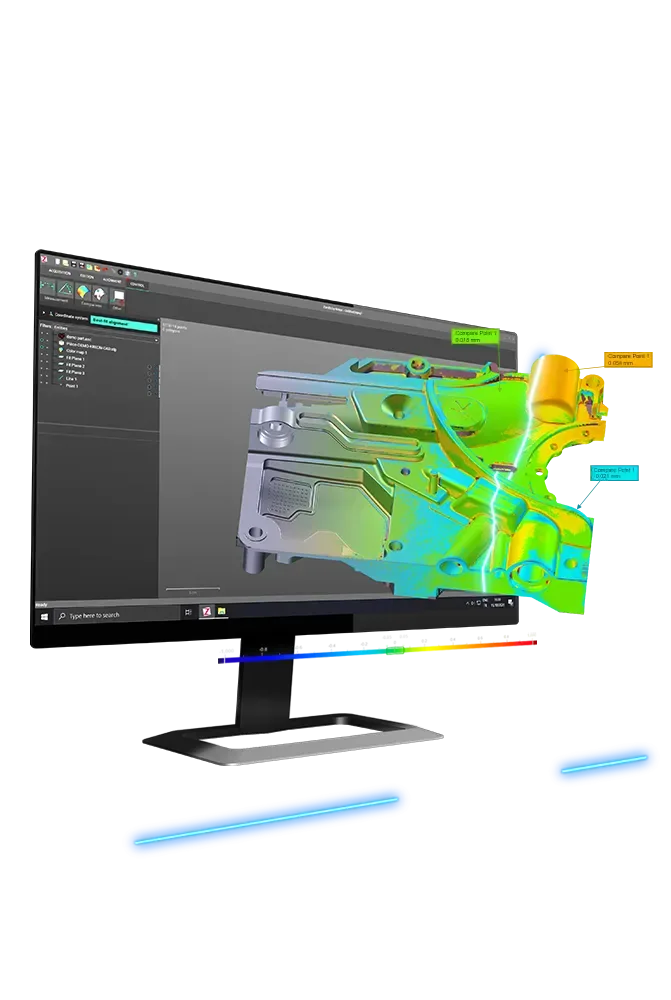
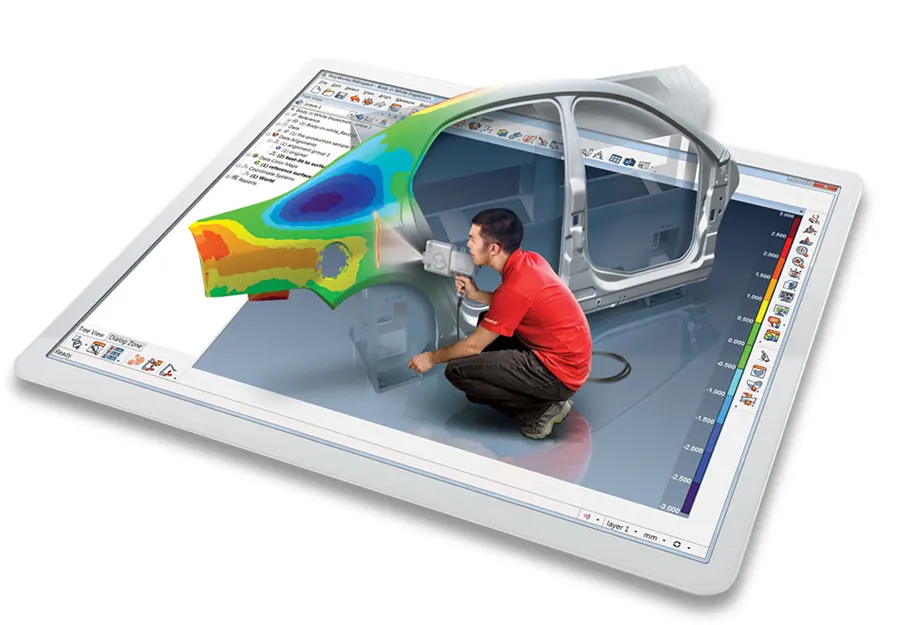
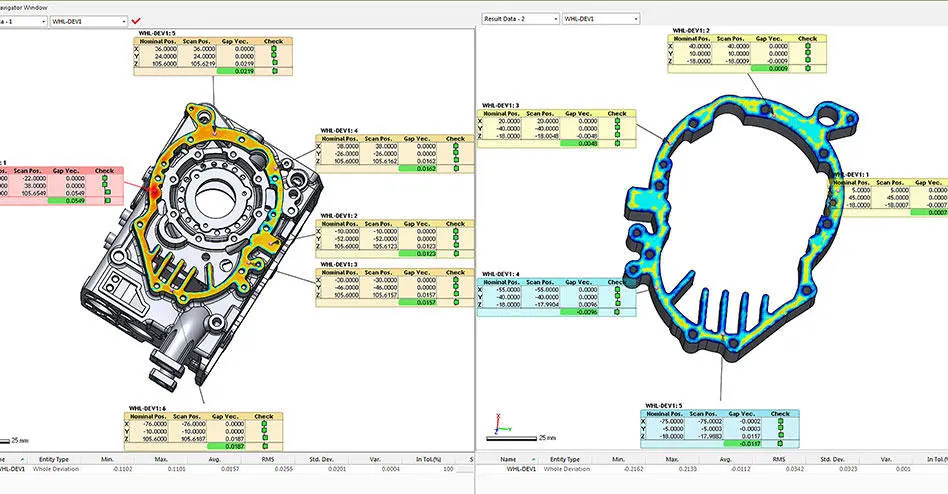
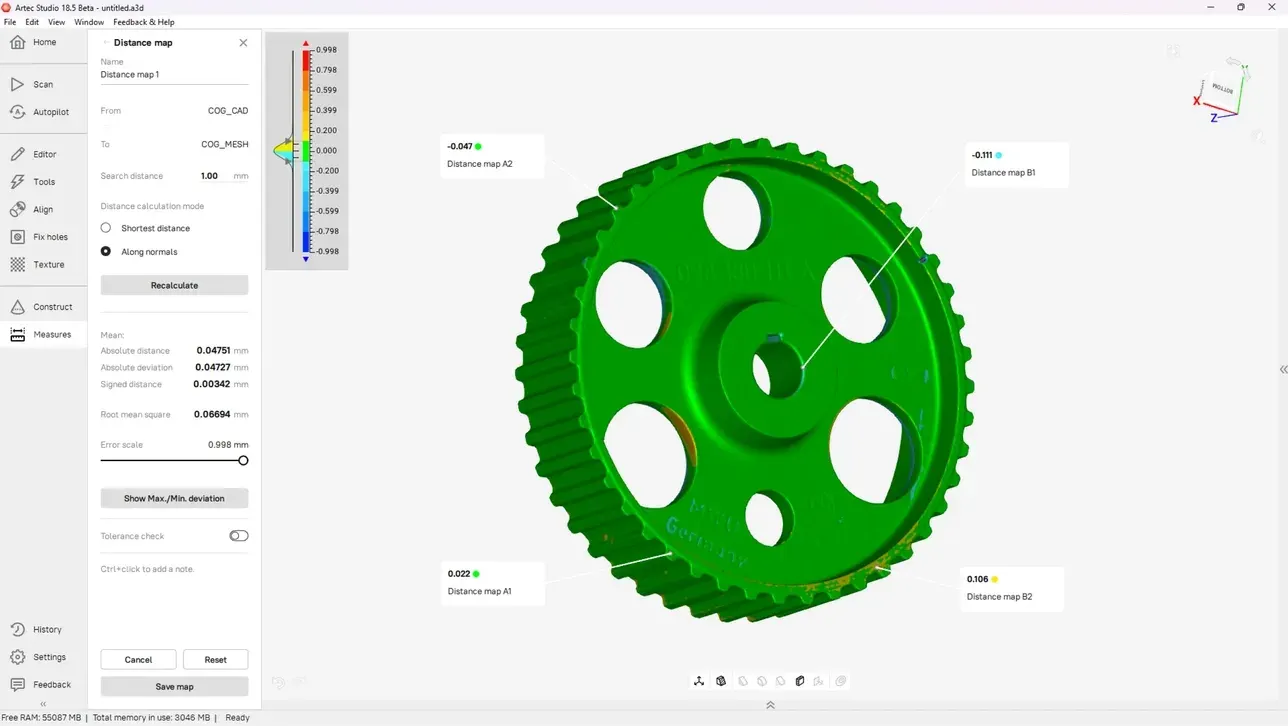
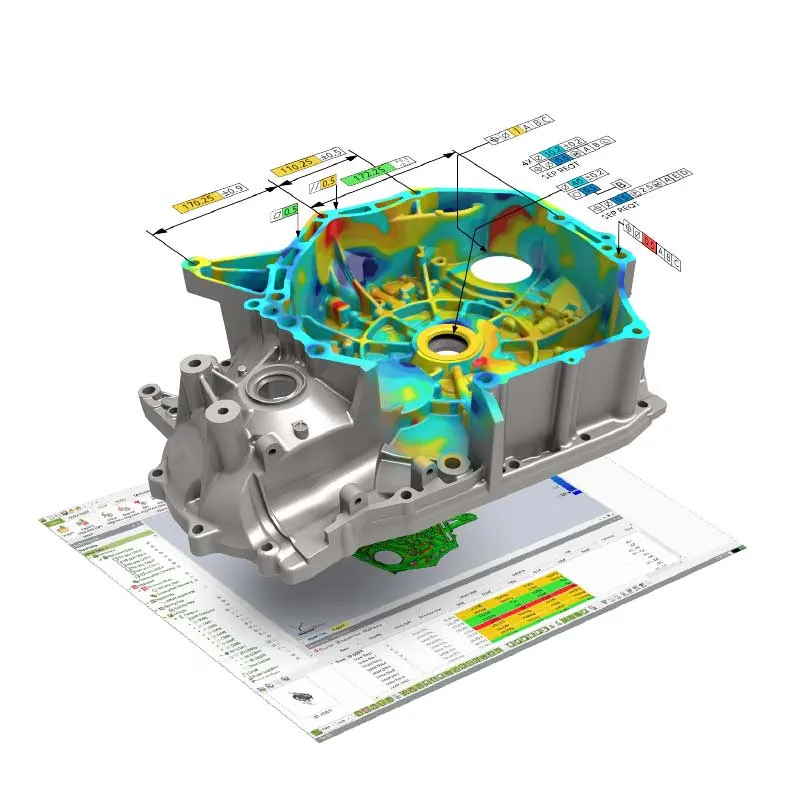
The whole part scanned and laid over its nominal CAD model. A colour map shows every surface in tolerance, over or under. Sections and callouts put numbers on the places that matter.
- Of points, not a handful
- Millions
- Whole-part deviation at a glance
- Colour map
- Or native CAD as the nominal
- STEP · IGES
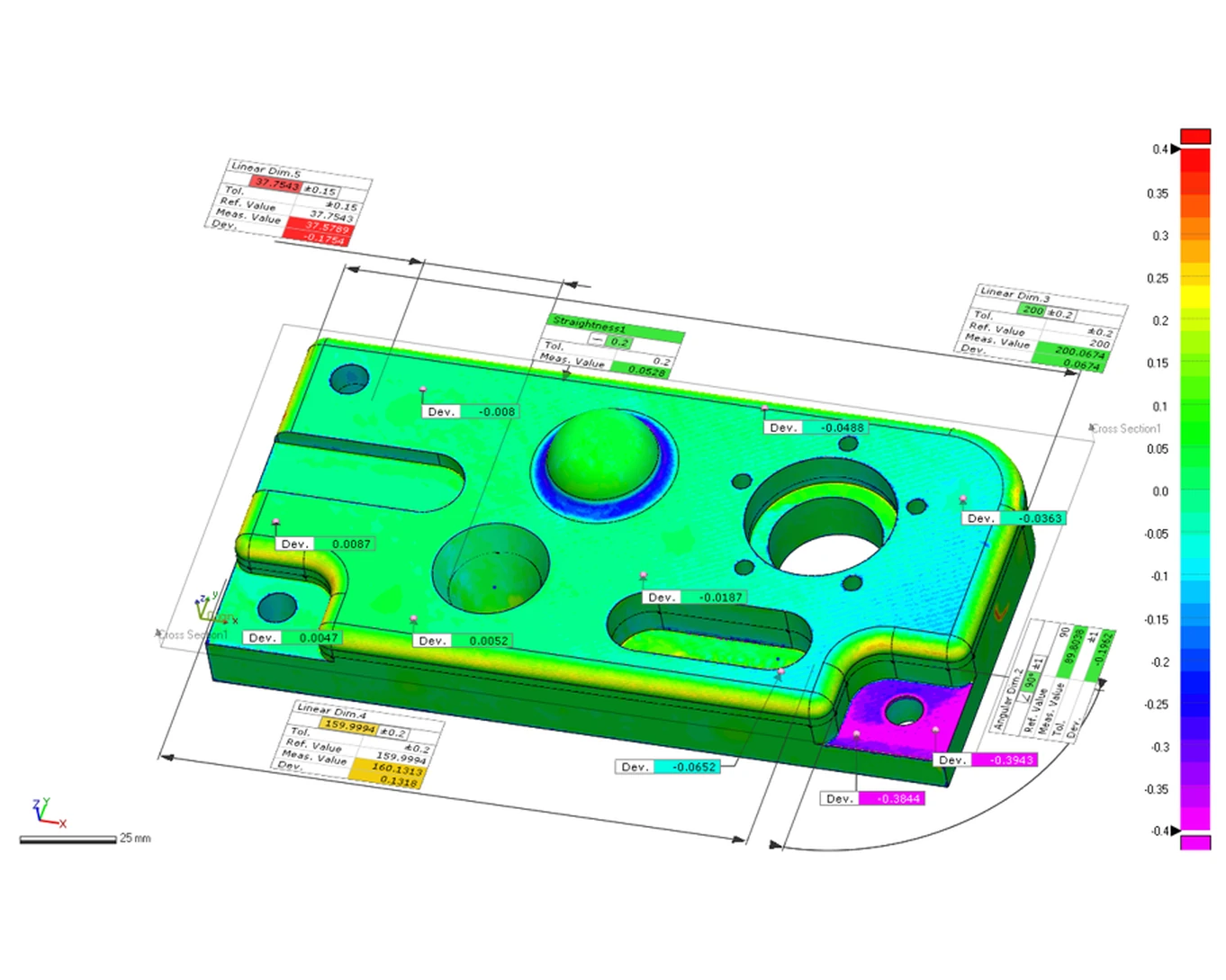
Every surface, not just the features on the drawing
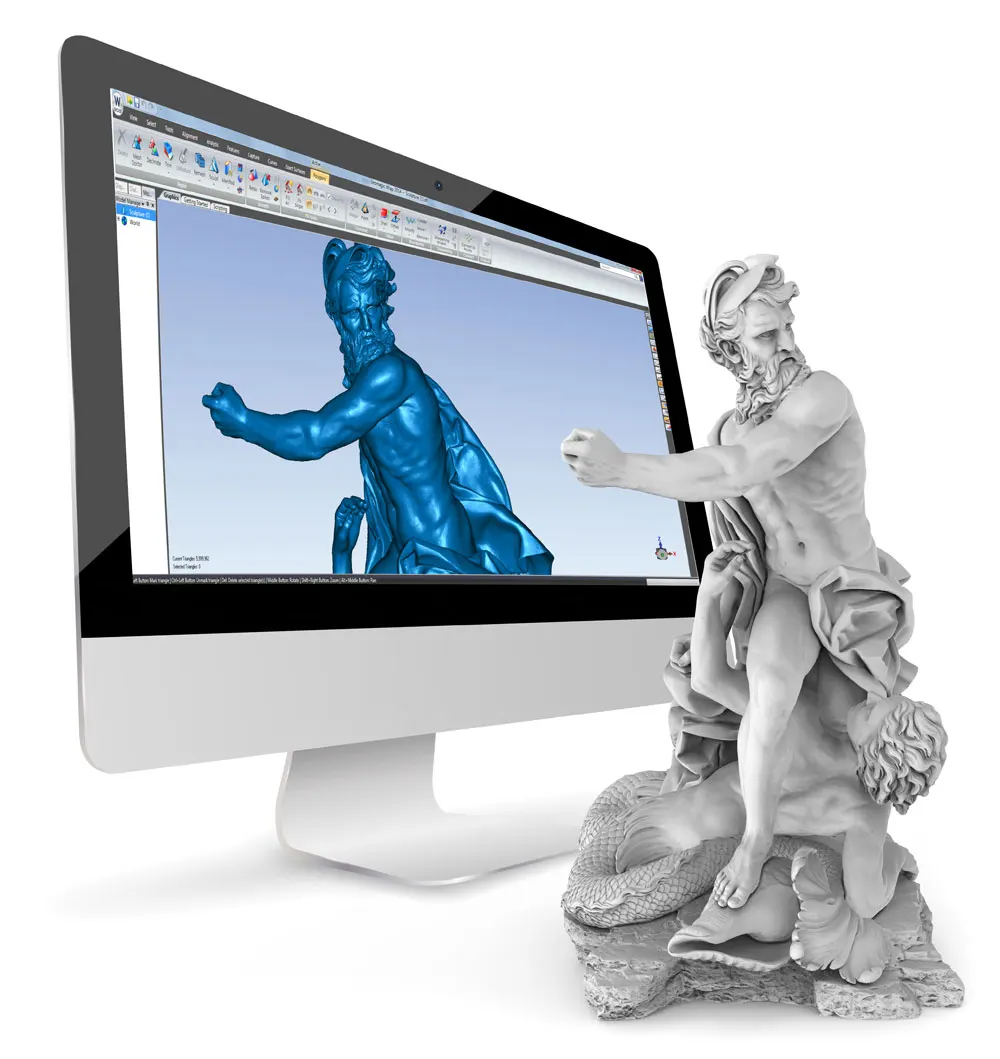
A CMM tells you about the points it touched. On a casting, a moulding, a pressing or anything freeform, the problem is usually somewhere in between. Scanning captures the whole surface. Comparing it with the CAD model shows warp, sink, springback and missing material wherever they are.
We align the scan the way your part is held: a best fit for shape, or datums and a reference point system where the drawing defines one. Then the report shows the deviation in colour, with sections and annotated points where you need a number to sign off.
How a job runs
- 01
Send the CAD and the part
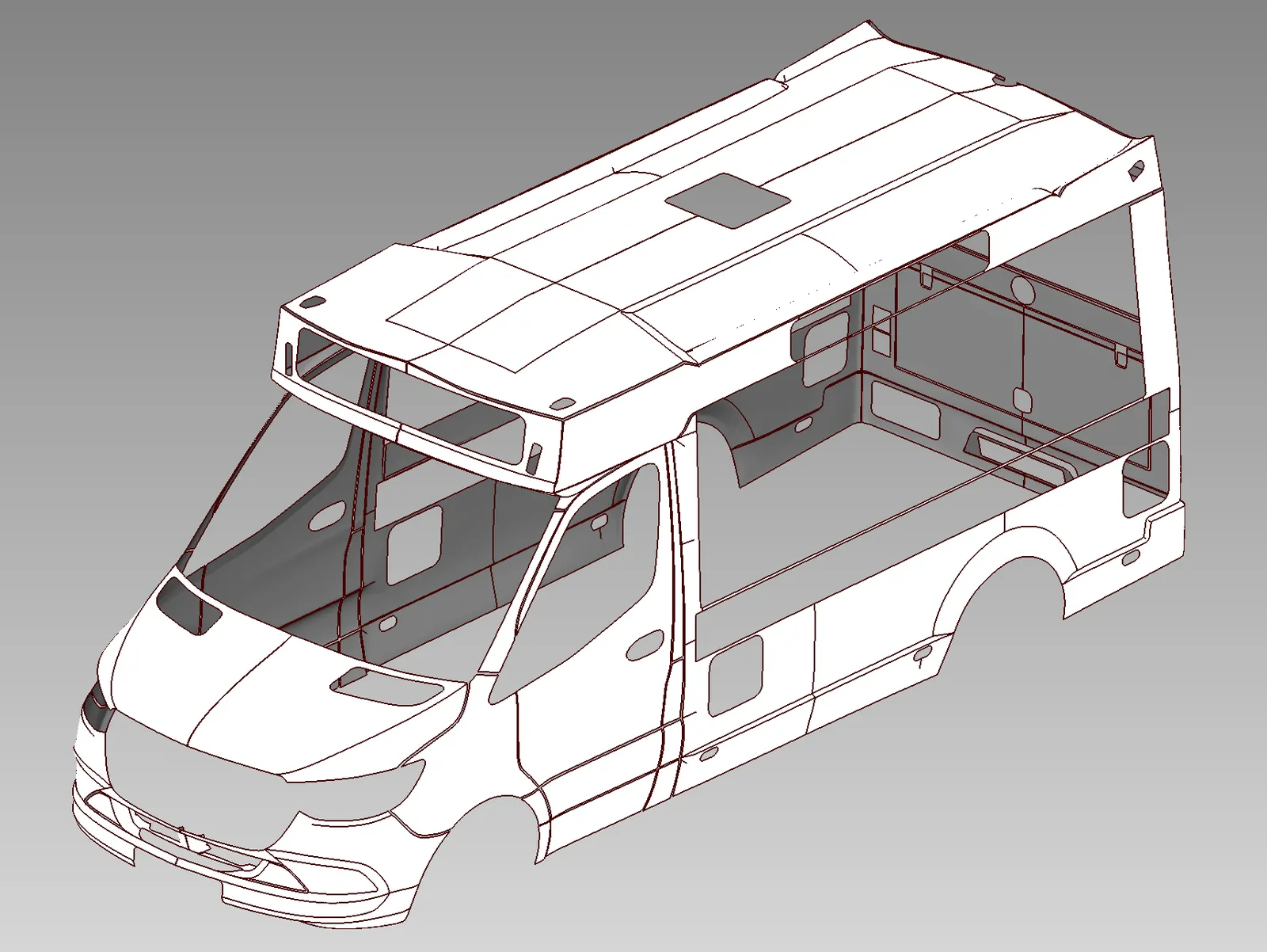
STEP, IGES, Parasolid or native CAD as the nominal, with the drawing if alignment or tolerances come from it.
- 02
Scan
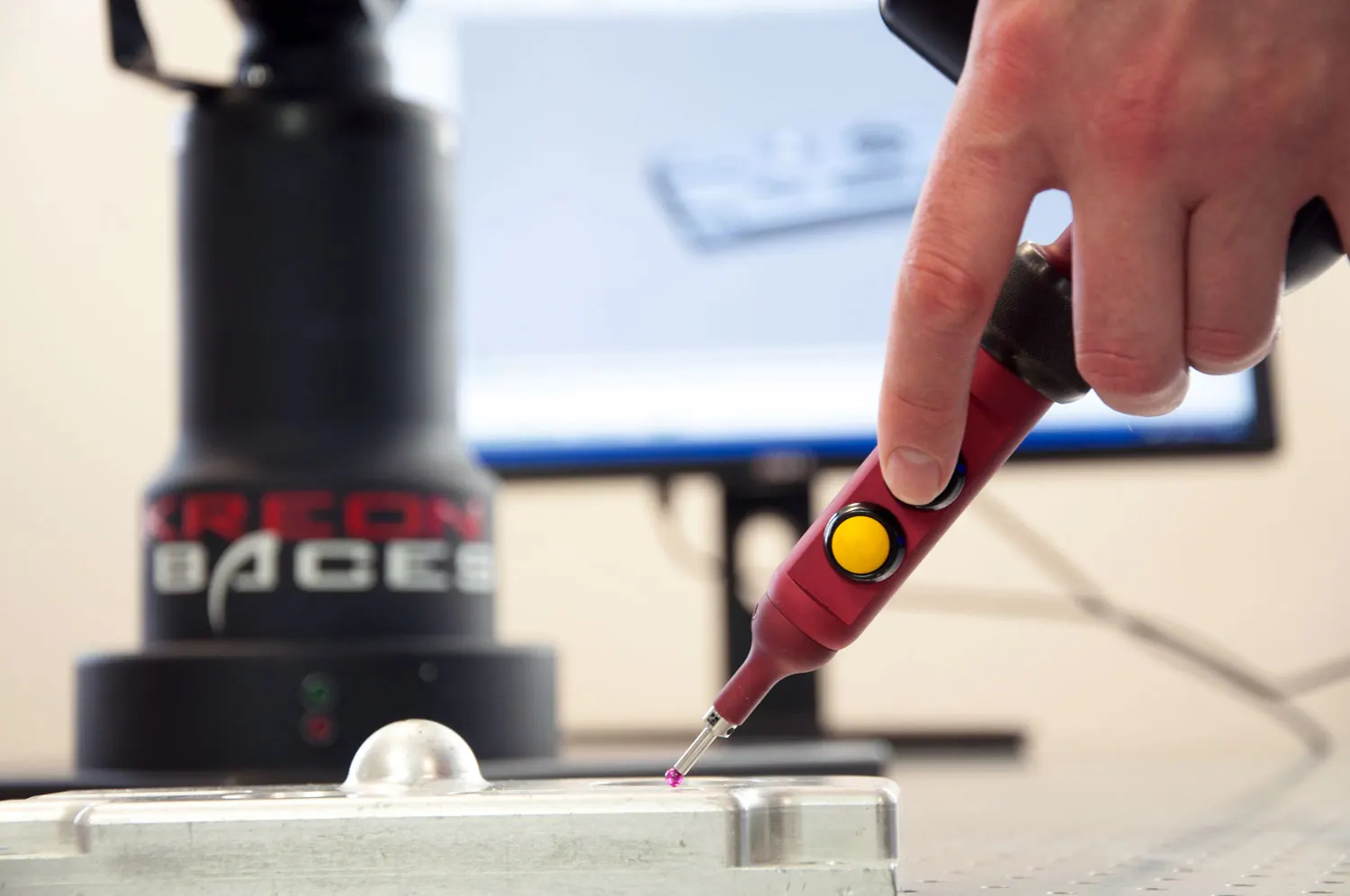
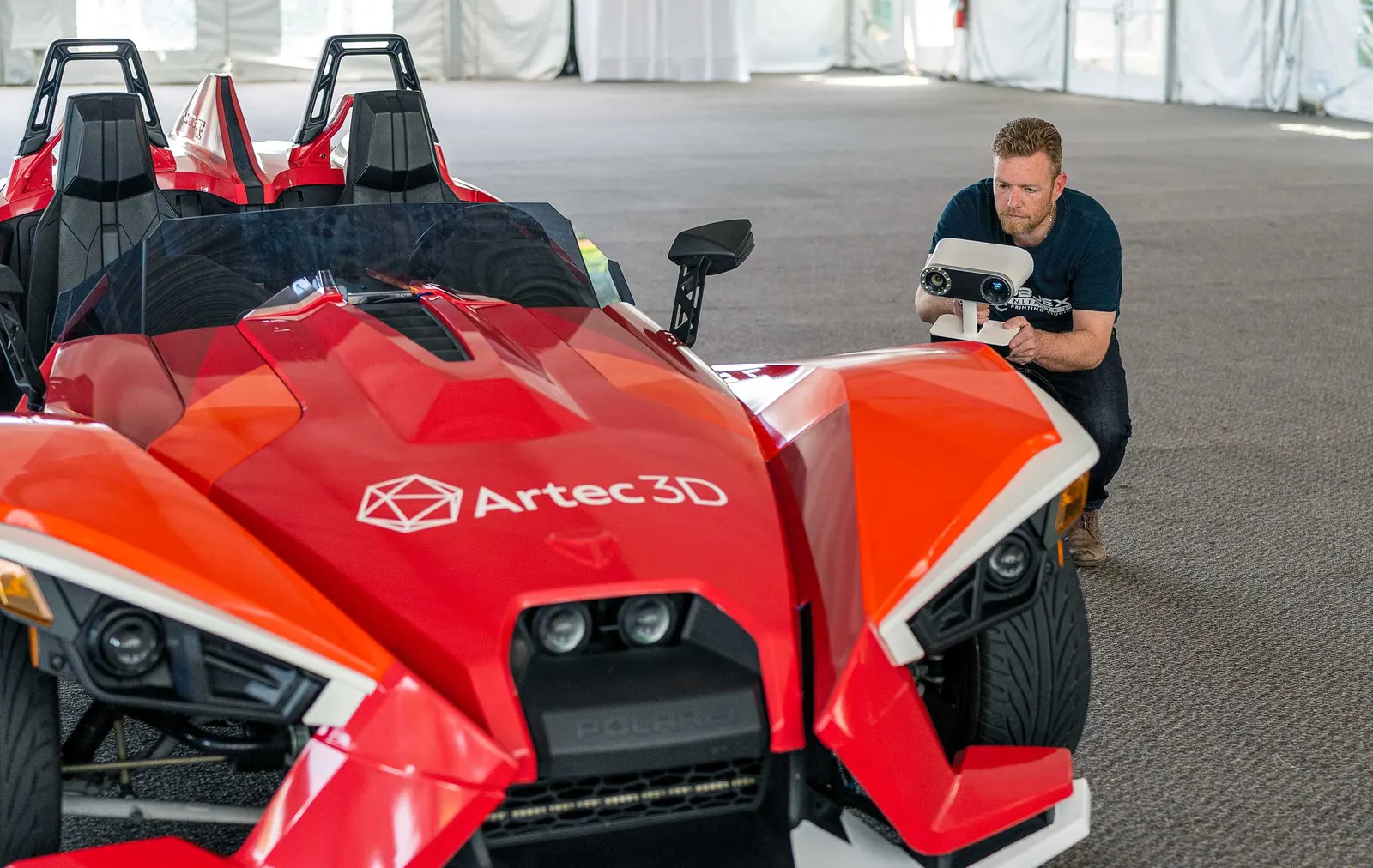
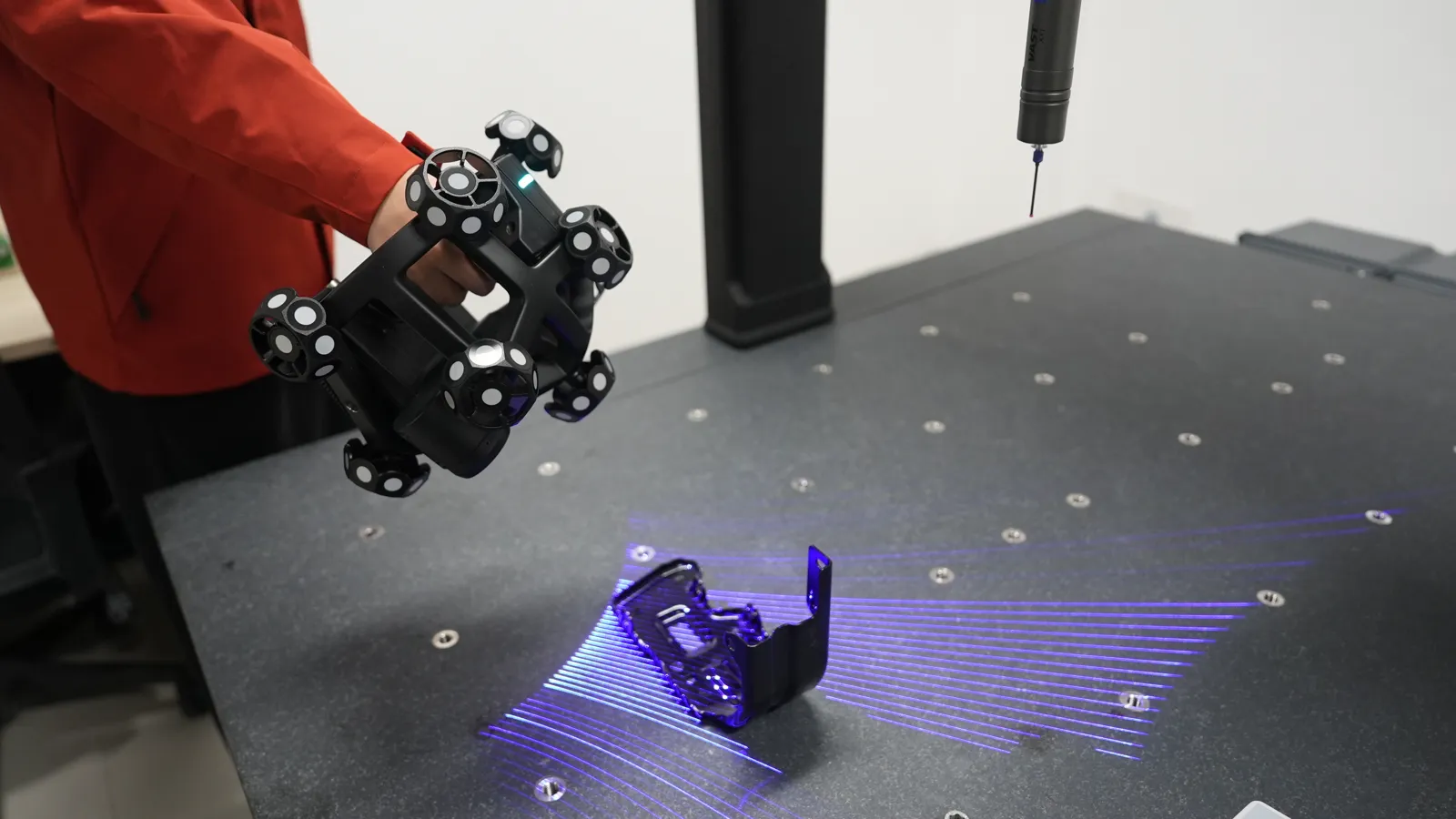
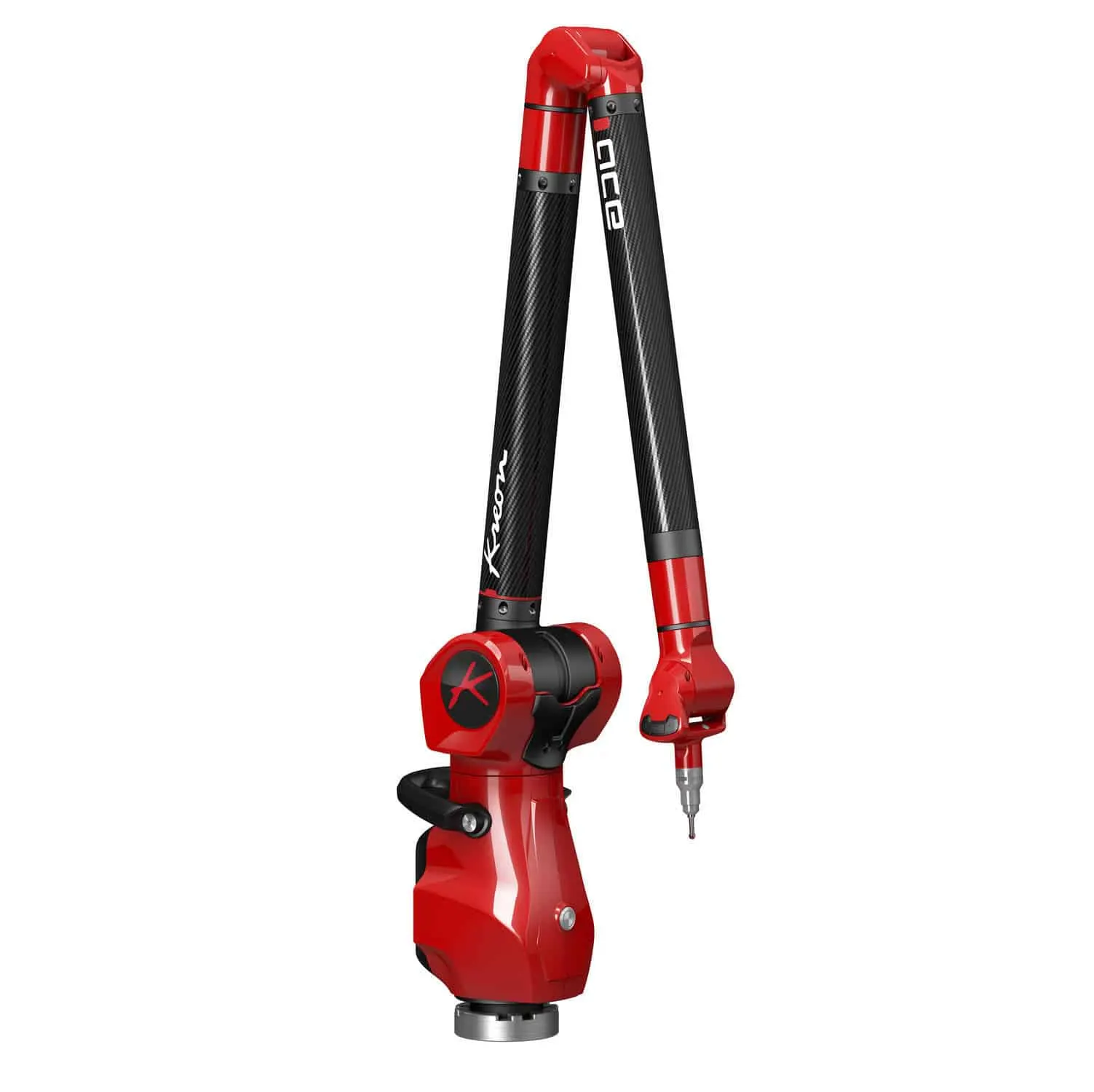
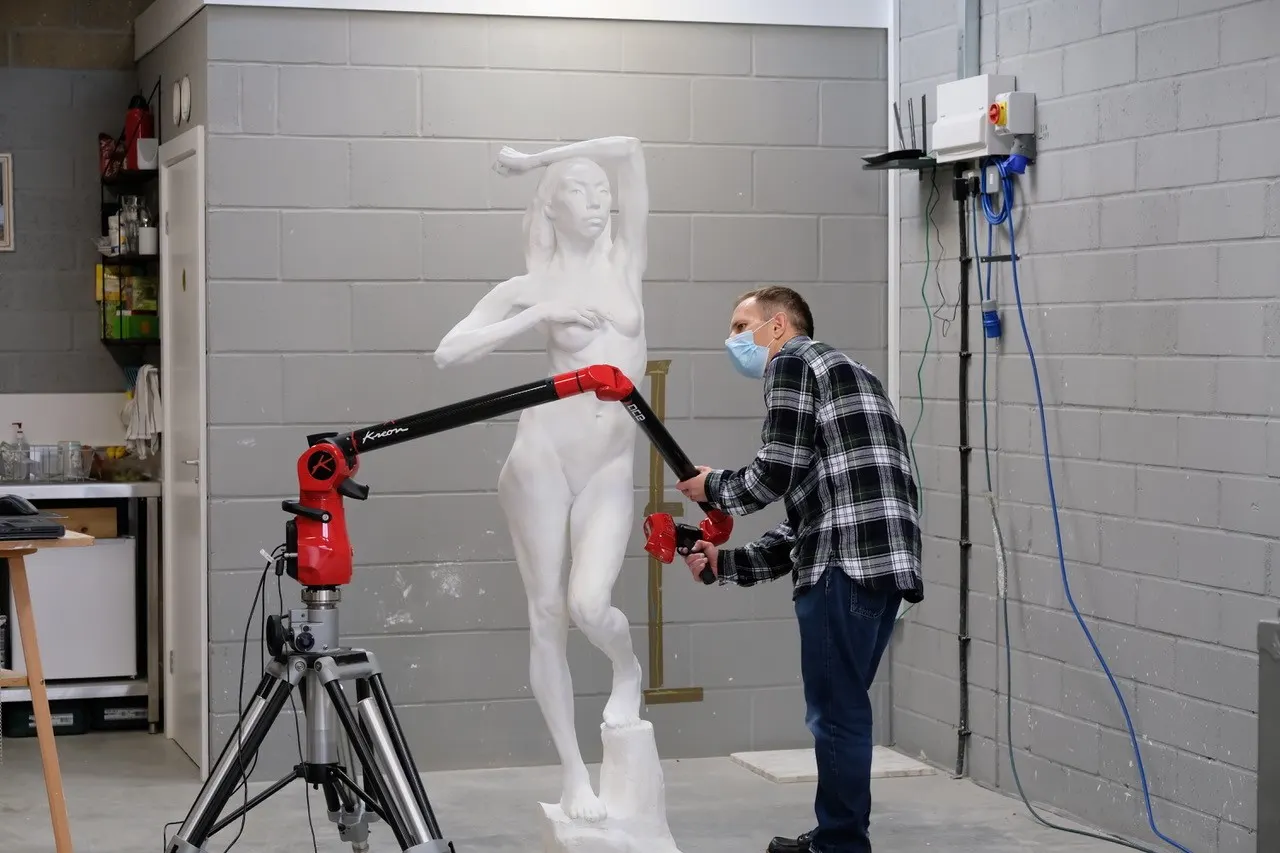
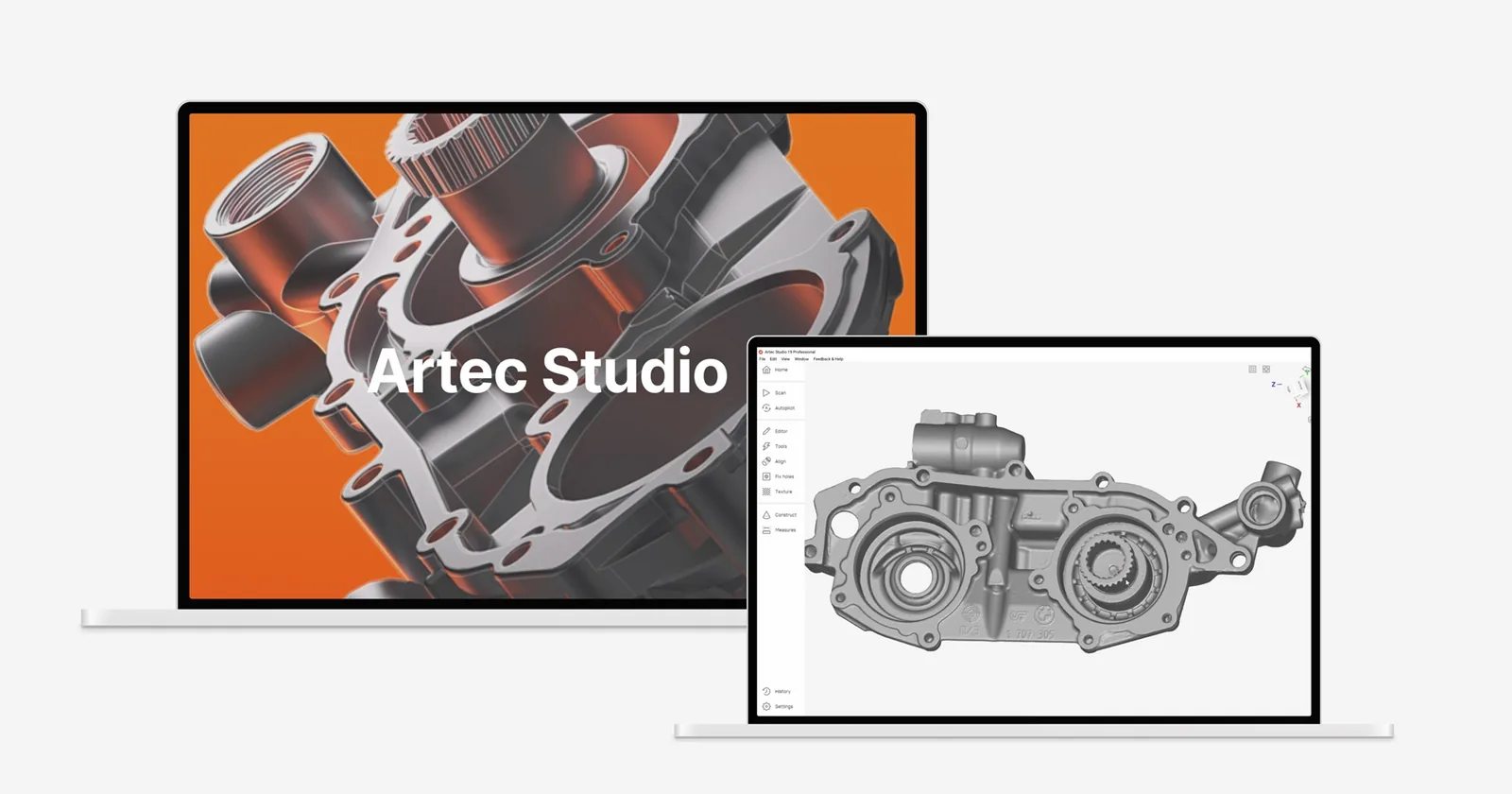
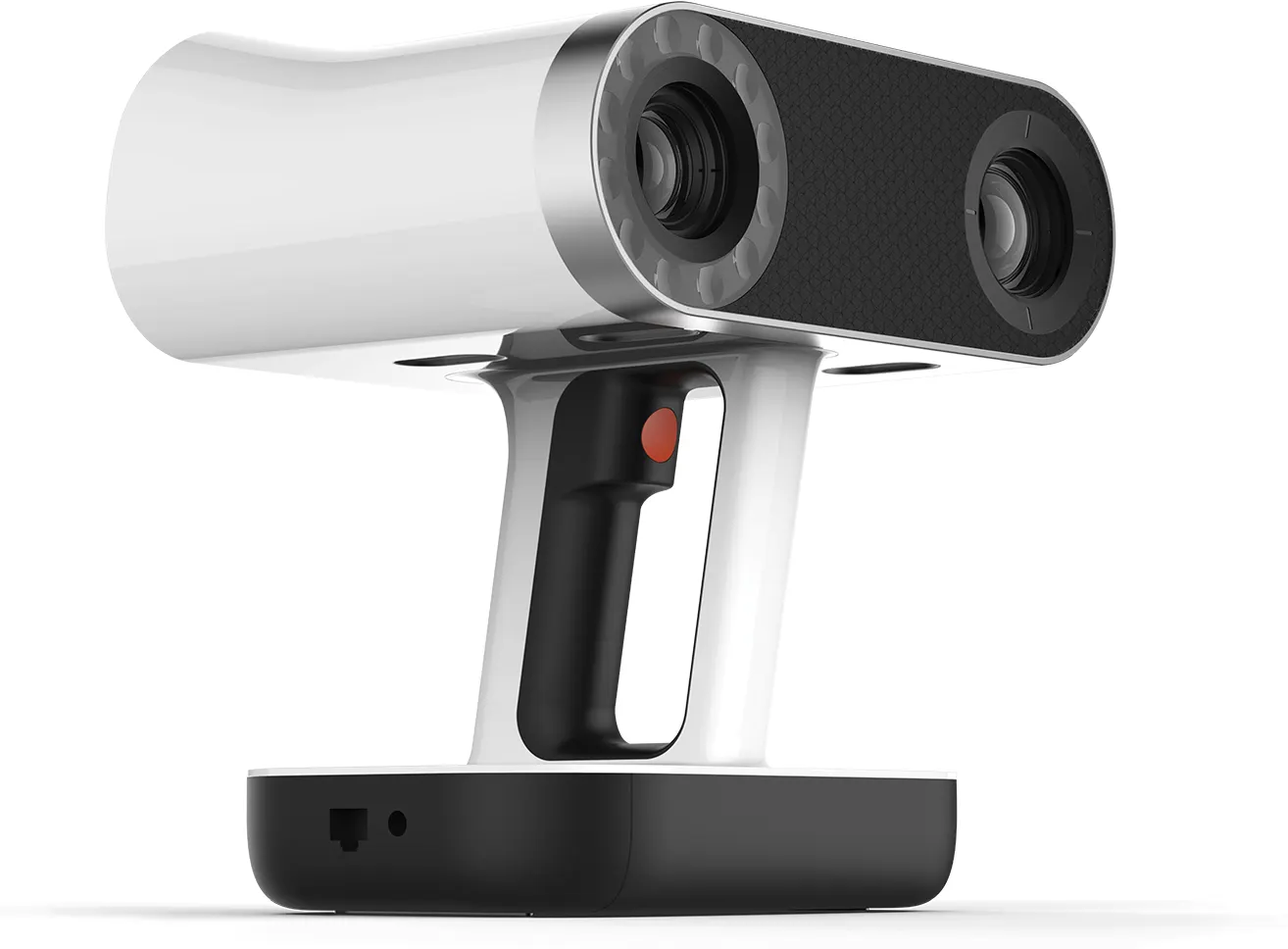
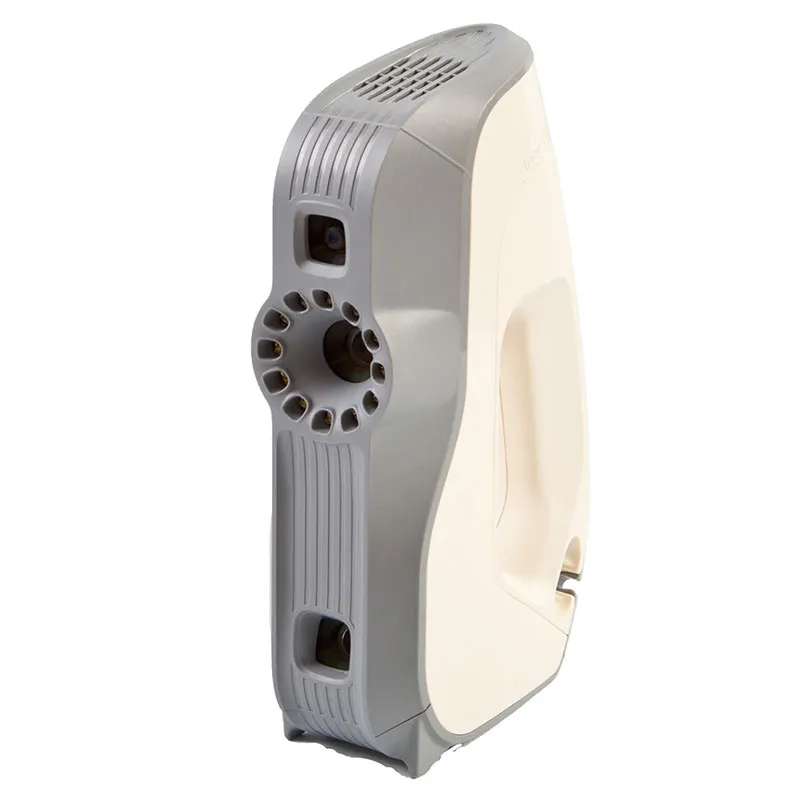
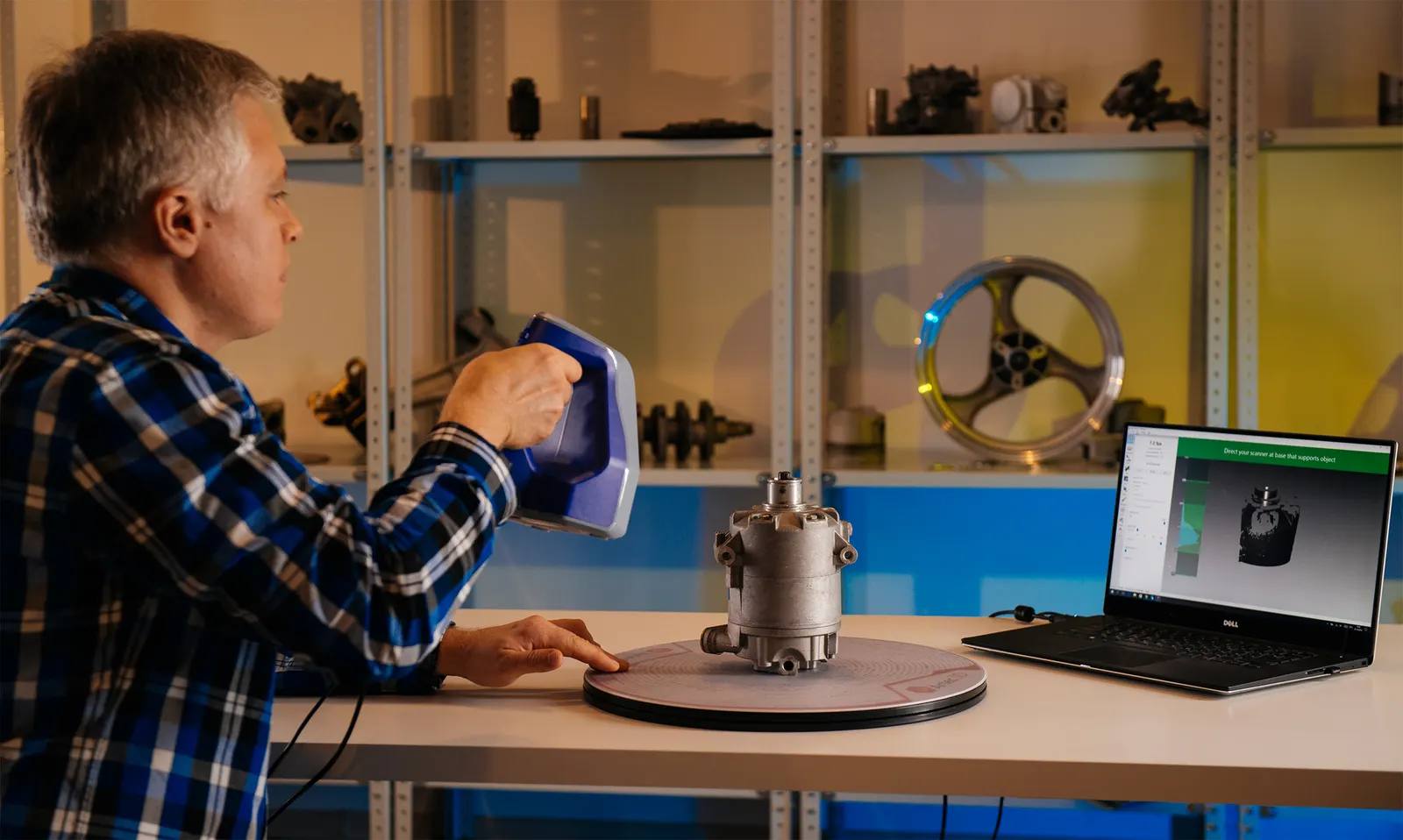
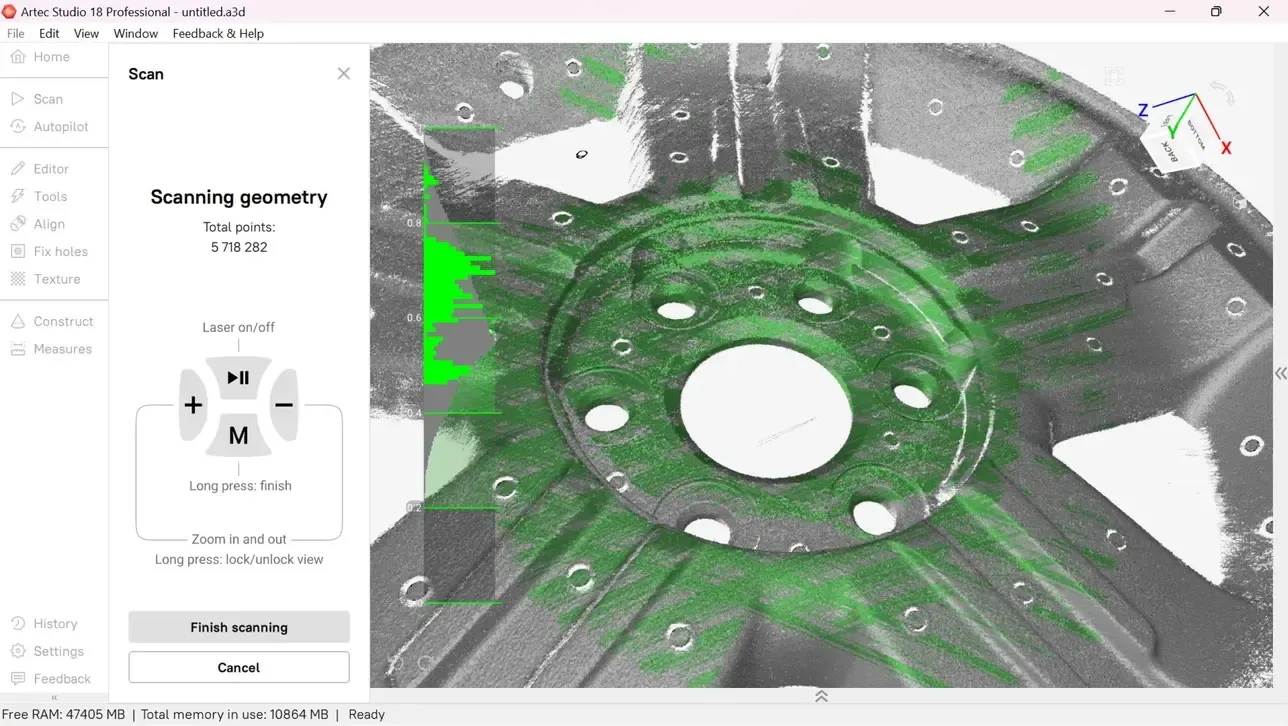
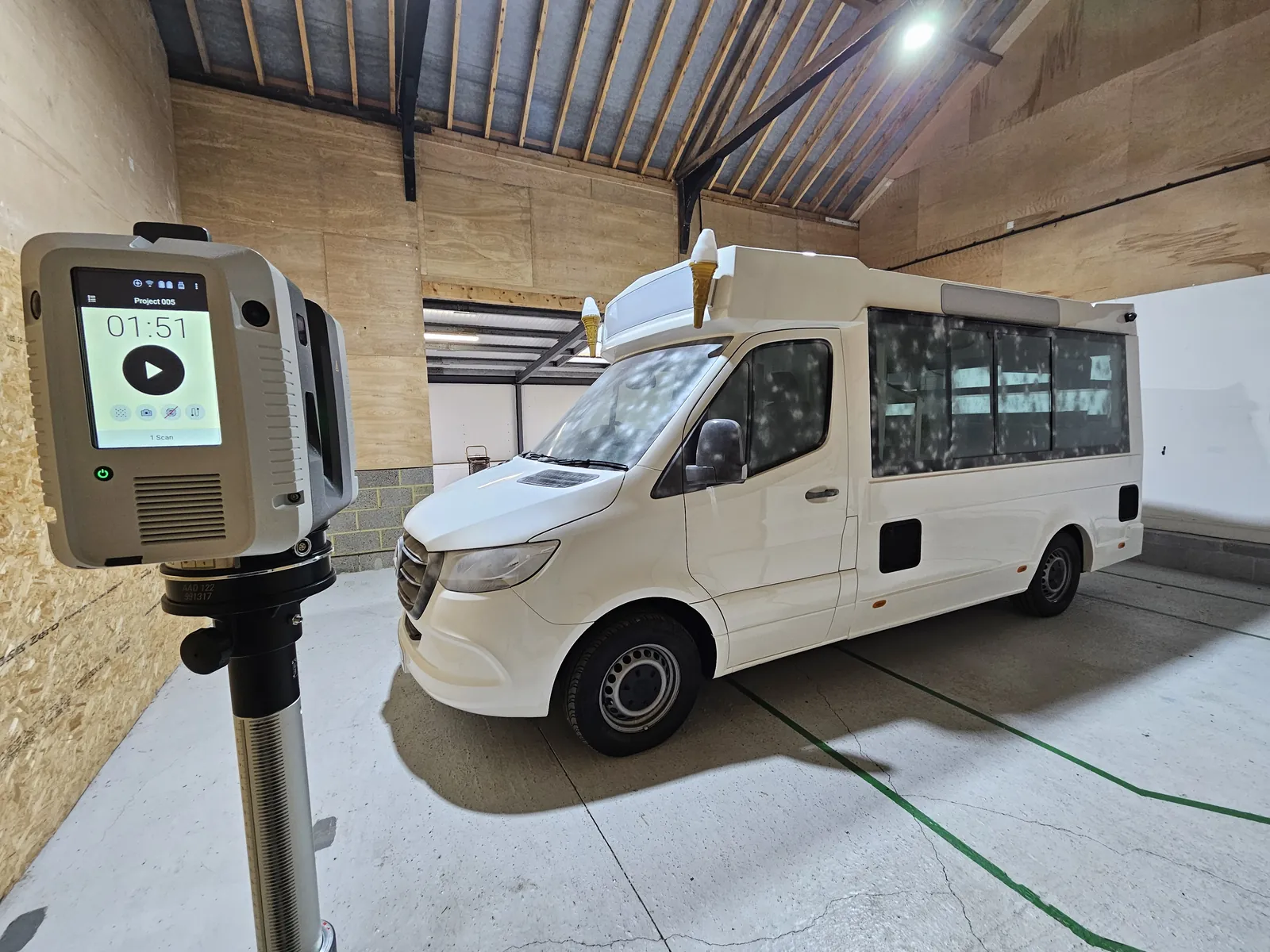
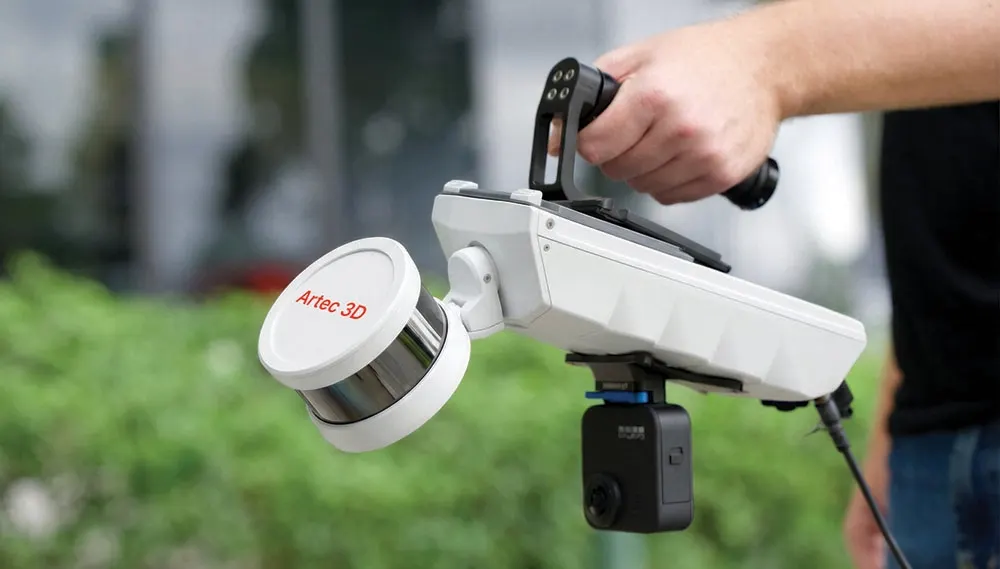
Artec Point II, Spider II or a Kreon arm with the Skyline laser, chosen for size and tolerance. Large parts get a photogrammetry frame first.
- 03
Align
Best fit, datum or RPS alignment, agreed up front so the result means what your customer expects.
- 04
Report
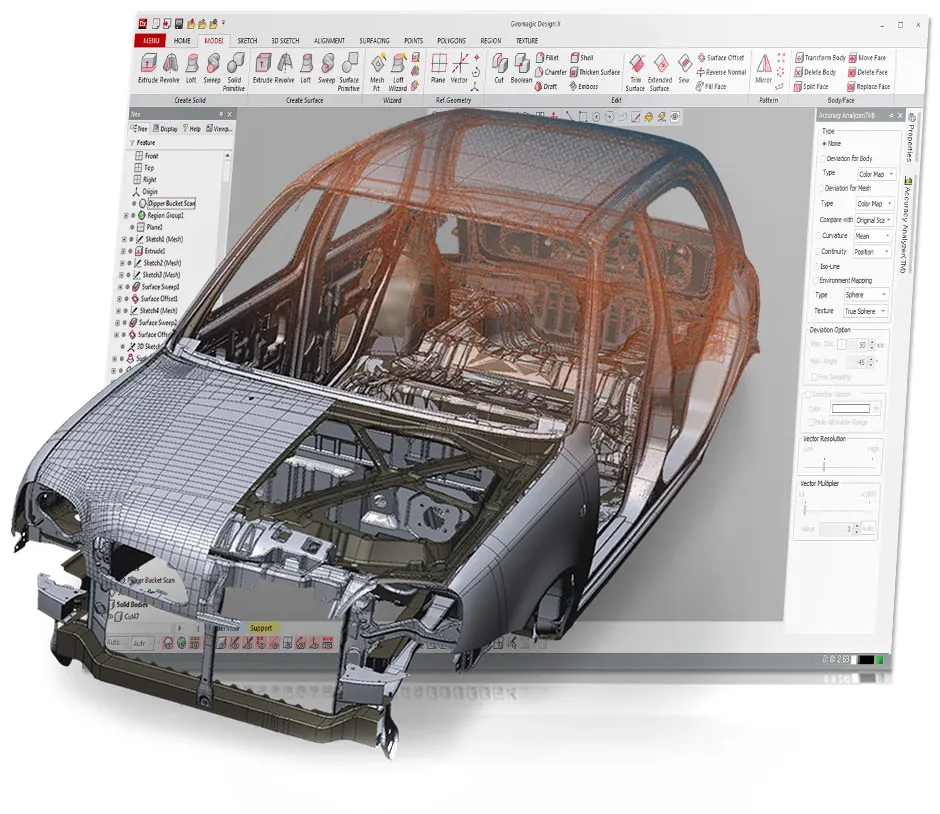
Colour map, sections, annotated deviations and GD&T, in Control X or PolyWorks.
What you get back
In the formats your team already uses. Ask if you need something else.
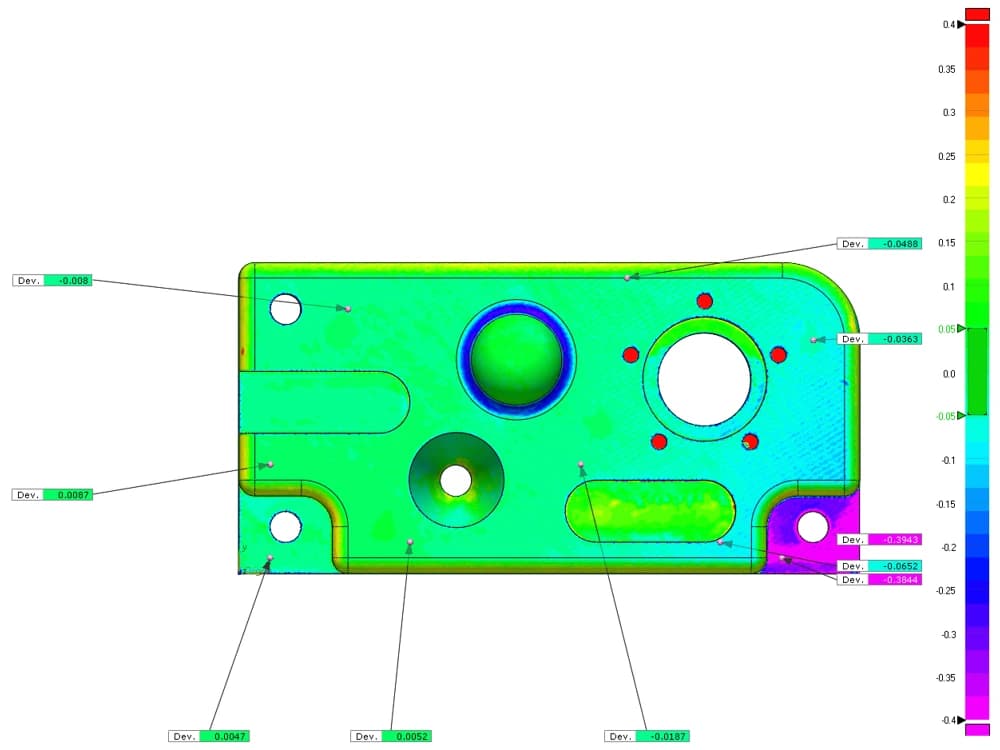
Colour map report
PDF with views, tolerance bands and annotated deviations at the points you choose.
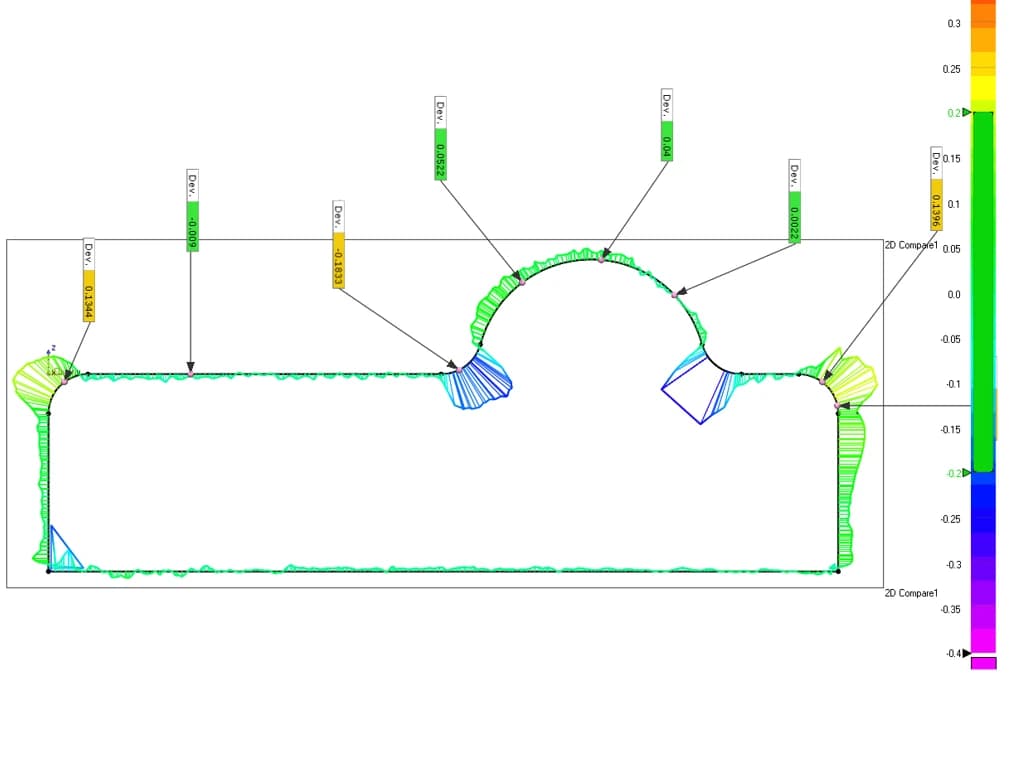
Sections
Cross-sections through scan and CAD at the stations you name, with deviations dimensioned.
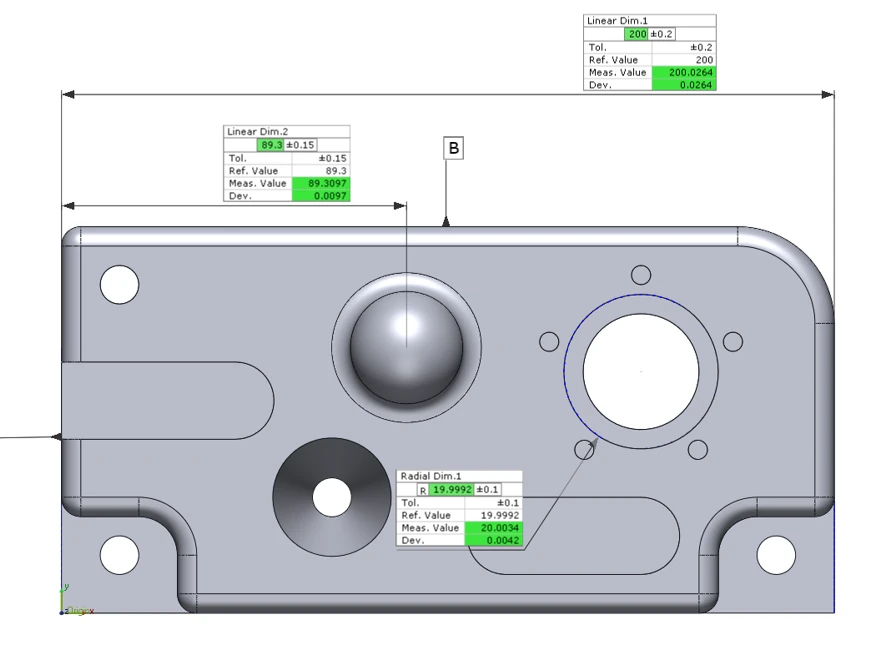
GD&T results
Profile, flatness, position and others evaluated on the scan where the drawing calls them up.
Scan data
The aligned mesh, so your engineers can take their own measurements later.
The kit we use
The same scanners, arms and software we sell, train on and support. Like what you see? You can buy or hire it too.
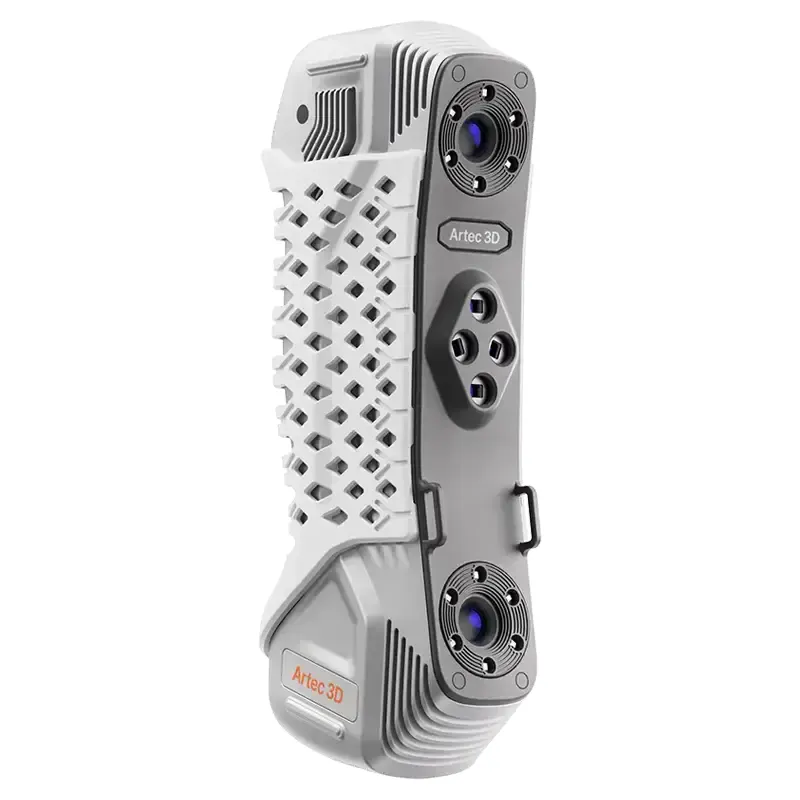 Artec Point IIMetrology laser scanner, 0.02 mmFind out more →
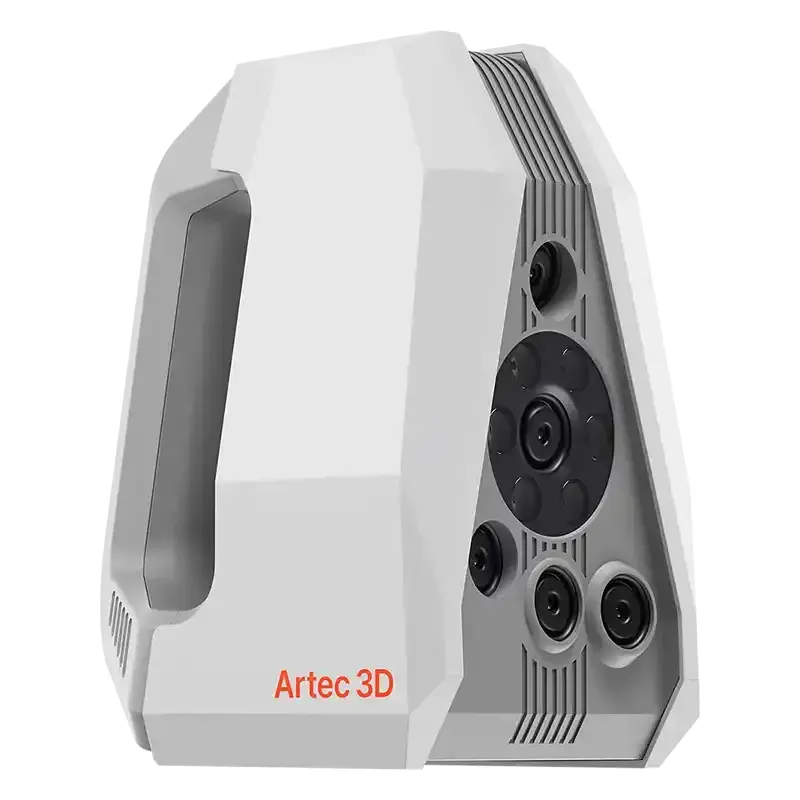 Artec Spider IIFine detail on small parts, 0.05 mmFind out more →
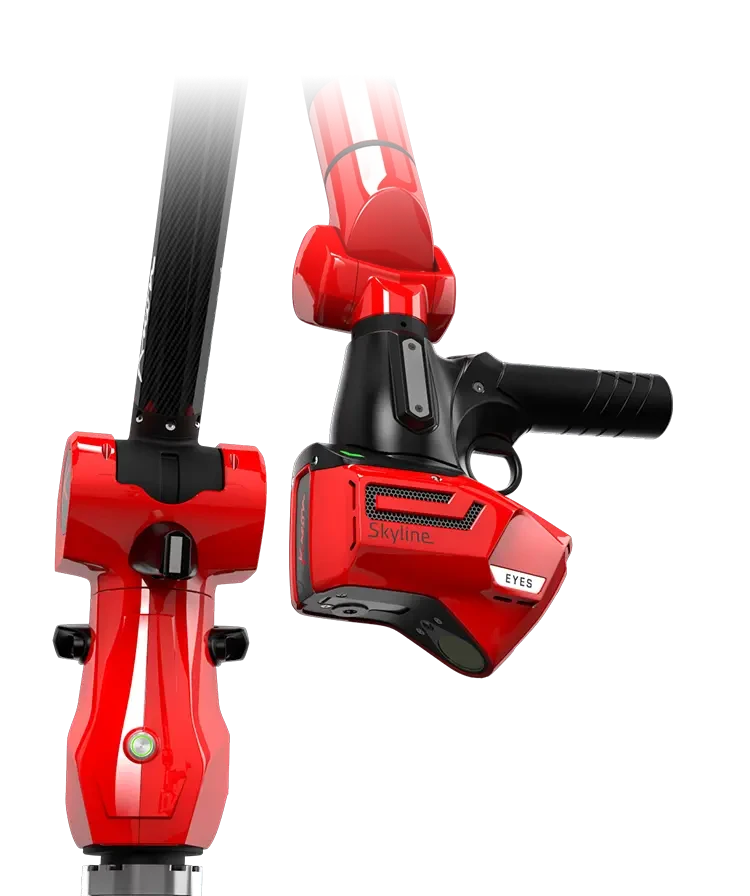 Kreon Skyline laserBlue laser on the arm, 600k points a secondFind out more →
 Artec Metrology KitPhotogrammetry frame for large partsFind out more →
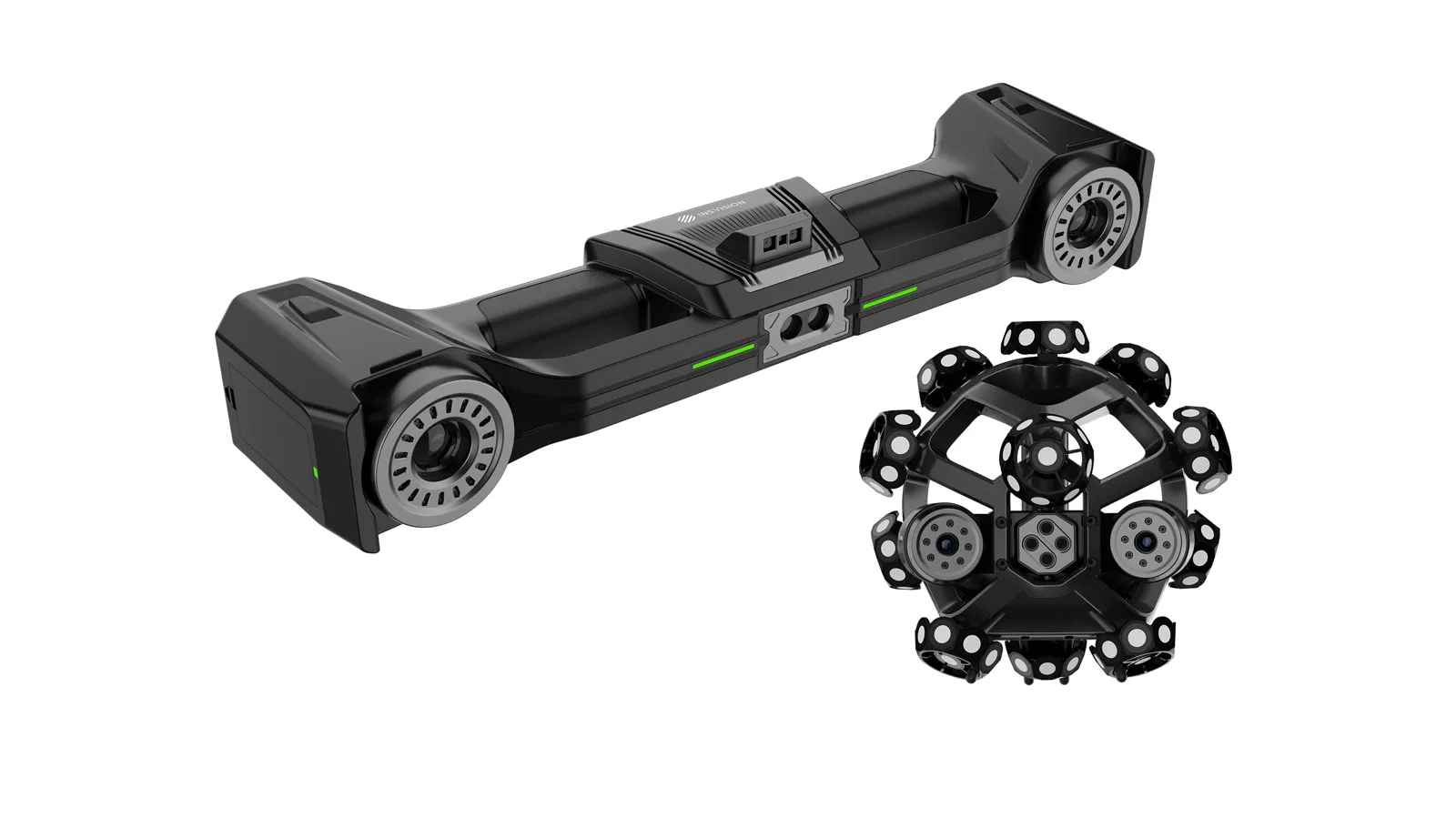 INSVISION V-TrackTracked blue laser, 0.020 mm on large componentsFind out more →
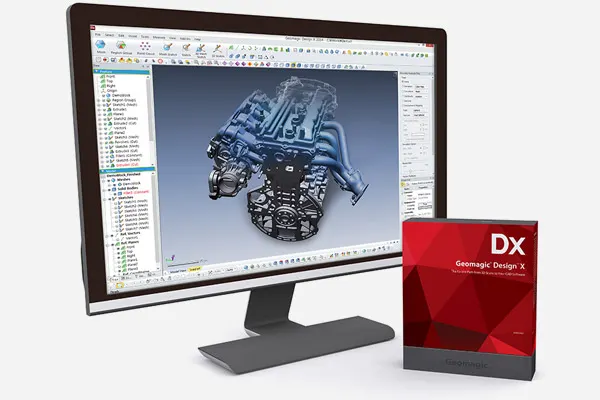
 Geomagic Control XInspection reports against CADFind out more →
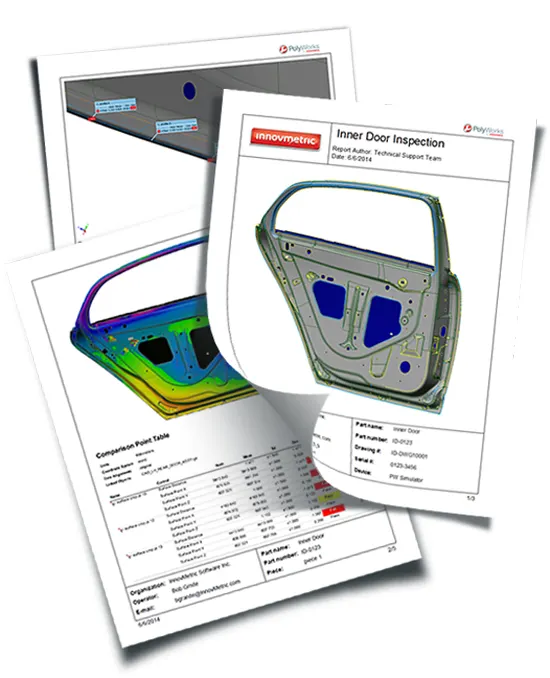 PolyWorks|InspectorProbing and scan inspection, GD&TFind out more →
Work we have done

FAQ
If yours is not here, ring 0330 229 0175 and ask for the scanning team.
Not answered here?
Ask the engineers who run the machines. We answer the same working day.
Which alignment will you use?
The one your drawing defines, if it defines one. Otherwise a best fit, which shows shape errors honestly but can hide a positional one. We agree it before scanning, because the alignment decides what the colour map means.
How accurate is it?
It depends on the scanner, which we choose for your tolerance: the Artec Point II measures to 0.02 mm and the Kreon Skyline on an arm to 9 µm (2σ) as a scanner specification. The report states what was used.
Can you check a whole batch?
Yes. Once the first part is set up, the same alignment and report run on the next one, so results compare part to part.
Tell us what needs scanning
A photo, a rough size and what you need out of it. We will come back with a fixed price and a date, and if scanning is not the right answer, we will say so.
Whitchurch SY13 4AL