.svg)
New from Artec 3D
Whole sites. Whole cities. One live 3D model.
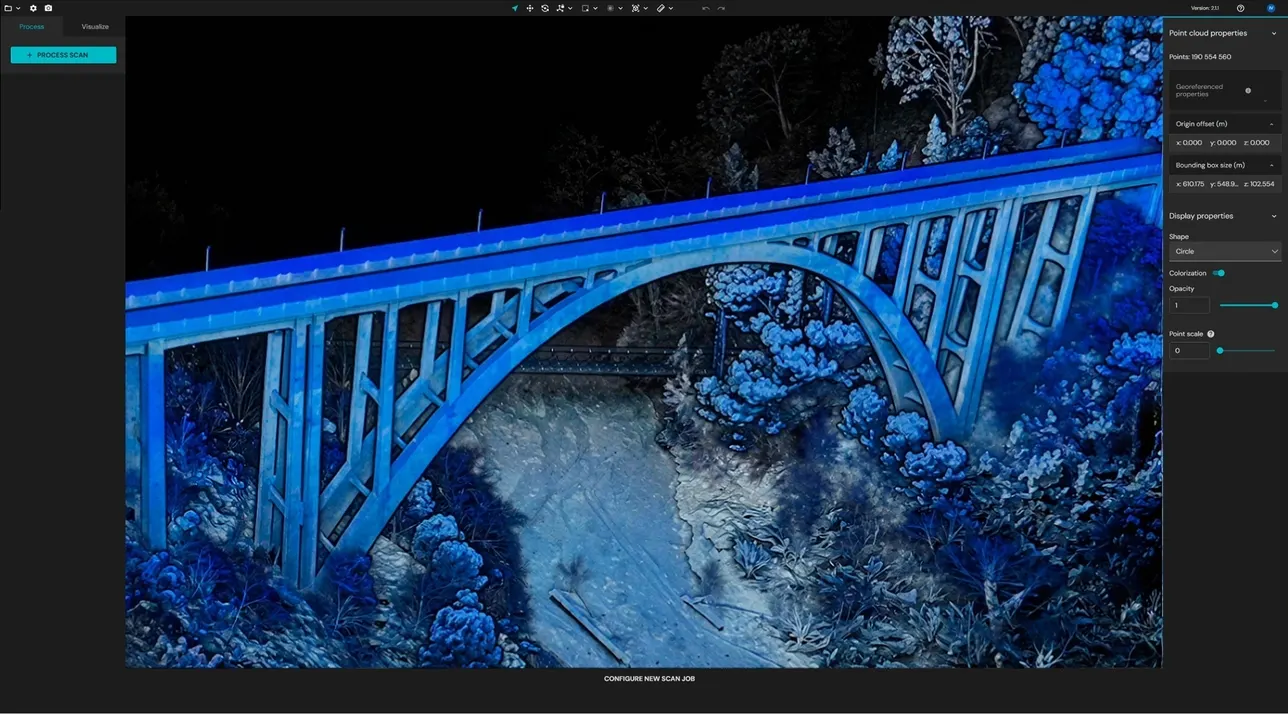
Artec Twins fuses scanner, drone and satellite data into one digital twin, then lets you fly through billions of points at up to 200 frames a second on your own PC. Quoted, installed and taught in the UK by 3D Scanworx.
- 200 FPS
- Real-time rendering, no decimation
- 100 km²
- Environments you can still fly through
- Billions
- Of points, rendered in full
- 100% local
- Nothing uploaded, your data stays yours
Artec Twins
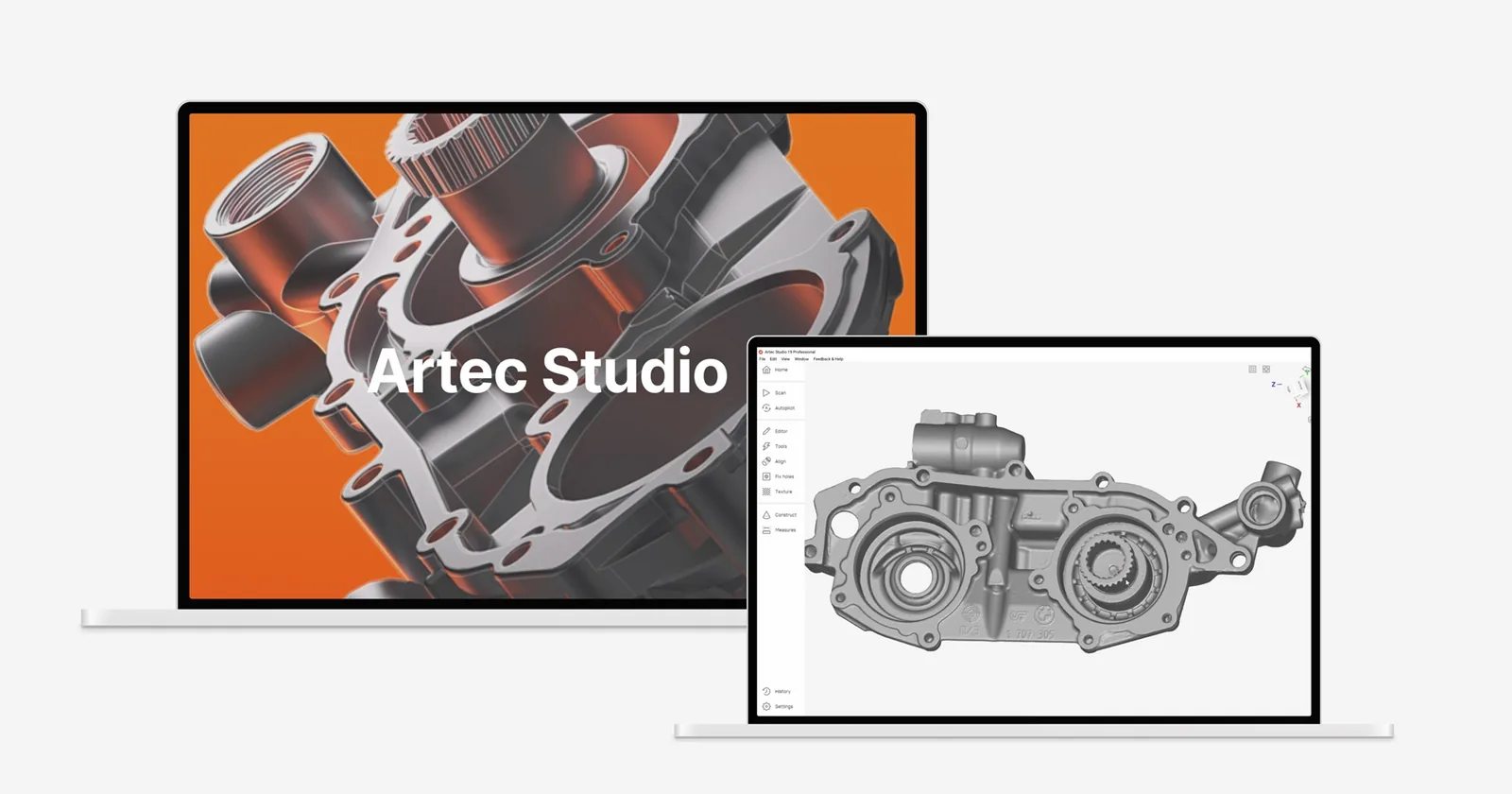
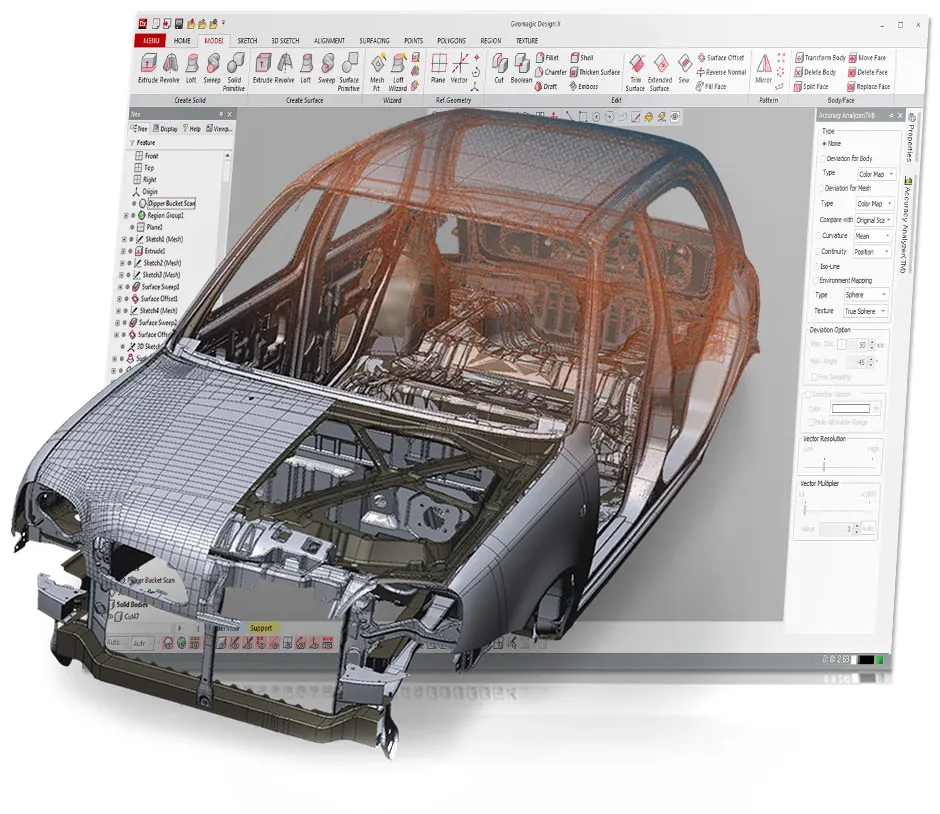
Process, merge, visualise and analyse massive multi-source 3D datasets. Built for whole sites, buildings and infrastructure. Artec Studio’s editing, inspection and reverse engineering tools are inside.
 More from Artec 3D
- Current Artec scanners it runs
- 8
- Data types: points, meshes and splats
- 3
- Ships with every Artec Jet
- Jet
The world is your dataset
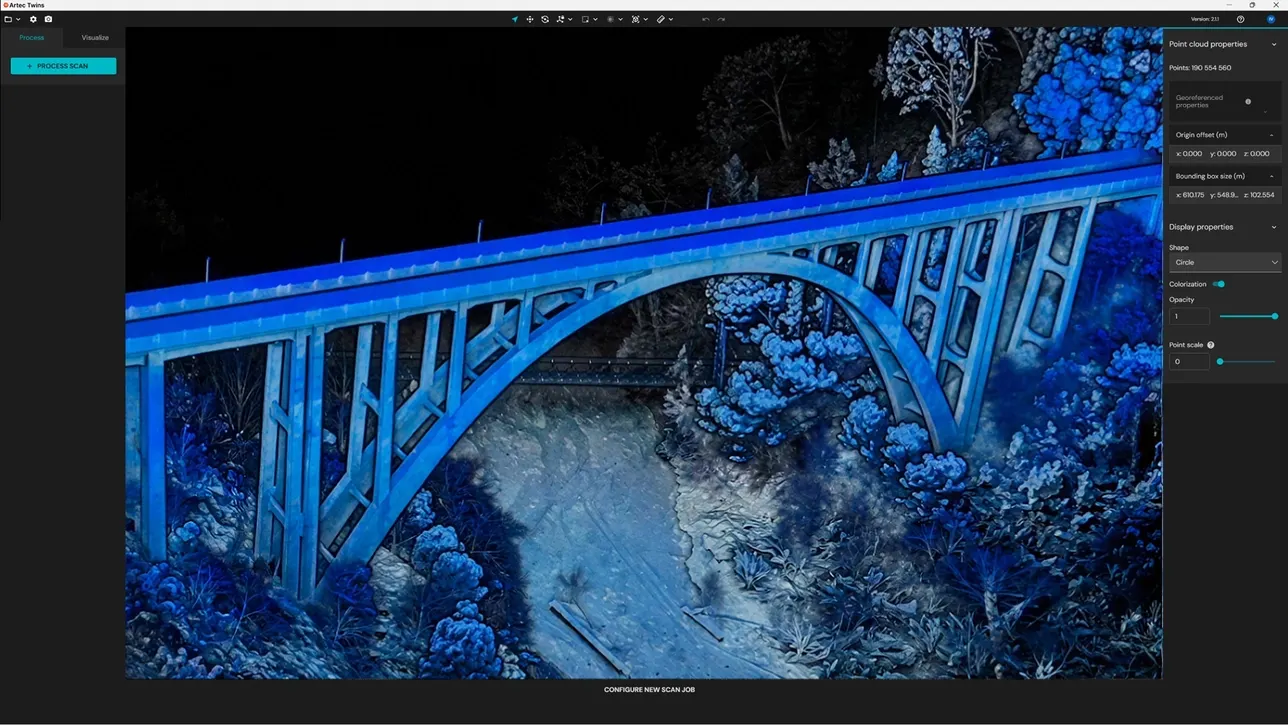
Work with 3D data from any source at any scale. Process a single scan, or fuse satellite, drone and scanner data into one full-scale model that stays interactive however big the site.
Combine data from any source
Scanners, drones, satellites and smartphones, in one project.
Render in real time
Fly through whole sites at up to 200 frames a second, with no decimation and no lag.
Points, meshes and splats
All three data types side by side, switched on demand.
Measure and analyse
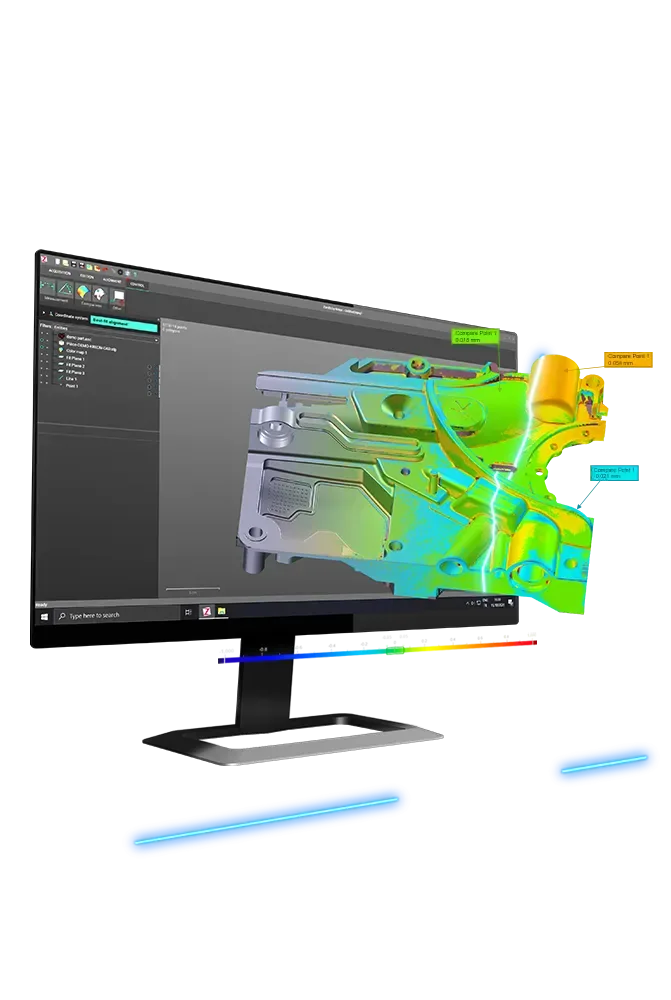
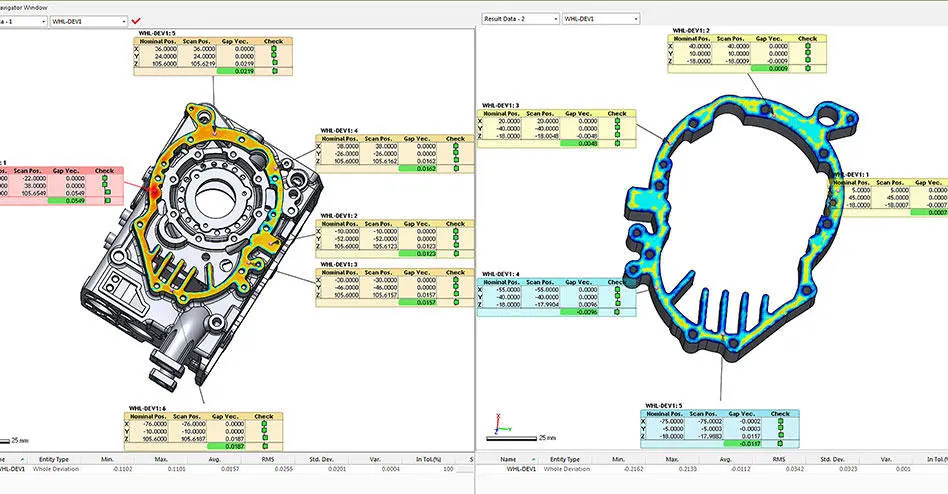
Volumes, deviations, cross-sections and scan-to-CAD, without a second program.
Merge every dataset into one digital twin
Combine data of any type, scale and resolution into one continuous model, from a satellite view of the whole city down to a single component.
High detail where it counts
Reconstruct the wider scene with long-range data, then add sub-millimetre detail from a handheld scanner where the job needs it.
One seamless model
Align different data types into one dataset with no seams or duplicates, as a merged point cloud or a fused 3D model.
Standard formats in and out
Bring in existing project data, then send results on in the point cloud and mesh formats your team already uses.
Render city-scale sites in real time
Datasets that used to be impossible to open now move like a small model on screen.
- Frame rate
- 200 FPSPan, fly through and inspect whole sites with no slowdown.
- Environments
- 100 km²Explore areas of a hundred square kilometres or more, fully interactive.
- Data
- BillionsEvery point rendered, with no decimation or level-of-detail shortcuts.
- Processing
- 100% localRuns on your own PC. Nothing is uploaded, so your data stays private.
See more in your data
Clear, realistic views that give the context people need to make decisions on site and in the office.
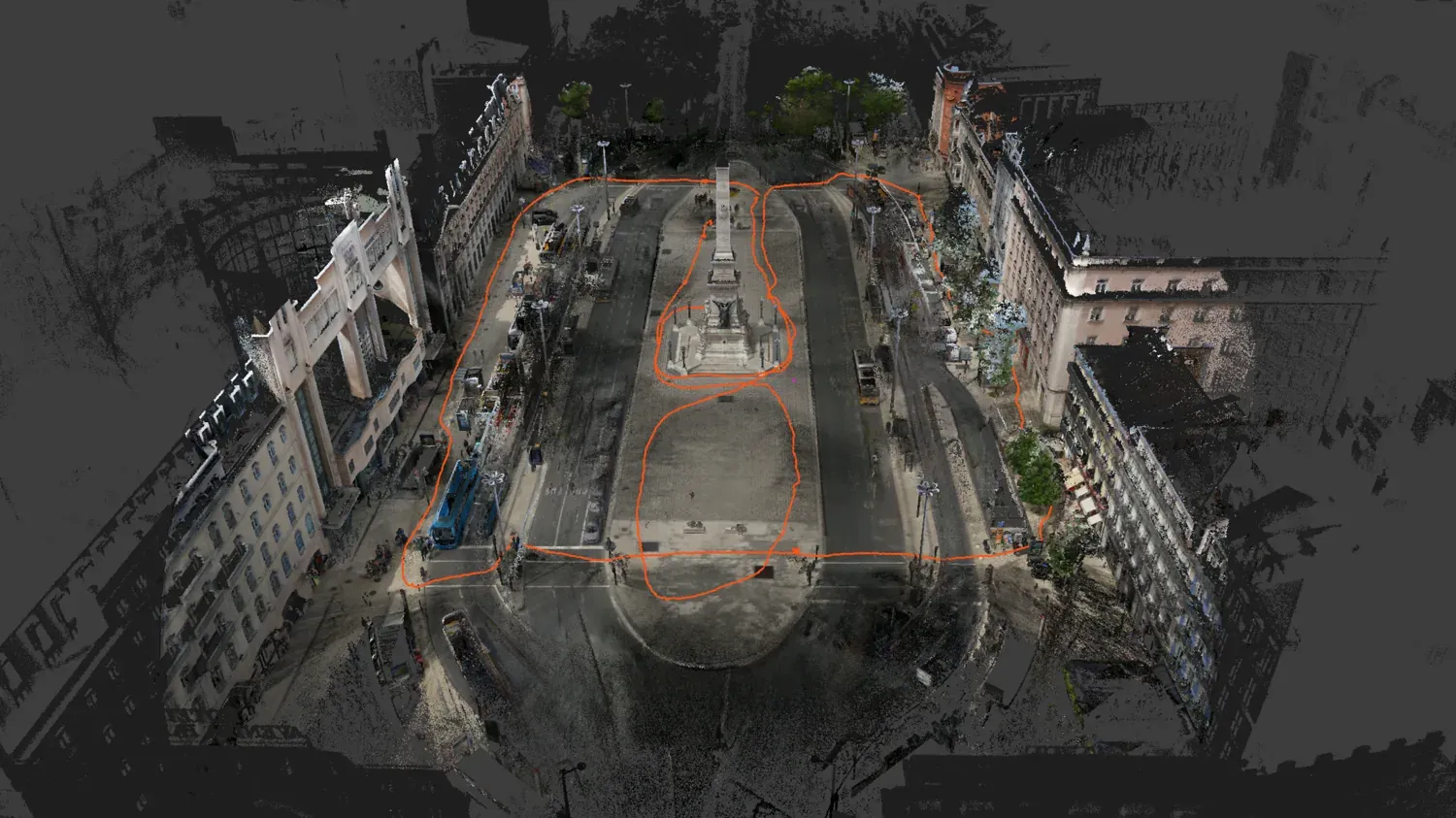
Trajectory display
See the whole capture path to revisit any scan position, check coverage and plan a better route next time.
Data overlays
Switch between height, colour, normals and intensity to show detail the plain scan hides.
Live point and surfel sizing
Resize points and surfels on the fly to sharpen the view, with no reprocessing.
Skybox and fog
Put a neutral sky round outdoor scans so a site reads as a real place, not a raw dataset.
First-person view
Walk through from fixed panoramas or move freely, ideal for remote inspection and virtual site visits.
360° panoramic colour
Apply full-colour panoramic texture to Artec Jet and Ray II scans for inspection, records or presentations.
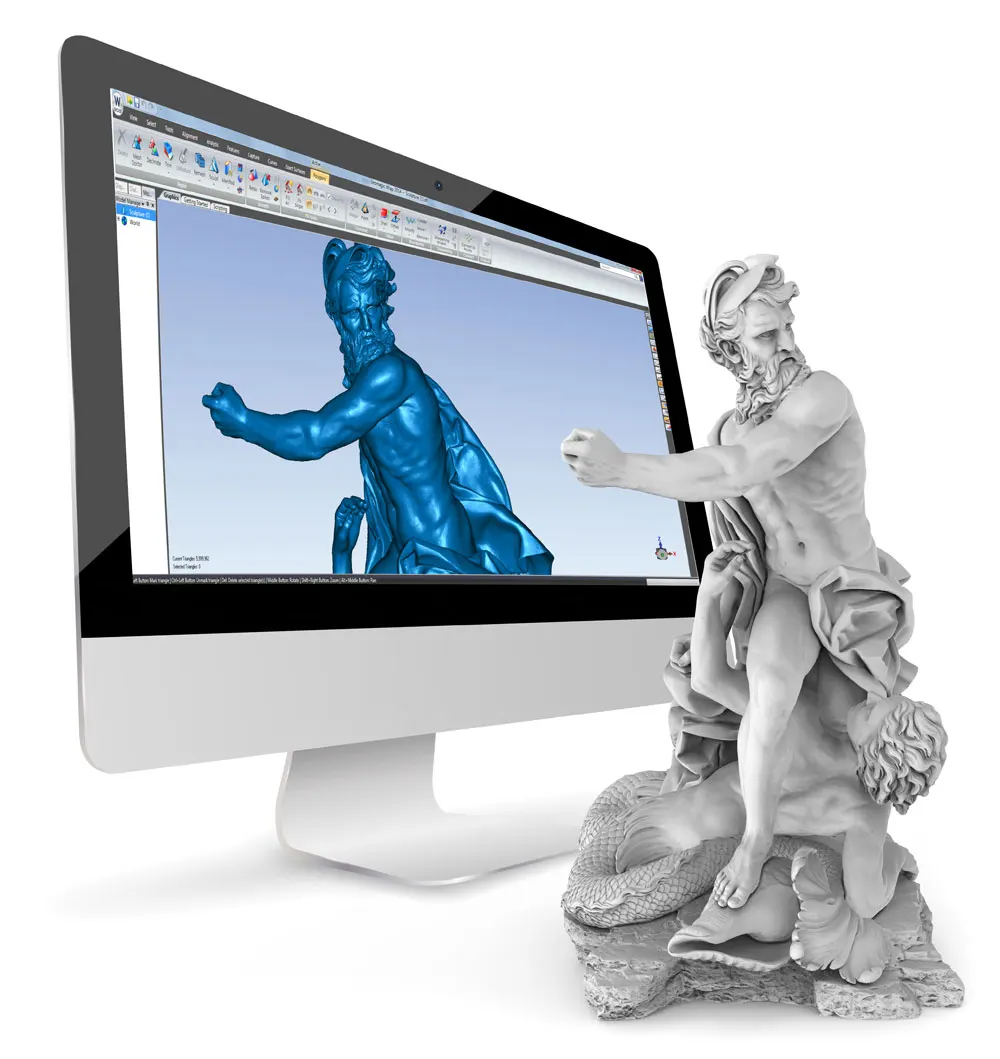
Gaussian Splats for photorealistic sites
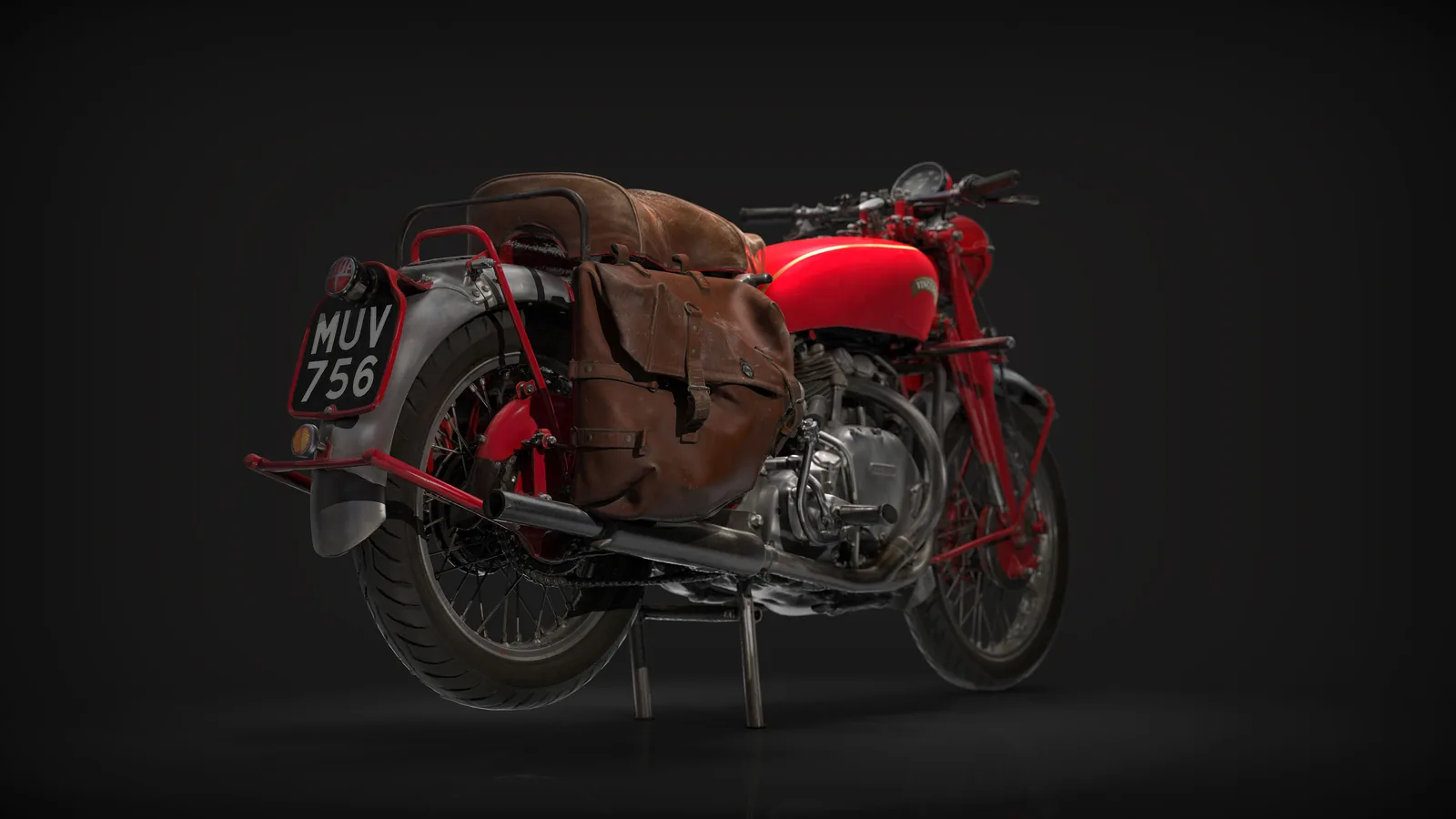
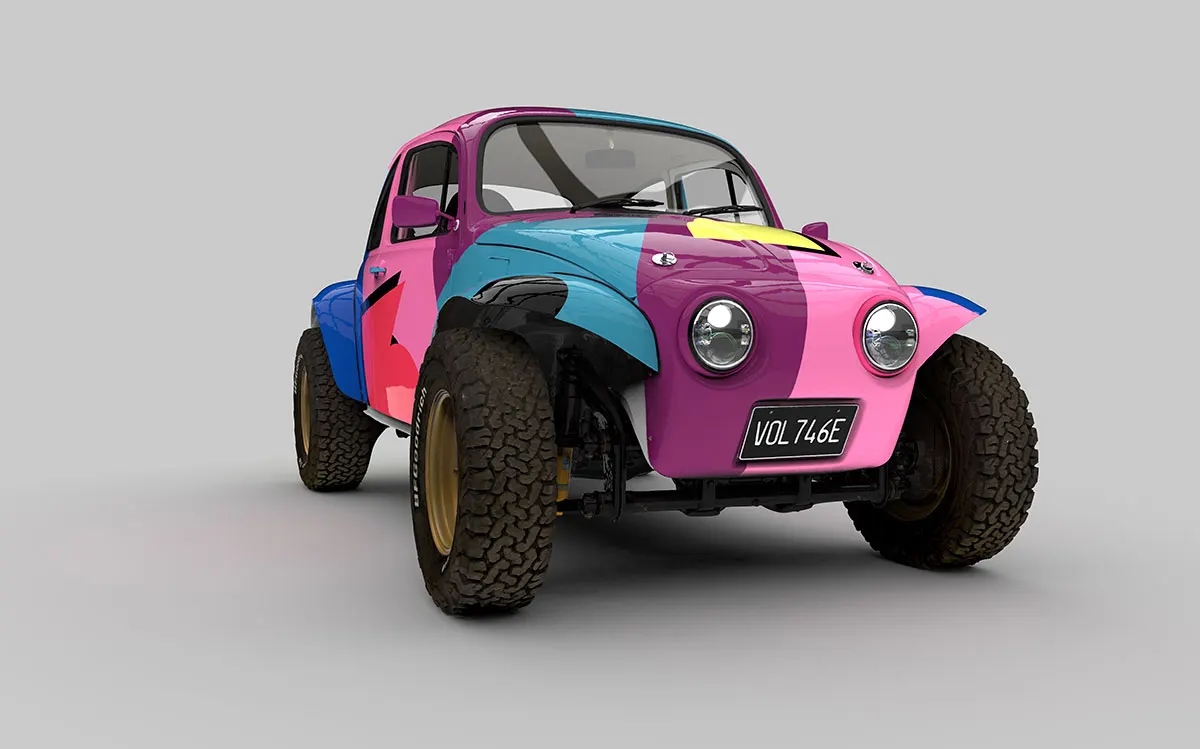
Artec Twins generates and renders lifelike Gaussian Splats. They reconstruct reflective and translucent surfaces beyond what point clouds or meshes can show.
A car
Paintwork, glass and reflections kept as they look, ready for a design review or a client presentation.
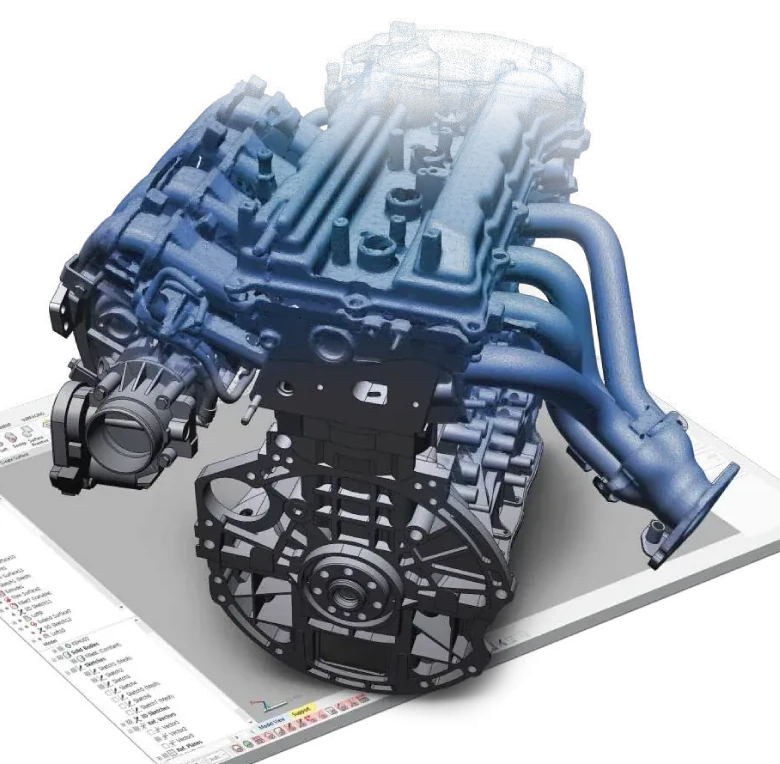
An engine
Every pipe and fixing in place, for training, documentation or remote inspection.
A tractor
Large machinery captured whole and shown photo-real from any angle.
From photos or point clouds
Create splats from photographs or from your scan data, in the same interface.
Made for presenting
Show clients and colleagues a site exactly as it looks, for walkthroughs or remote inspection.
Point clouds, meshes and splats in one workspace
Switch between precise measurement and photoreal presentation using the same data.
| Data type | What it is for | Export formats |
|---|---|---|
| Point clouds | Your accurate digital record of a site, for visualisation, exploration and documentation | LAS, LAZ, E57, PTX, BTX, XYZ, RCP, OBC |
| 3D meshes | Watertight models to measure, reverse engineer, inspect and check as-builts against design | OBJ, PLY, WRL, STL, AOP, ASC, XYZ/RGB, USD, USDZ |
| Gaussian Splats | Photo-level reconstruction, including reflective and translucent surfaces | PLY |
Turn raw data into engineering answers
Quantities, clearances, deviations and change over time, all measured inside Artec Twins.
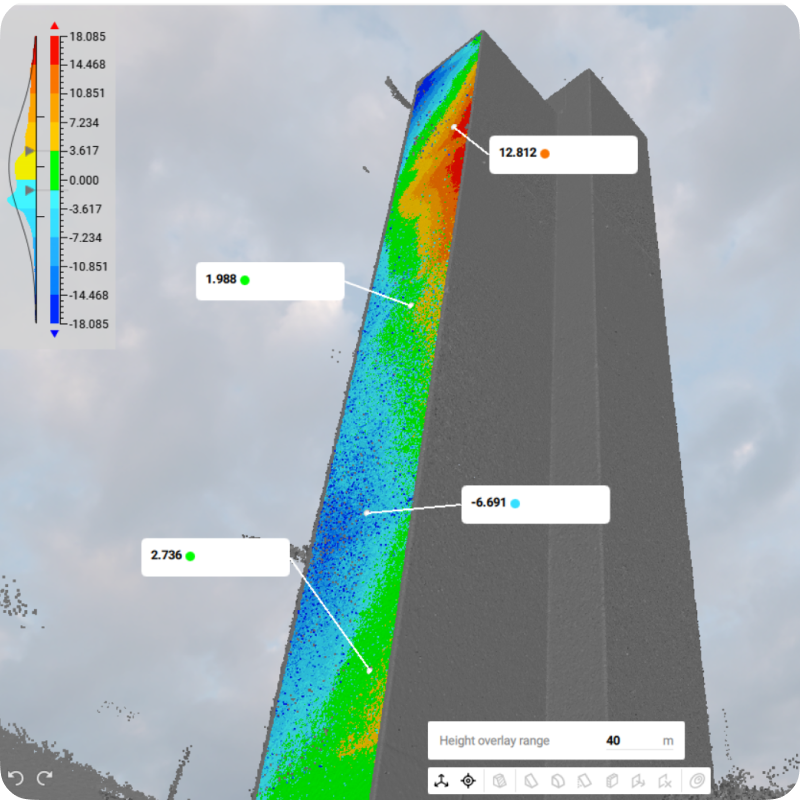
Scan-to-CAD comparison
Overlay point clouds and meshes on CAD to see exactly where the build differs from the design.
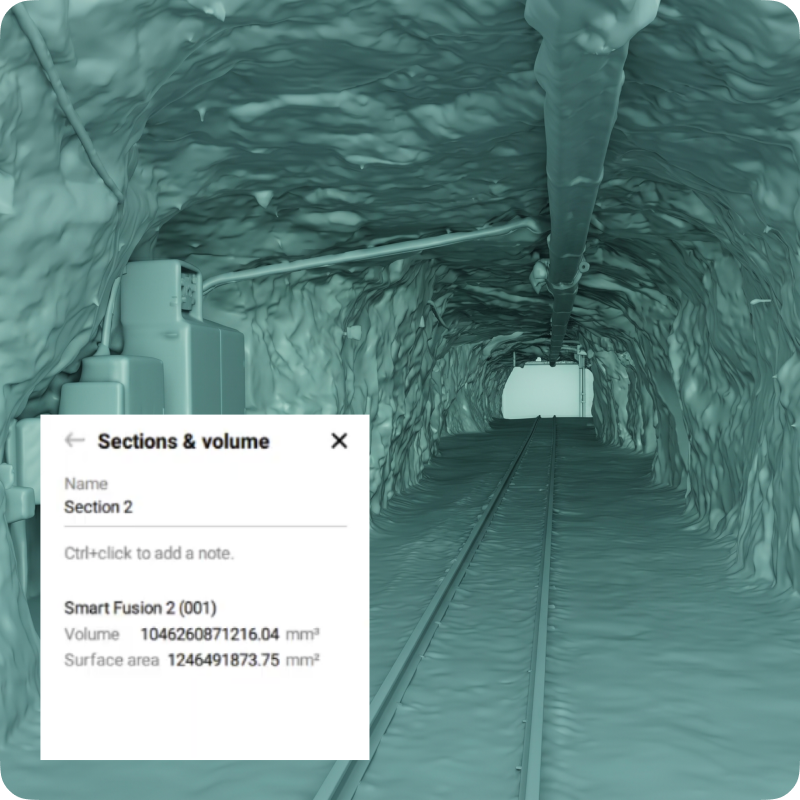
Volume calculation
Quantify material, track change over time and plan with real numbers.
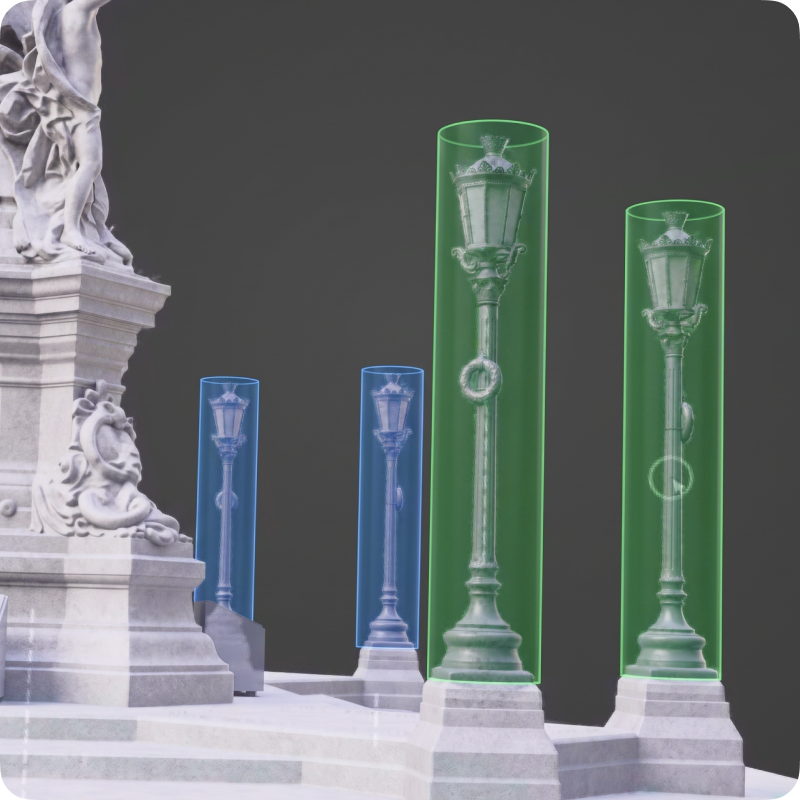
CAD primitives
Fit planes, spheres or cylinders to check flatness, verify geometry and pull dimensions.
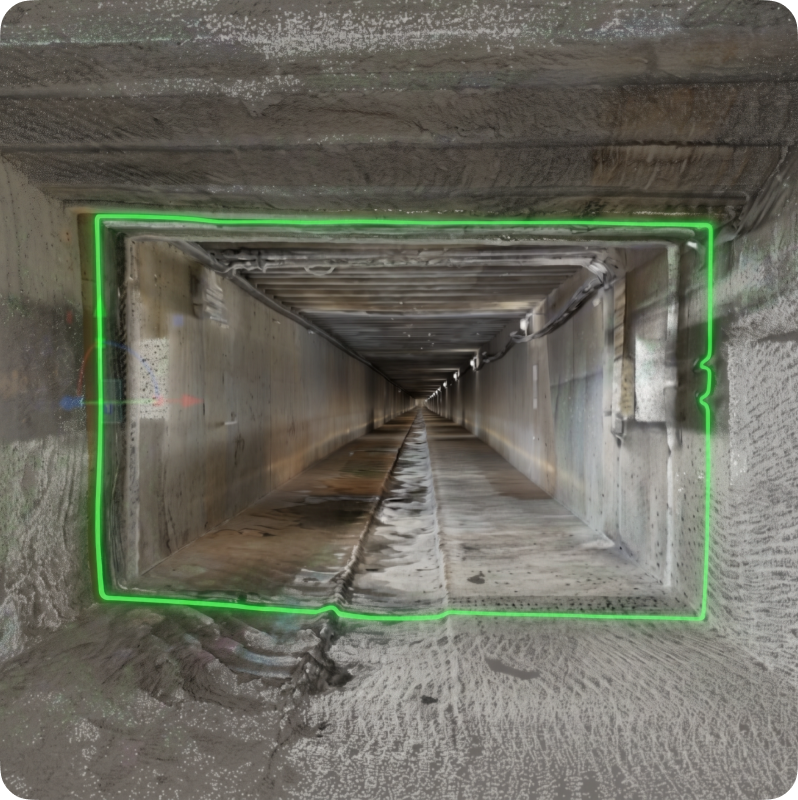
Profiles and cross-sections
Check gradients and clearances, isolate structures, then compare as-built to design intent.
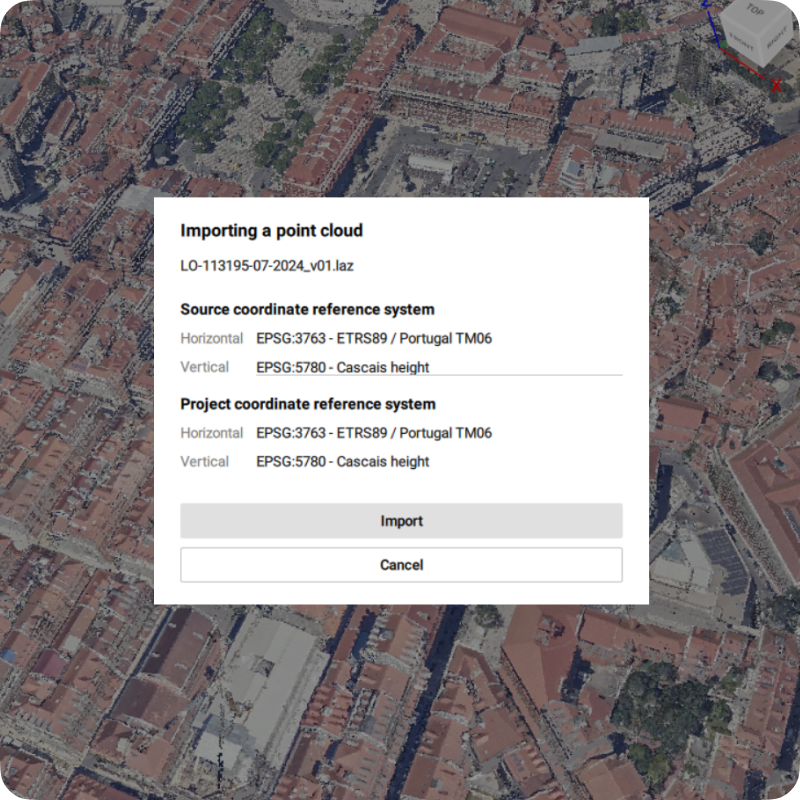
Georeferencing
Ground control points and georeferenced clouds put every object in its real-world position.
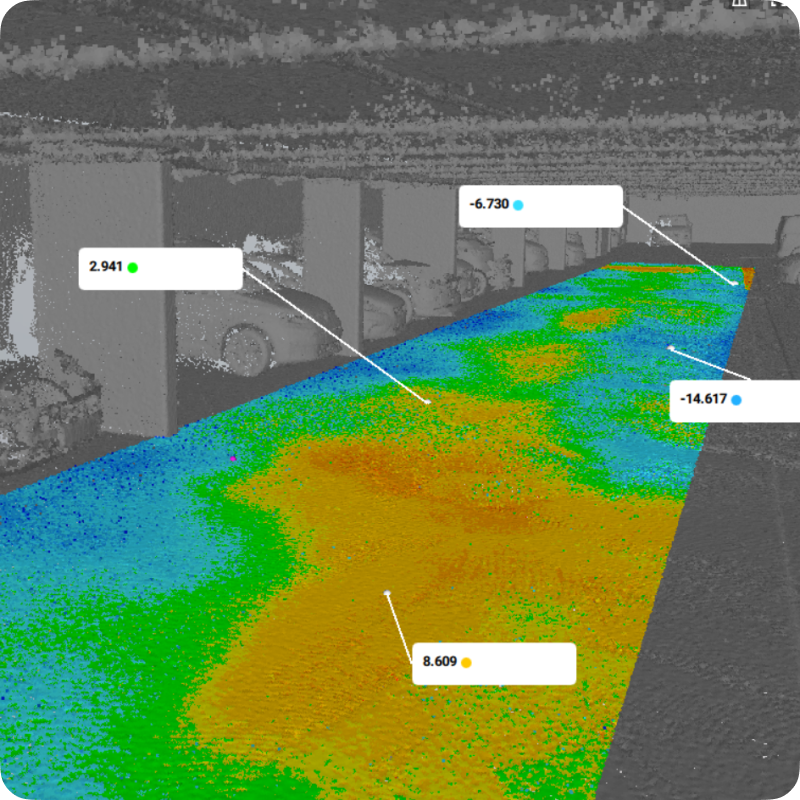
Distance mapping
Map the distance between clouds, meshes and CAD to validate tolerances or track movement.
Capture the right data for Twins
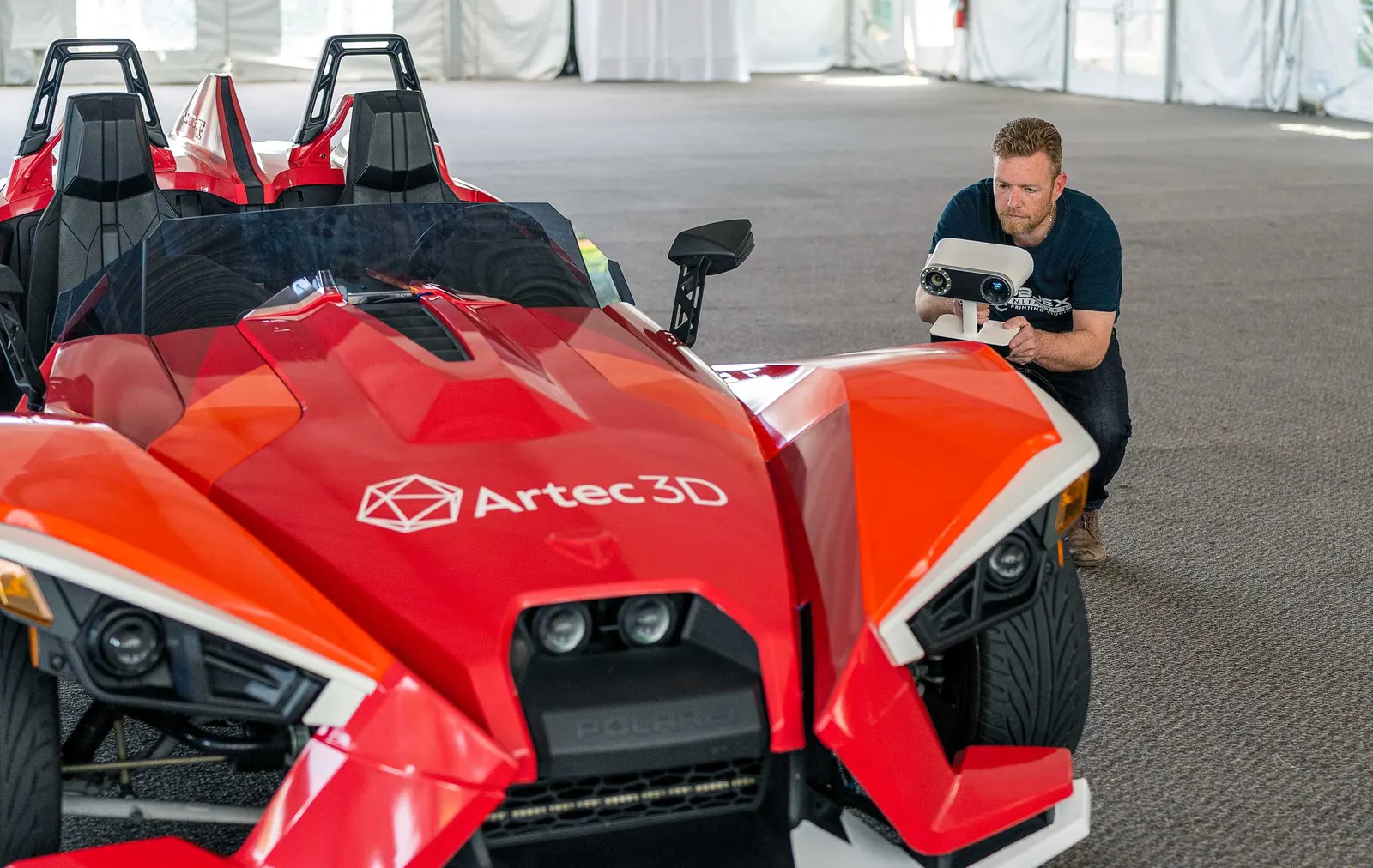
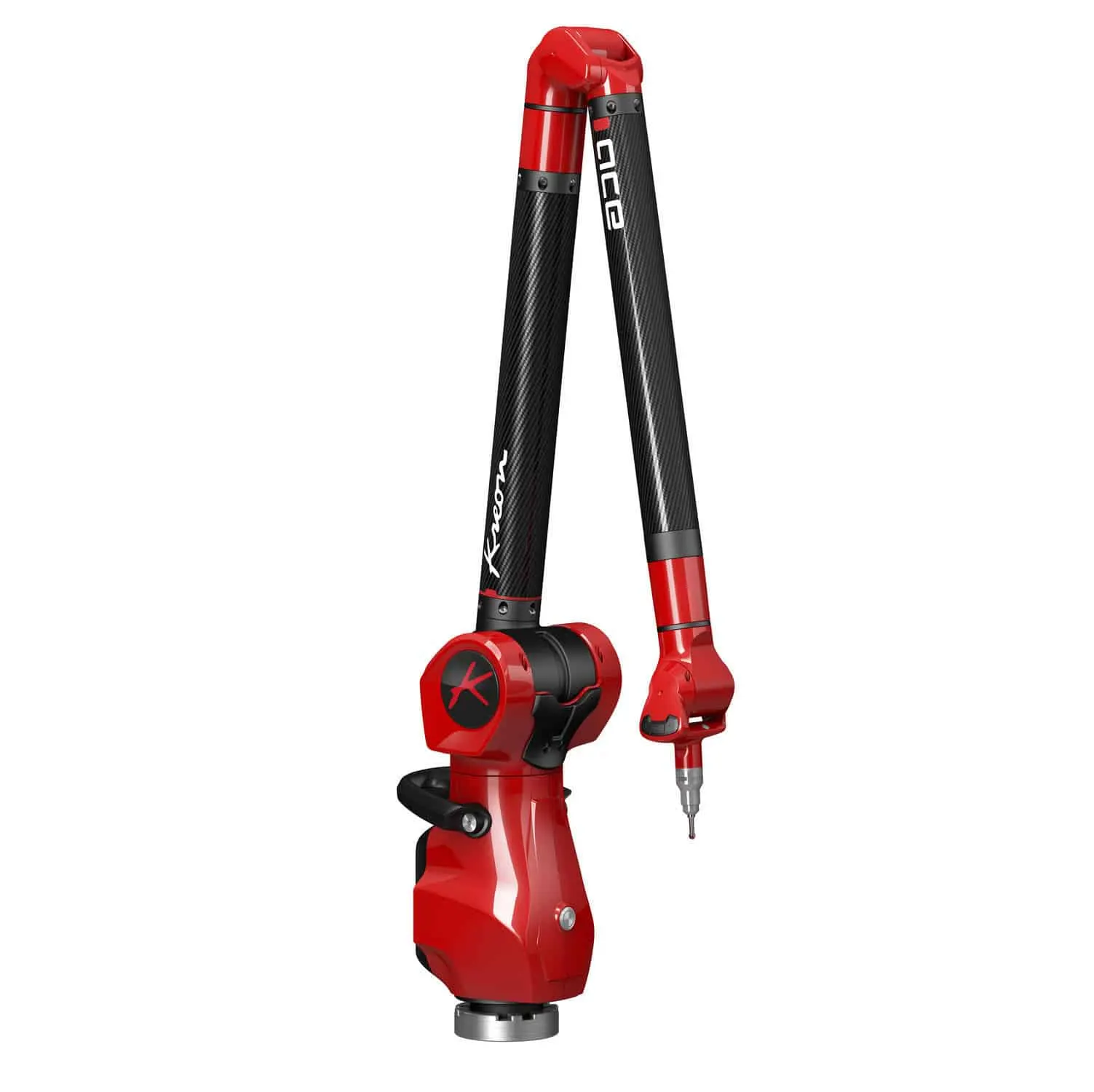
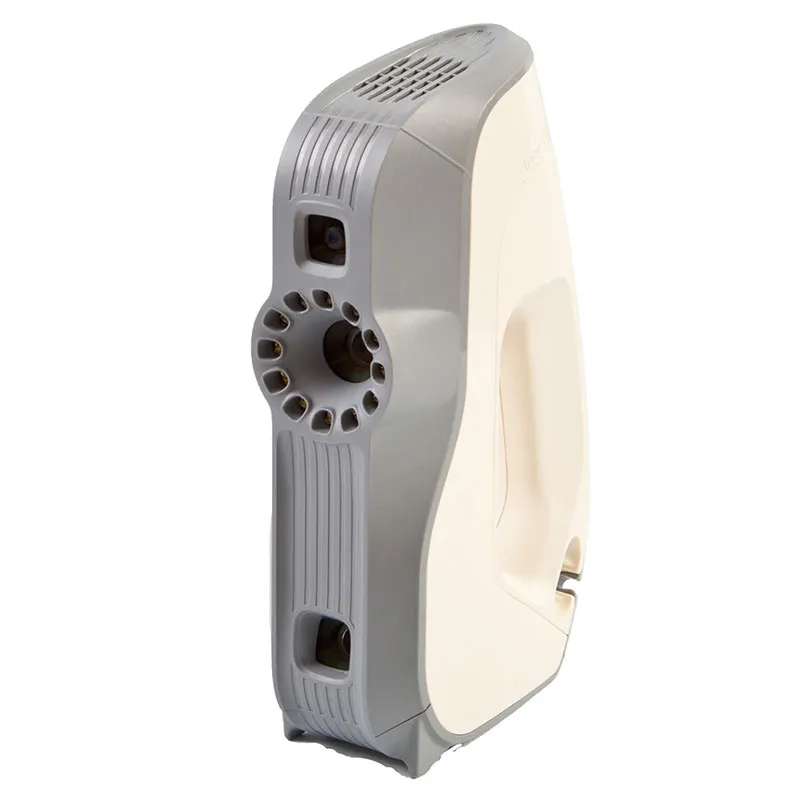
Twins is built for large datasets, so it pairs naturally with Artec's LiDAR scanners. Use one, or both in the same project. Add Leo for close-up detail.
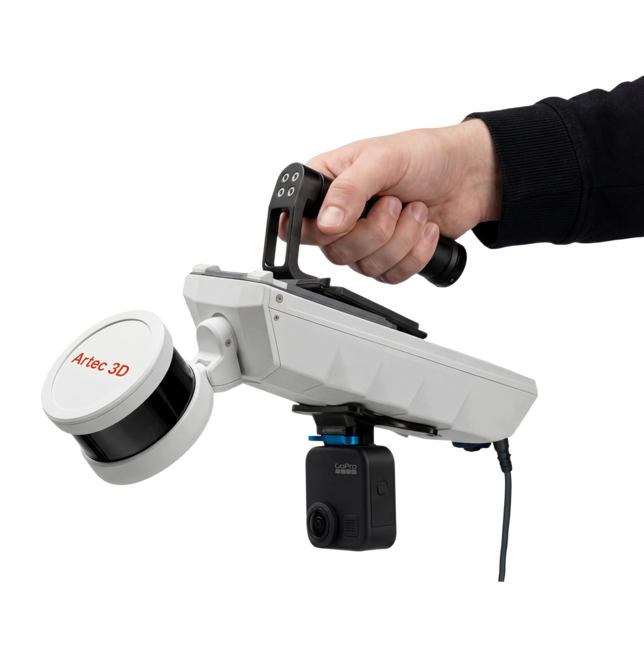
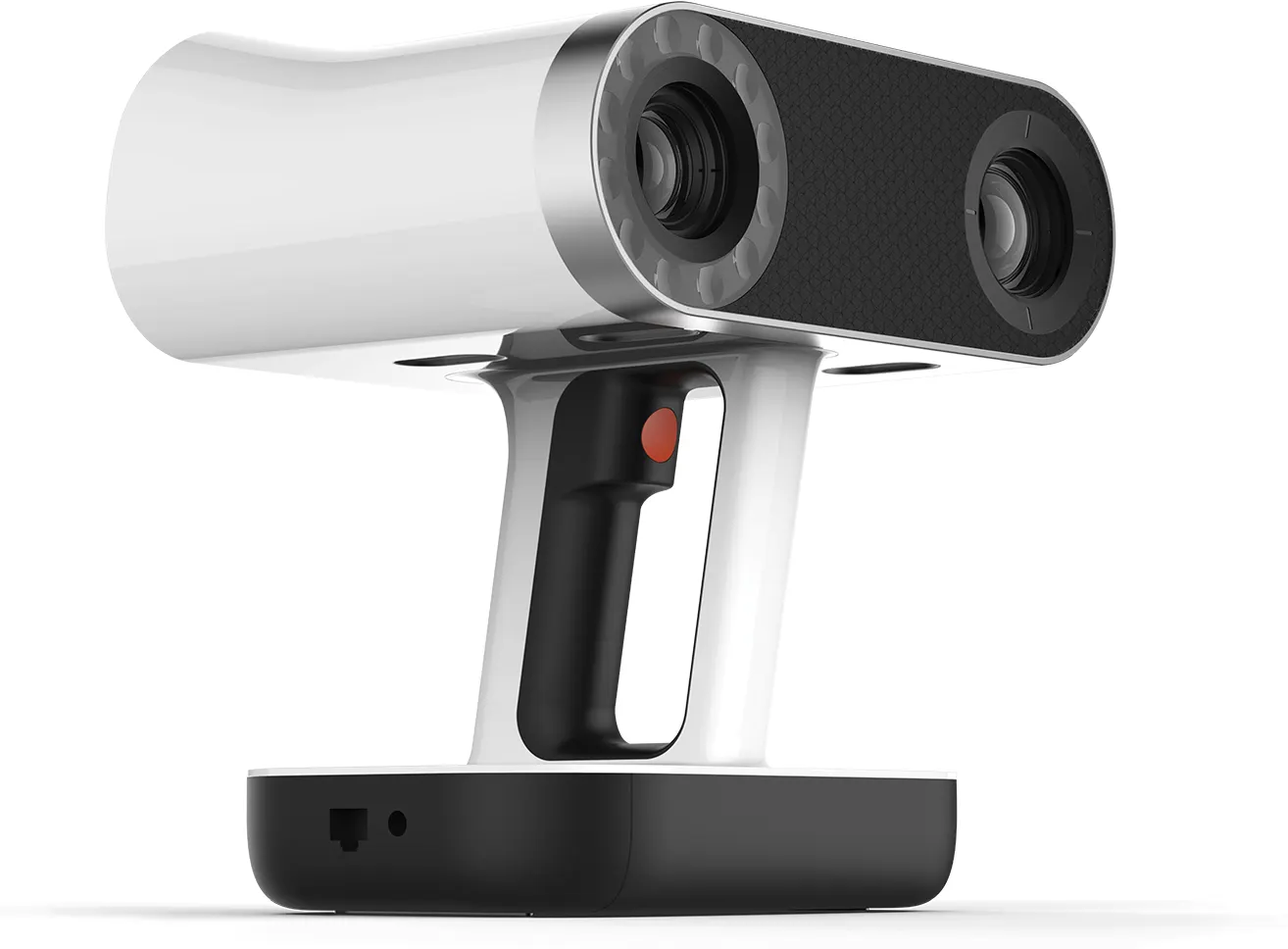
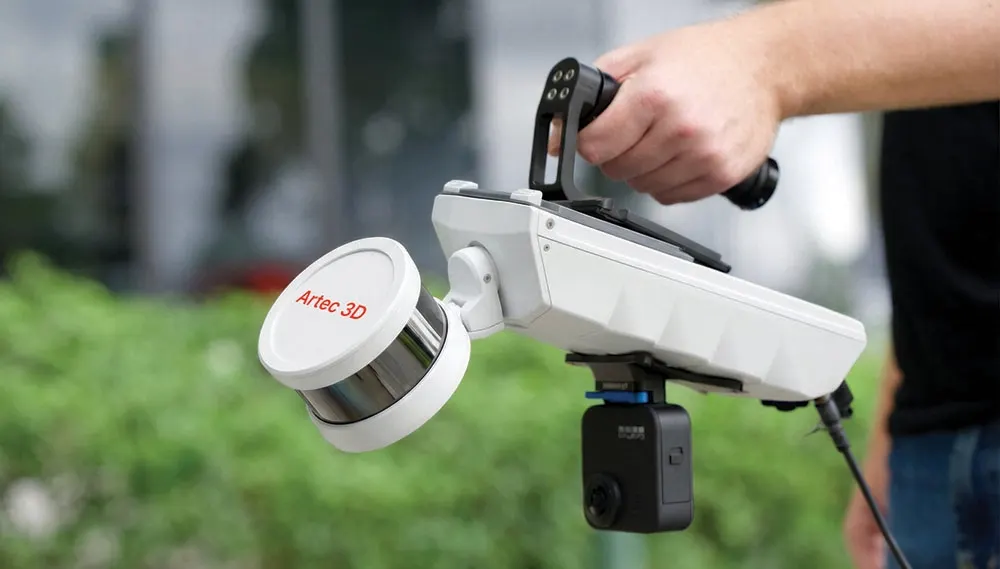
Mobile SLAM LiDAR for mapping whole sites on the move. Walk it, drive it or fly it. Every Jet ships with Artec Twins.
£33,000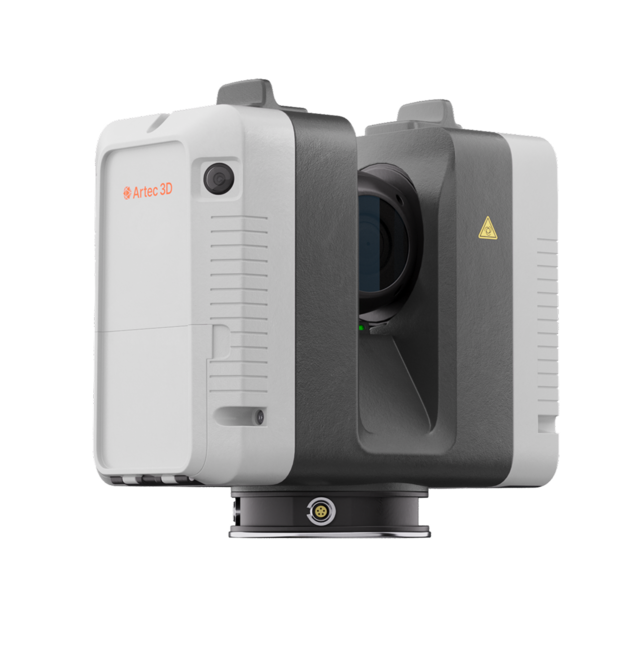
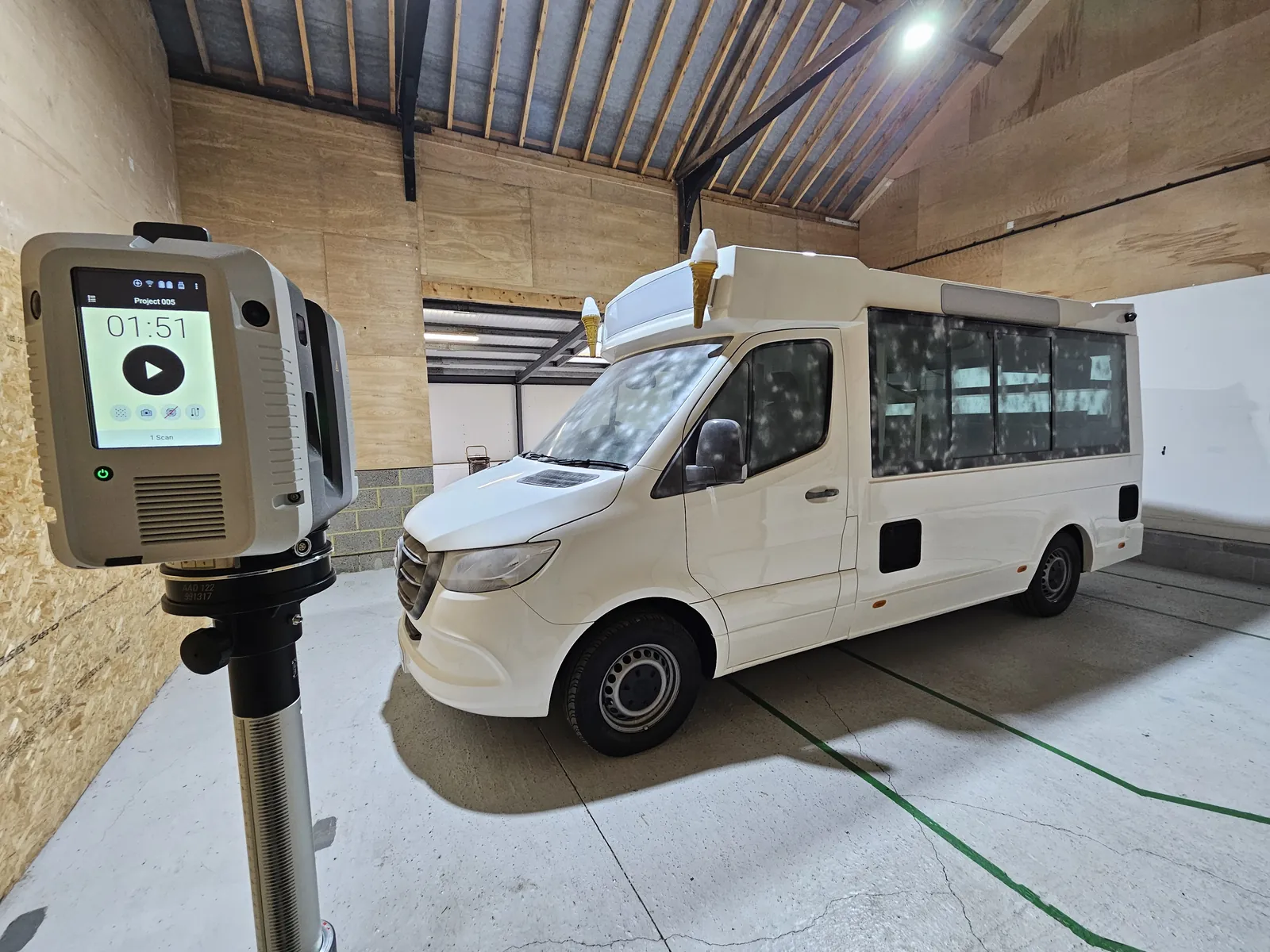
Long-range laser scanning from fixed positions for building exteriors, plant and infrastructure in high detail.
£50,750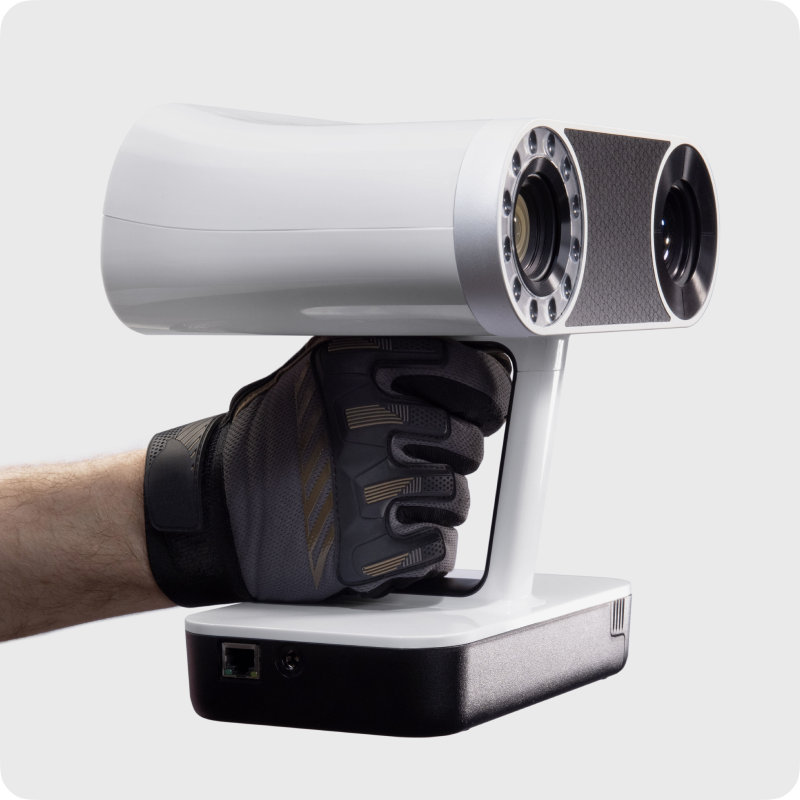
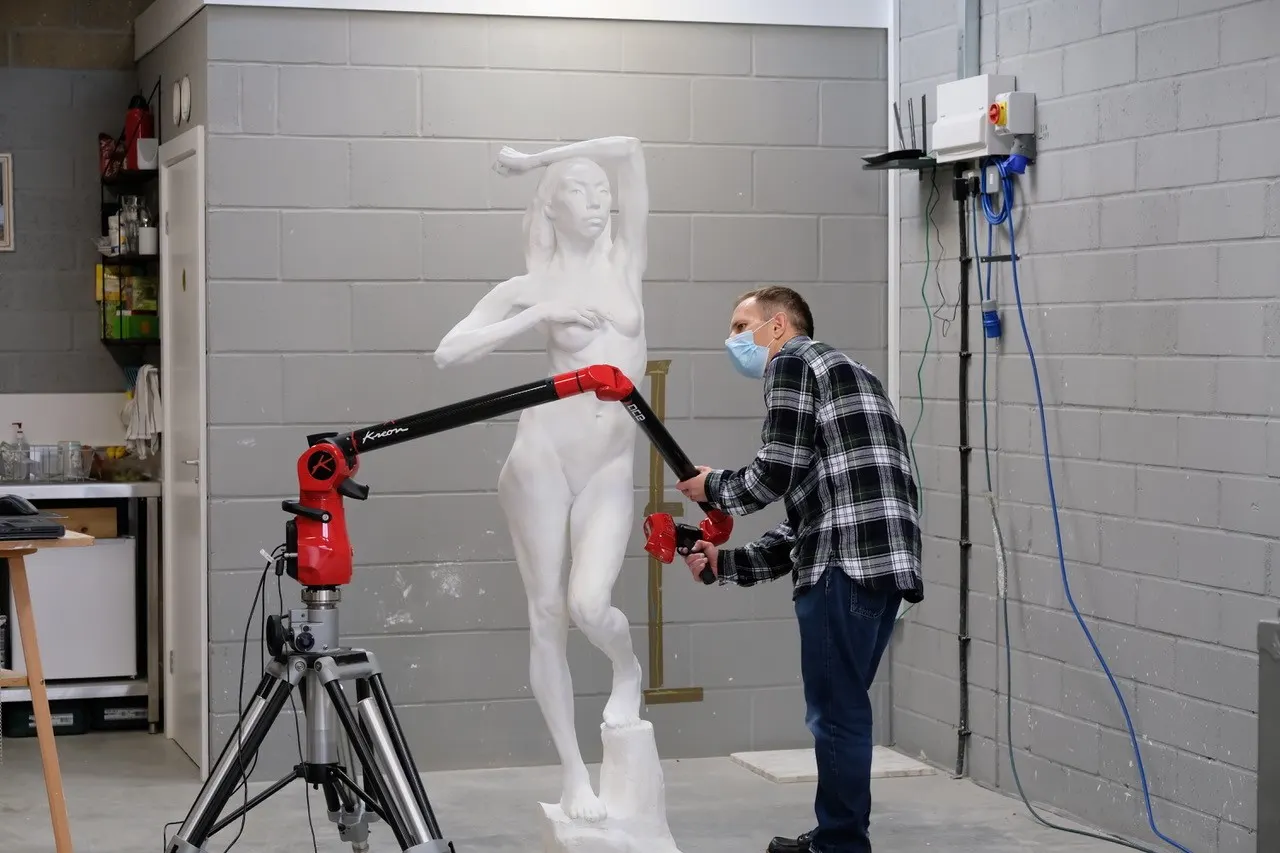
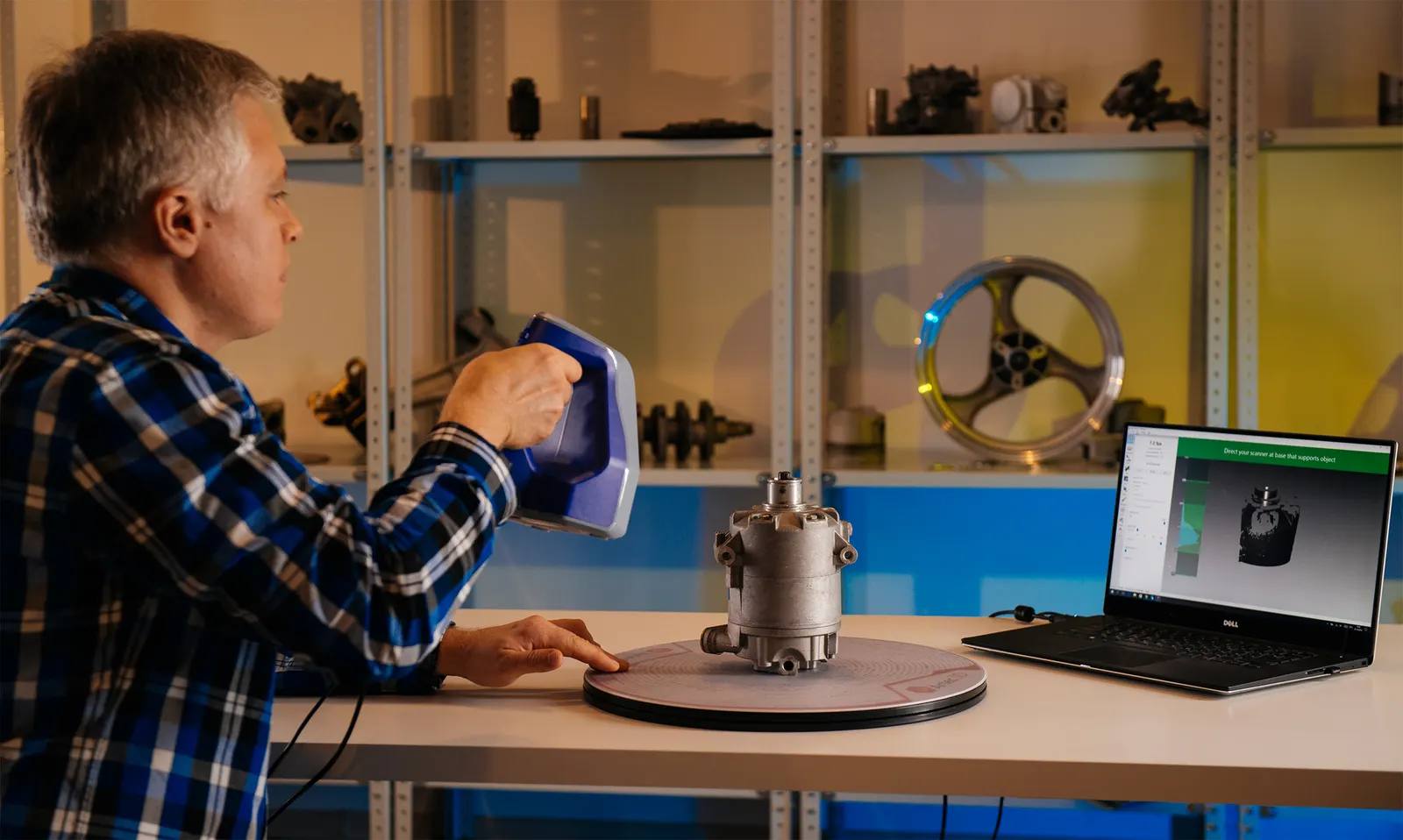
Wireless handheld scanning that adds sub-millimetre detail to the parts of a site that matter most.
£29,650Artec Studio's tools, inside Twins
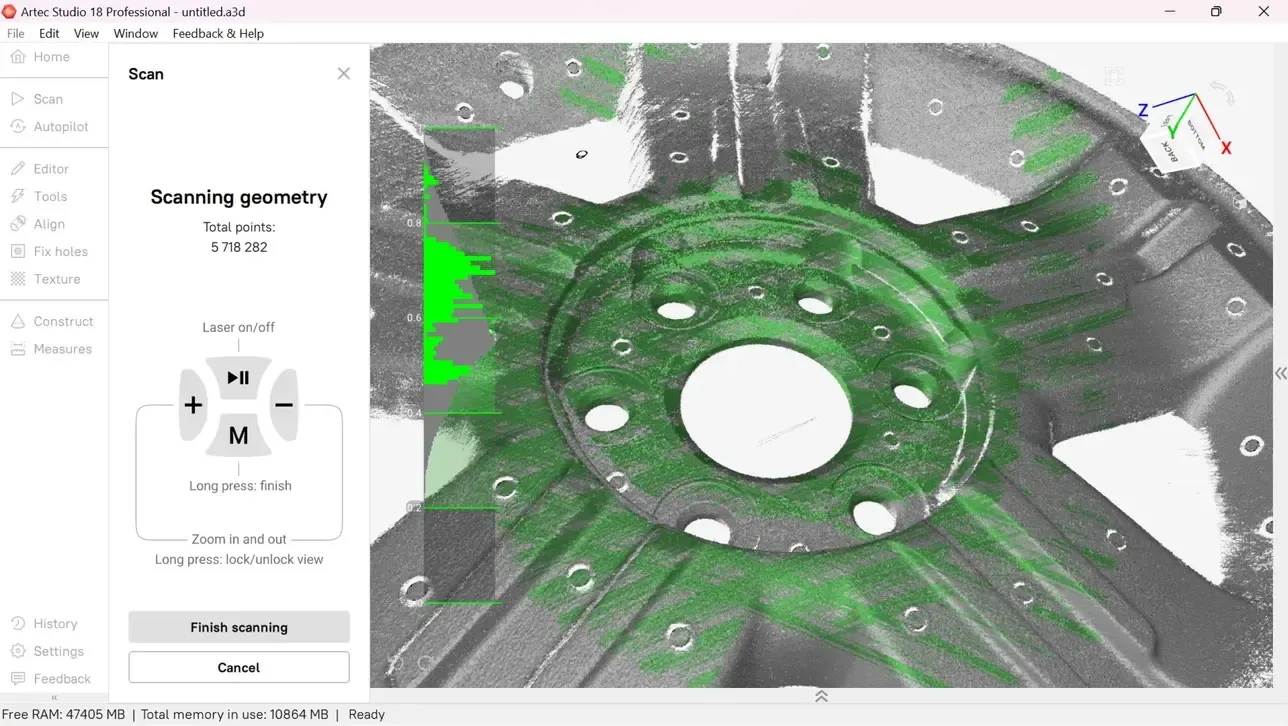
Refine data, inspect quality and turn scans into CAD using the same proven algorithms as Artec Studio.
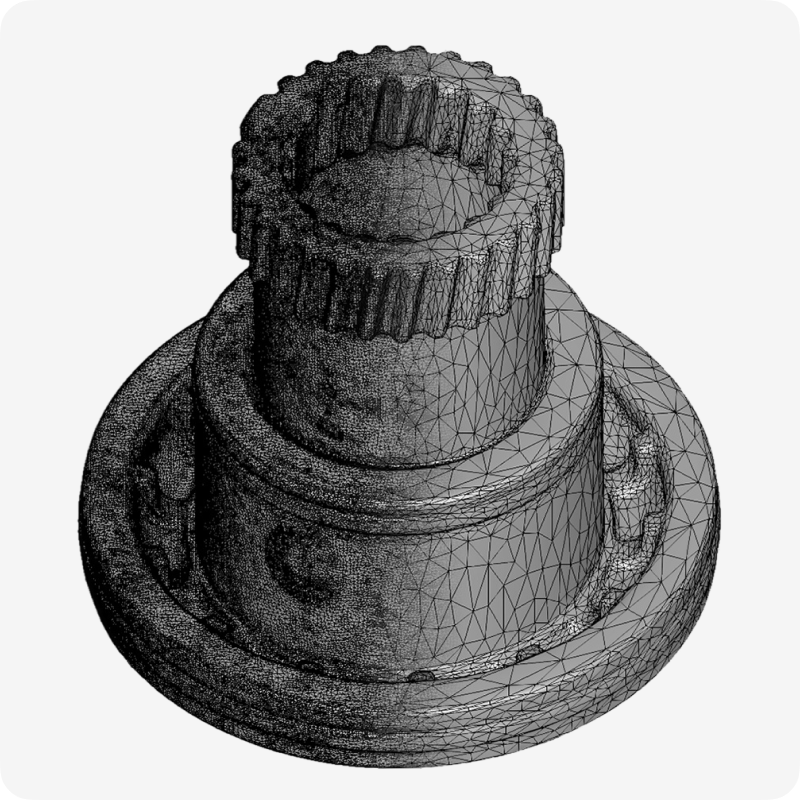
Editing
Tidy, optimise and polish models with a full editing suite for clean, watertight results.
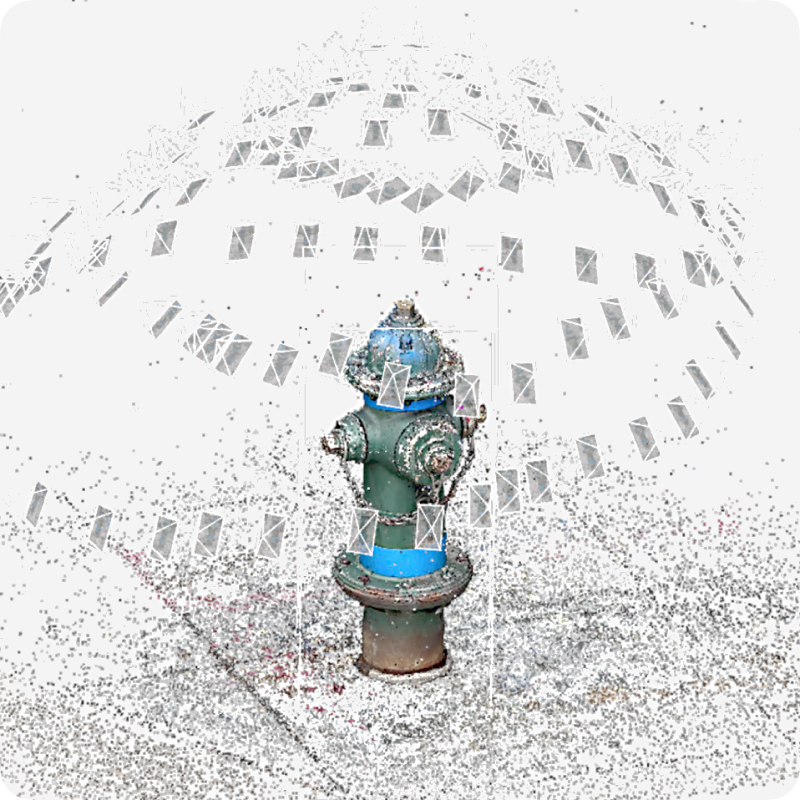
AI Photogrammetry
Turn photos or video from any camera, phone included, into a 3D model.
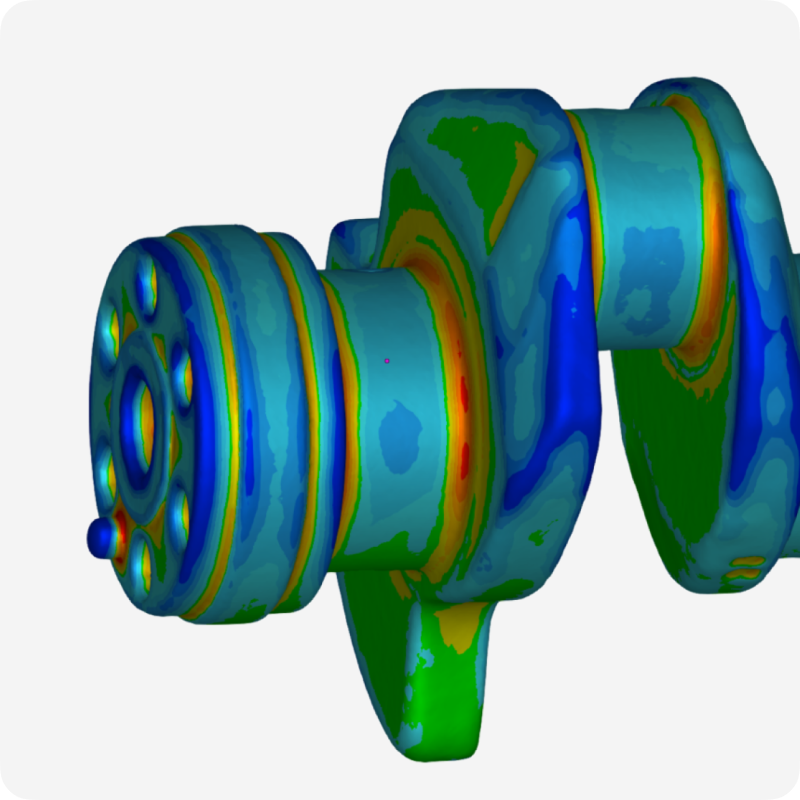
Quality inspection
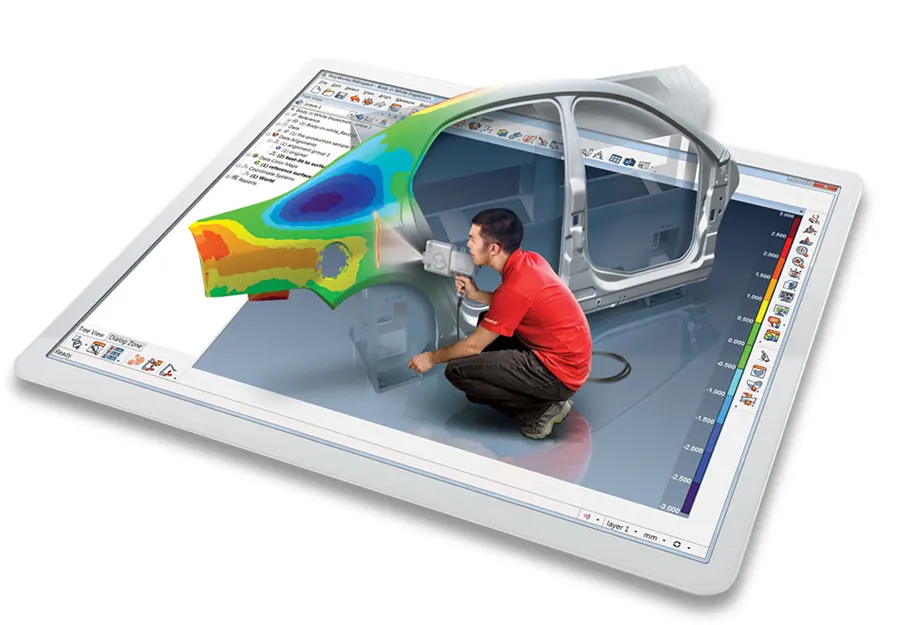
Fast measurements with mesh-to-CAD and mesh-to-mesh deviation analysis.
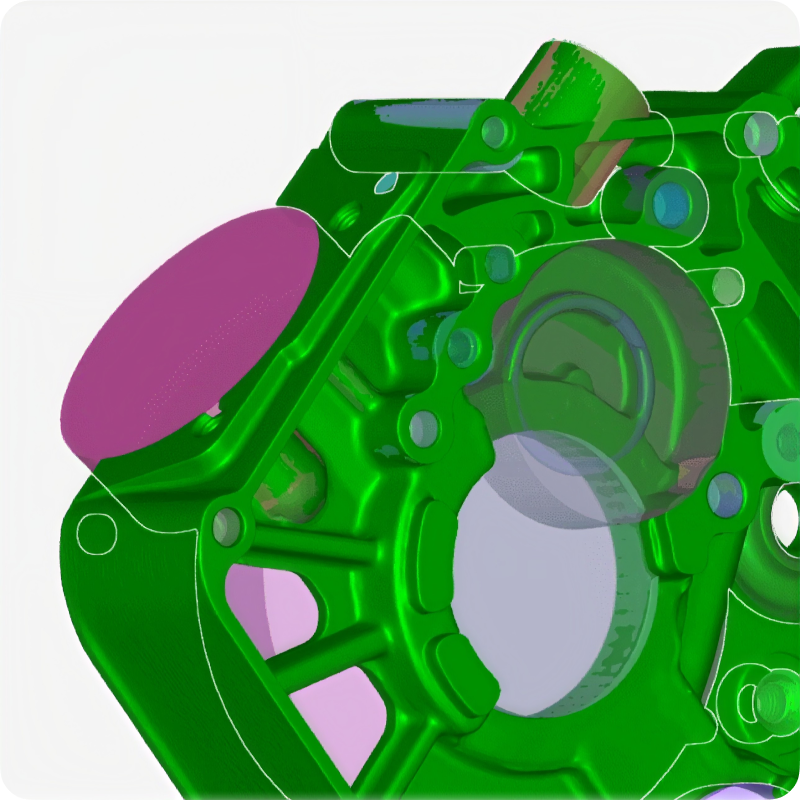
Reverse engineering
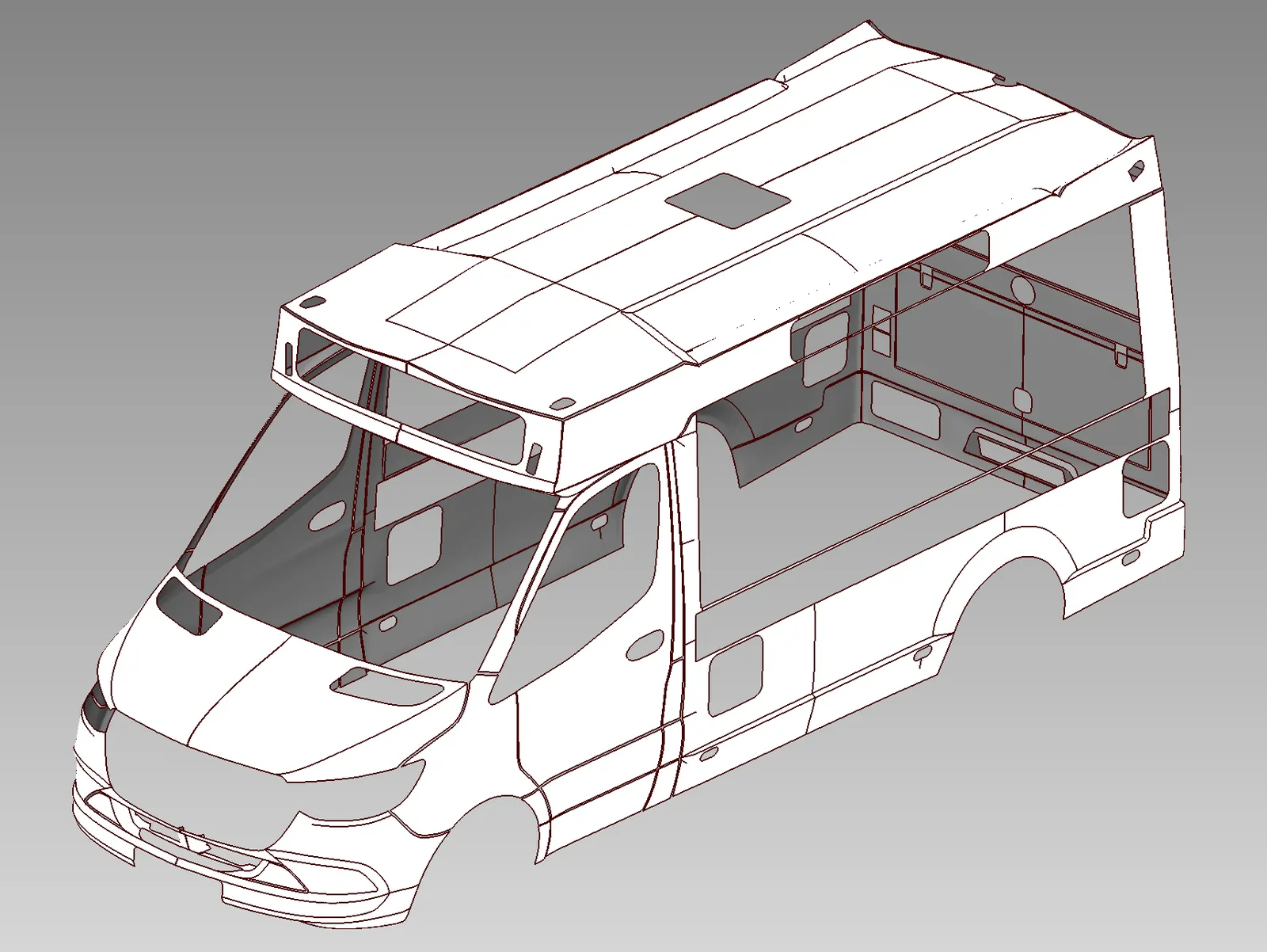
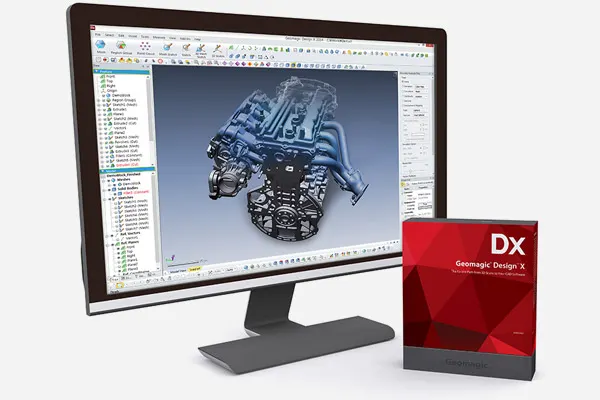
The reverse engineering essentials, built in, to speed up design and manufacture.
Buying Artec in the UK
Artec Ambassador and Gold Certified Specialist
Artec 3D recognise us for advanced product knowledge, extensive practical experience and consistently high standards of customer support. That means we can tell you which scanner is right for your work, show it to you properly, train your team and keep supporting you once it is yours. Installation, onboarding and Artec Twins training from our UK team.
On your own parts, at our site in Whitchurch or at yours.
Artec Studio courses from one day, run by the engineers who support you afterwards. See the courses
Ongoing technical support from a UK team, not a ticket queue abroad.
Artec Twins at a glance
Artec 3D
- Developer
- Artec 3D, Luxembourg
- UK reseller
- 3D Scanworx, Artec Gold Certified
- Ships with
- Every Artec Jet
| Made for | Large-scale environments and digital twins |
|---|---|
| Data types | Point clouds, 3D meshes and Gaussian Splats |
| Data sources | Artec scanners, other scanners in standard formats, drones, satellites, photos and video |
| Compatible Artec scanners | All of them, including Jet, Ray II, Leo, Eva, Spider II, Point II, Micro II and Neo |
| Rendering | Up to 200 FPS, billions of points, no decimation |
| Scene size | 100 km² and more |
| Point cloud export | LAS, LAZ, E57, PTX, BTX, XYZ, RCP, OBC |
| Mesh export | OBJ, PLY, WRL, STL, AOP, ASC, XYZ/RGB, USD, USDZ |
|---|---|
| Gaussian Splat export | PLY |
| Analysis | Distances, volumes, CAD primitives, sections, profiles, scan-to-CAD and scan-to-BIM |
| Georeferencing | Ground control points and georeferenced point clouds |
| Data storage | Local on your PC, works offline |
| Licences | Annual subscription with updates, or a lifetime licence to the version you buy |
Artec Twins Mobile LiDAR Essentials
One day on route planning, capture on the move, processing in Artec Twins, georeferencing and export. For up to three people.
Book the course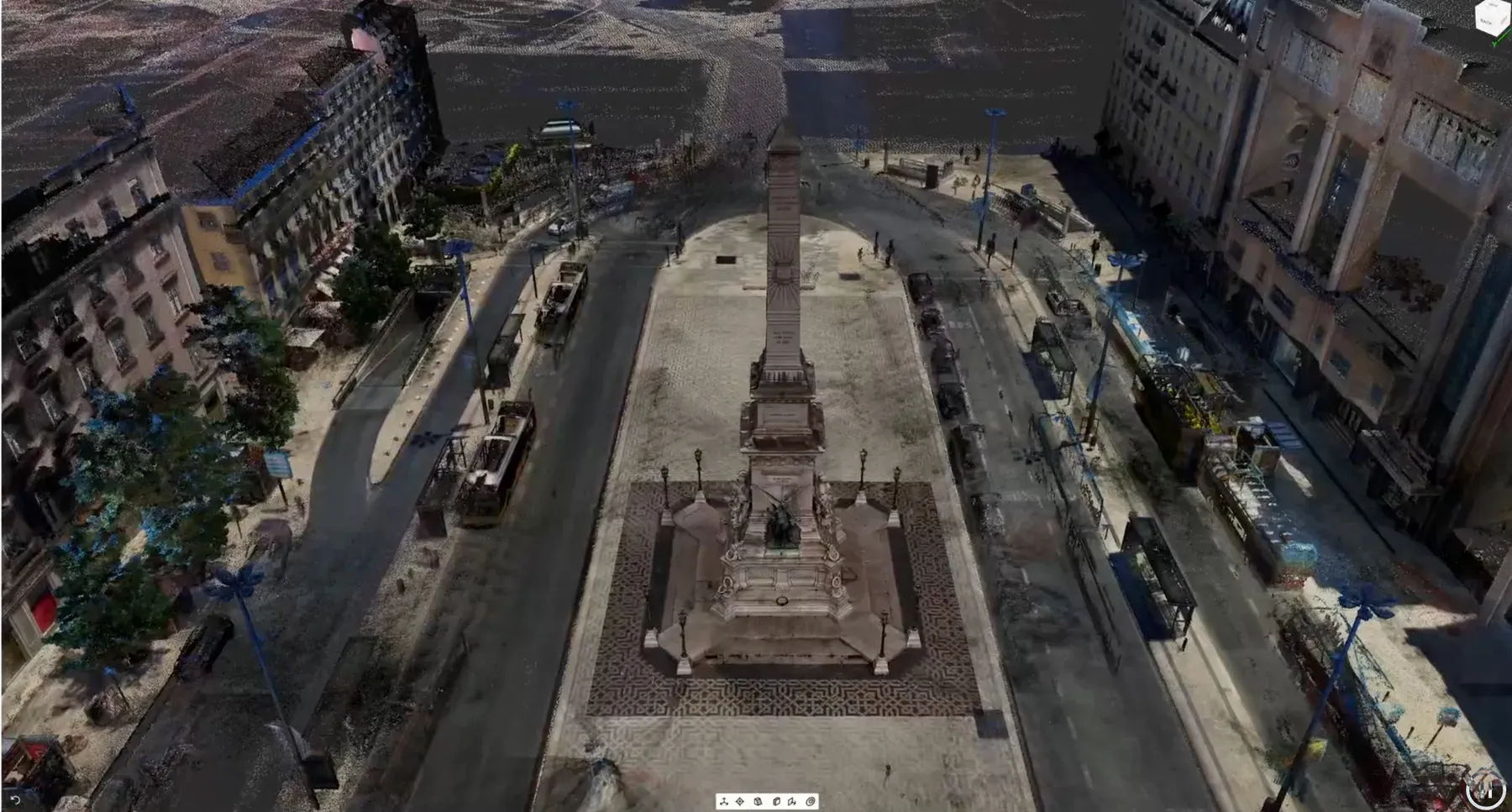
See your own site in Twins
Send us your data, or let us scan a sample. We will show it merged, measured and rendered in Artec Twins.
Book a demonstration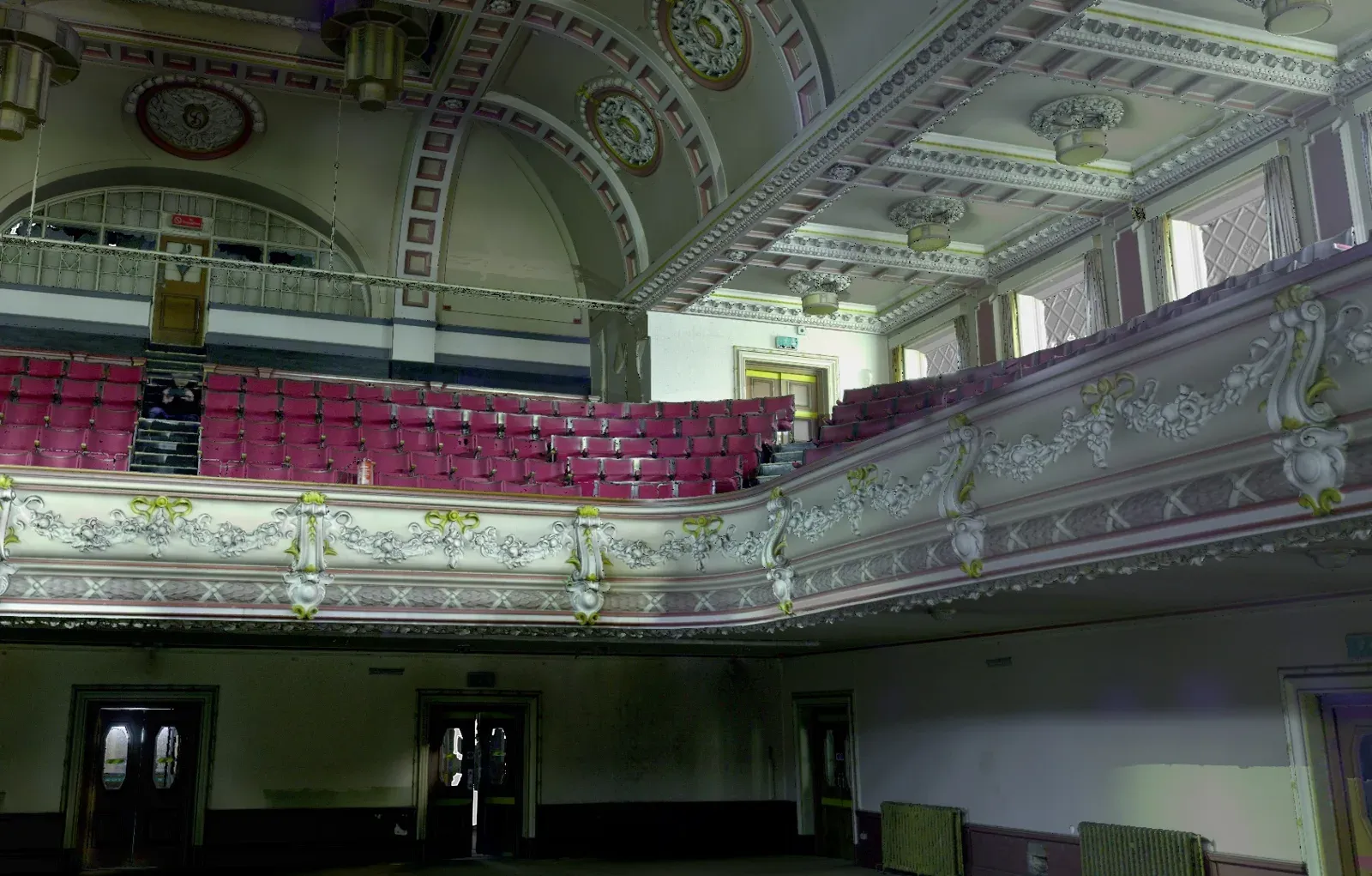
Rather we built the twin?
Our scanning team captures the site and builds the digital twin for you, as we did for Queen’s Theatre in Burslem.
Digital twin serviceArtec Twins questions
Can I buy Artec Twins in the UK?
Yes. 3D Scanworx is an Artec 3D Gold Certified reseller, so we supply Artec Twins licences in sterling with UK installation, training and support. Buy an annual subscription or a lifetime licence on this page, or ask for a quote that includes training.
Does Artec Twins come with the Artec Jet?
Yes. Every Artec Jet is supplied with Artec Twins, which takes a mobile mapping project from capture through processing, georeferencing and merging to a model engineers can use. Other Artec scanners can be paired with a Twins licence bought on its own.
How is Artec Twins different from Artec Studio?
Artec Studio is built for object-level scanning and reverse engineering. Artec Twins is built for environments and large scenes: billions of points, data from many sources fused together, plus new data types such as Gaussian Splats.
Can you build the digital twin for us instead?
Yes. Our digital twin creation service scans the building or site, then delivers the finished model. Artec Twins is for teams who want to merge and explore the data themselves.
Which scanners work with Artec Twins?
Every Artec 3D scanner. Long-range and handheld data can be combined in one project for more detail where it counts. Scans from other makes can be imported too, as long as they are in standard file formats.
How large a dataset can it handle?
It is made for massive datasets. Artec Twins renders scenes over 100 km² with billions of points at up to 200 frames a second, with no decimation or lag.
What is Gaussian Splatting?
A photorealistic rendering technique that reconstructs a scene with a visual fidelity point clouds and meshes cannot match. It handles fine, reflective and translucent surfaces well, which makes it ideal for client presentations or remote inspection.
Do I need a powerful computer?
A reasonably powerful PC is enough for most work. Generating Gaussian Splats is more demanding. We can check your machine against Artec's specification before you buy.
Where is my data processed and stored?
On your own PC. Twins works offline, so sensitive project data never leaves your control, which helps with data governance rules.
What is the difference between annual and lifetime licences?
An annual licence gives full access plus every major feature and algorithm update while it runs. A lifetime licence gives permanent access to the version you buy.
See your own site in Artec Twins
Send us a dataset, or bring the team to Whitchurch. A demonstration on your own data is the quickest way to know whether Twins fits your work.
Need this today?
Ring the office and ask — somebody who runs the machines will pick up and answer it properly.
Get a part priced
Upload the file to the instant quote, choose the material and see the price straight away.
Buy from stock
Sprays, targets, calibration plates and printed spares, out of Whitchurch the same day if you order before 3pm.