.svg)


Scan to CAD without leaving SOLIDWORKS
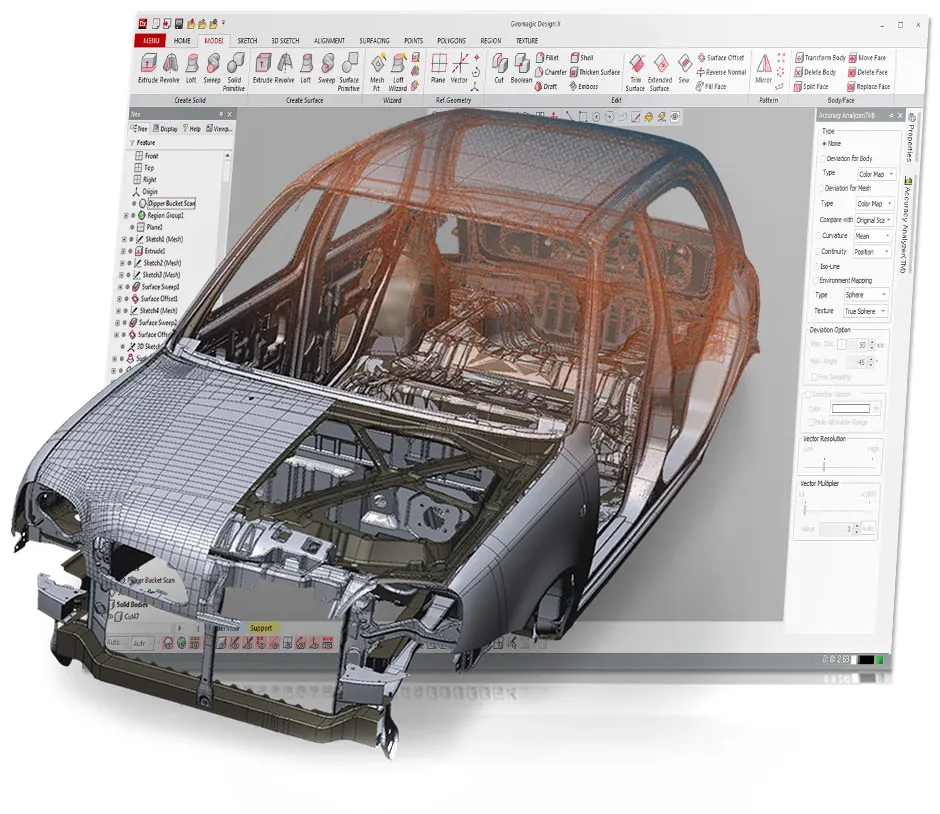
Geomagic for SOLIDWORKS puts a subset of the Design X toolset inside SOLIDWORKS as an add-in. Import a scan, or scan straight in, then extract the sketches and features. Model them with the SOLIDWORKS tools you already know.
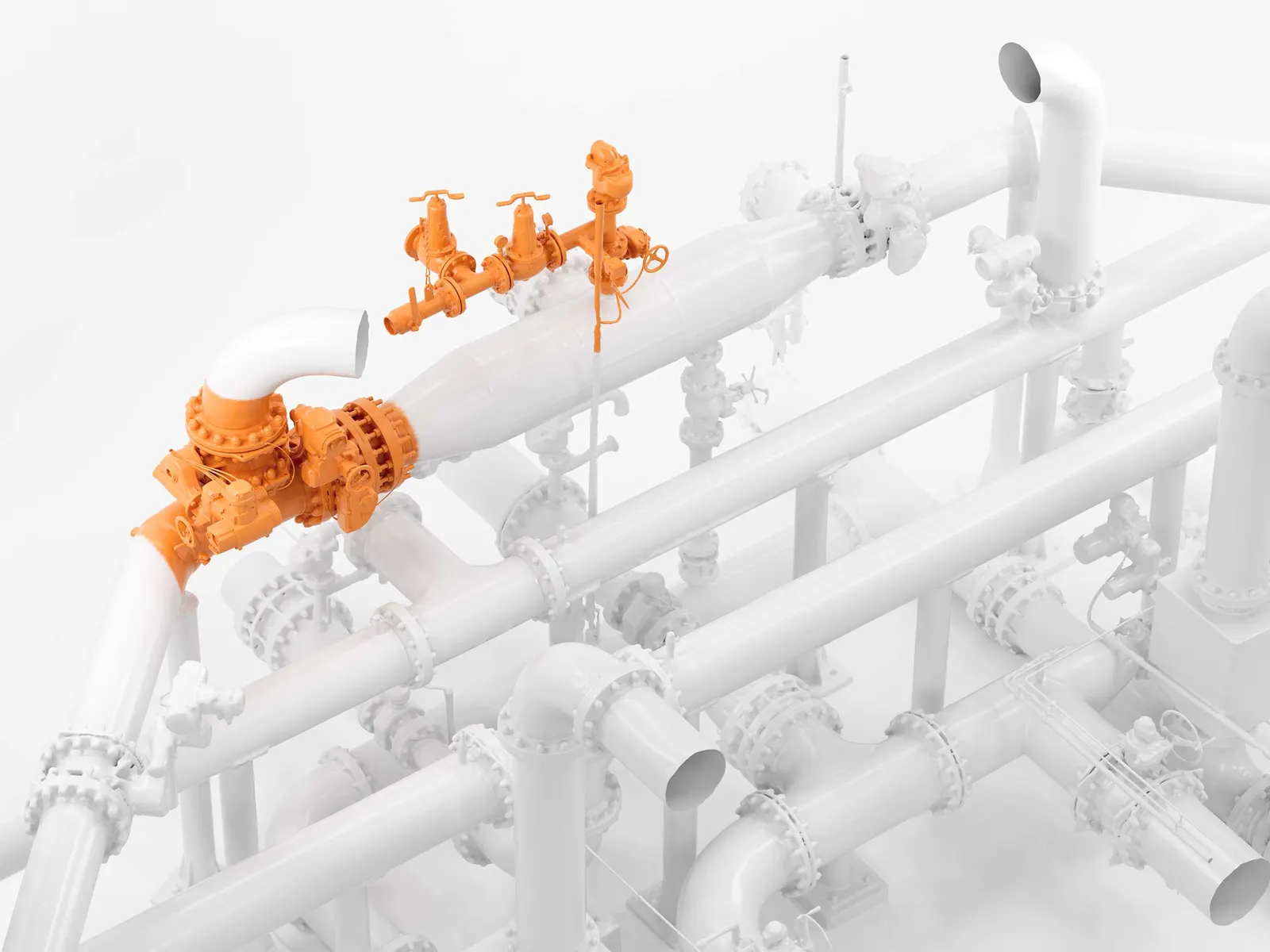
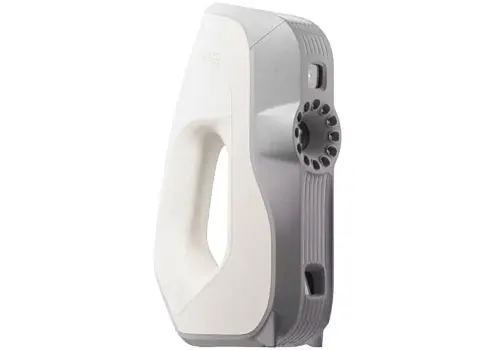
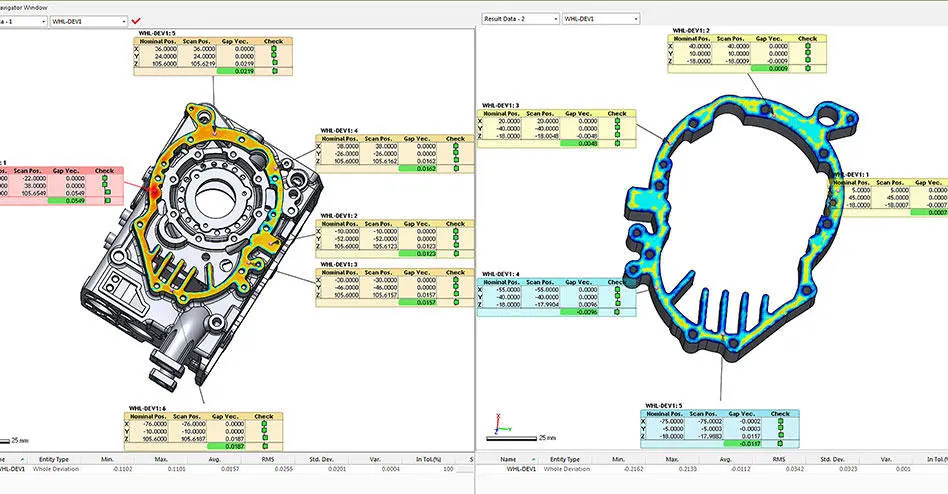
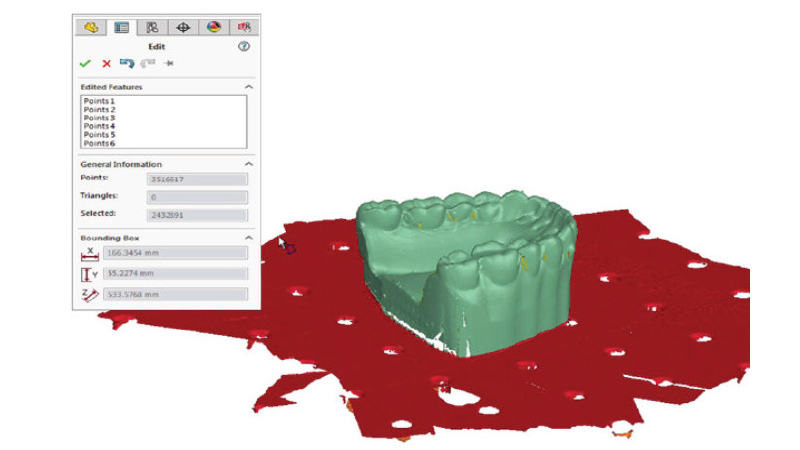
The part
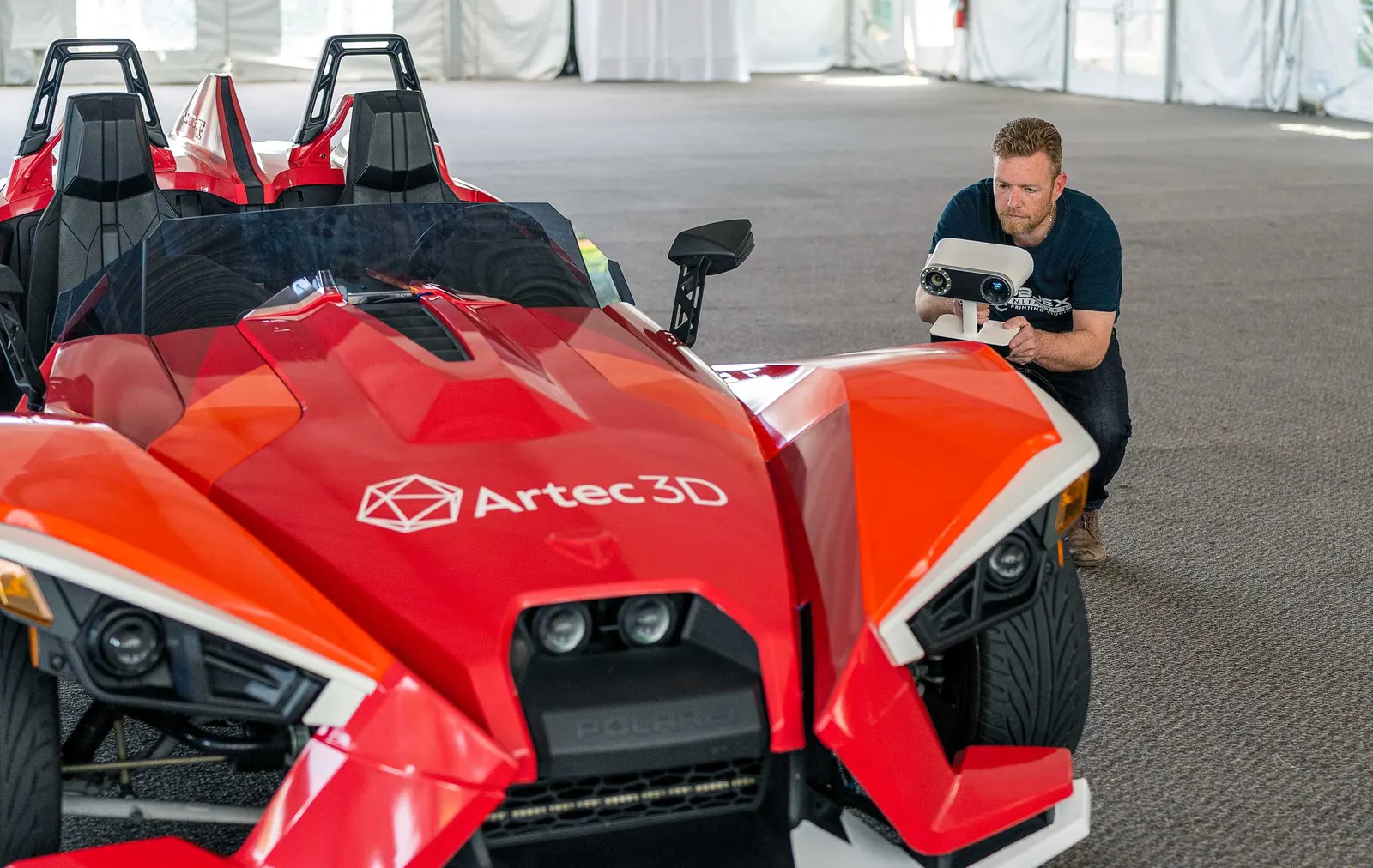
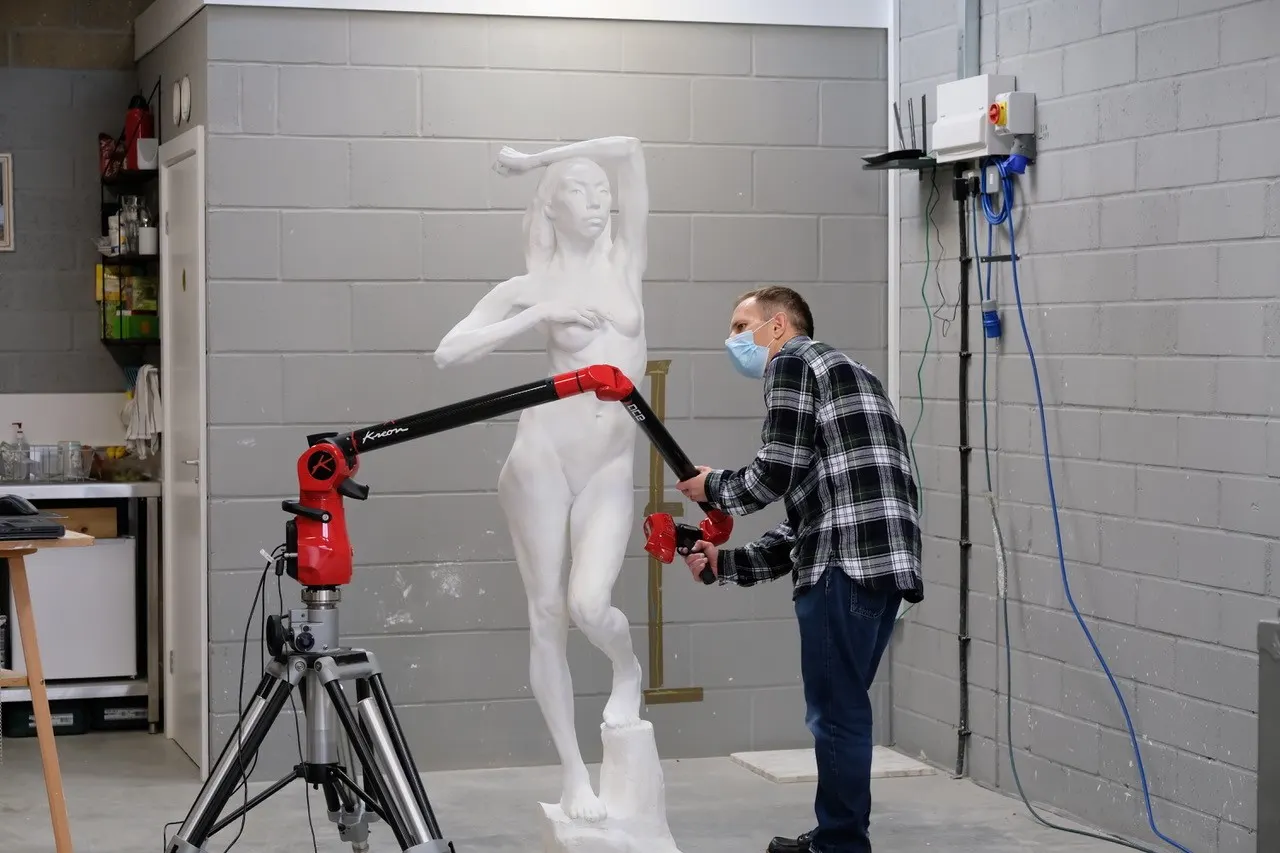
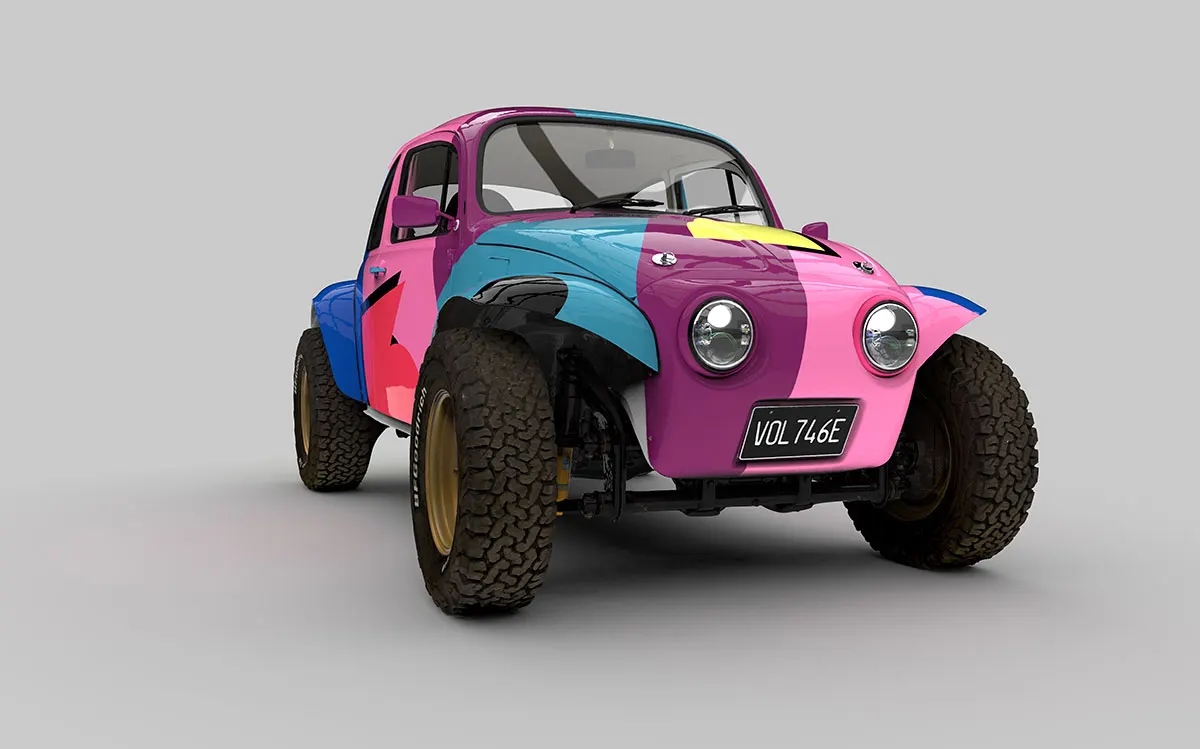
Anything you can scan: a casting, a worn component, a hand-made prototype.
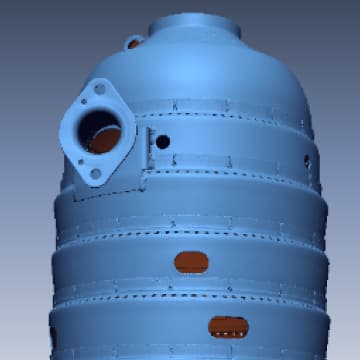
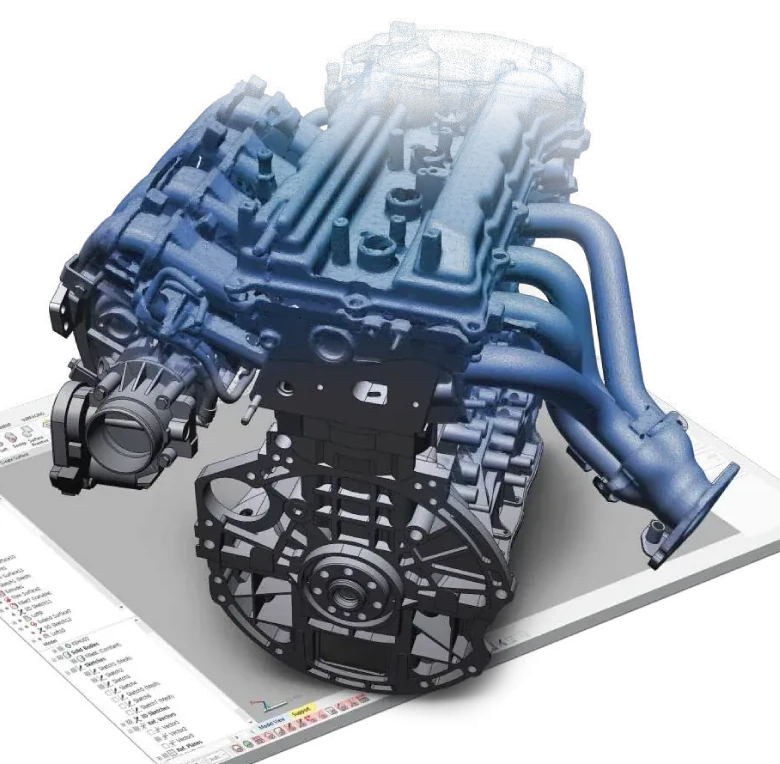
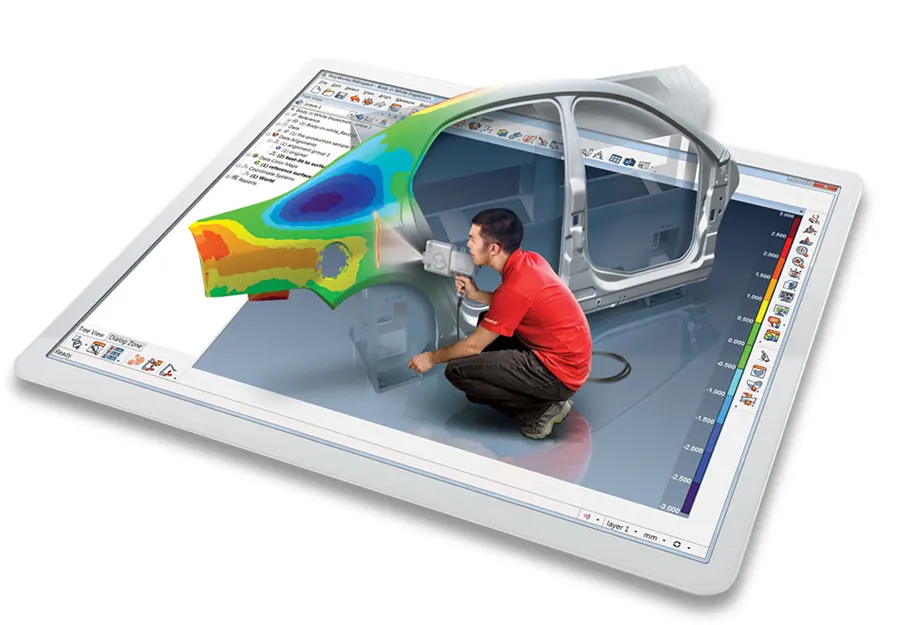
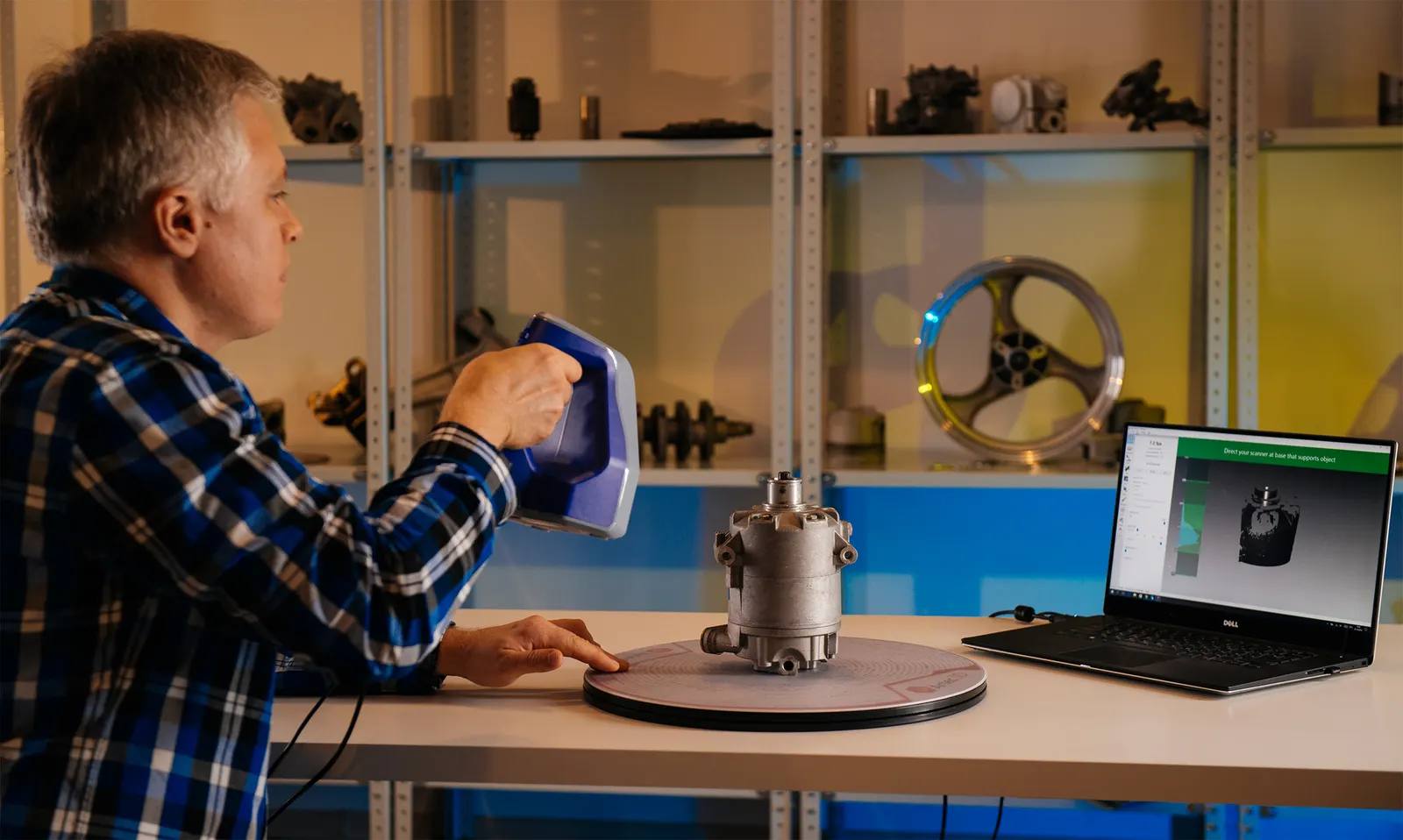
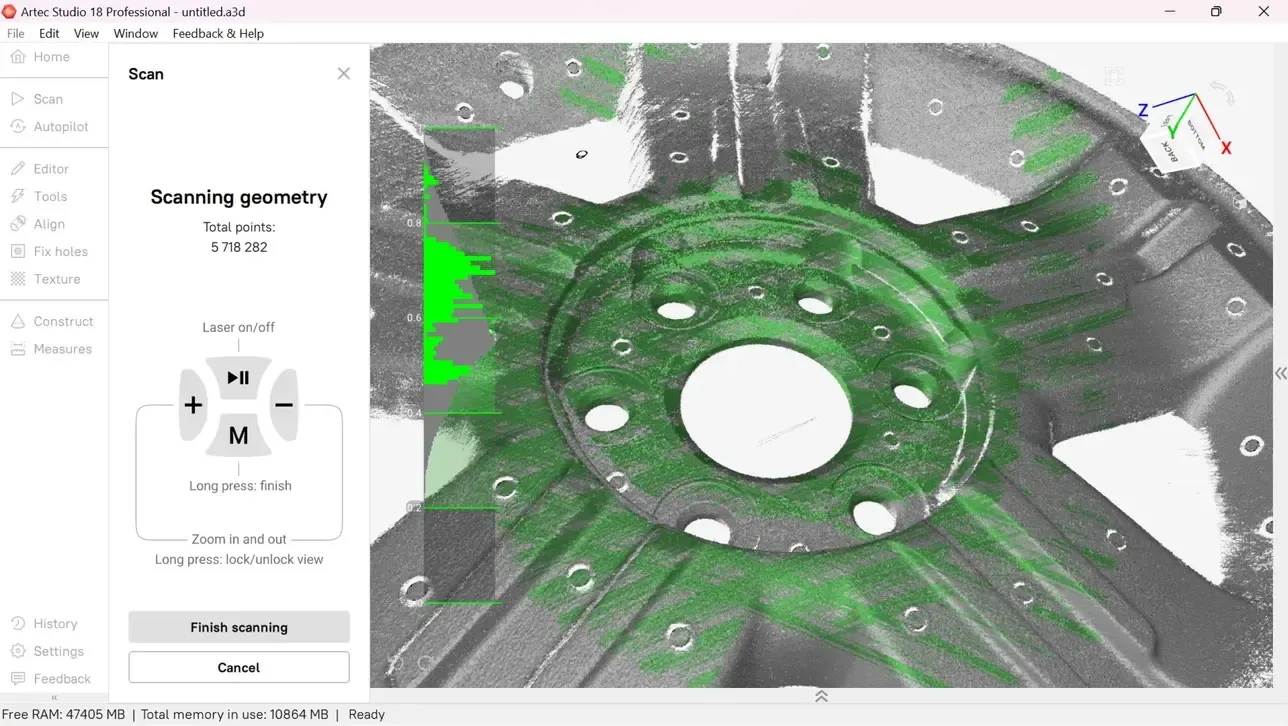
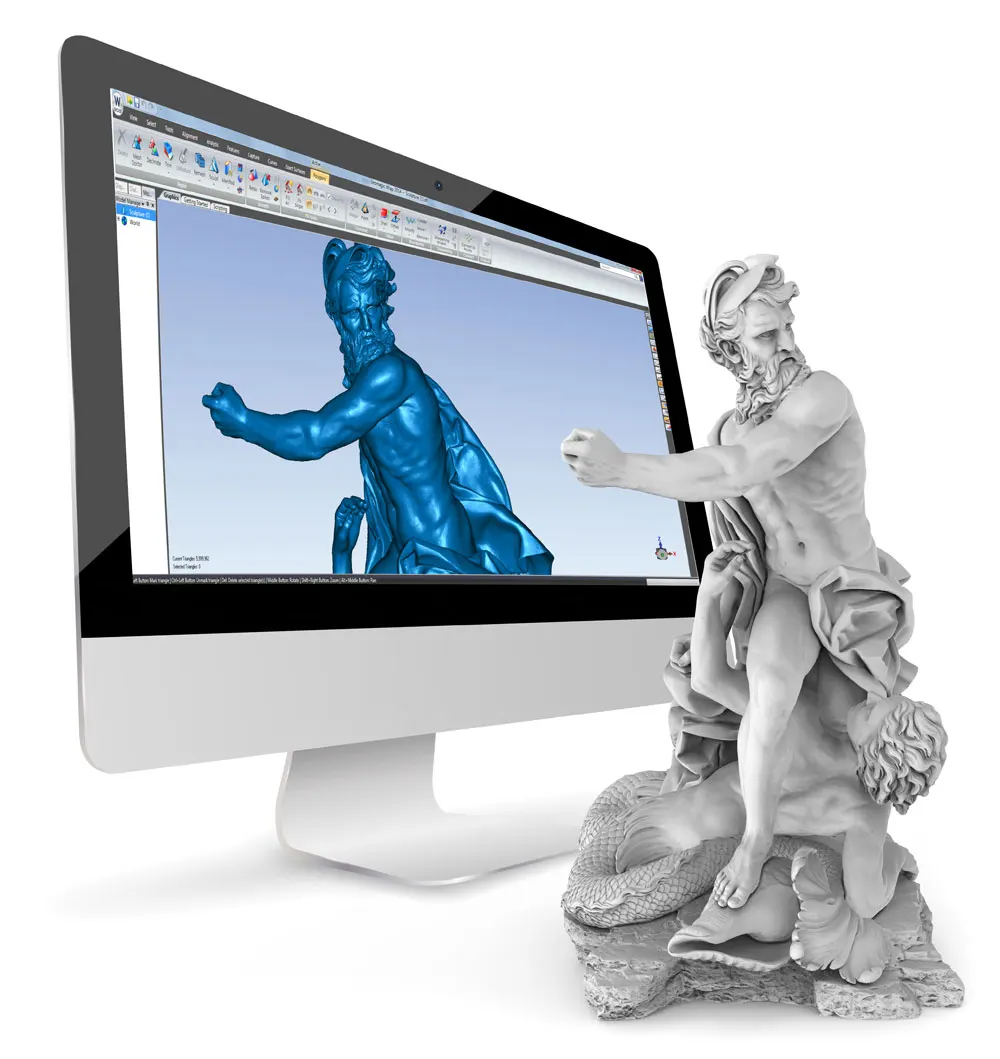
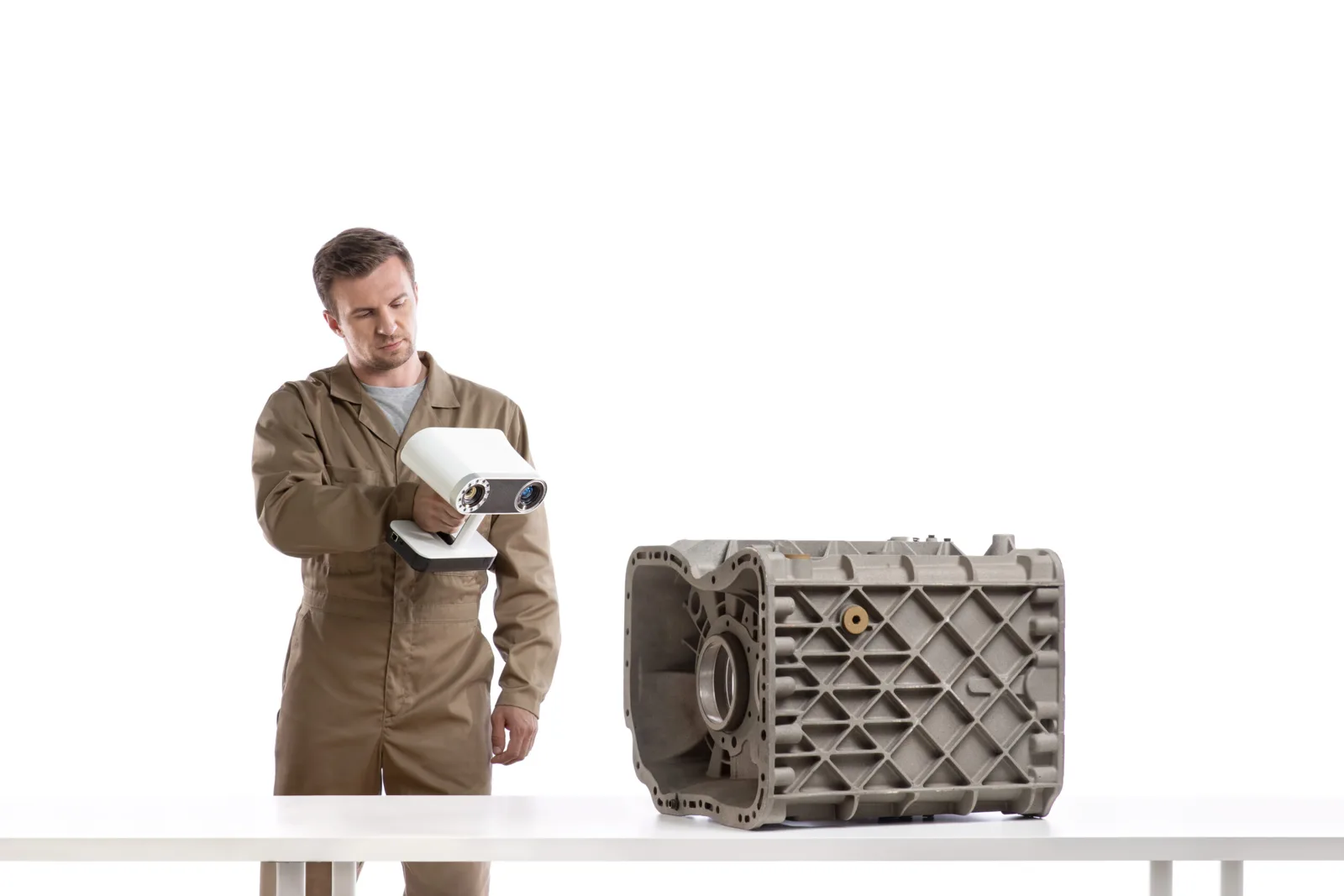
The scan
Imported as a mesh or point cloud, or captured live inside SOLIDWORKS.
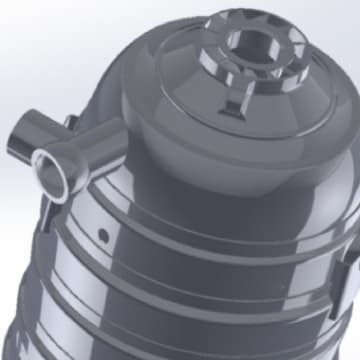
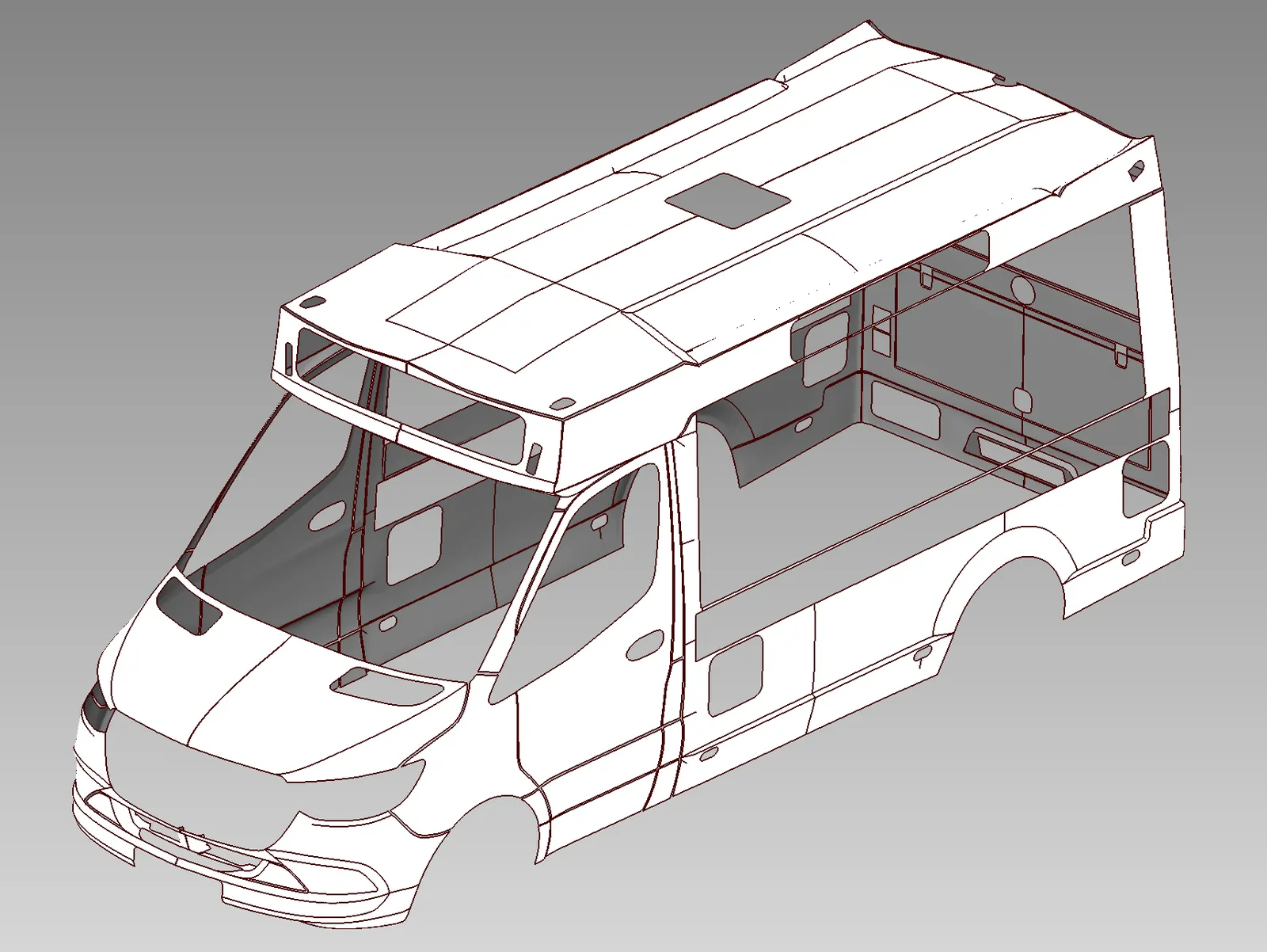
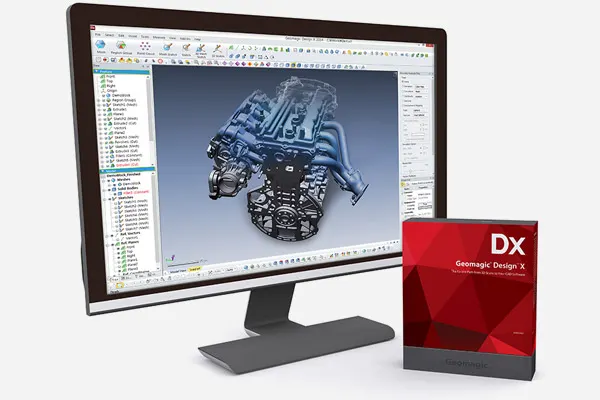
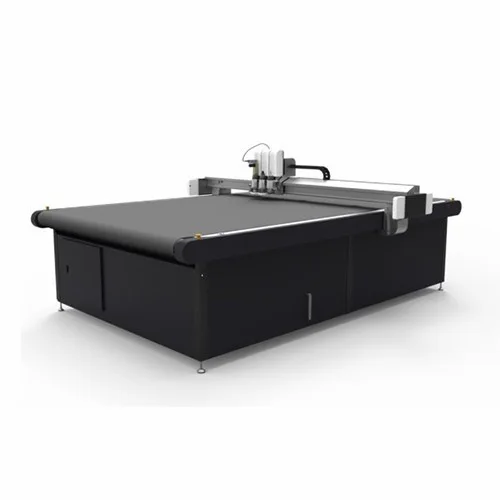
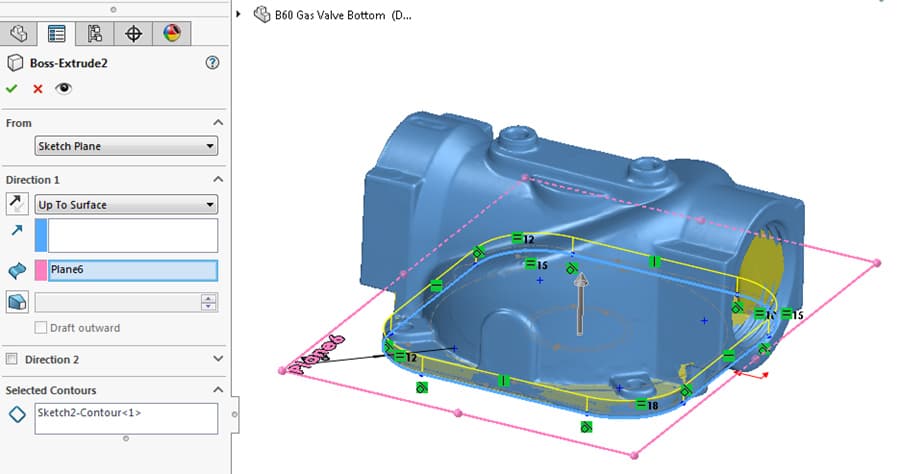
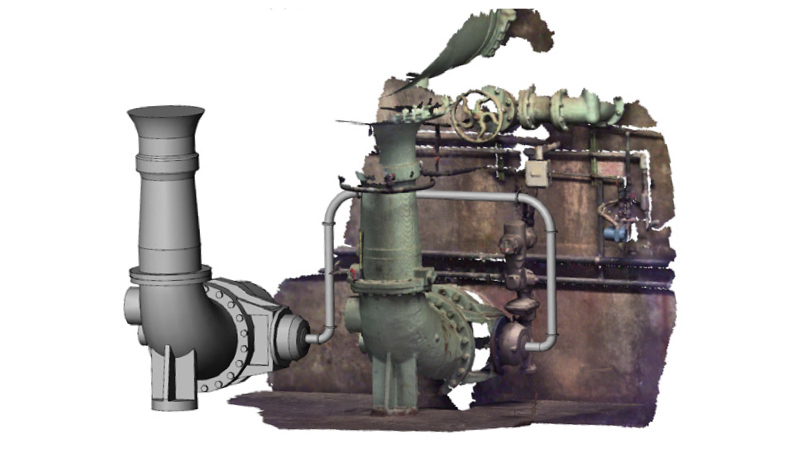
The SOLIDWORKS model
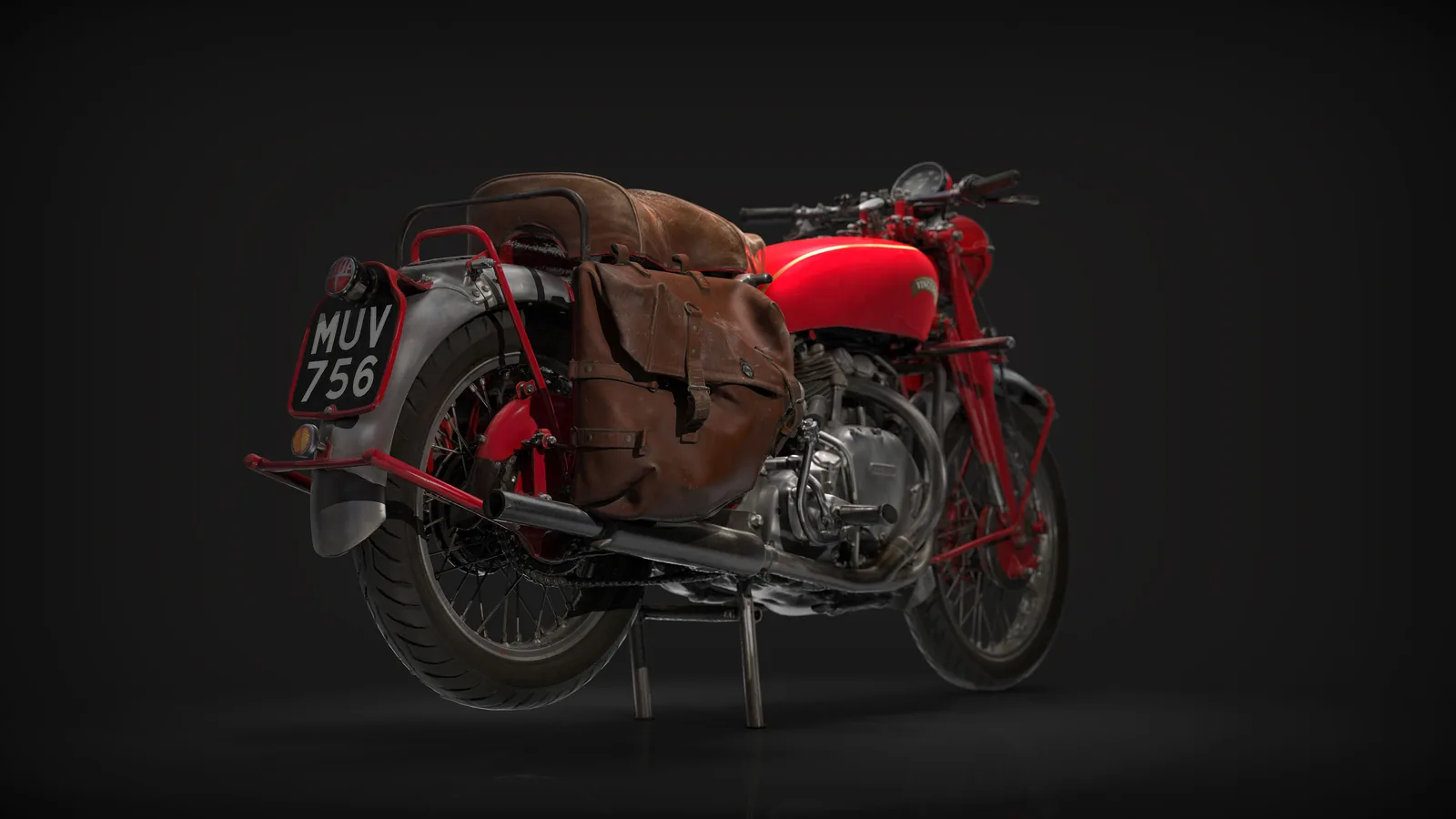
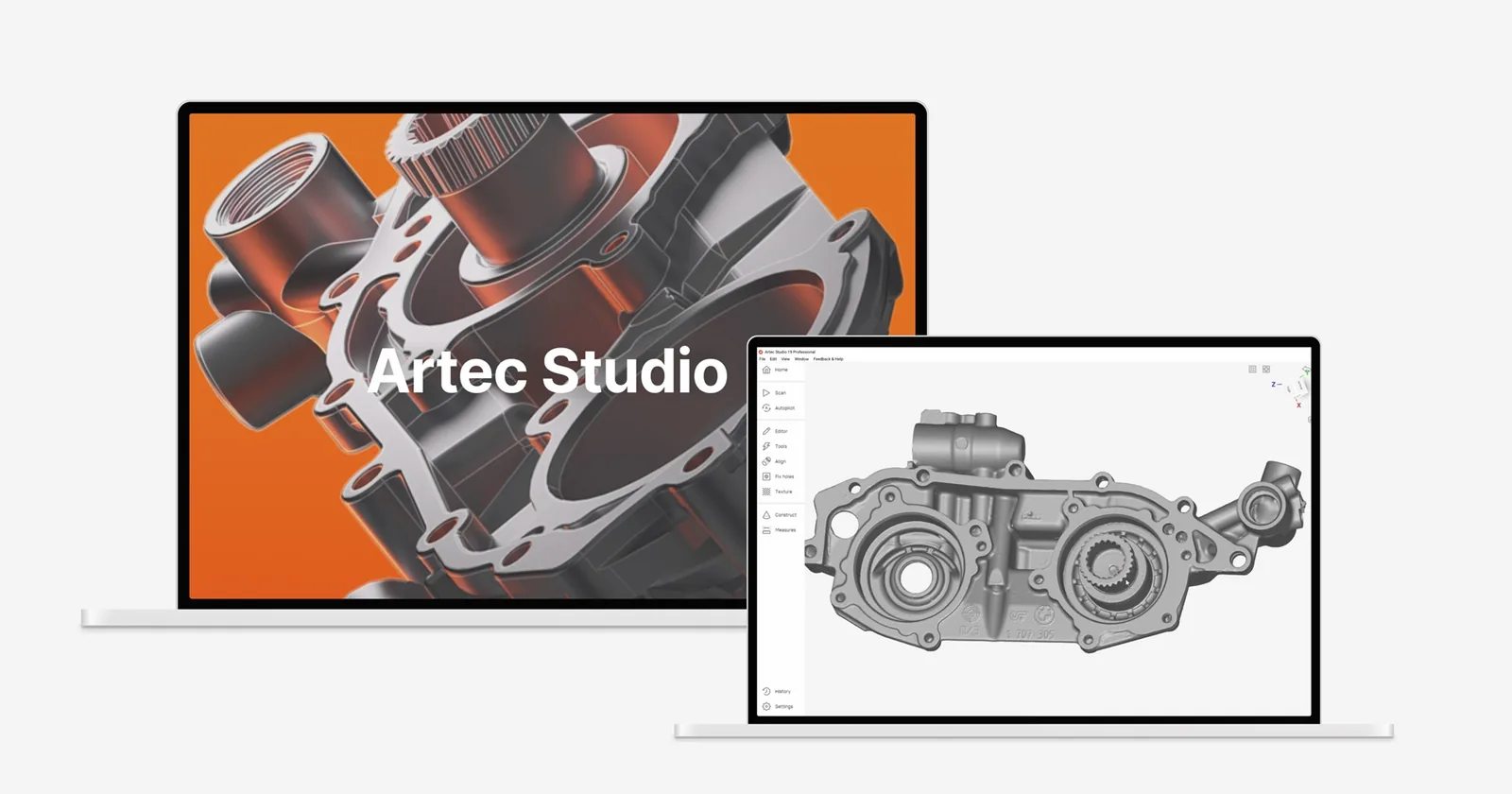
A native, history-based part, with your changes made on top.
What is in the add-in
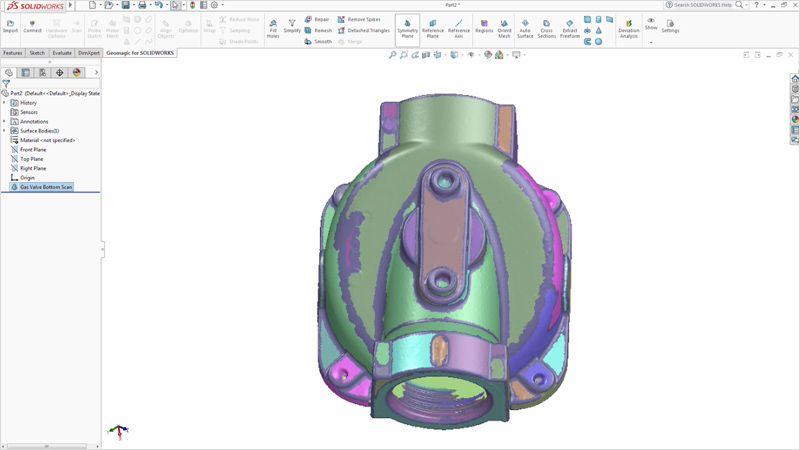
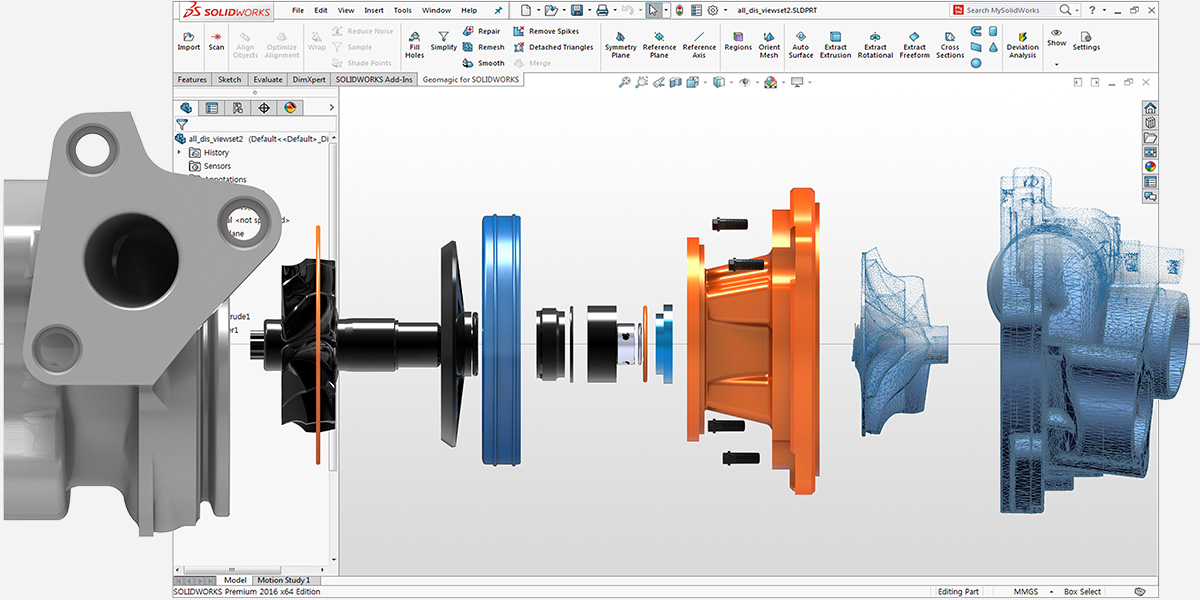
Region grouping
Smart segmentation splits the scan into planes, cylinders, cones and freeform areas. The feature wizards then know what they are looking at, so you are not picking triangles by hand.
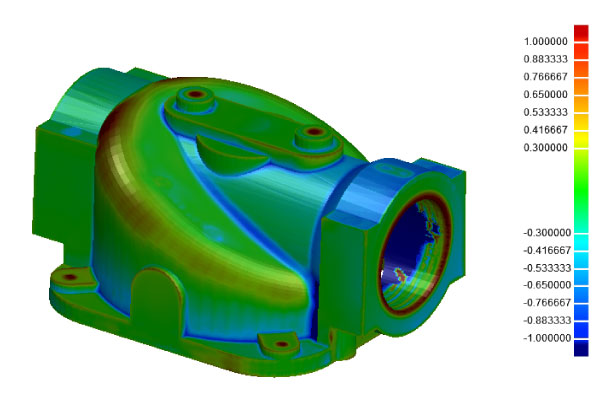
Deviation analysis as you model
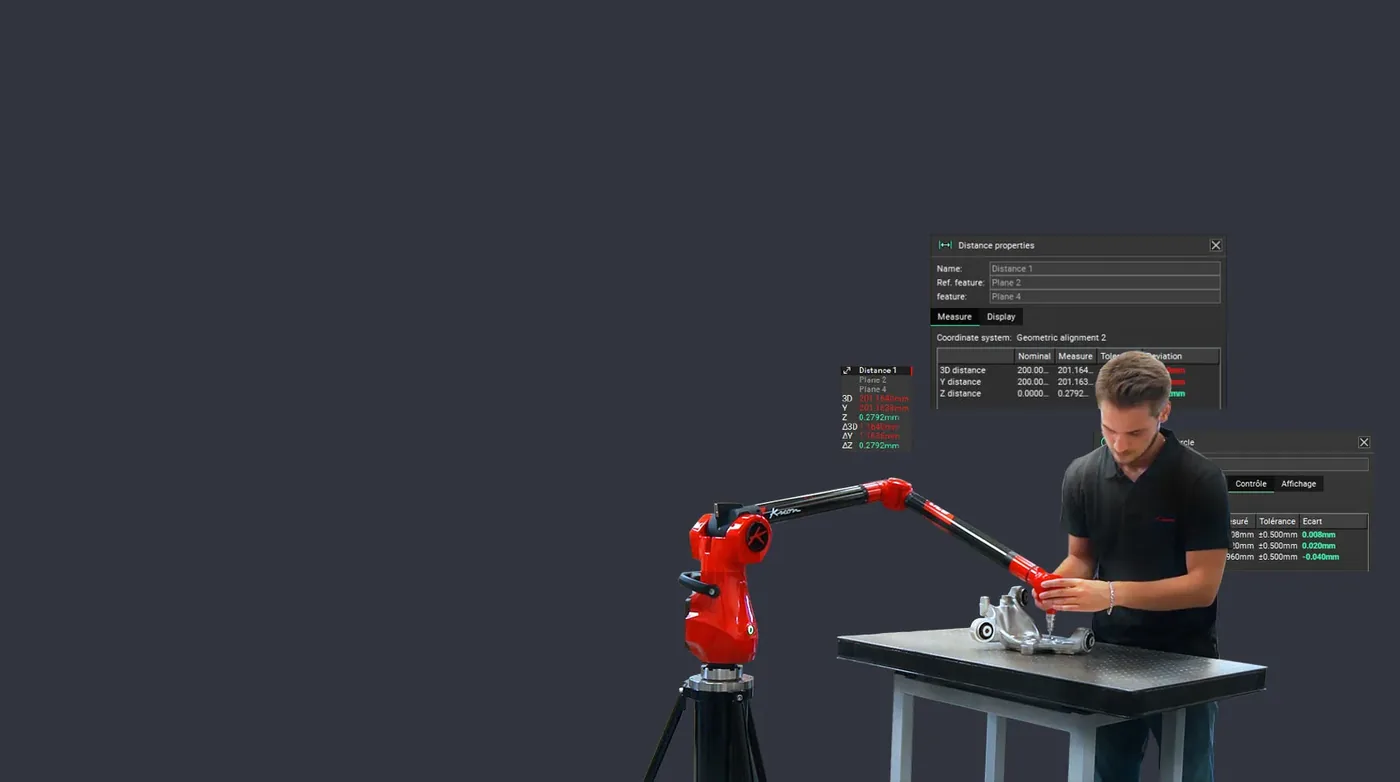
Every wizard has a deviation check built in, comparing the CAD body with the mesh as you build it. You know a feature is right before you move on.
Point cloud and mesh processing
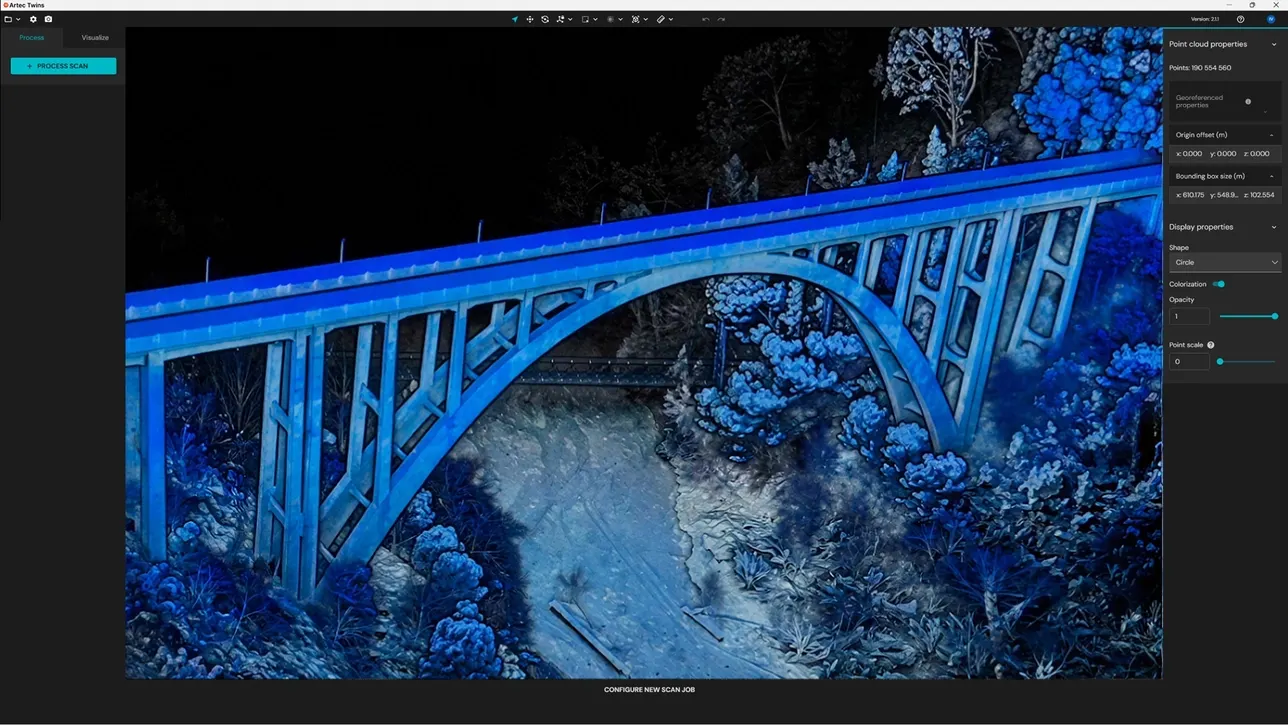
Build a mesh from a point cloud or merge several, then decimate, smooth, denoise and fill holes, editing several scans at once, all inside SOLIDWORKS.
Colour scans and exact surfacing
Bring in scans with vertex colour or texture, then toggle it on and off for context. For organic shapes, exact surfacing makes accurate surfaces from the scan at one button.
Align it, then build around it
Align the scan to the SOLIDWORKS coordinate system with picked points or features, then design new parts around scanned components in a full assembly.
- Imports STL, PLY, OBJ, ASC, PTX and more
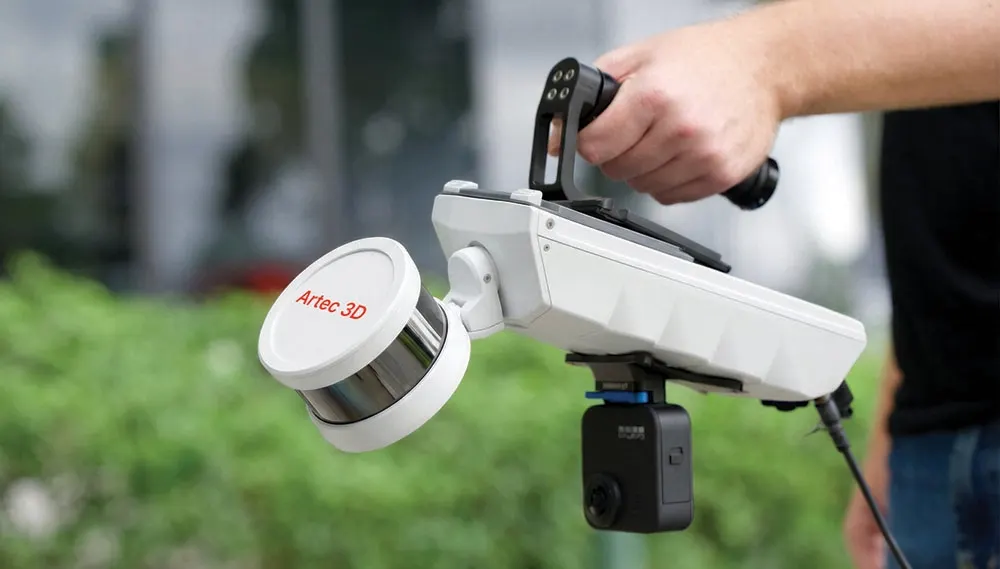
- Scan directly from popular industrial scanners or arms
Why buy it from us
Bought in the UK
Licensed, invoiced and supported by 3D Scanworx in Whitchurch, in sterling, with nobody to chase overseas.
Trained in the UK
Courses at our Whitchurch training room or on your site, run by the engineers who use the software on paying jobs.
Supported in the UK
Installation, licence moves and the questions that come up on a Tuesday afternoon, answered by phone or email.
Design X or this
Choose Geomagic for SOLIDWORKS
This pageWhen the destination is always SOLIDWORKS anyway and you value zero context switching over extra headroom.
- Scan, process and model against the data in SOLIDWORKS
- Deviation analysis live as you model
- Works on data from Artec scanners and Kreon arms alike
Choose Geomagic Design X
Buy onlineWhen you need the deeper tool: the full reverse engineering environment with the most capable feature extraction, sending live to four CAD systems.
- Go, Plus and Professional editions
- LiveTransfer to SOLIDWORKS, Creo, NX and Inventor
- Two and three-day courses from £2,000
Before you buy
You need SOLIDWORKS
Geomagic for SOLIDWORKS is an add-in. It runs inside a SOLIDWORKS licence you already hold.
Minimum PC
64-bit Windows, a 2 GHz Intel or AMD processor, 8 GB RAM, 30 GB free disk and an Nvidia Quadro graphics card. Ask us for the full list for the current release.
Twelve languages
English, Chinese, Japanese, Korean, German, Italian, Portuguese, Spanish, Polish, Turkish, French and Czech.
Reads data from every scanner we sell
Artec handhelds, Kreon arms and the V-Track.
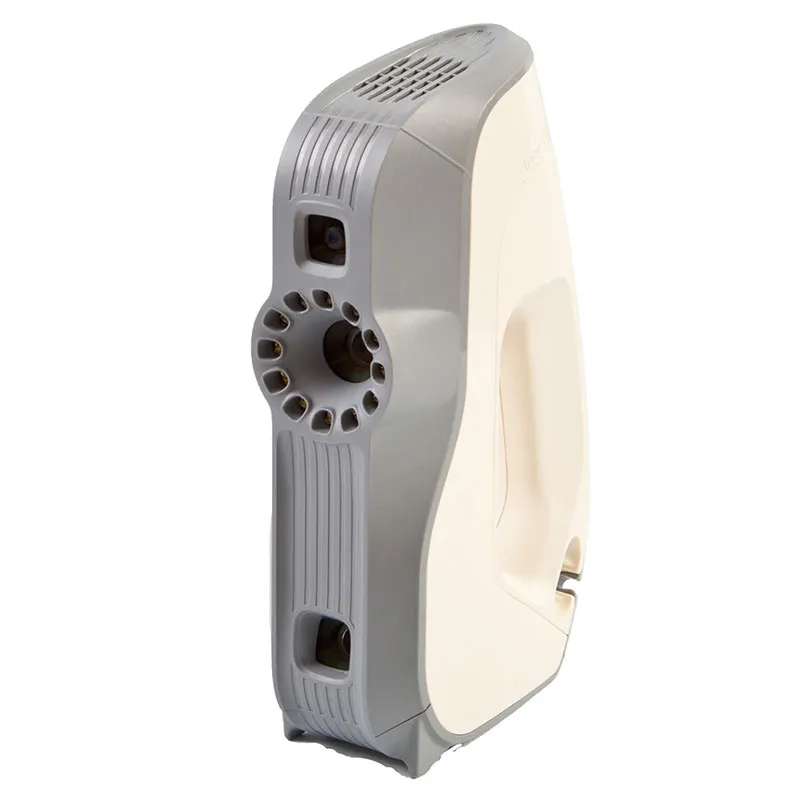
- Artec EvaArtec Eva structured-light handheld 3d scanner, for quick and accurate models of medium sized objects in full colour. It is ideal for scanning objects such as human busts, alloy wheels and motorcycle exhaust systems. Eva is Artec's most popular 3d scanner largely becuase is light, fast and extremely versatile. The structured light system is safe to use and an excellent choice as an all-round scanner for capturing objects of any kind, including those with black and shiny surfaces.View machine →
- Artec LeoWireless professional handheld 3D scanner with on-board processing and touchscreen — capture full-colour scans with no laptop or cables. The scanner most of our customers end up buying.View machine →
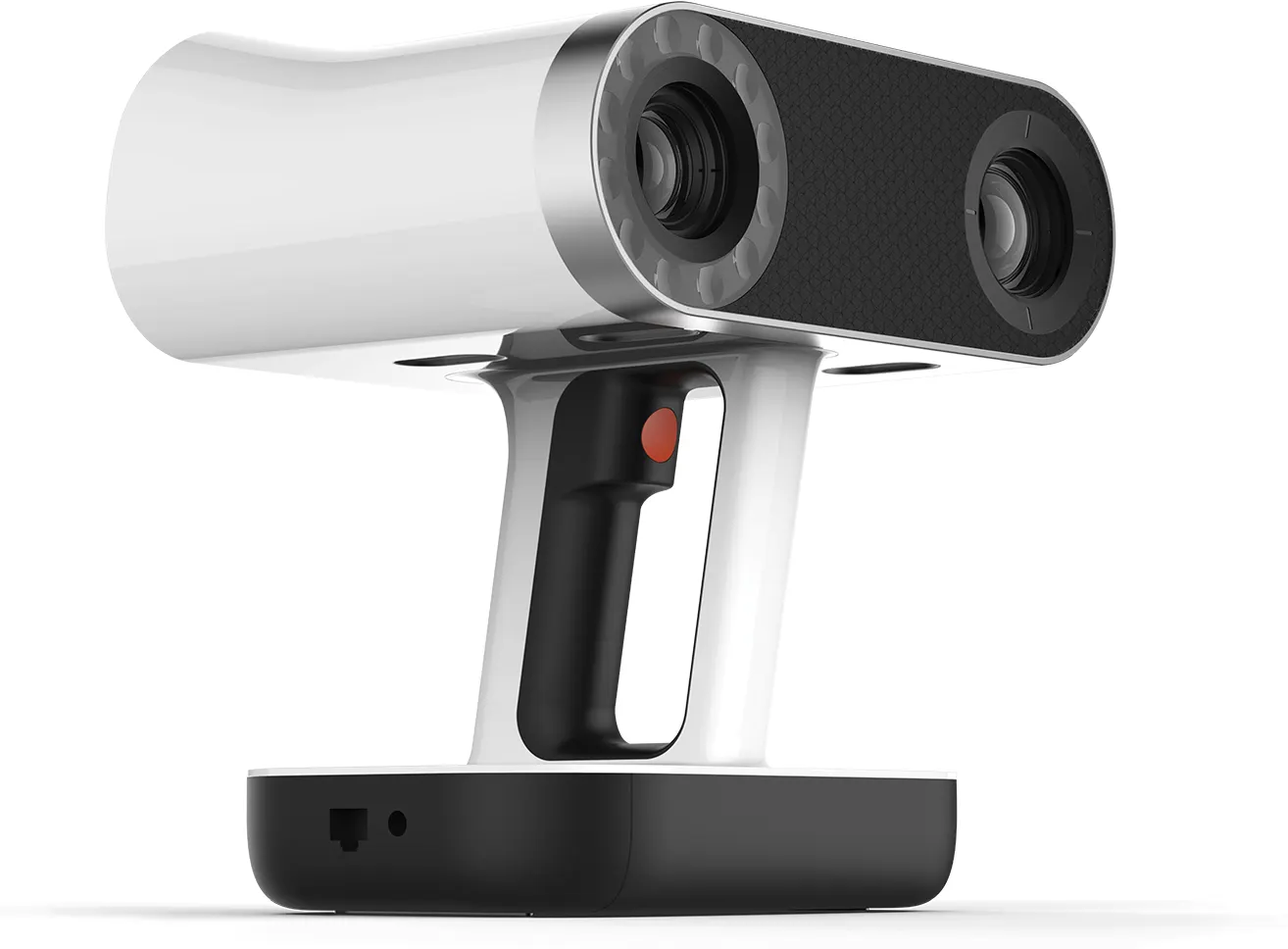
- Artec Spider IIHigh-resolution handheld scanner for small, intricate parts — sharp edges, thin walls and fine detail, in full colour.View machine →
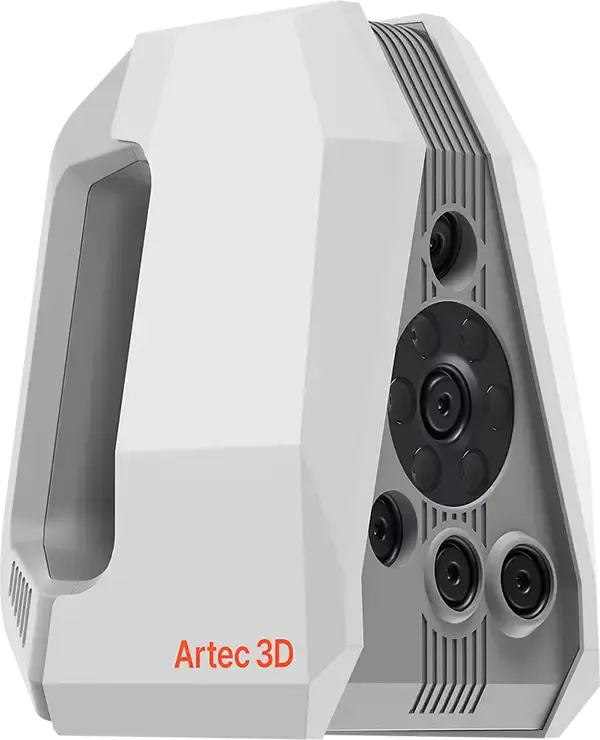
- Artec Point IIMetrology-grade handheld laser scanner using retro-reflective targets for the highest accuracy — inspection, quality control and precision reverse engineering. Launched August 2026; UK pricing on application.View machine →
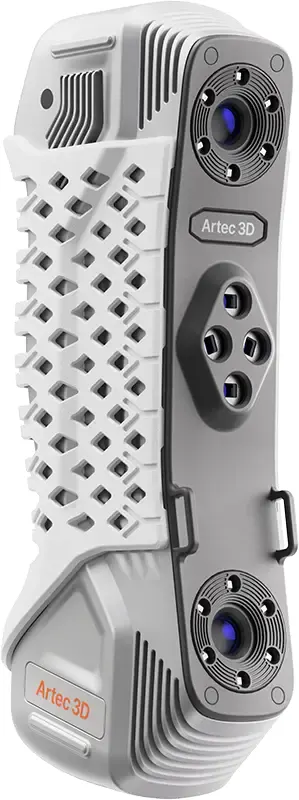
- Artec Micro IIAutomated desktop 3D scanner for very small objects — jewellery, dental, electronics — with micron-level accuracy and one-click capture.View machine →
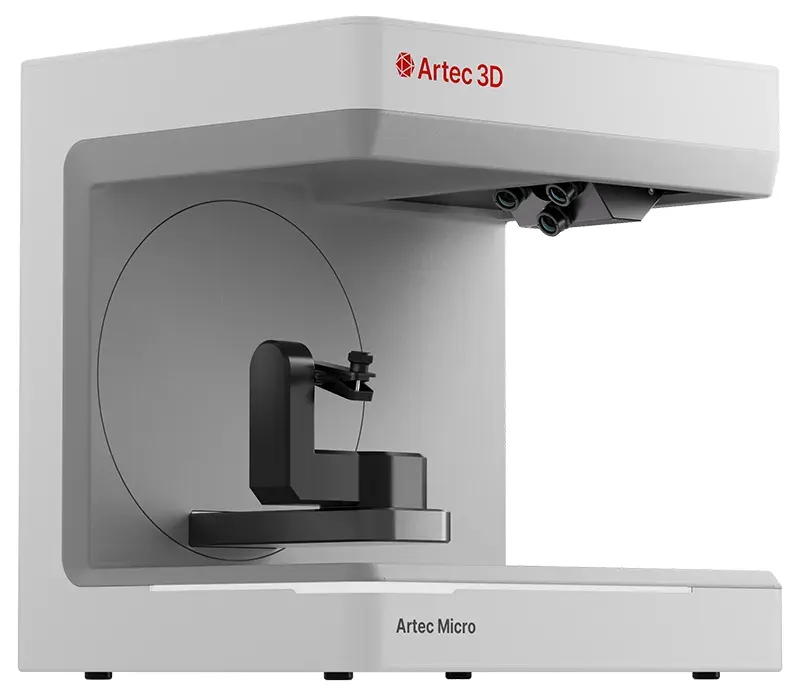
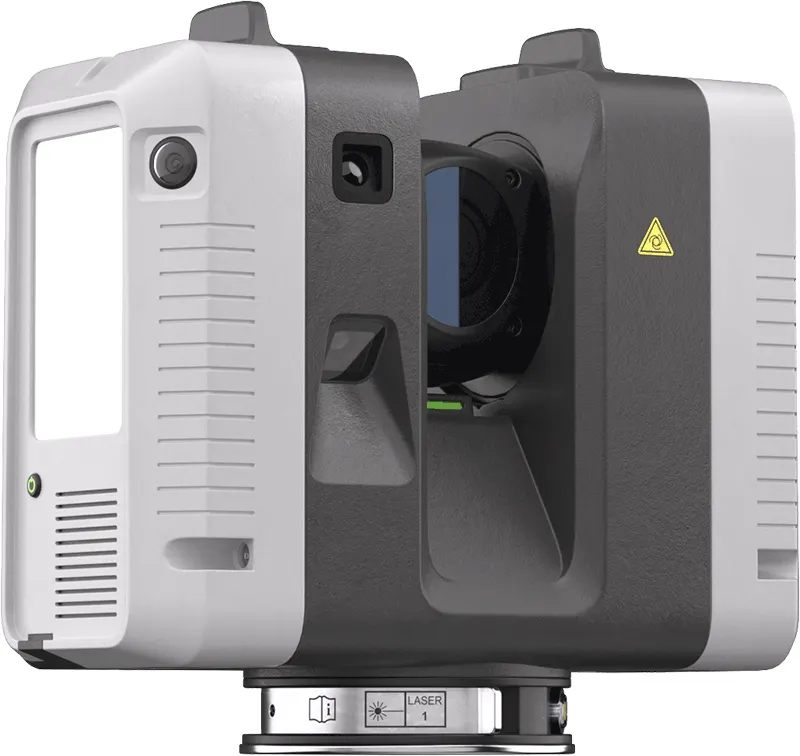
- Artec Ray IILong-range terrestrial LiDAR scanner for buildings, plant rooms, vehicles and large objects — survey-grade point clouds captured from a tripod.View machine →
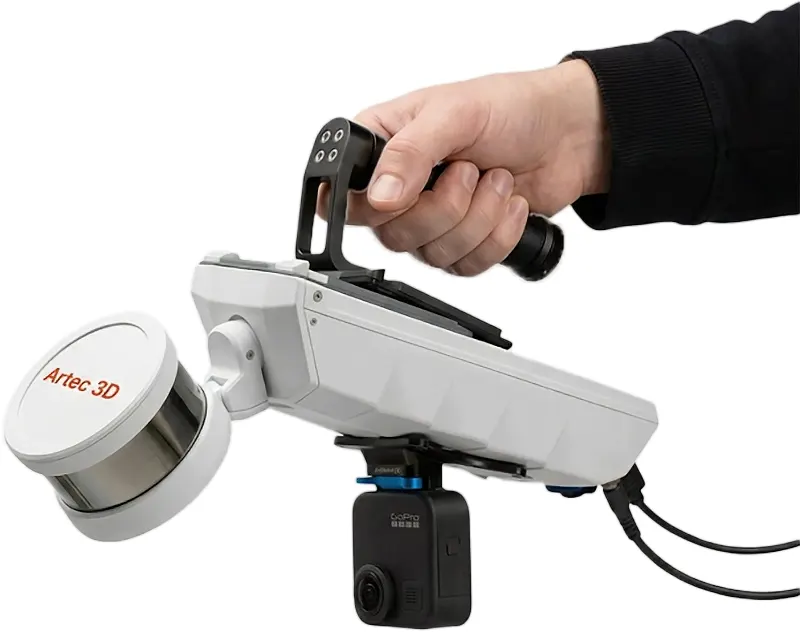
- Artec JetMobile SLAM LiDAR for site and infrastructure capture — walk, drive or fly it through a space and map as you move. Hardware-only price from £33,480 ex VAT, subject to confirmation.View machine →
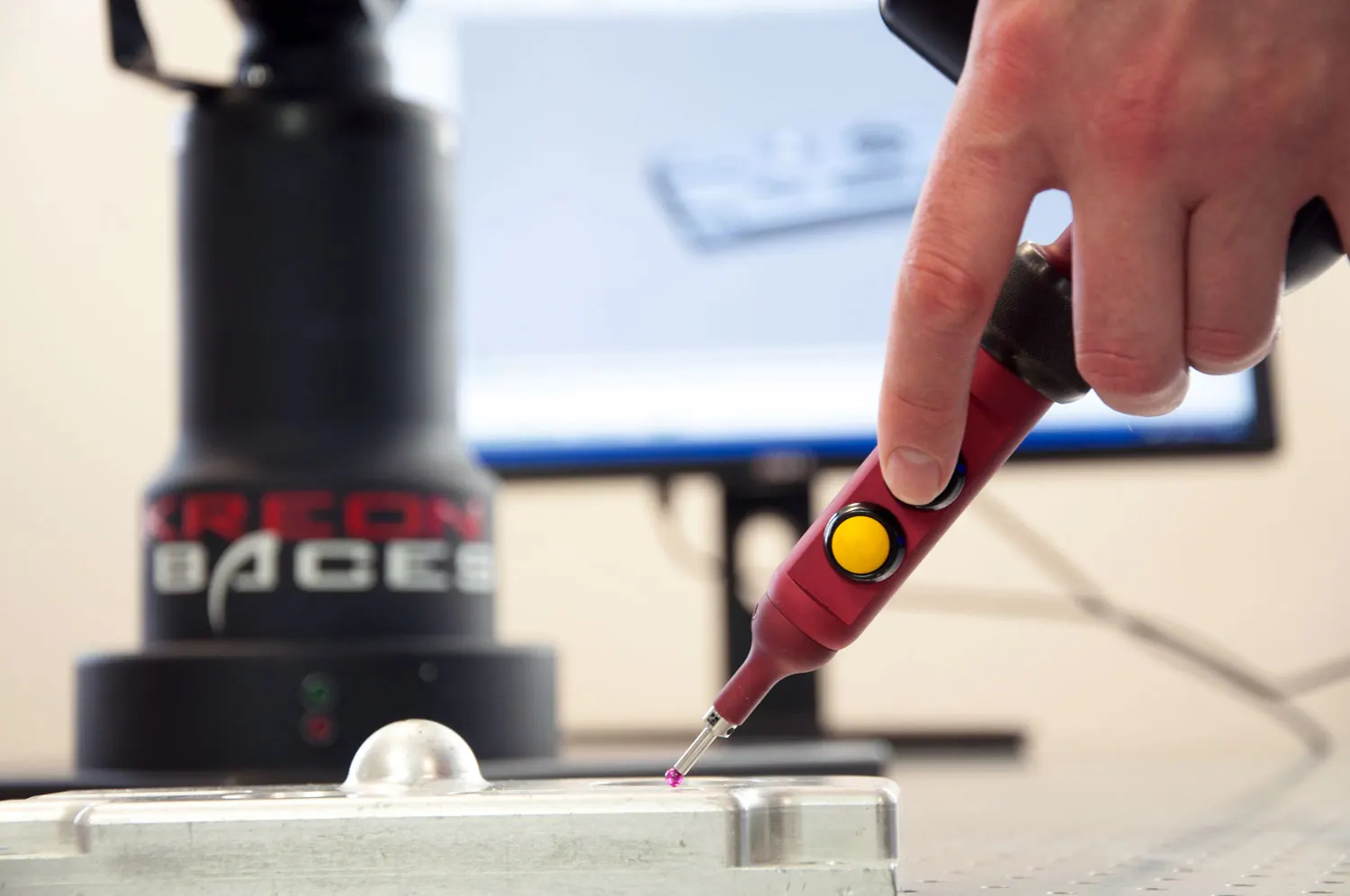
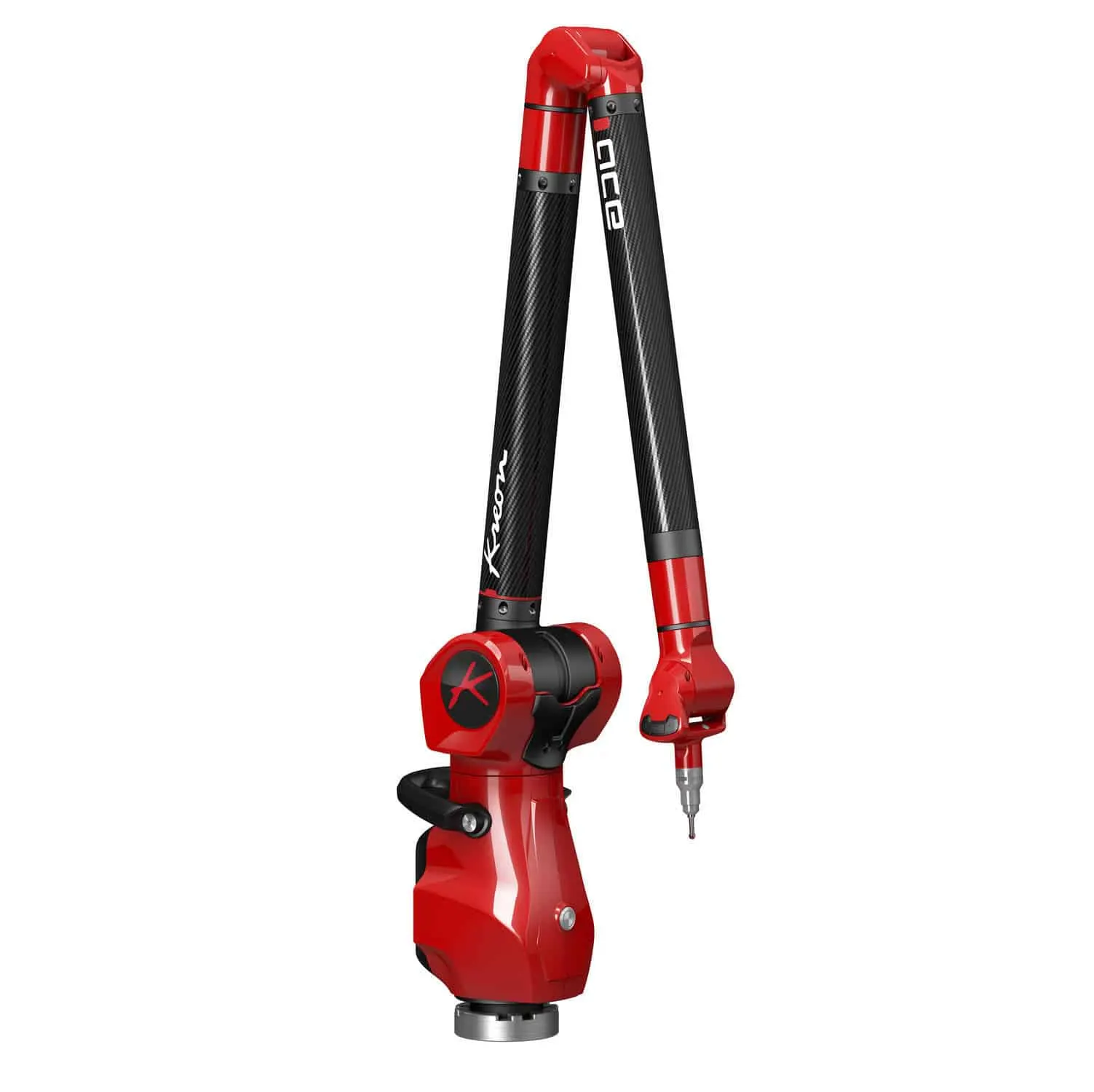
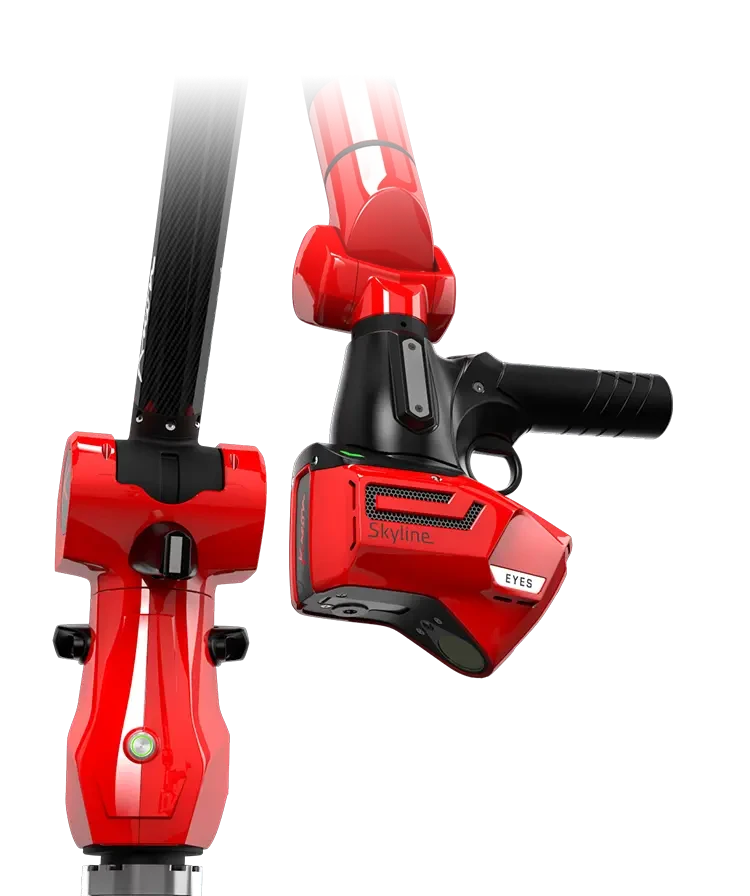
- Kreon Ace SkylineKreon Ace measuring arm bundled with the Skyline laser scanner — portable touch-probe measurement as standard, high-accuracy 3D scanning on the same arm.View machine →
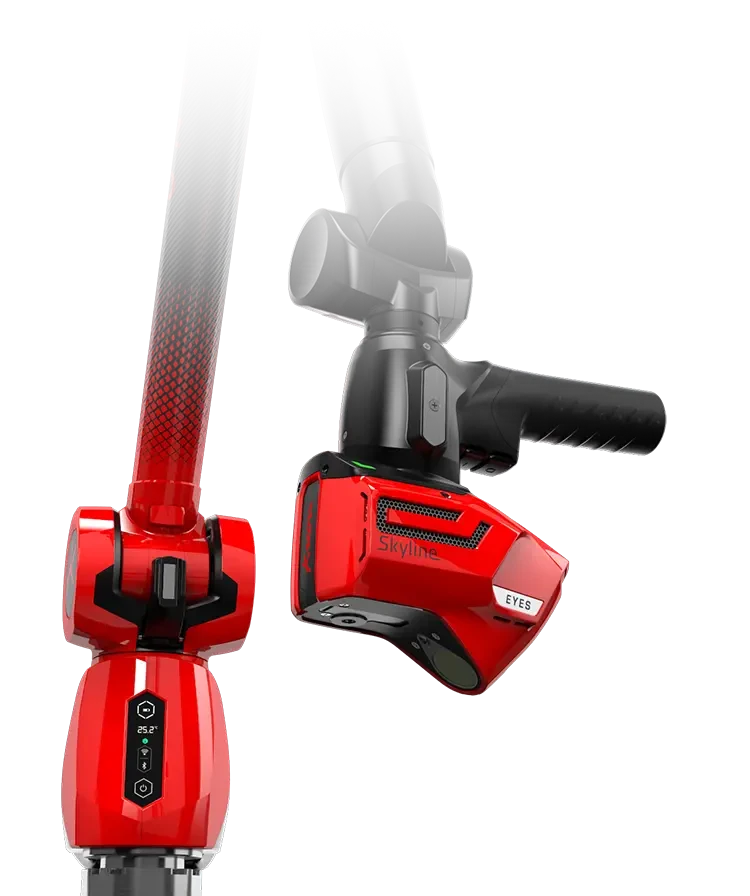
- Kreon Onyx SkylineKreon’s premium Onyx measuring arm with the Skyline laser scanner — the highest-accuracy portable arm-and-scanner combination in the range, with system accuracy from 0.038 mm.View machine →
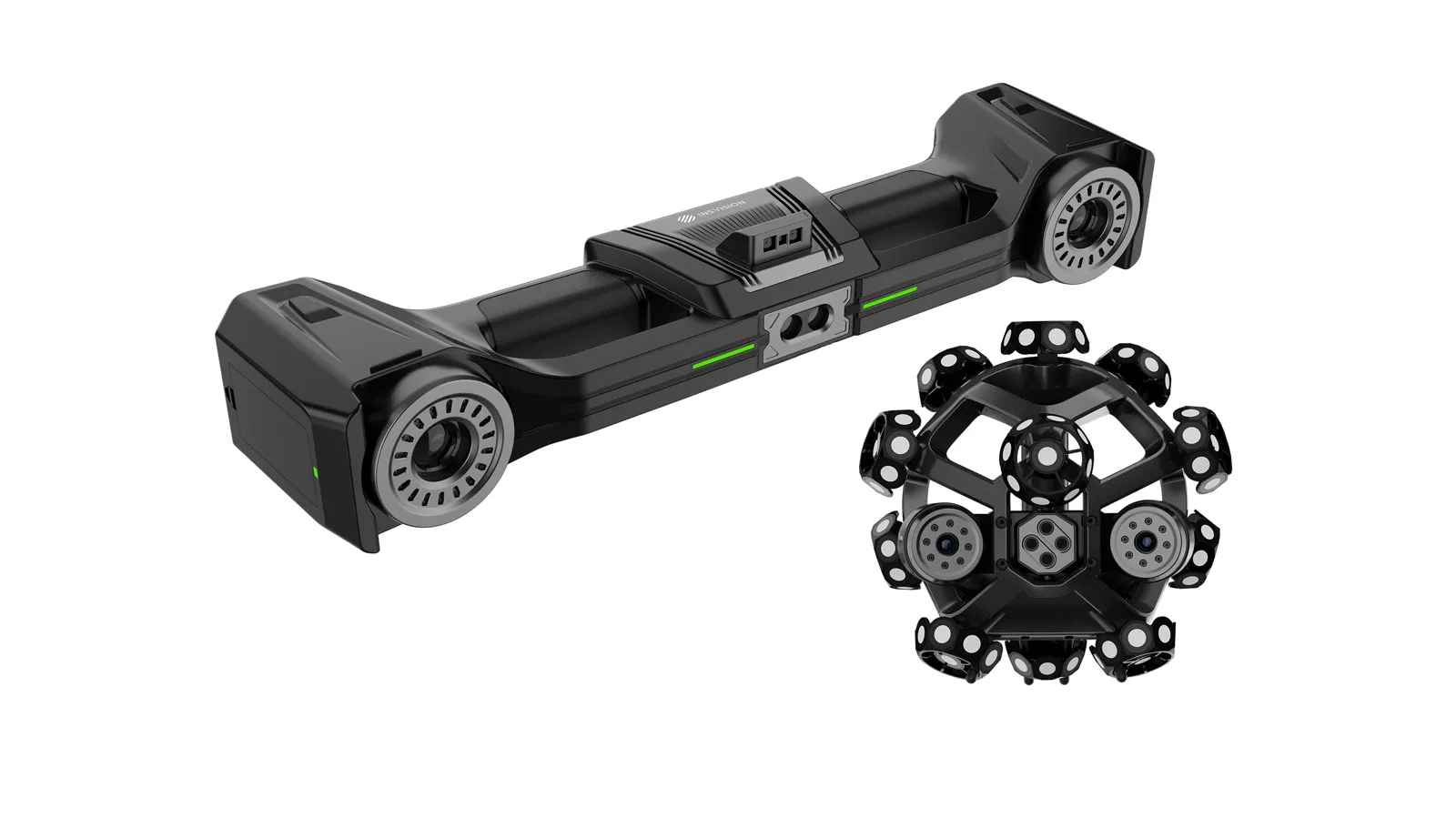
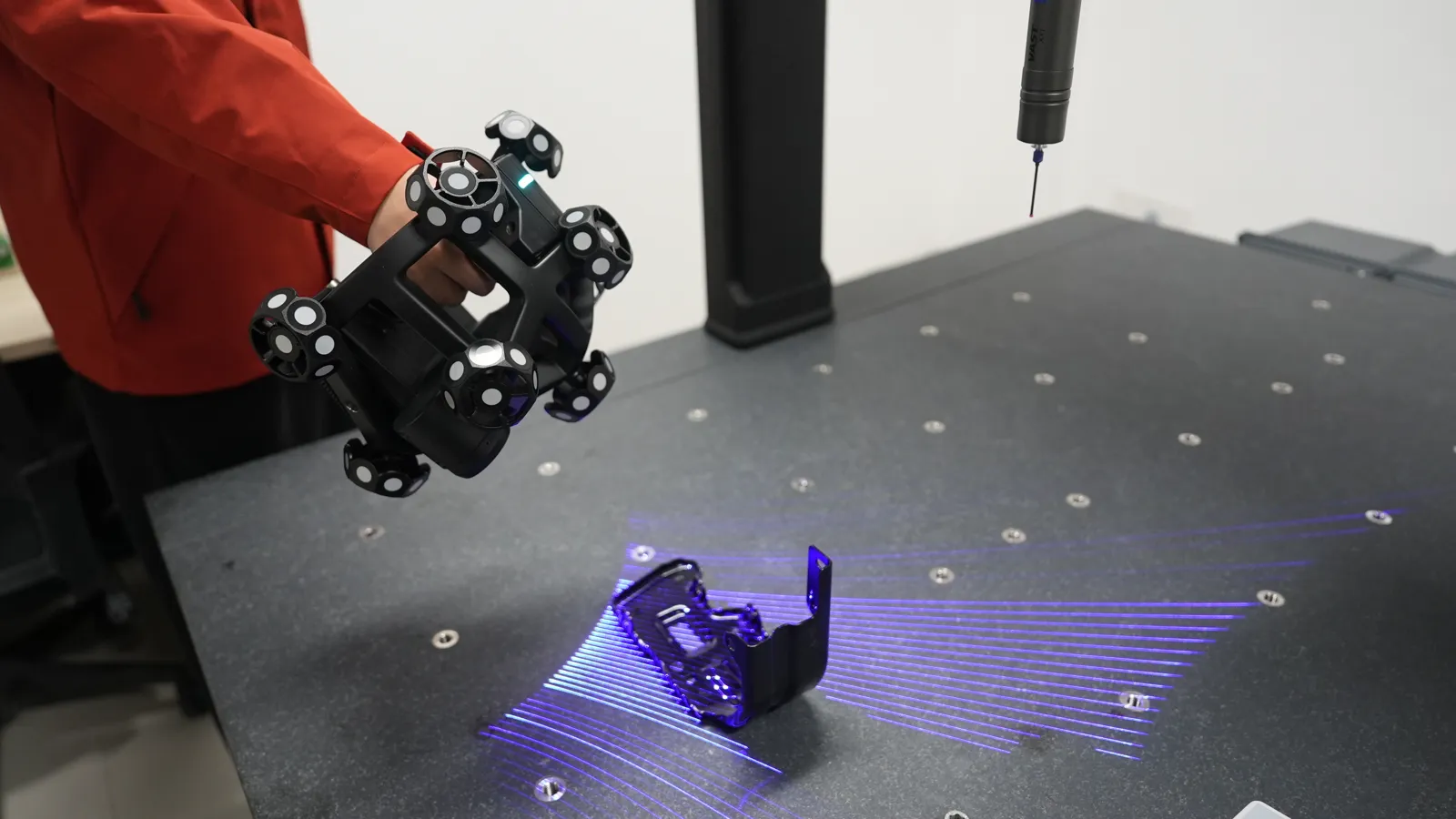
- INSVISION V-TrackINSVISION's optically tracked metrology scanner — the tracker follows the handheld scanner in space, so you get accuracy up to 0.020 mm with no sticky targets on the part and no cables. Ideal where surfaces must not be touched, such as automotive clay models.View machine →