.svg)
Reverse engineering · redesign
Product redesign and modification
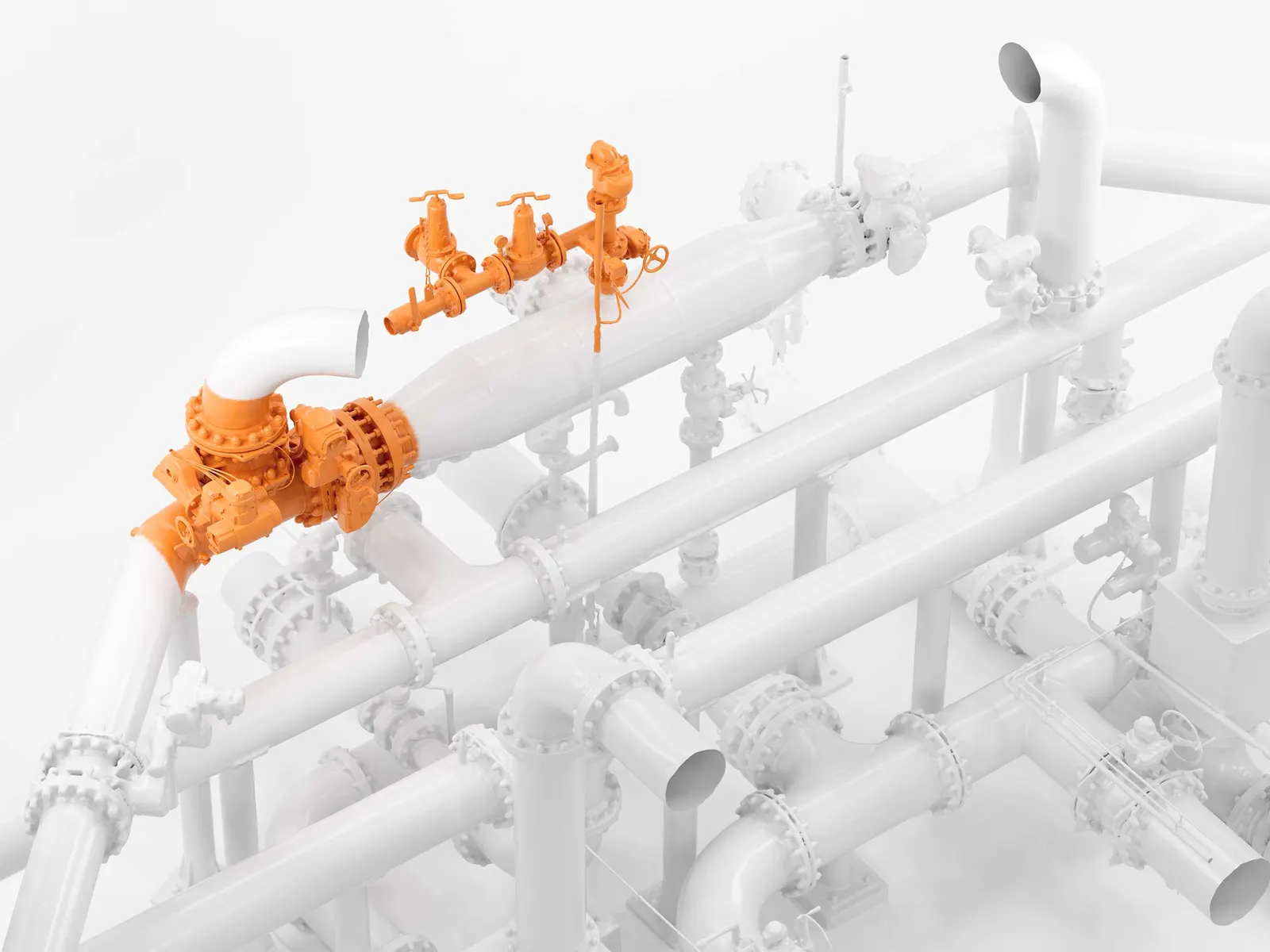
Turn the parts you already have into editable CAD, ready for the next design. We scan the real components and how they sit together, rebuild them as parametric models, and your engineers design the changes around the product as it is now.
- The product as it is now
- As built
- Editable CAD, not a dead mesh
- Parametric
- Changes designed around the assembly
- In context
Start with the parts you have
Original CAD is often missing. Where it does exist, it may no longer match the product after manufacturing changes, repairs or earlier modifications. Designing a change against the wrong geometry costs time at the fitting stage.
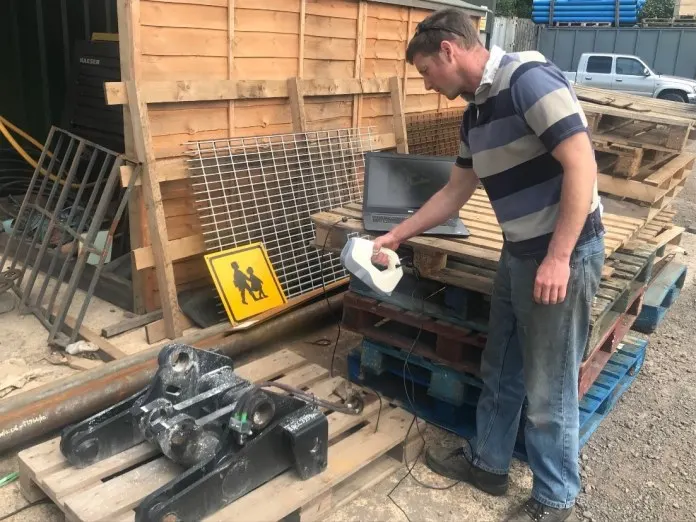
A 3D scan captures the real components and how they sit together: the space available for a new design, the interfaces it has to meet and the geometry that must stay. We scan single parts or whole assemblies, so their positions relative to each other are kept.
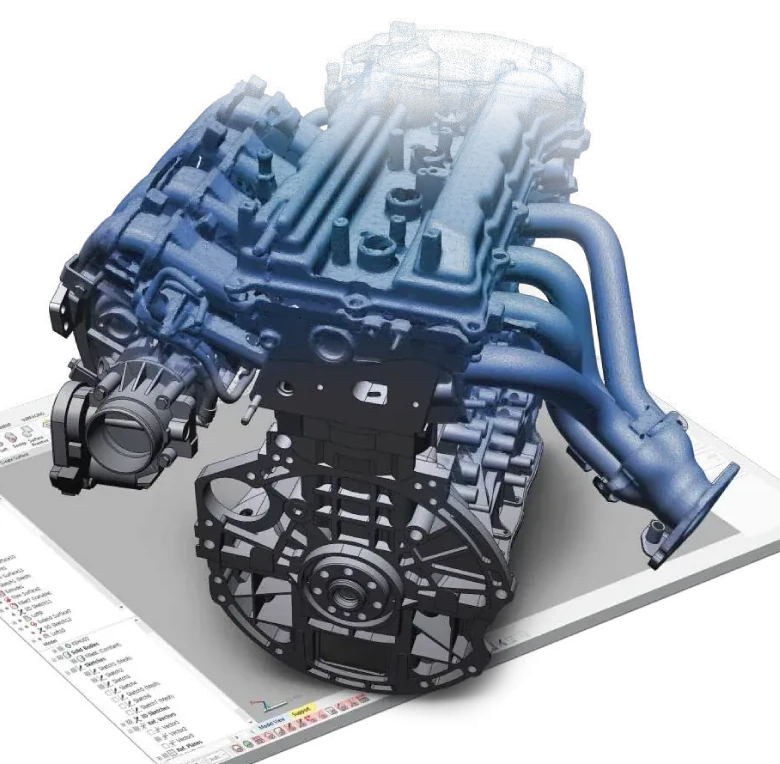
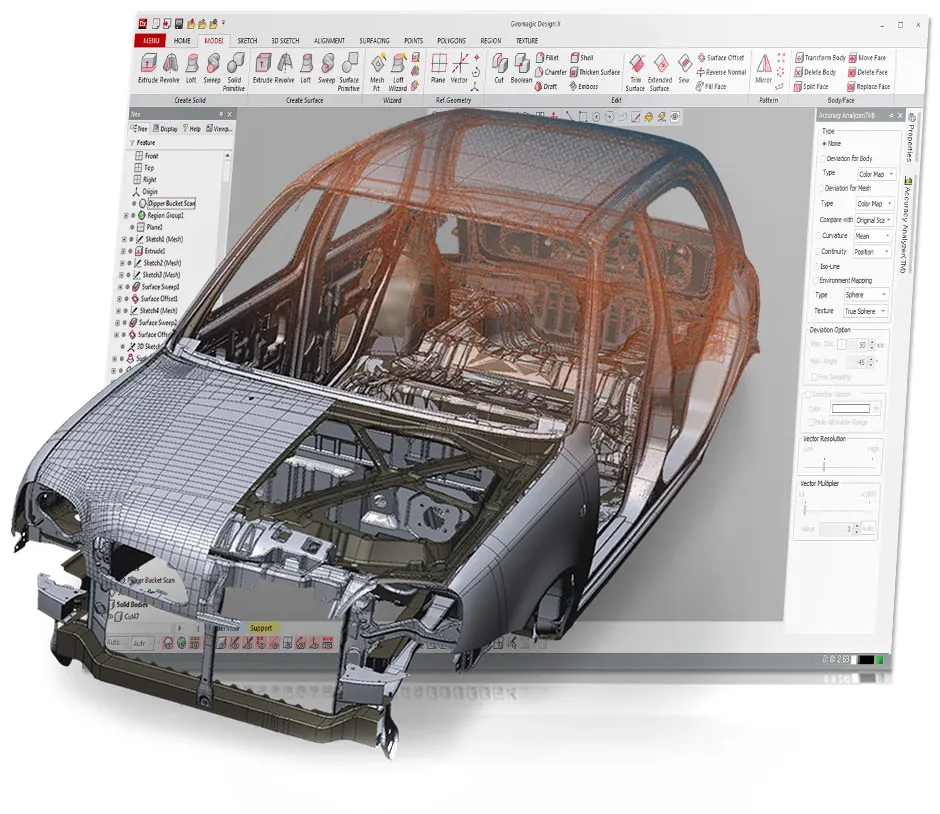
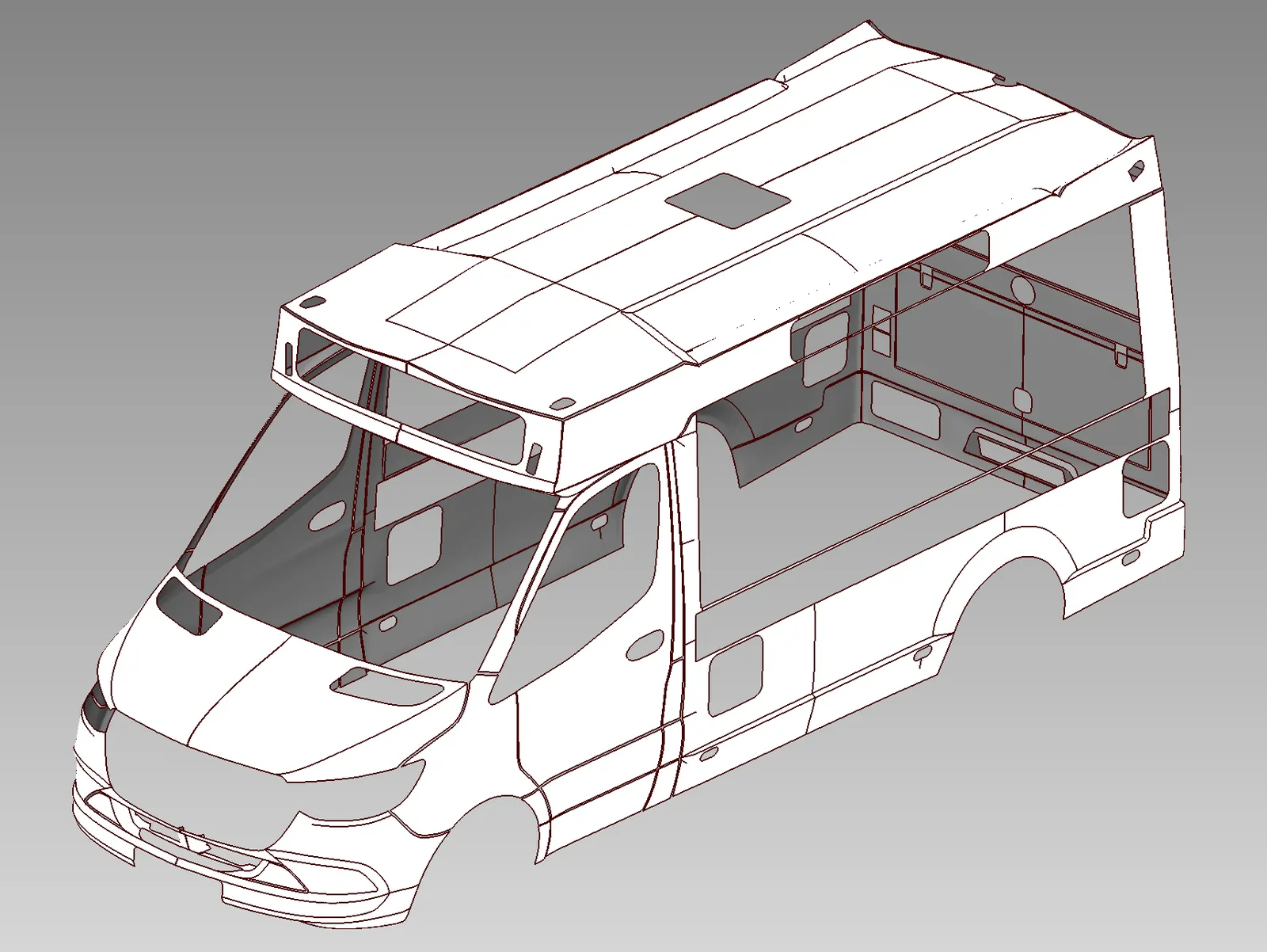
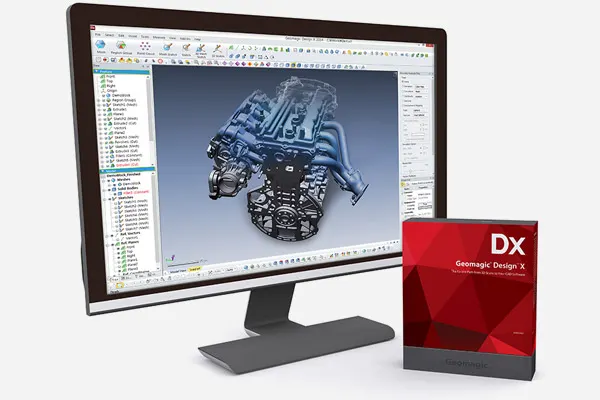
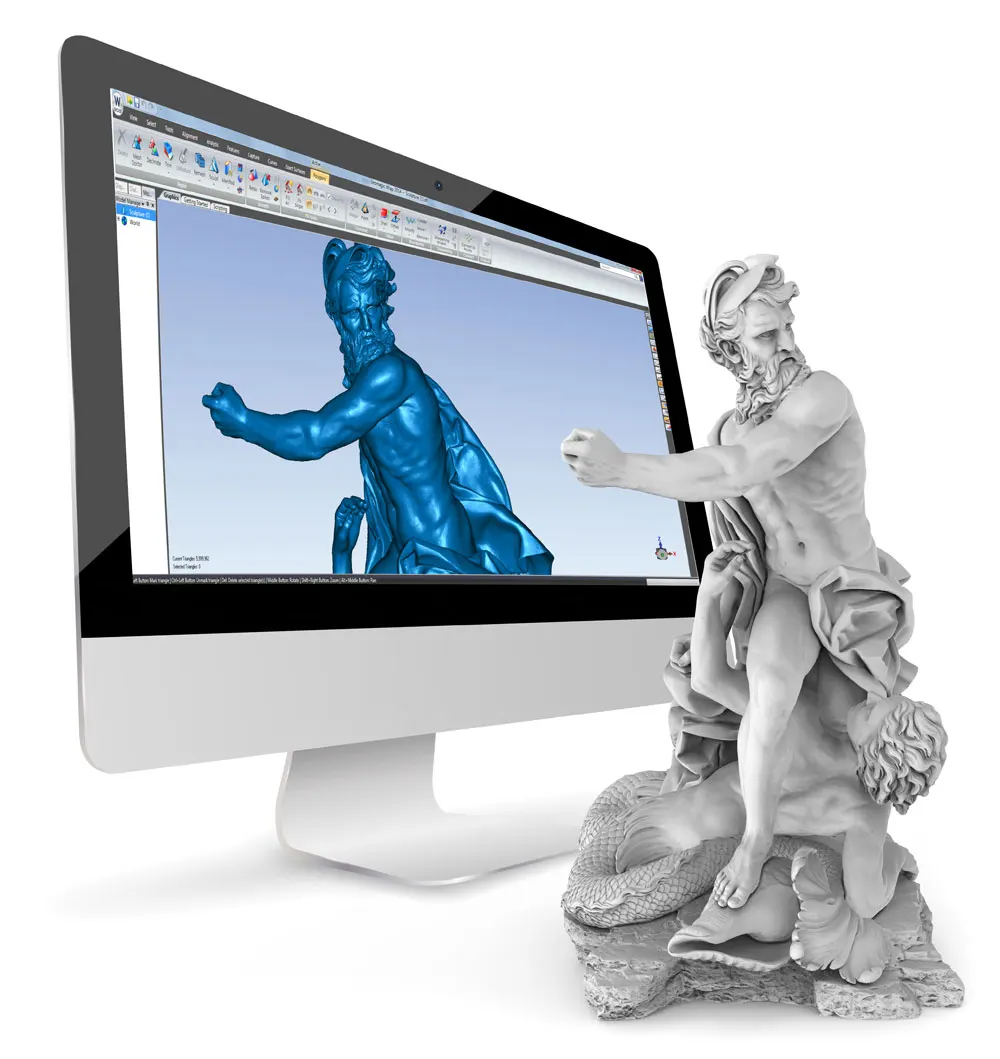
The mesh is then rebuilt as parametric solid or surface CAD, with attention on the profiles, mounting points and mating faces that matter to the change. Your team works with defined features and dimensions, using the existing product as the starting point.
How a job runs
 01
01Agree the scope
We start from the changes you want to make: which parts, which features matter and how the CAD will be used. That decides what gets scanned and how it is modelled.
 02
02Scan the detail
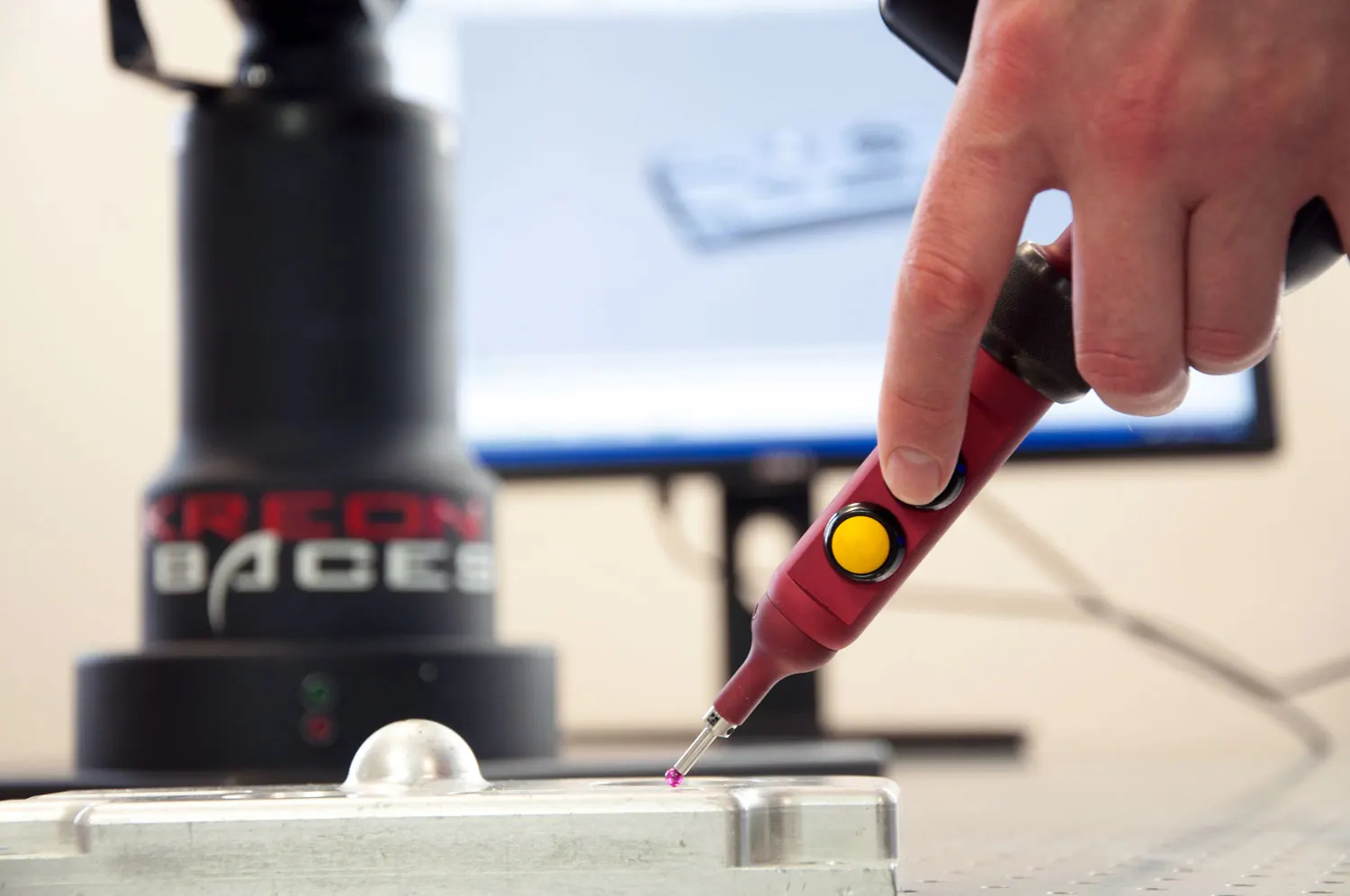
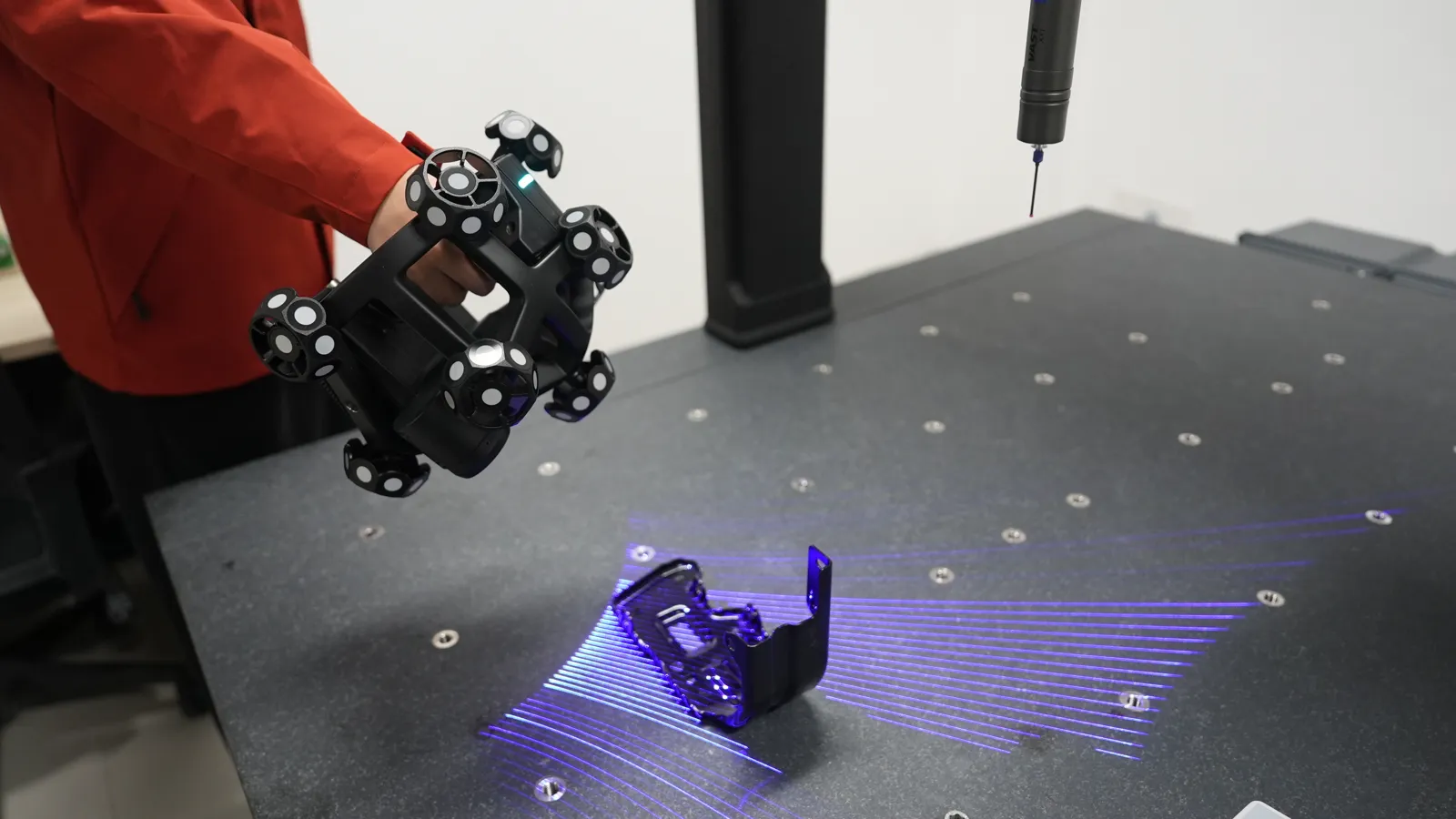
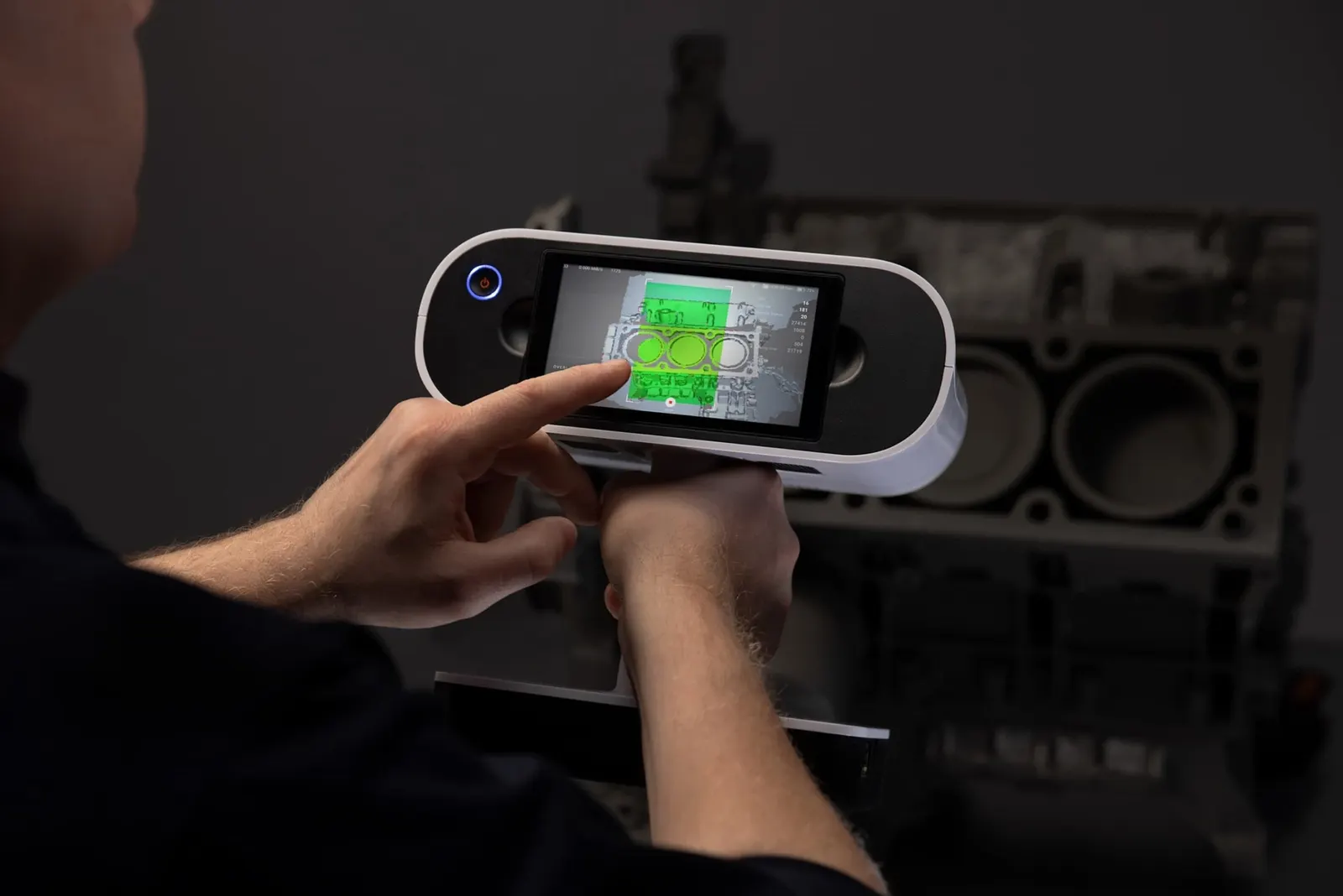
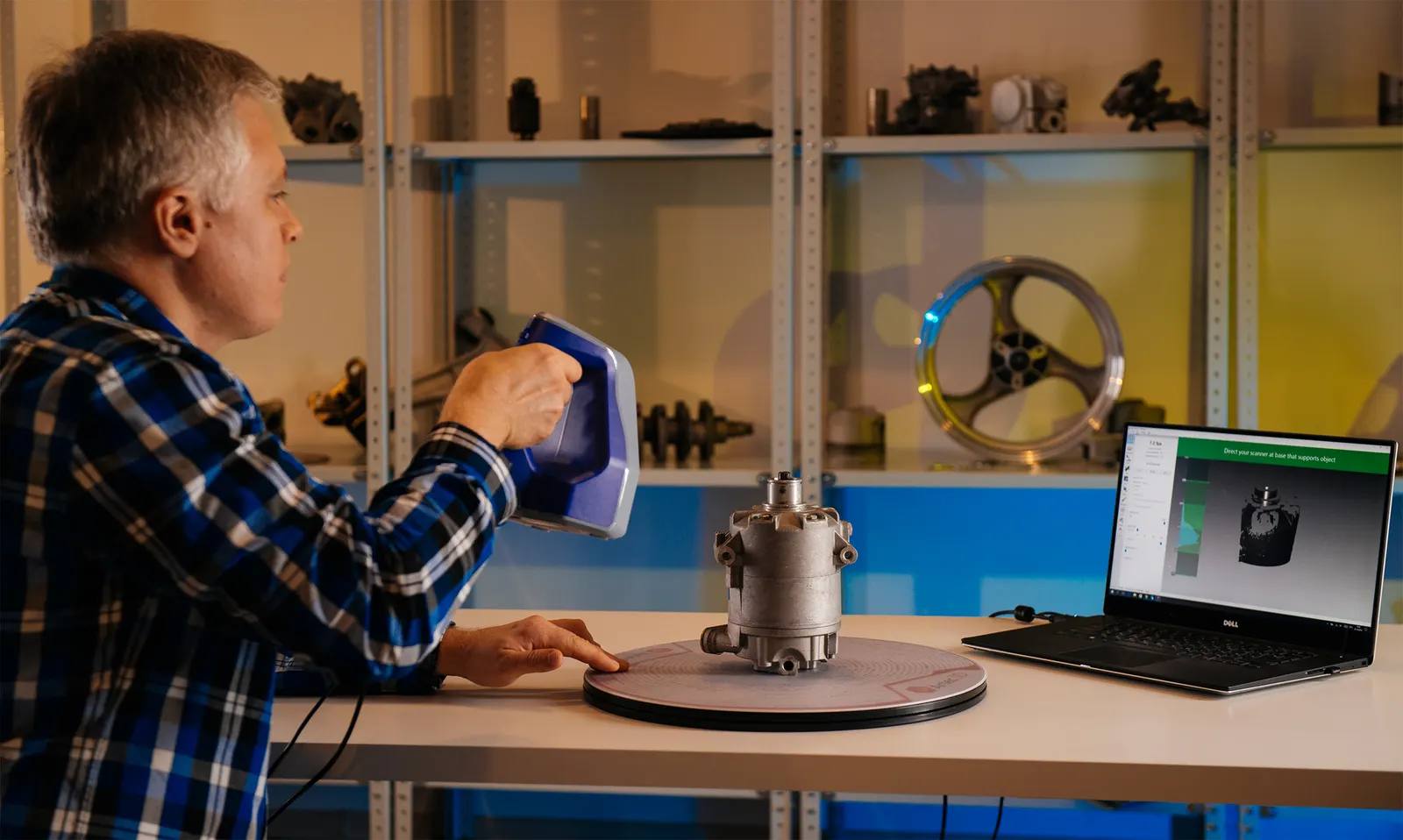
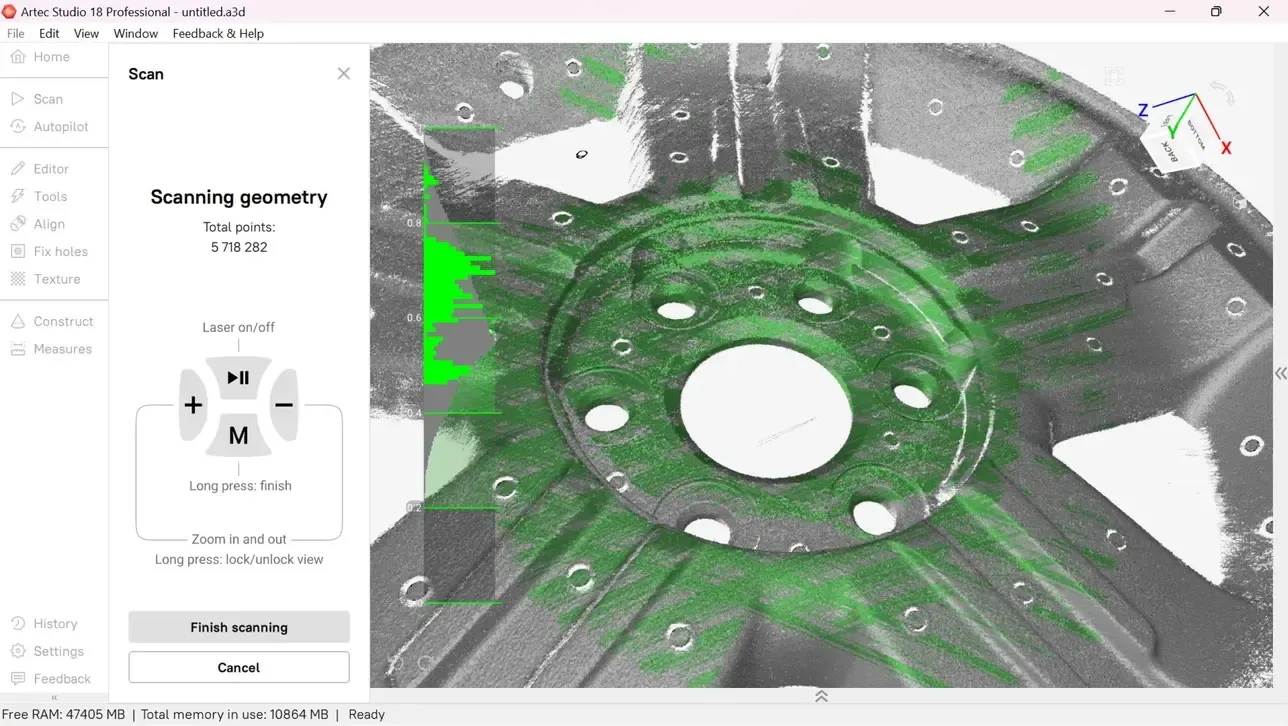
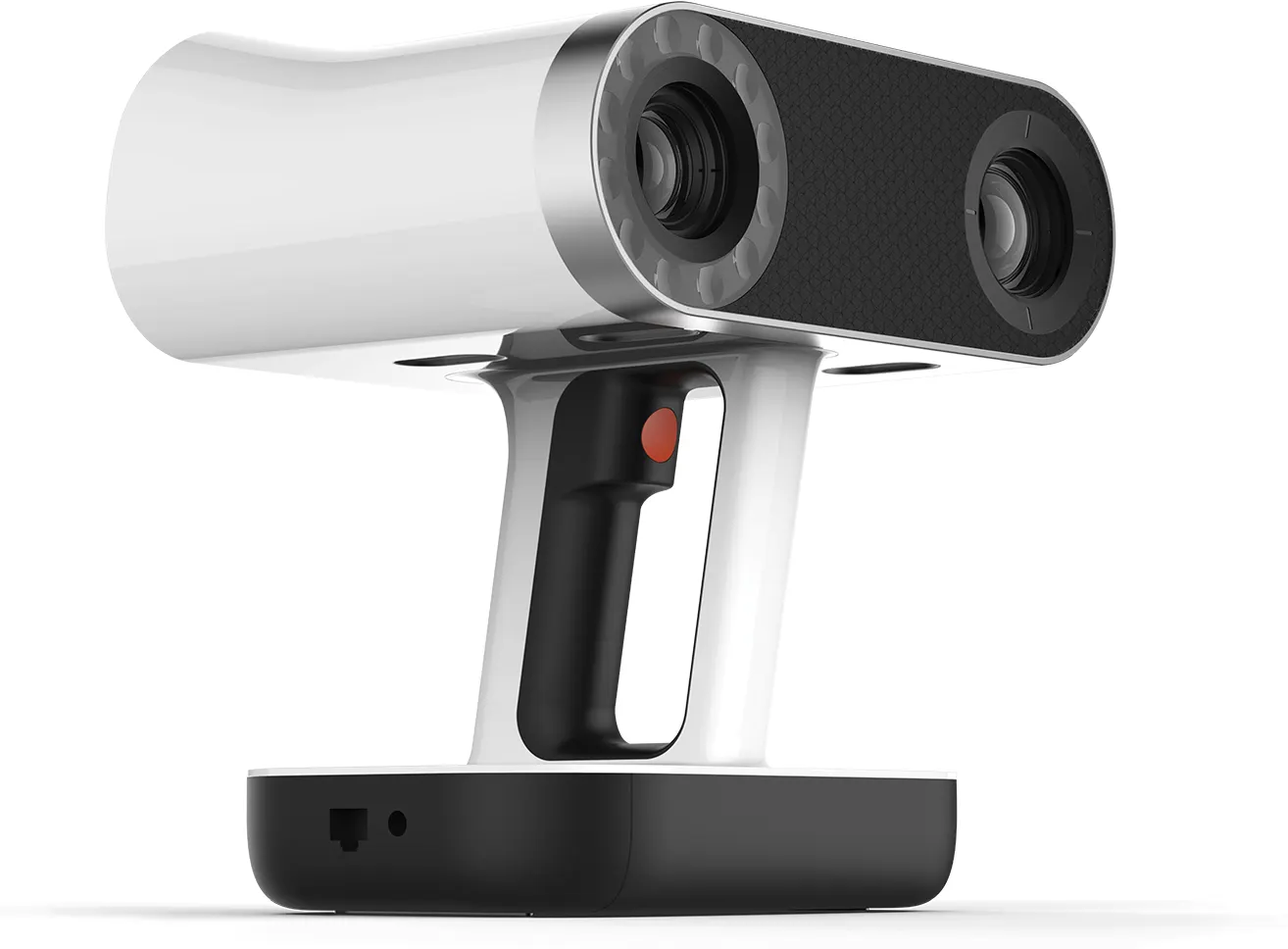
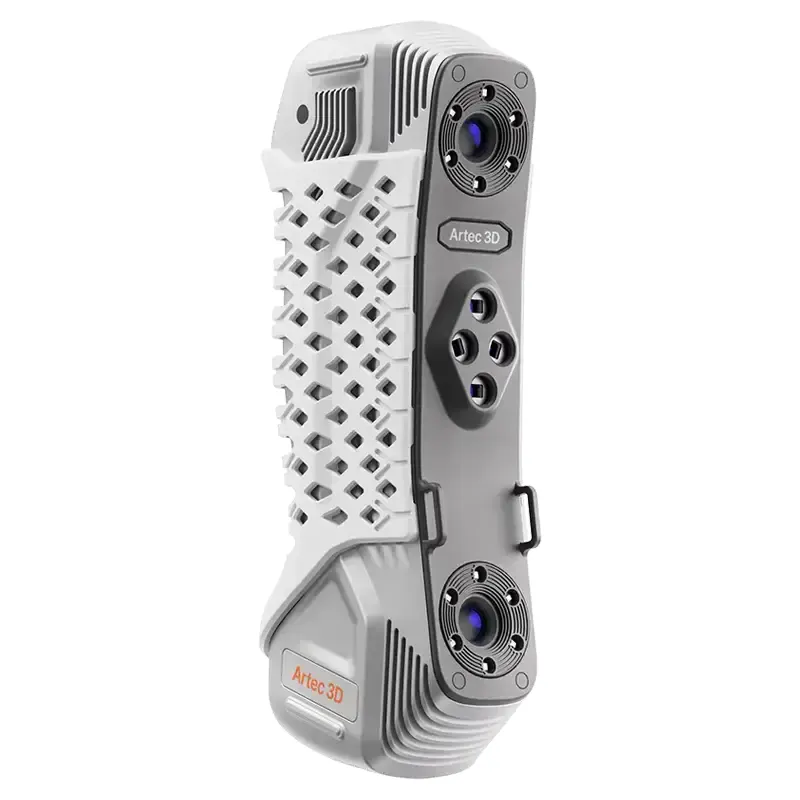
Fine features and tight areas are captured with the Artec Point II, a metrology-grade laser scanner.
 03
03Scan the large surfaces
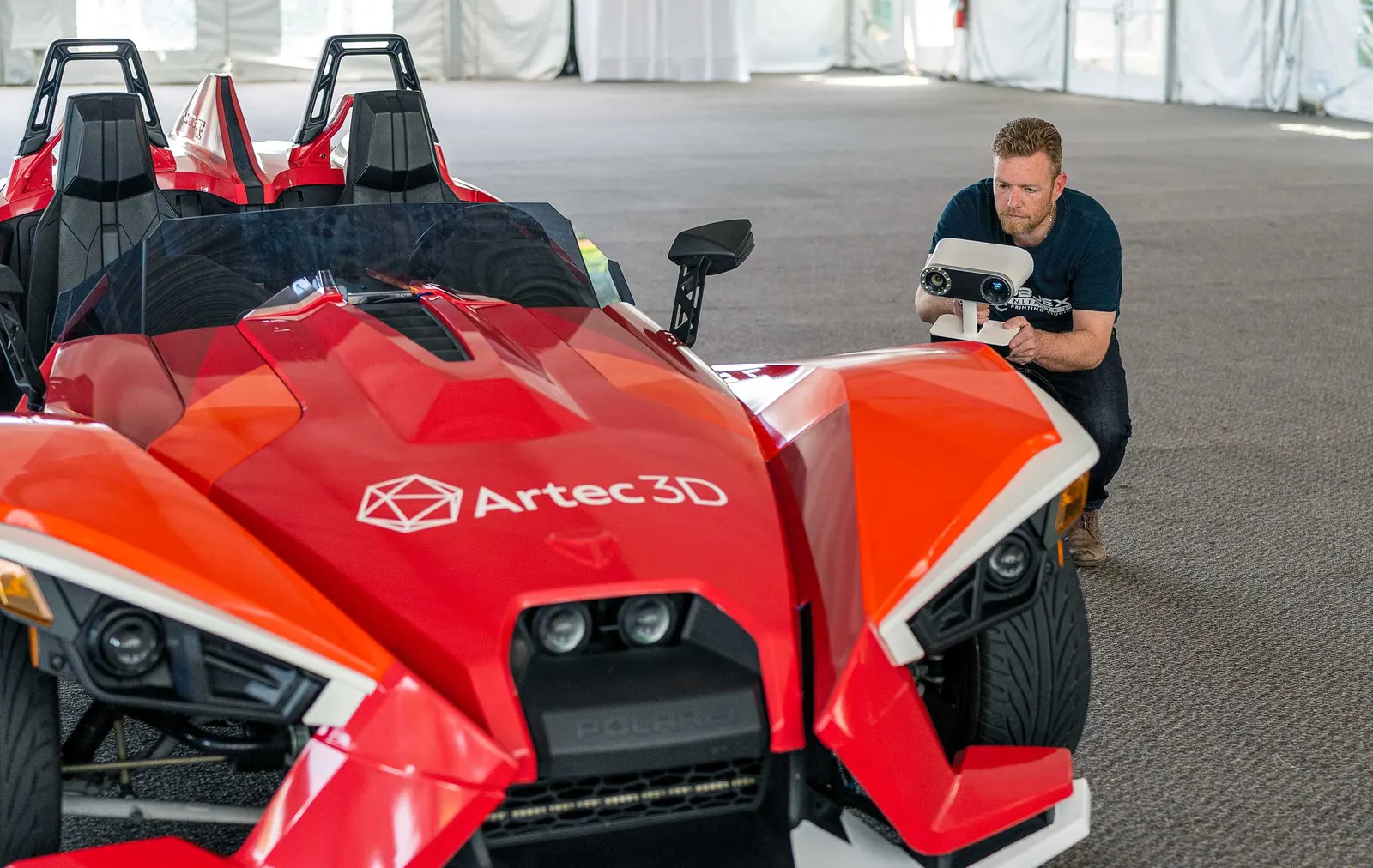
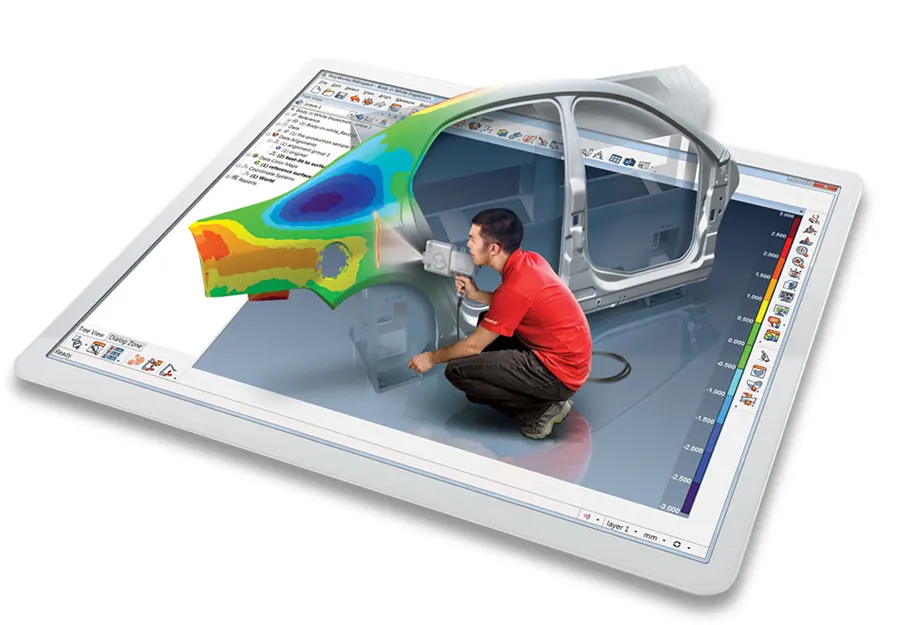
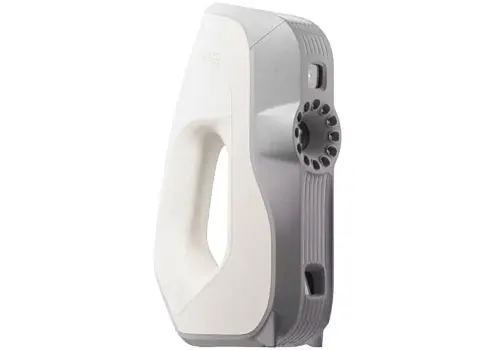
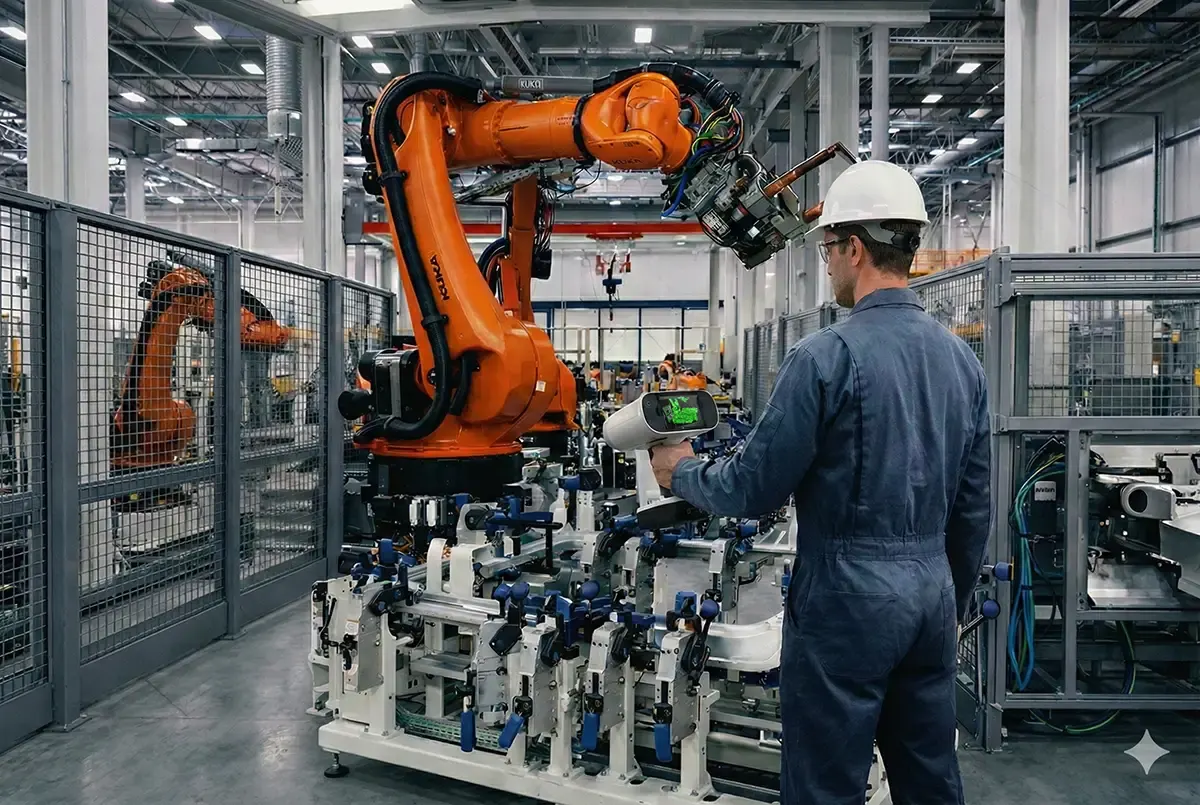
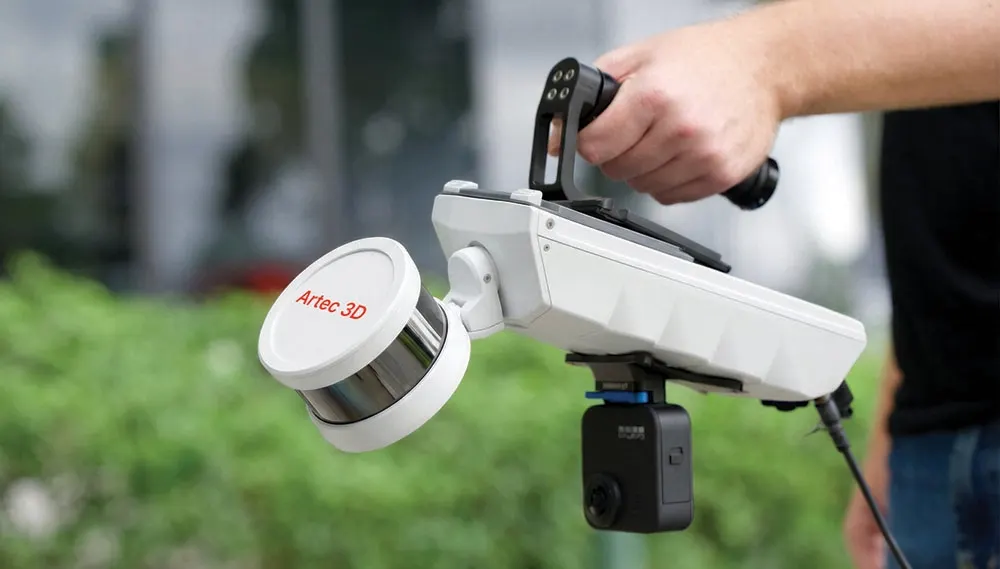
Panels and bodywork are captured with the Artec Leo, a wireless handheld scanner that records colour as well as shape.
 04
04Scan in place, then model
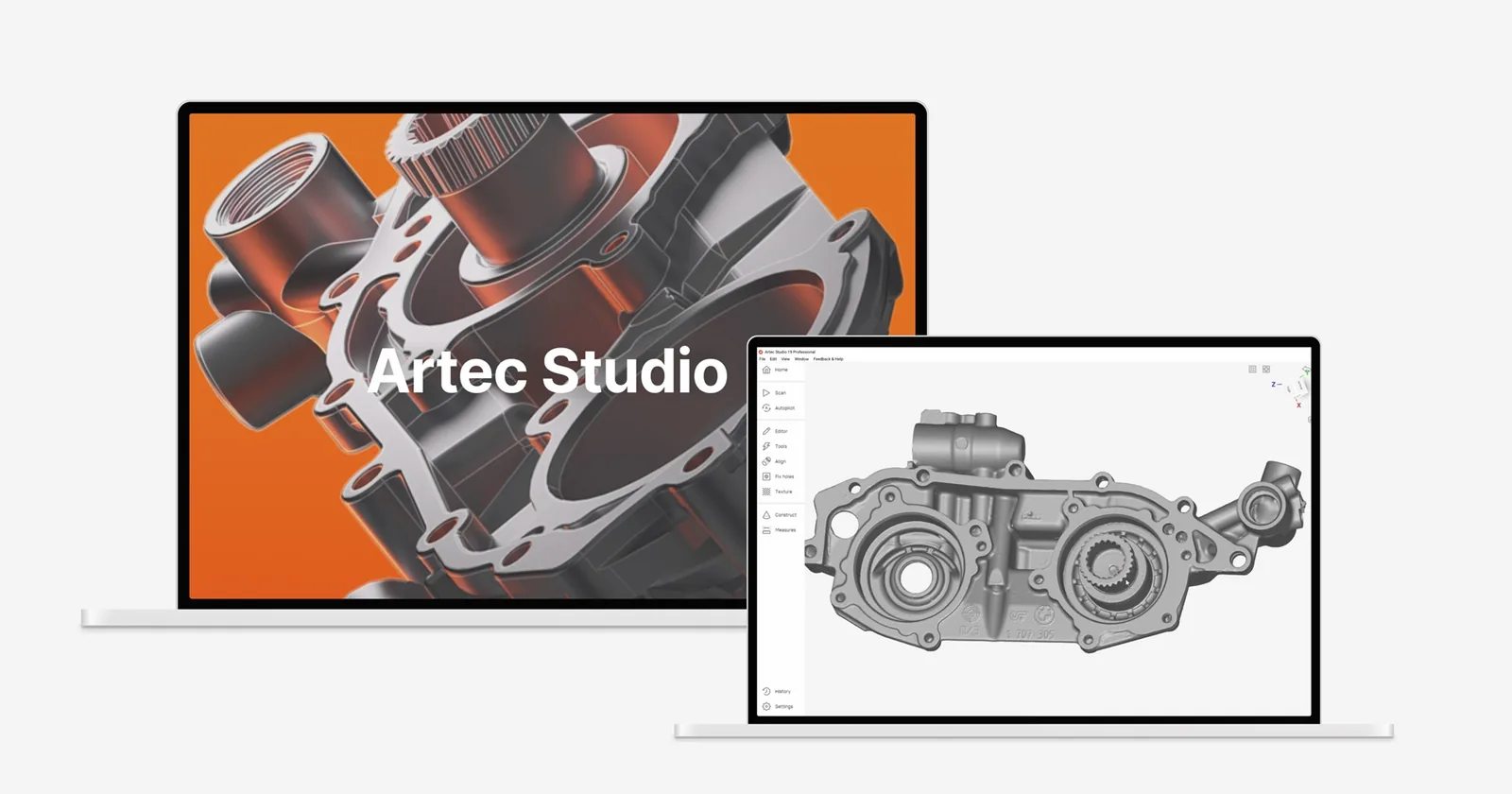
Parts that stay fitted are scanned where they sit, so their positions are kept. The data is then rebuilt as parametric CAD in Geomagic Design X.
What you get back
In the formats your team already uses. Ask if you need something else.
Parametric CAD
Solid or surface models with sketches and features, as STEP, Parasolid or a native feature tree for SOLIDWORKS, Inventor, Creo or NX.
Assembly reference
The surrounding parts in their true positions, so new designs are drawn in context.
The scan mesh
The captured surfaces as STL or OBJ, to compare proposed designs against the real product.
Deviation check
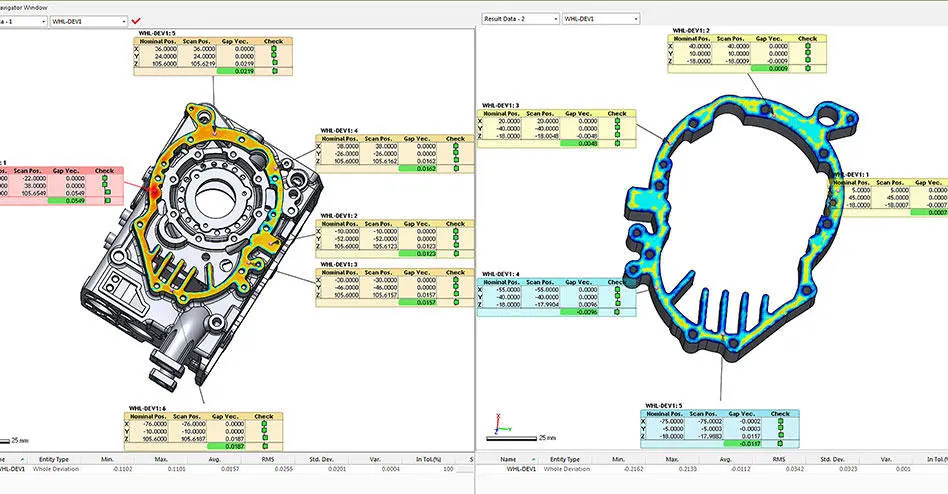
A colour map of model against scan, so you know where and by how much the CAD departs from the part.
Worked example: the Kirby Racing Sidecar
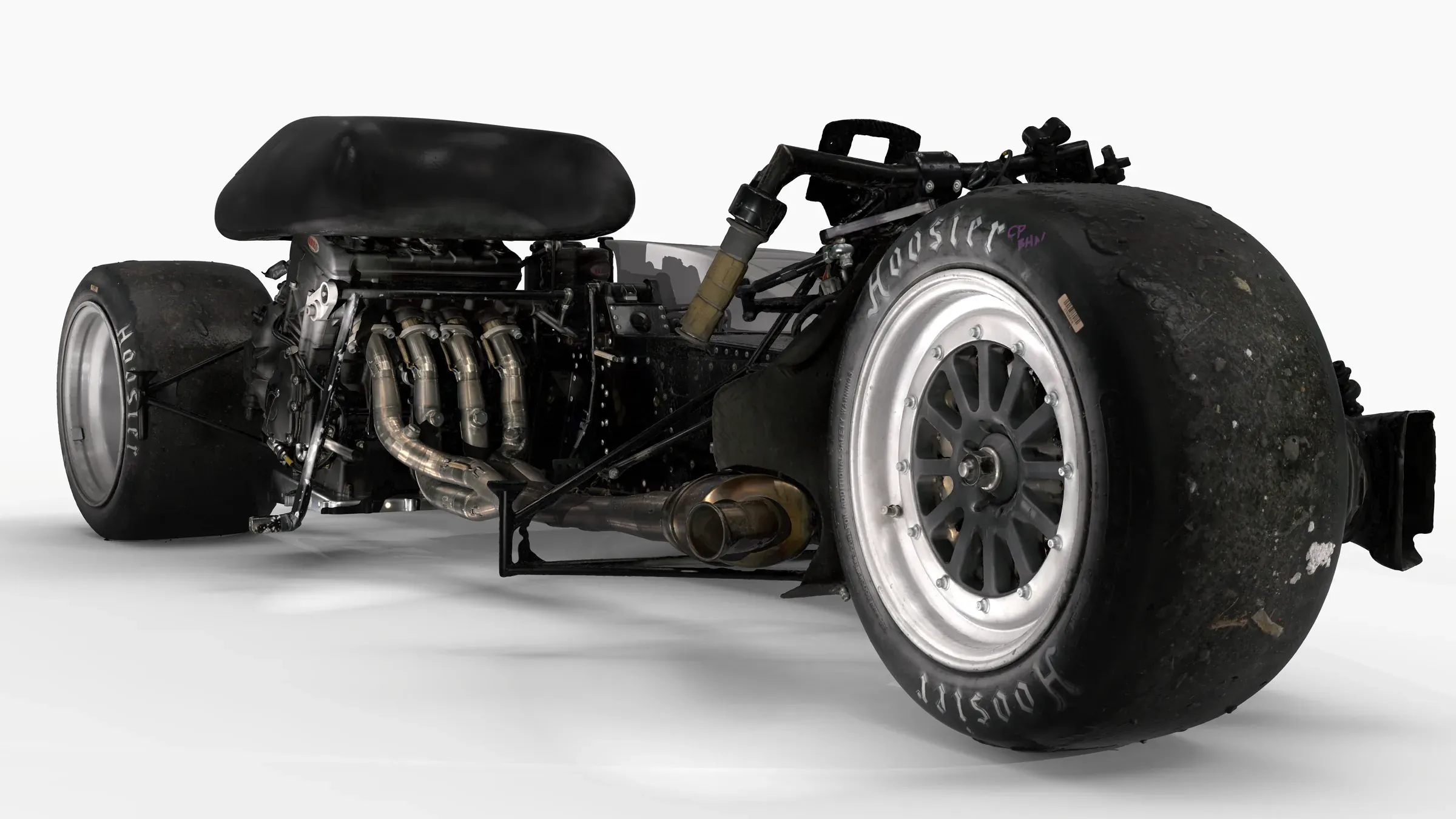
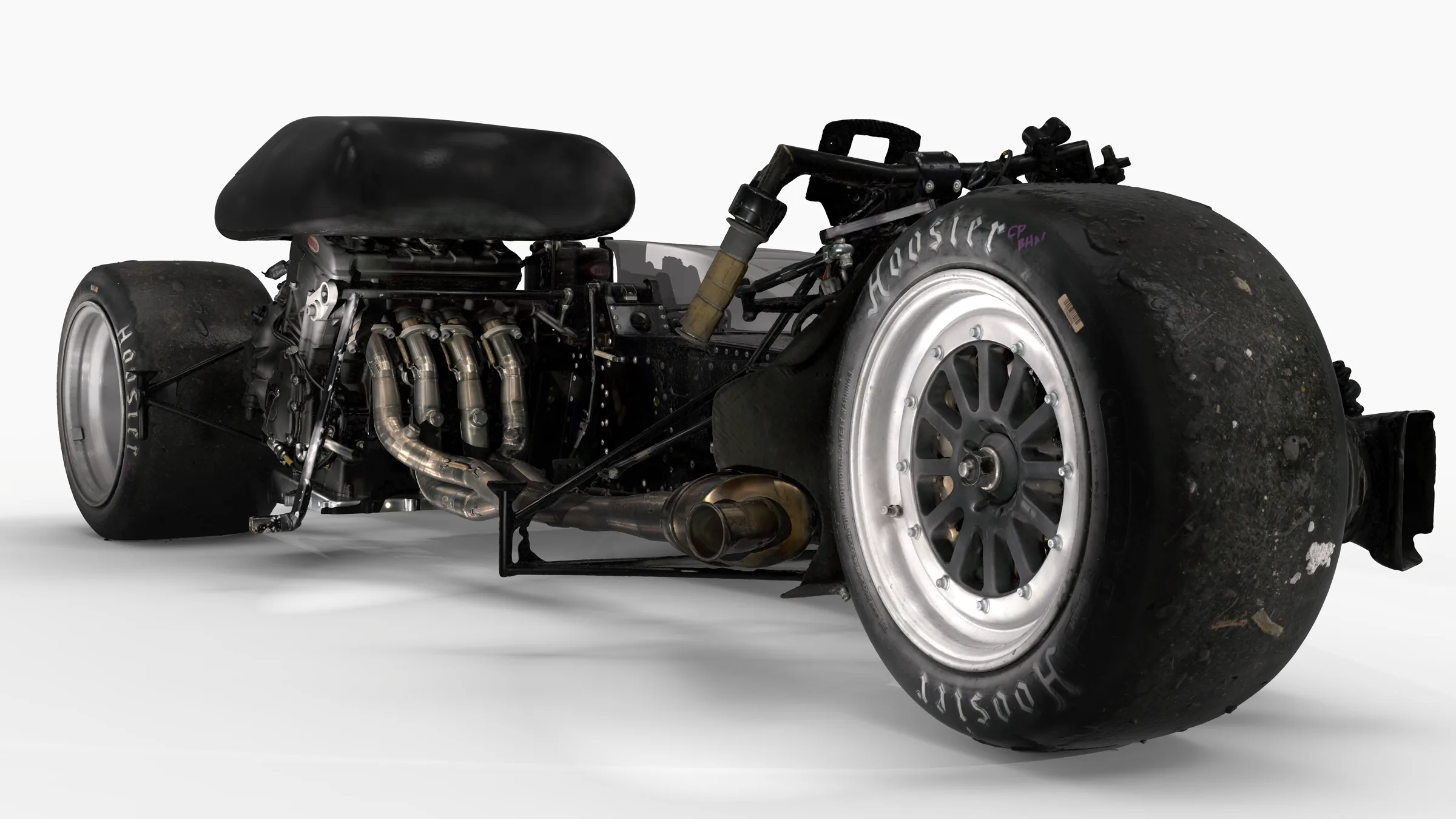
The Kirby Racing Sidecar team wanted to reduce the gaps between the fairing and the floorpan for the coming season. We scanned the parts with the Artec Leo and Artec Point II, then modelled the existing floor and fairing in CAD.
That gave the team the sidecar as it is now in their CAD system, so they could design the changes around it and see how the new surfaces would meet. The pictures show the parametric CAD built over the scan mesh.


The kit we use
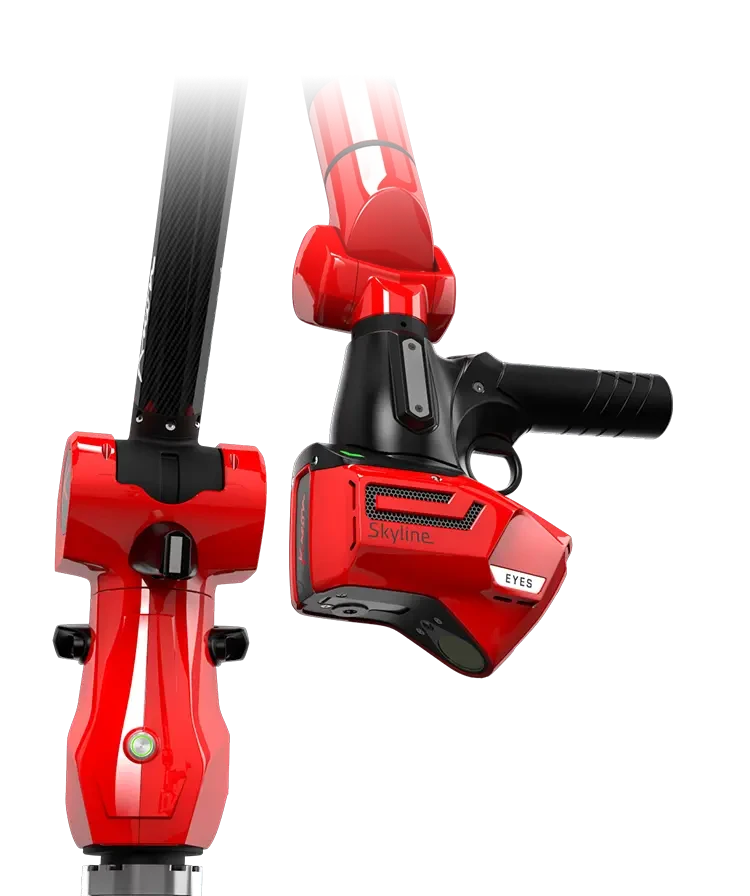
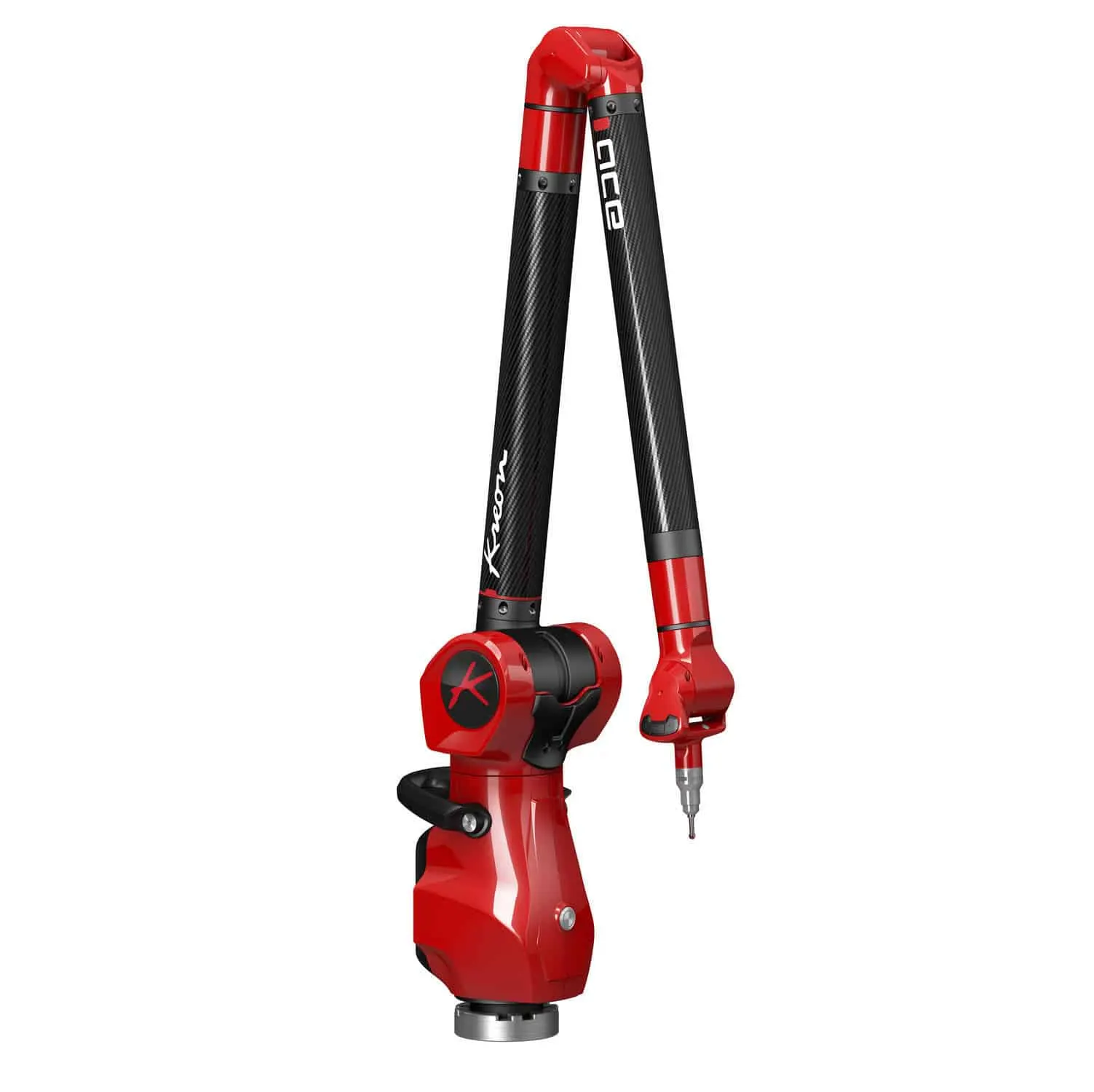
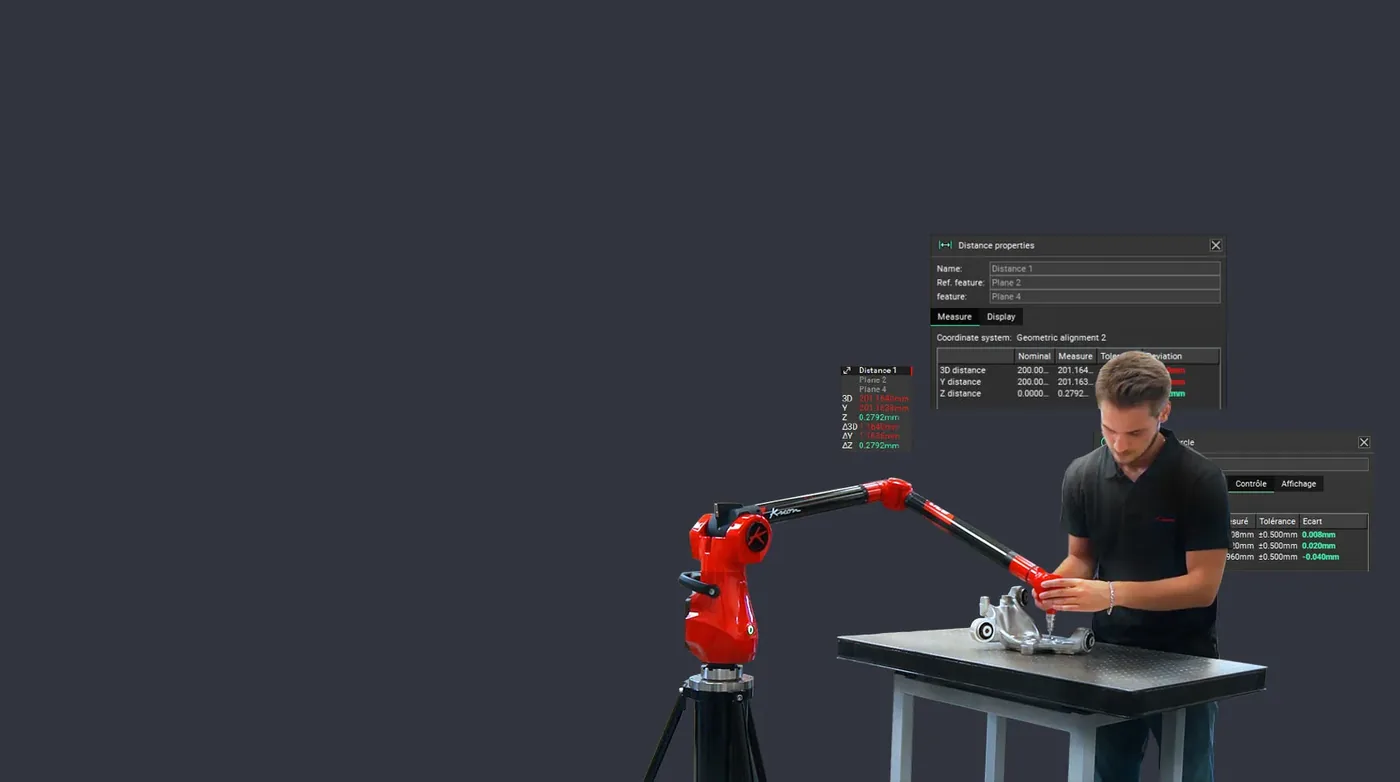
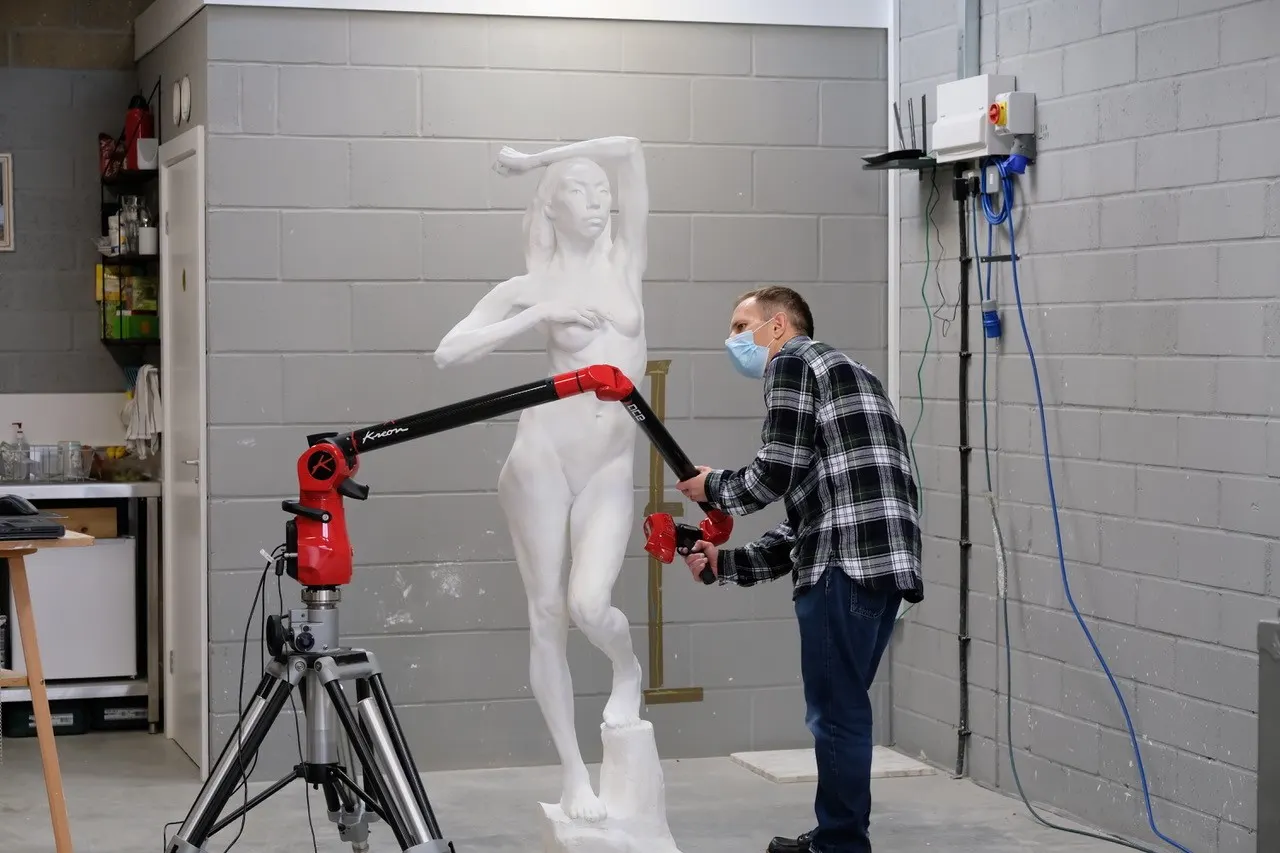
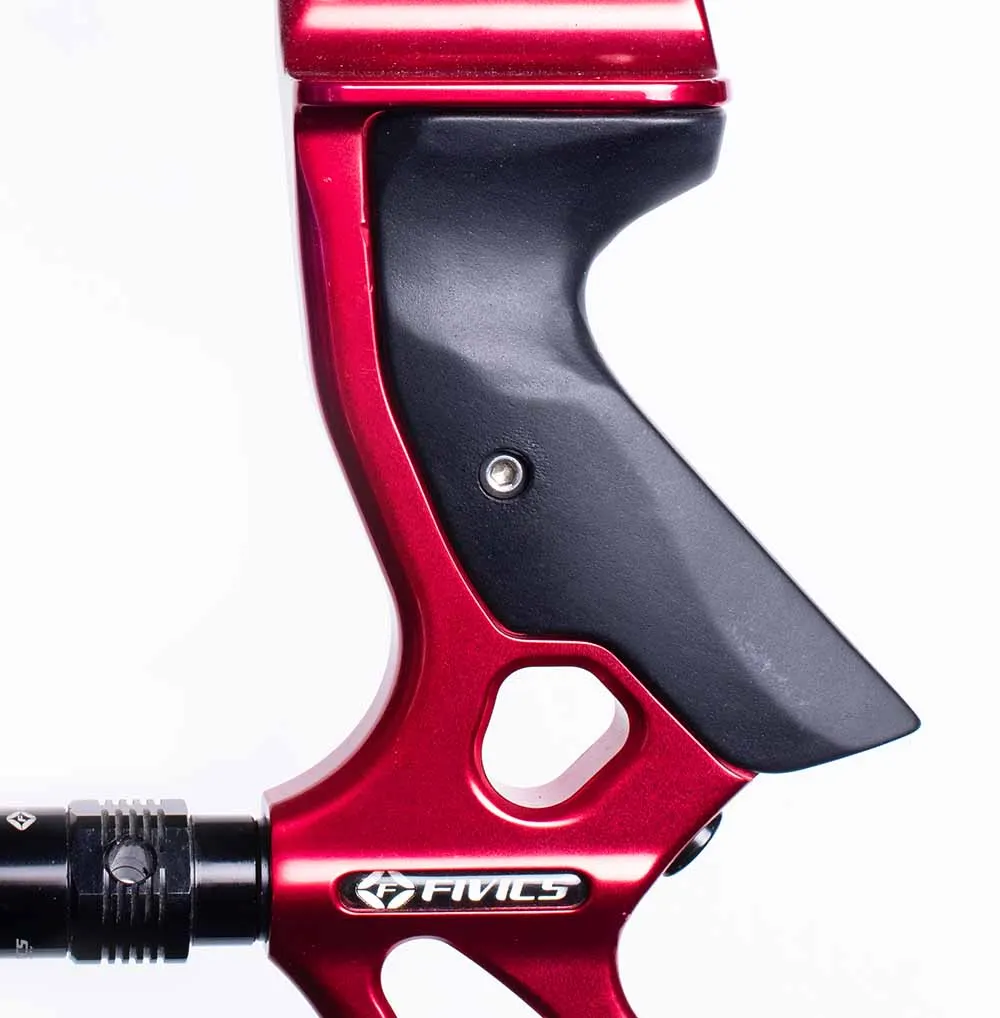
The same scanners, arms and software we sell, train on and support. Like what you see? You can buy or hire it too.
The same scan, ready for marketing
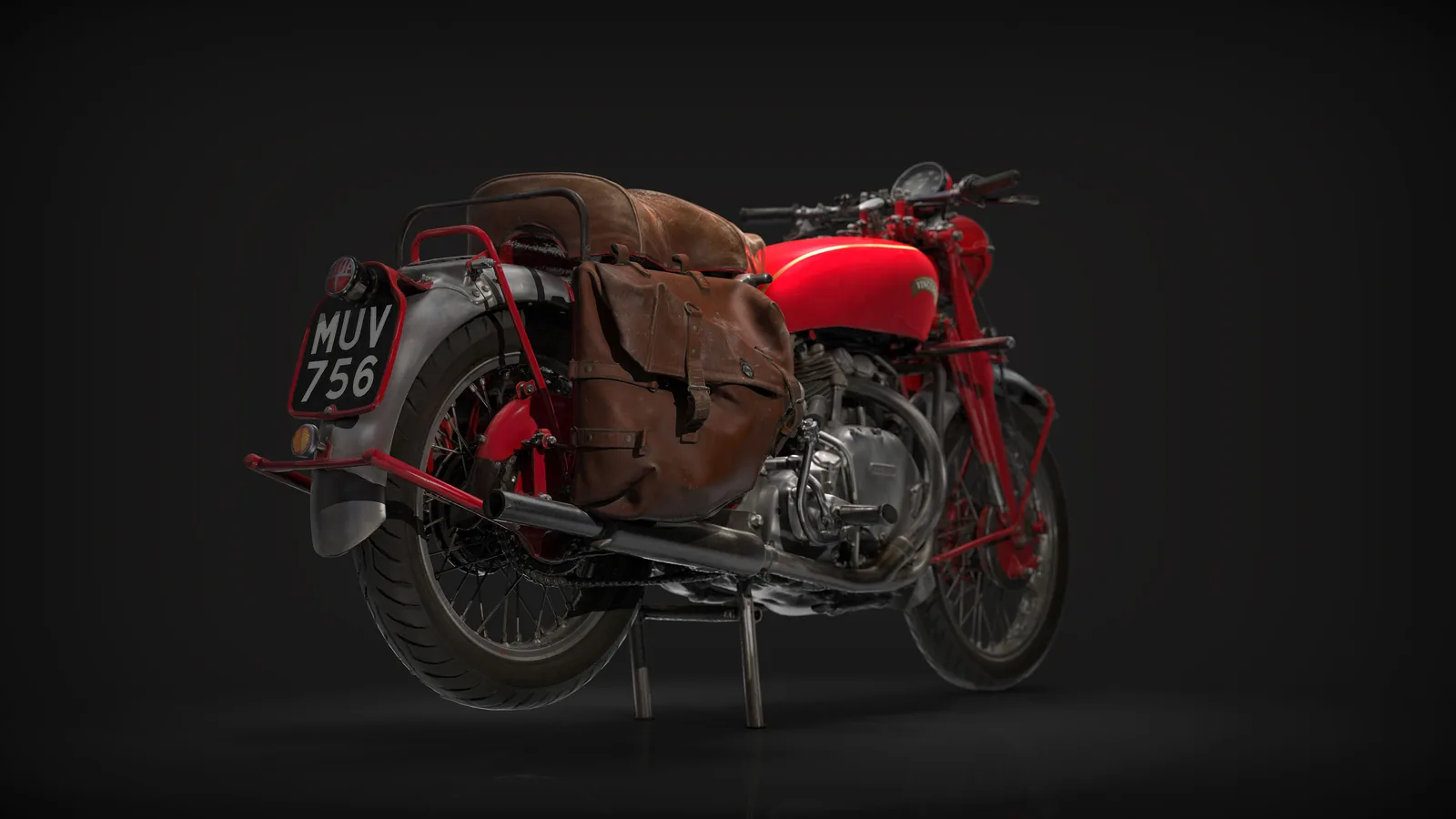
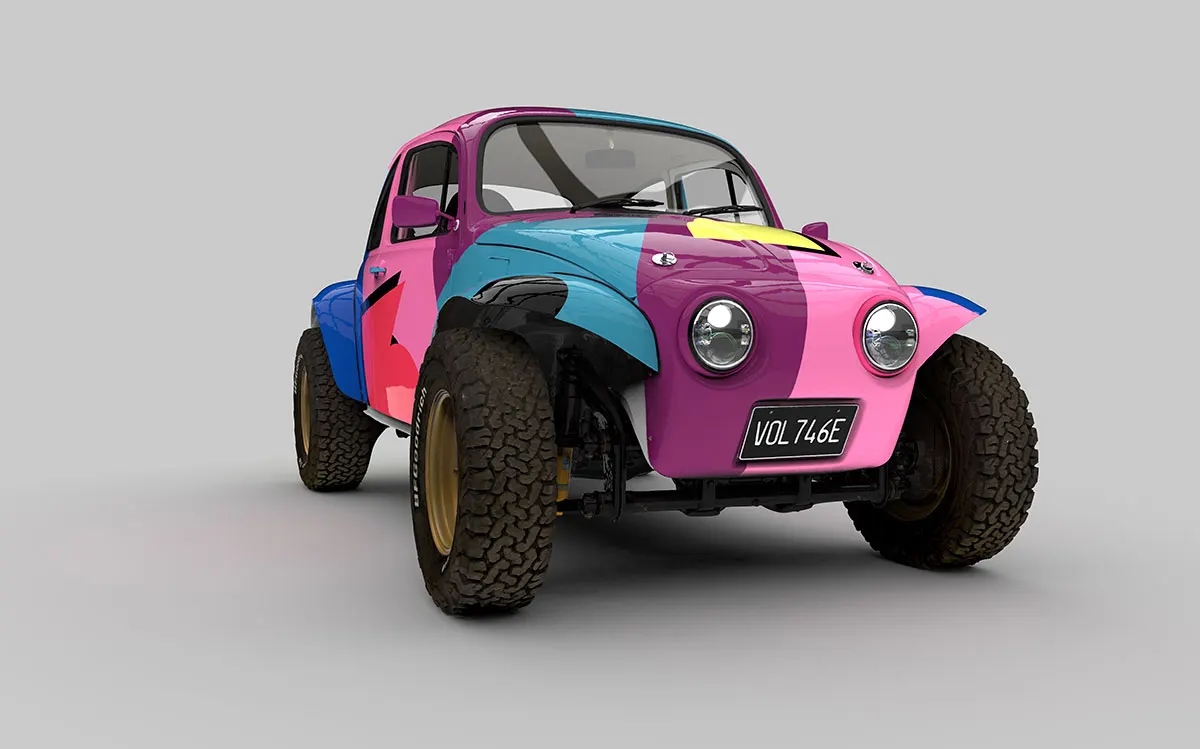
The data that supports a design decision can also show it off. With some extra modelling, materials and lighting, the Kirby Racing scan was rendered in full colour and as a see-through view: the kind of pictures a team can use for sponsors, livery previews and social media.


FAQ
If yours is not here, ring 0330 229 0175 and ask for the scanning team.
Not answered here?
Ask the engineers who run the machines. We answer the same working day.
What do I get, a mesh or proper CAD?
For redesign work, proper CAD. A mesh is a useful reference to compare against, but your team needs parametric features and dimensions to change the design. We model with a history tree rather than handing over a dead solid.
Can it go straight into my CAD system?
Yes. STEP and Parasolid open anywhere. Design X can transfer the model with its feature tree into SOLIDWORKS, Inventor, Creo, Siemens NX and others.
Do you scan the parts on their own or fitted together?
Whichever the change needs. Where the new design has to fit around other parts, we scan them in place so their positions are kept.
How do we start?
Send us photographs of your components and a short description of the changes you want to make. We will advise on the scanning and CAD modelling the job needs.
Planning a redesign or modification?
Send us photographs of your components and a short description of the changes you want to make. We will advise on the scanning and CAD modelling needed to support your next design.
- Call the team0330 229 0175Monday to Friday, 8.30am to 5pm
- Emailsales@europac3d.comAnswered the same working day
- Send the partThe Old Piggeries, Park View Business Centre, Combermere, Whitchurch SY13 4ALPost it, courier it or drop it off. It comes back with the data.