.svg)

PolyWorks | Inspector
One inspection platform for every device.
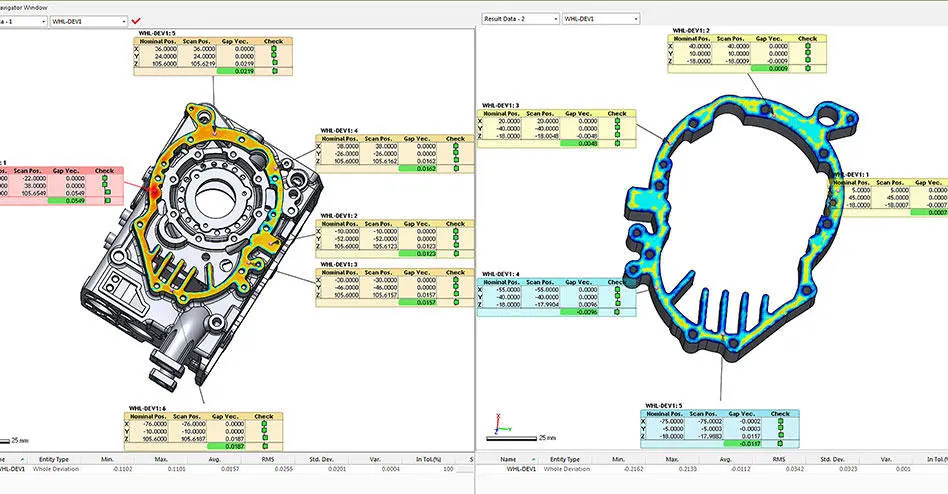
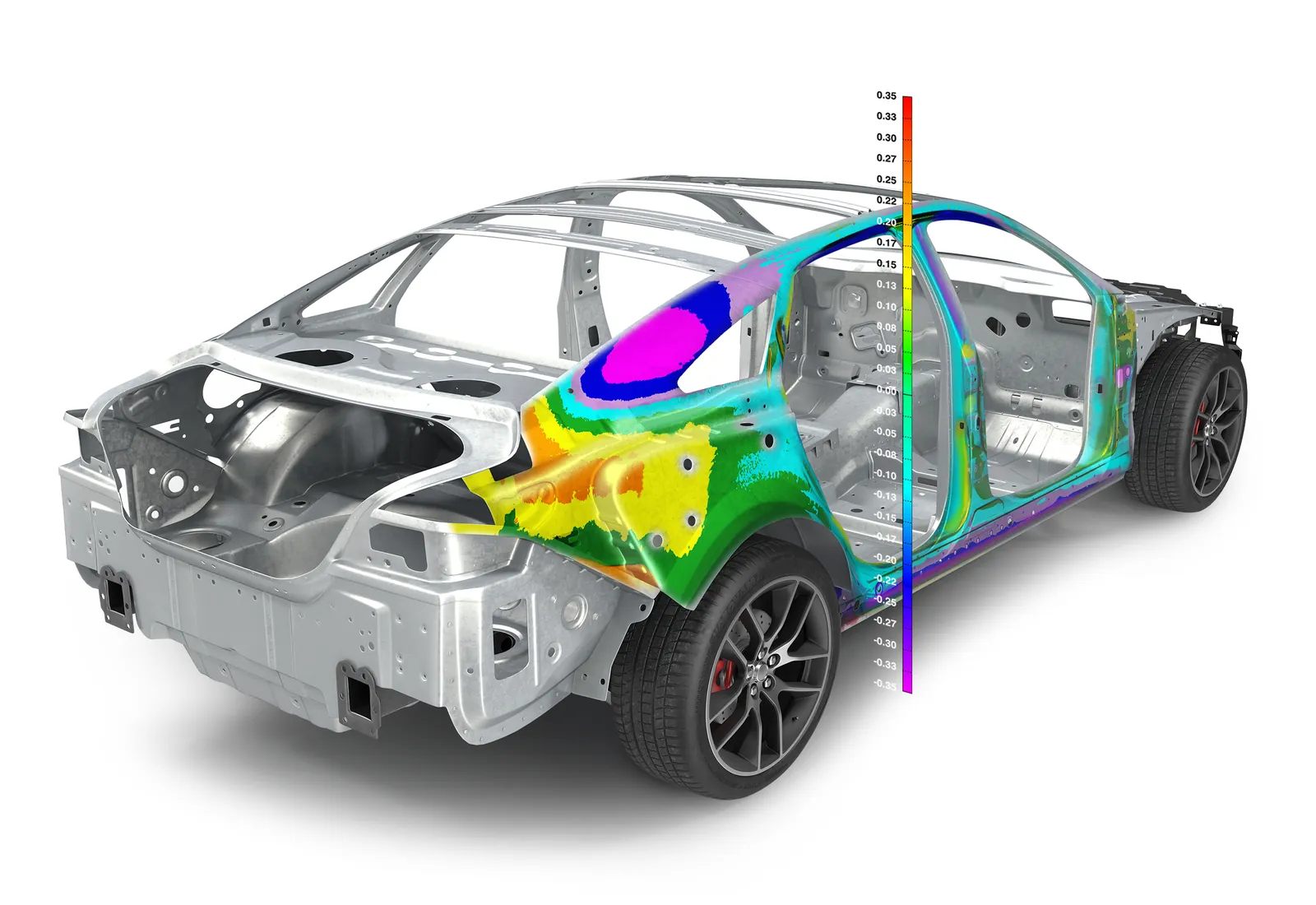
Universal 3D dimensional analysis and quality control from InnovMetric: alignment, GD&T, SPC plus reporting, on portable devices as well as CNC CMMs.
InnovMetric
PolyWorks | Inspector
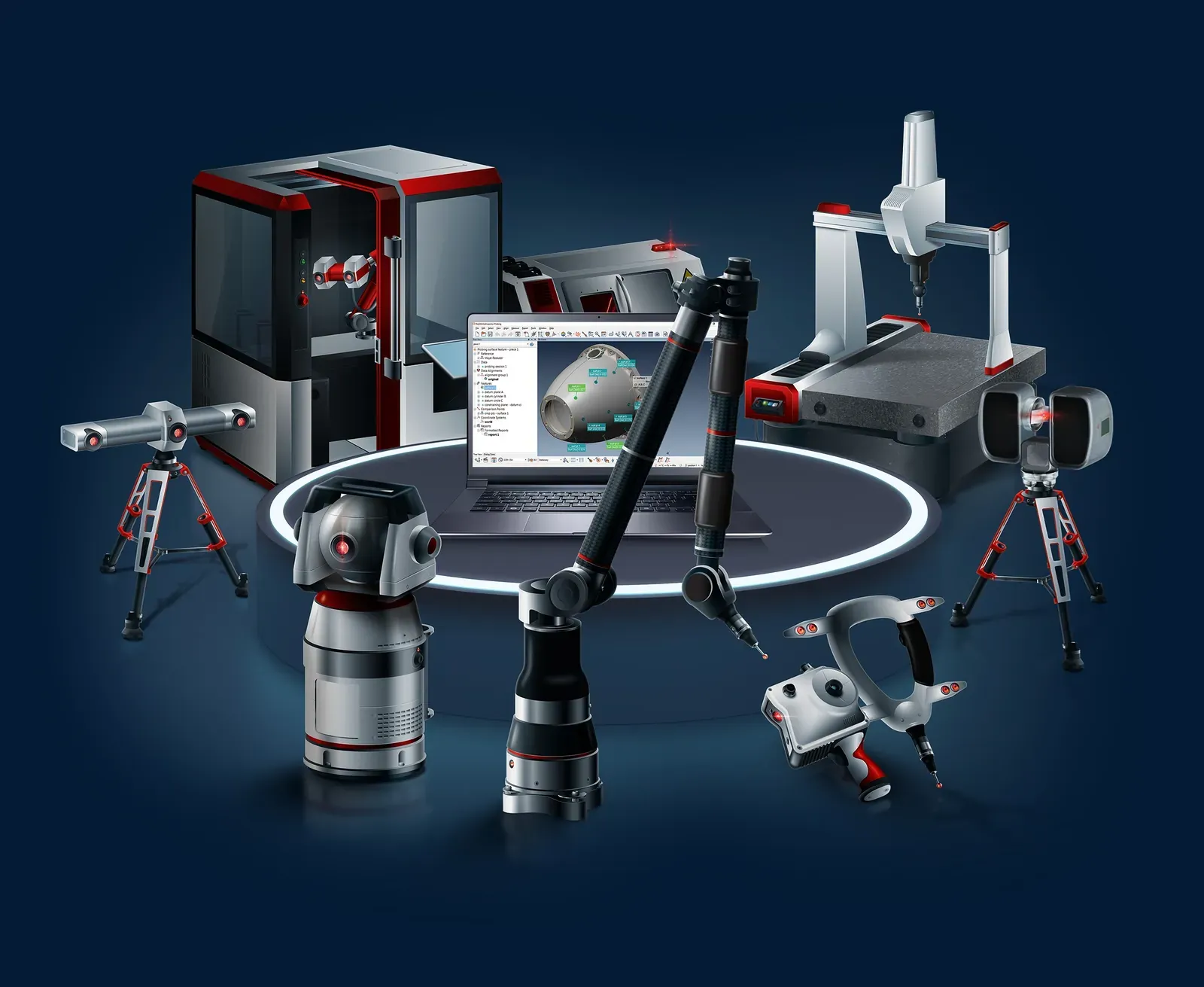
Universal 3D dimensional analysis and quality control software. One package runs portable arms, scanners, laser trackers and CNC CMMs, with alignment, GD&T, SPC plus reporting built in.
 More from PolyWorks
- Packages, from Gauging to Premium
- 5
- Certified inspection algorithms
- PTB
- PolyWorks|Reviewer to share results
- Free
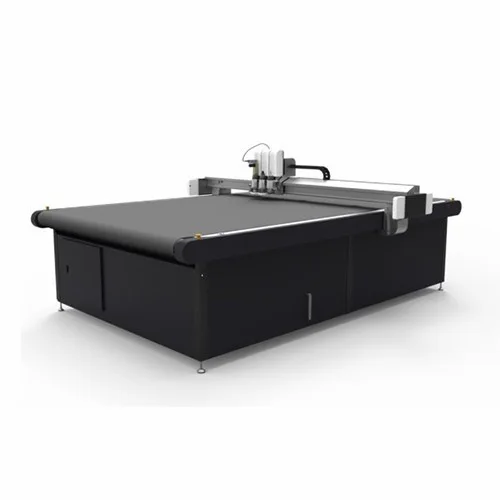
The same way of working on CNC CMMs
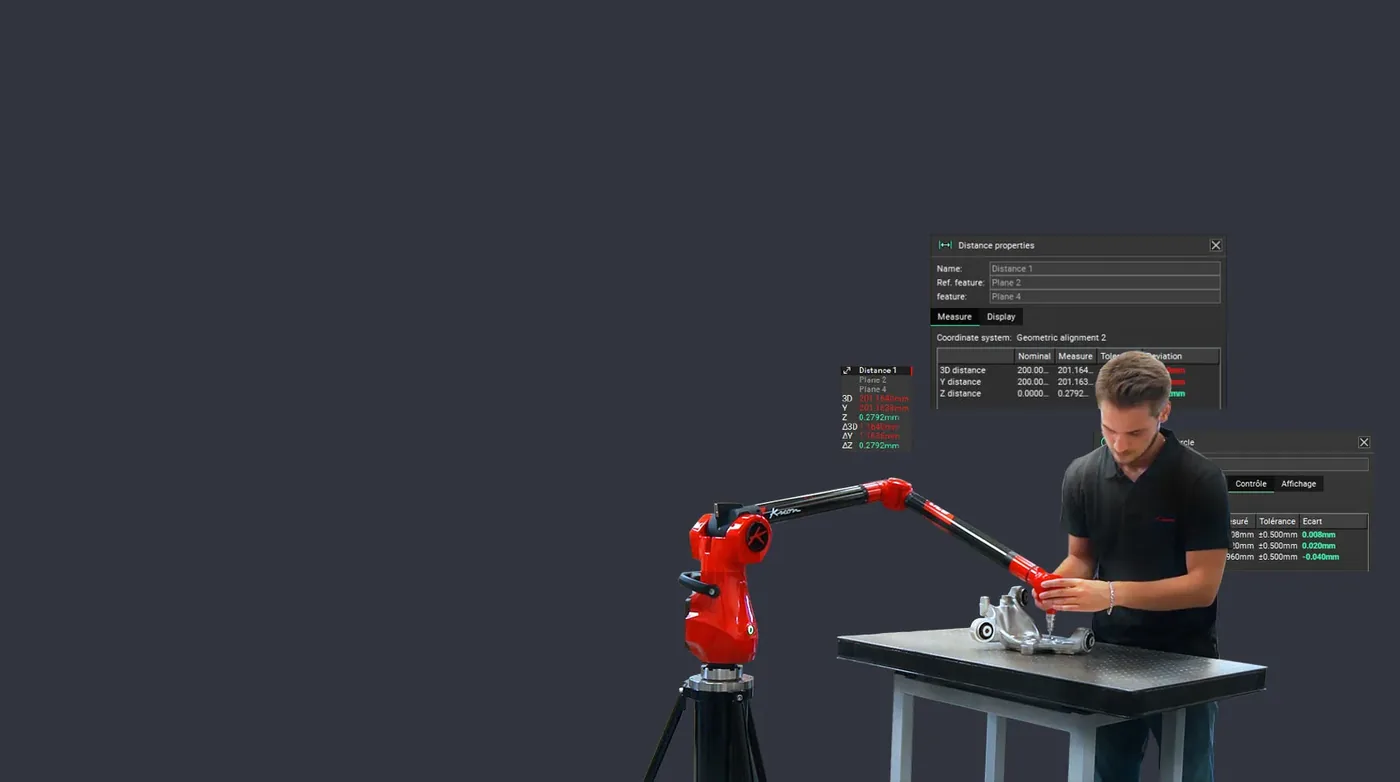
Inspection projects are set up and run on a CNC CMM in the same way as on a portable device. Features, dimensions and reports live outside the sequence, so programs stay short.
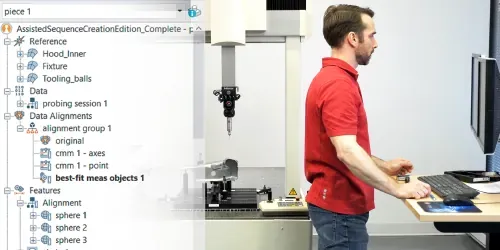
Simpler CMM programming
Shorter sequences that are easy to read, because nominals and reports are managed outside the sequence editor.
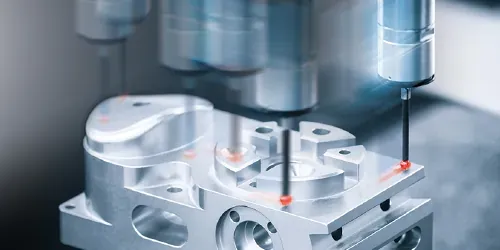
Faster sequencing
Pick what to measure. The sequence editor finds tool orientations, the best order plus collision-free paths.

Mistakes fixed in a click
The editor flags illogical or incorrect operations as you go, with a one-click repair.
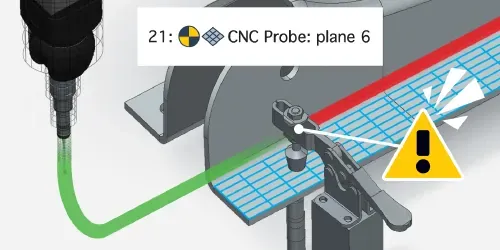
Collisions avoided
Potential tool collisions are found in real time. Tool paths change automatically to avoid them.
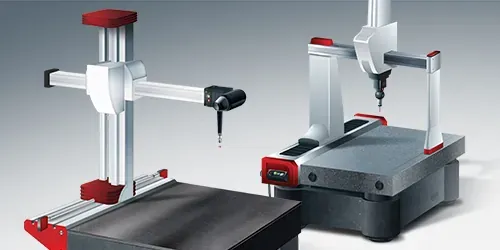
Any machine in the shop
Build a sequence once for one CMM, then convert it for another brand or type.
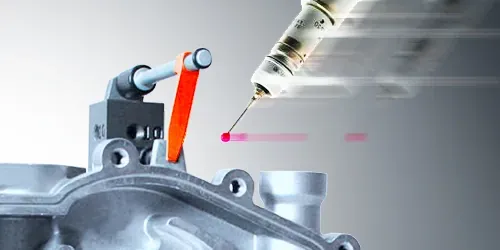
Protect the CMM
Collisions with parts or fixtures are caught before the machine moves.
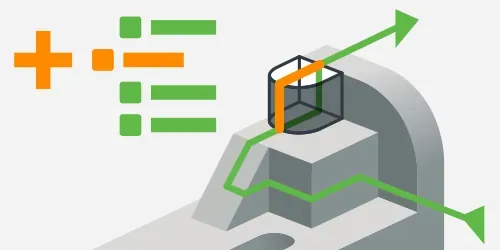
Add measurements easily
Create a new measurement object. The editor slots it into the sequence in the best place.
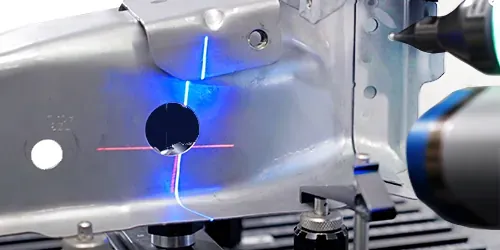
Portable data alongside
Scan fixtures for collision checks, or measure what the CMM cannot reach with a scanning arm.
Measure with the kit we sell
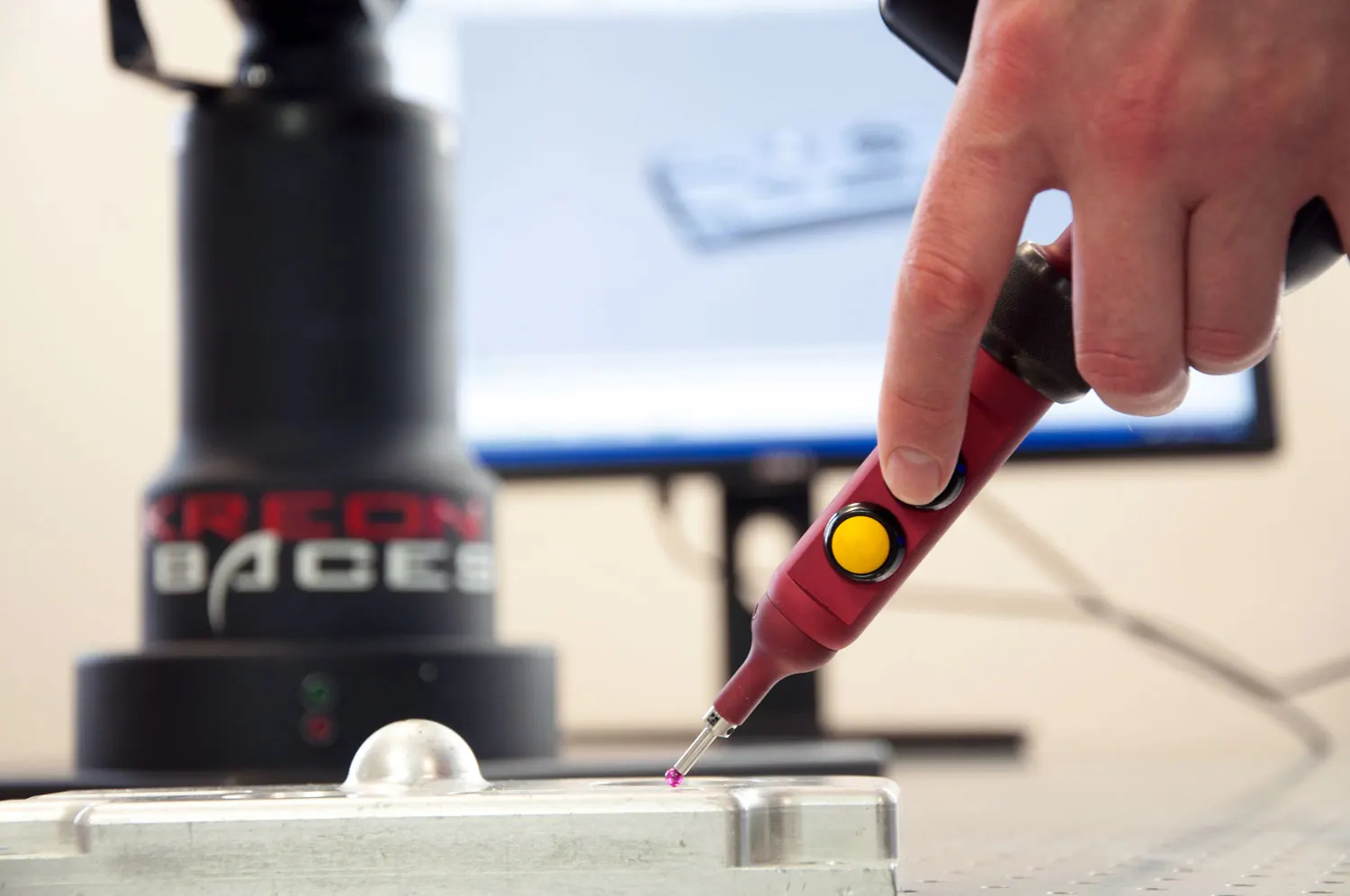
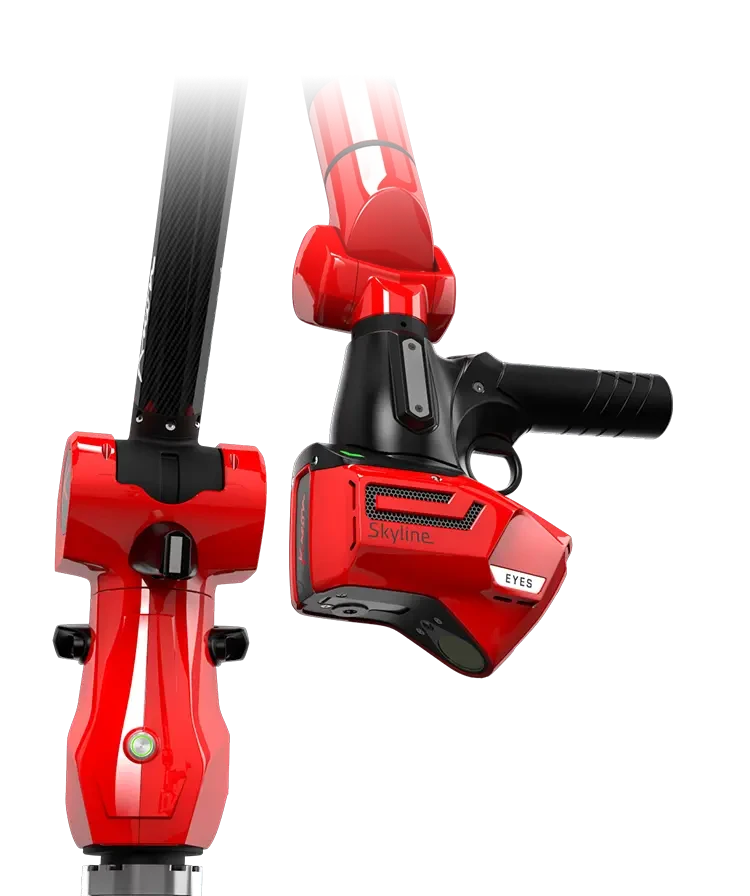
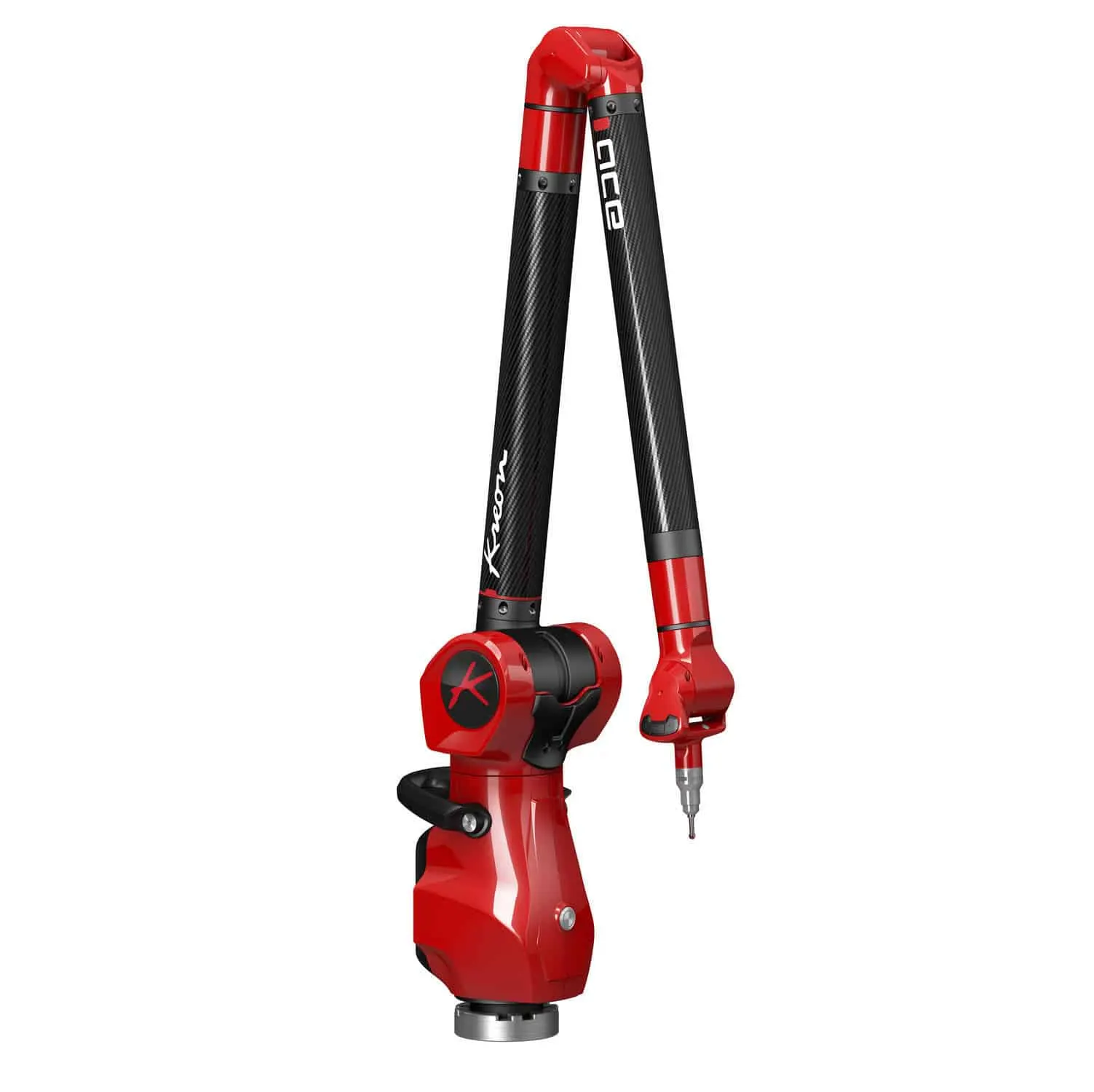
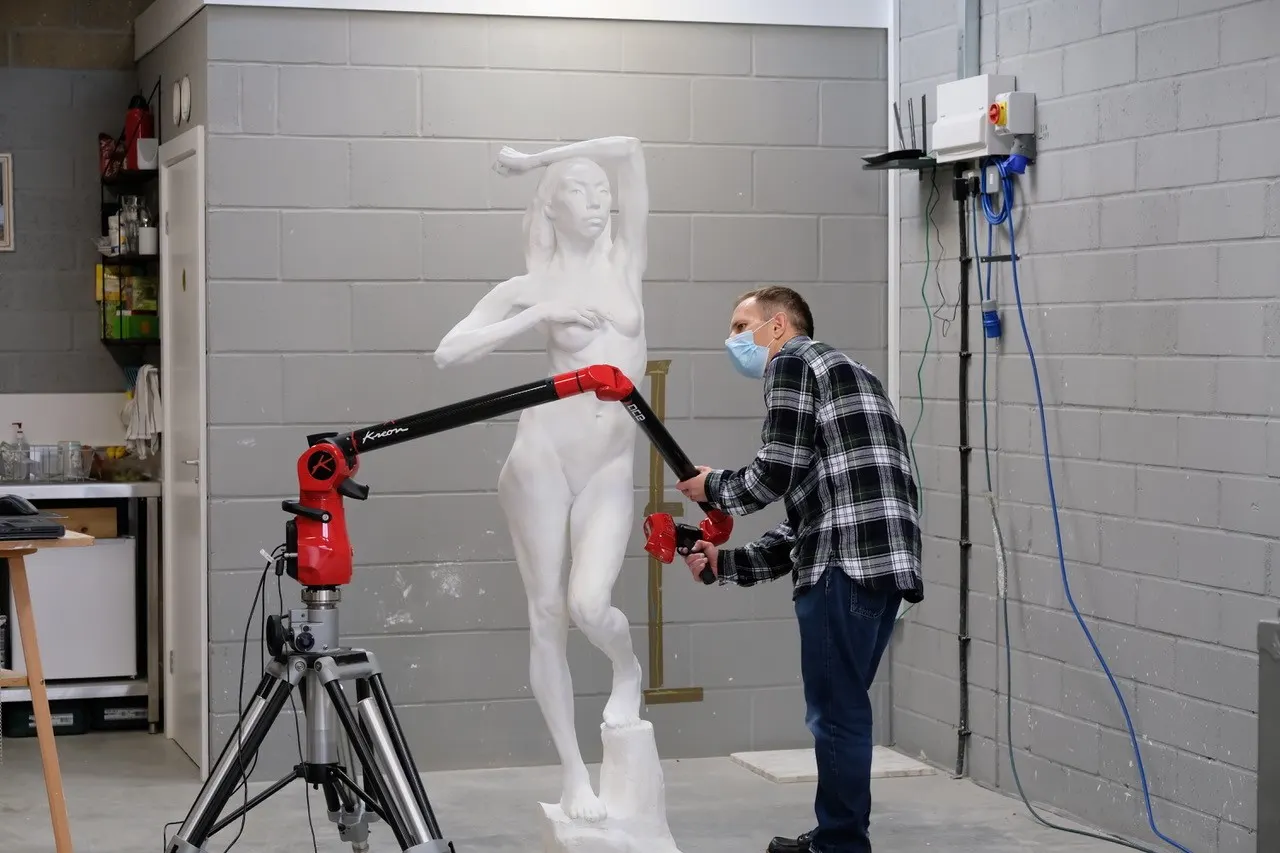
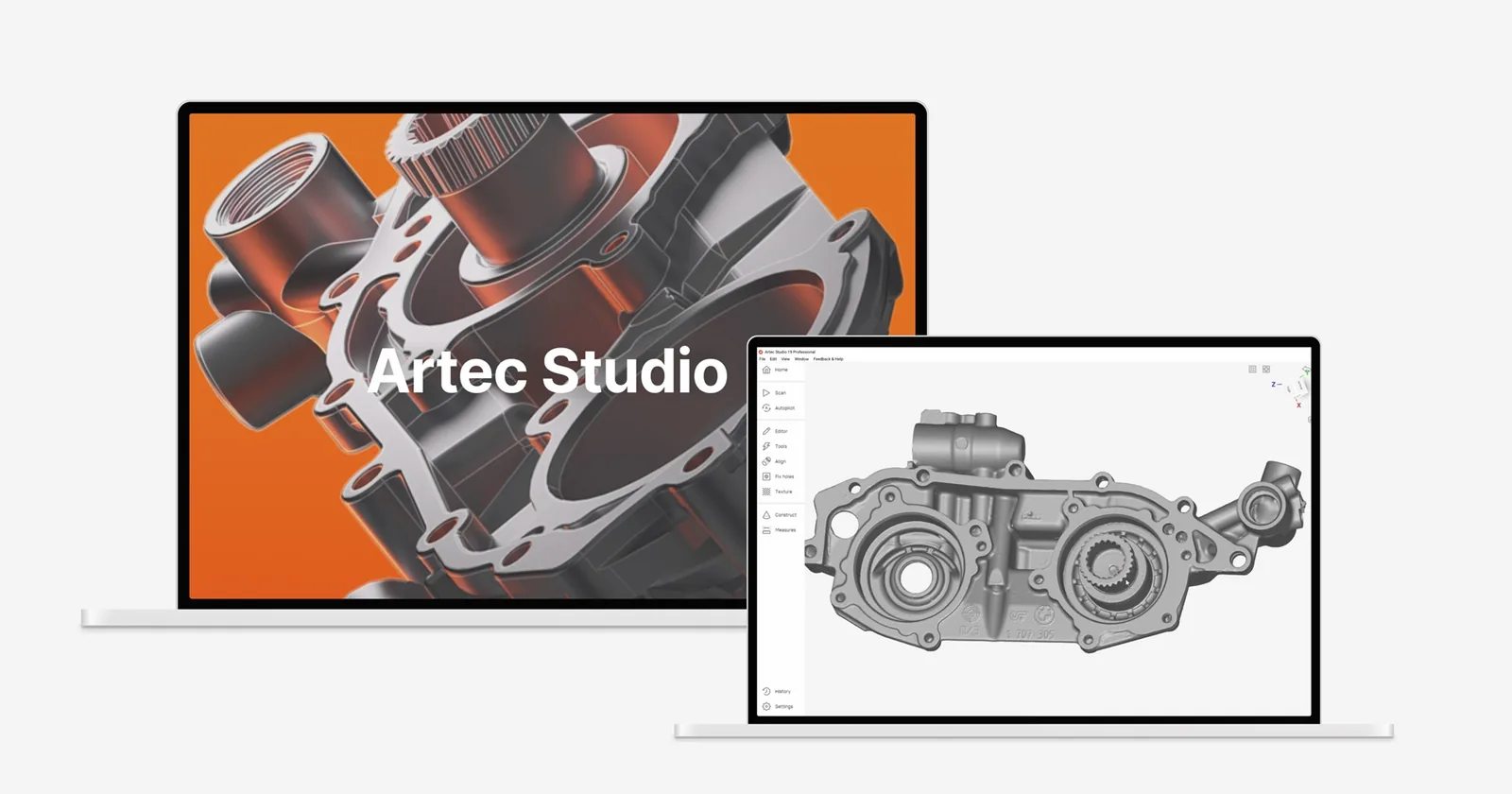
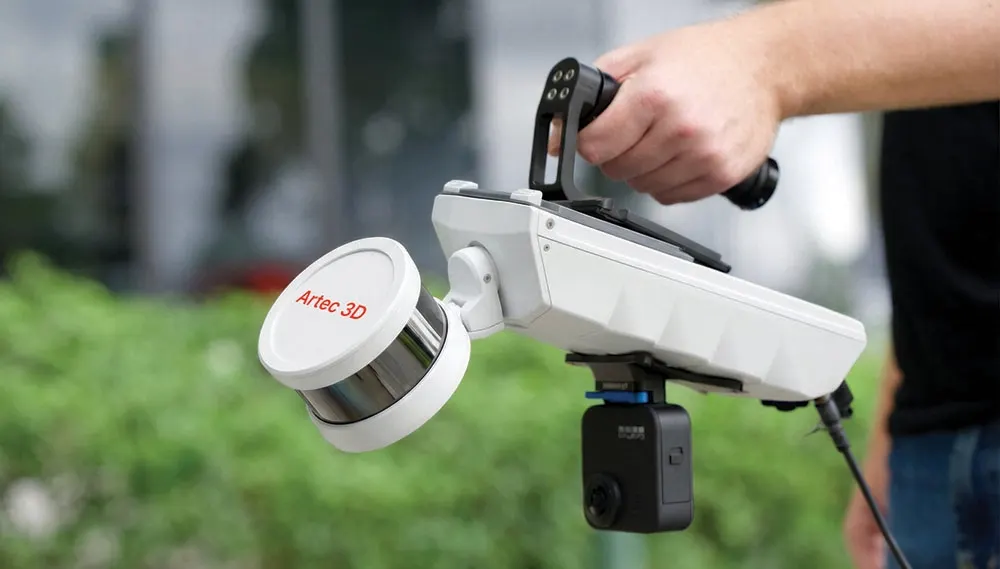
Kreon arms and their Skyline scanners plug straight into PolyWorks|Inspector. Artec scan data comes in from Artec Studio.
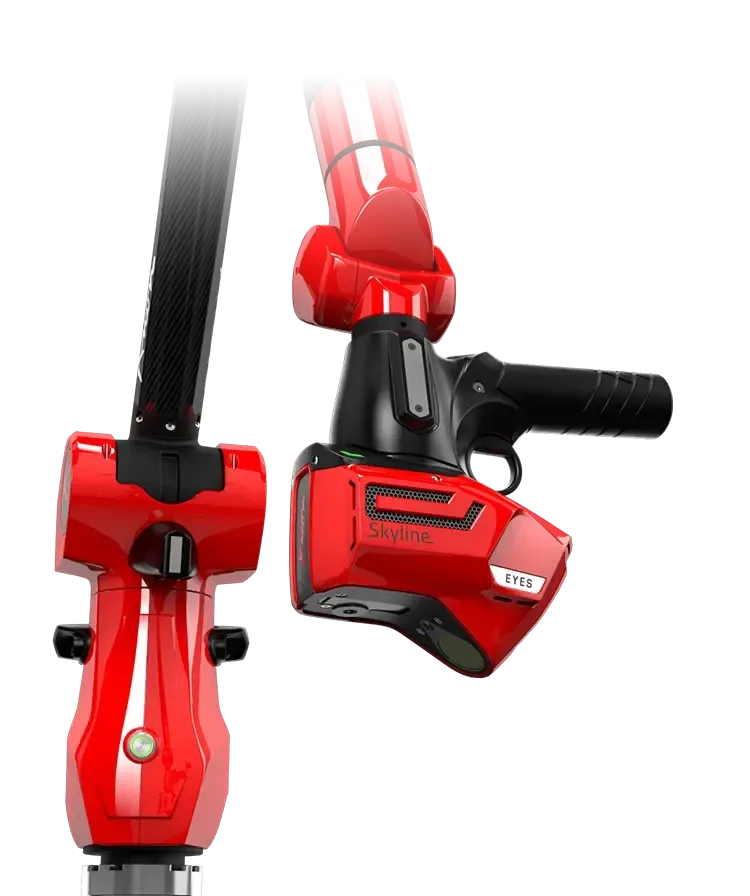
A portable measuring arm with a Skyline blue laser scanner, for probing and scanning in one PolyWorks project.
POA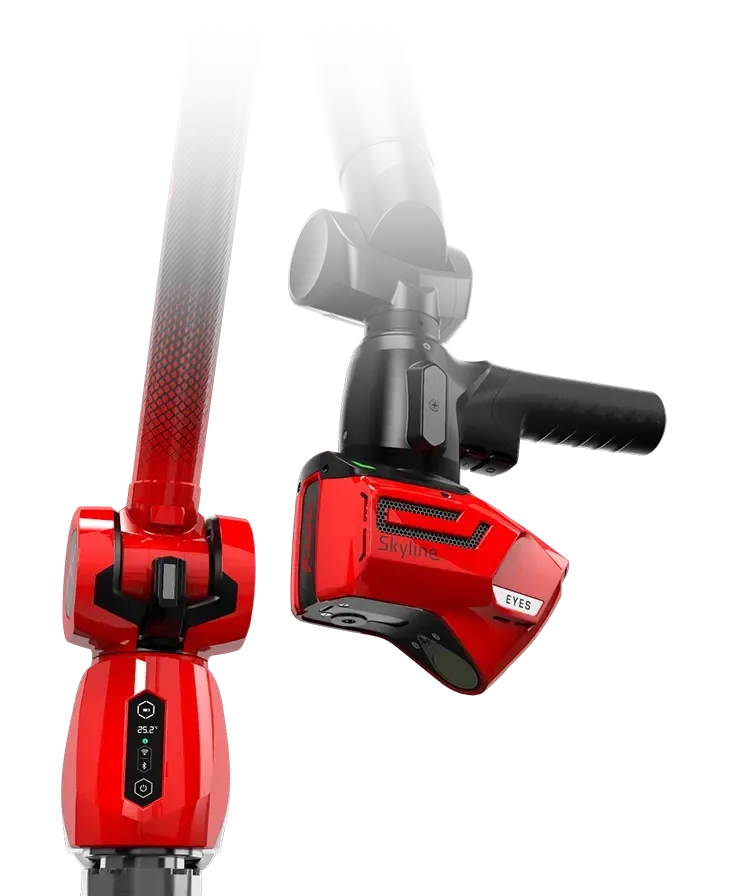
Kreon's most accurate arm with a Skyline scanner, for the tightest tolerances.
POA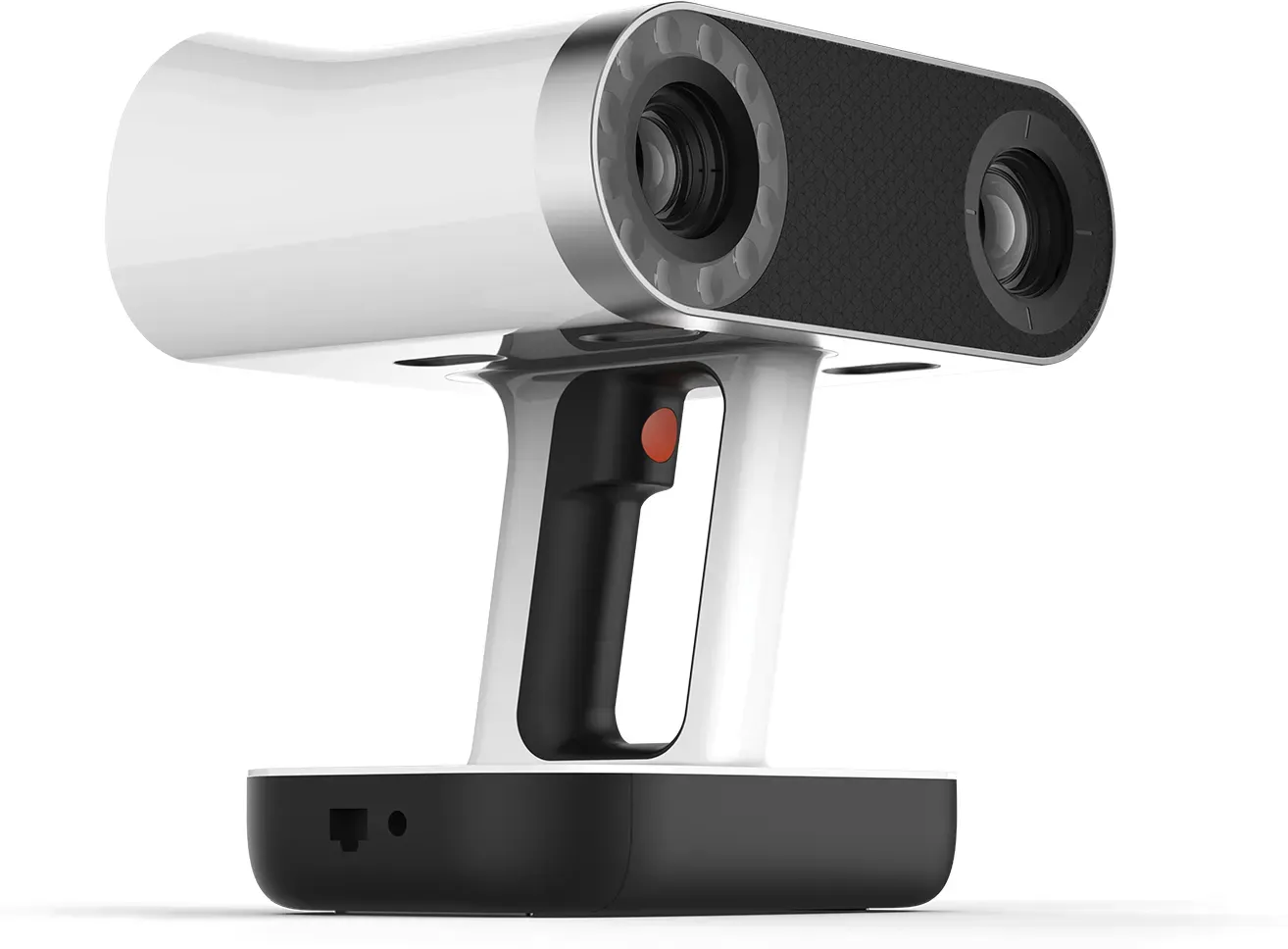
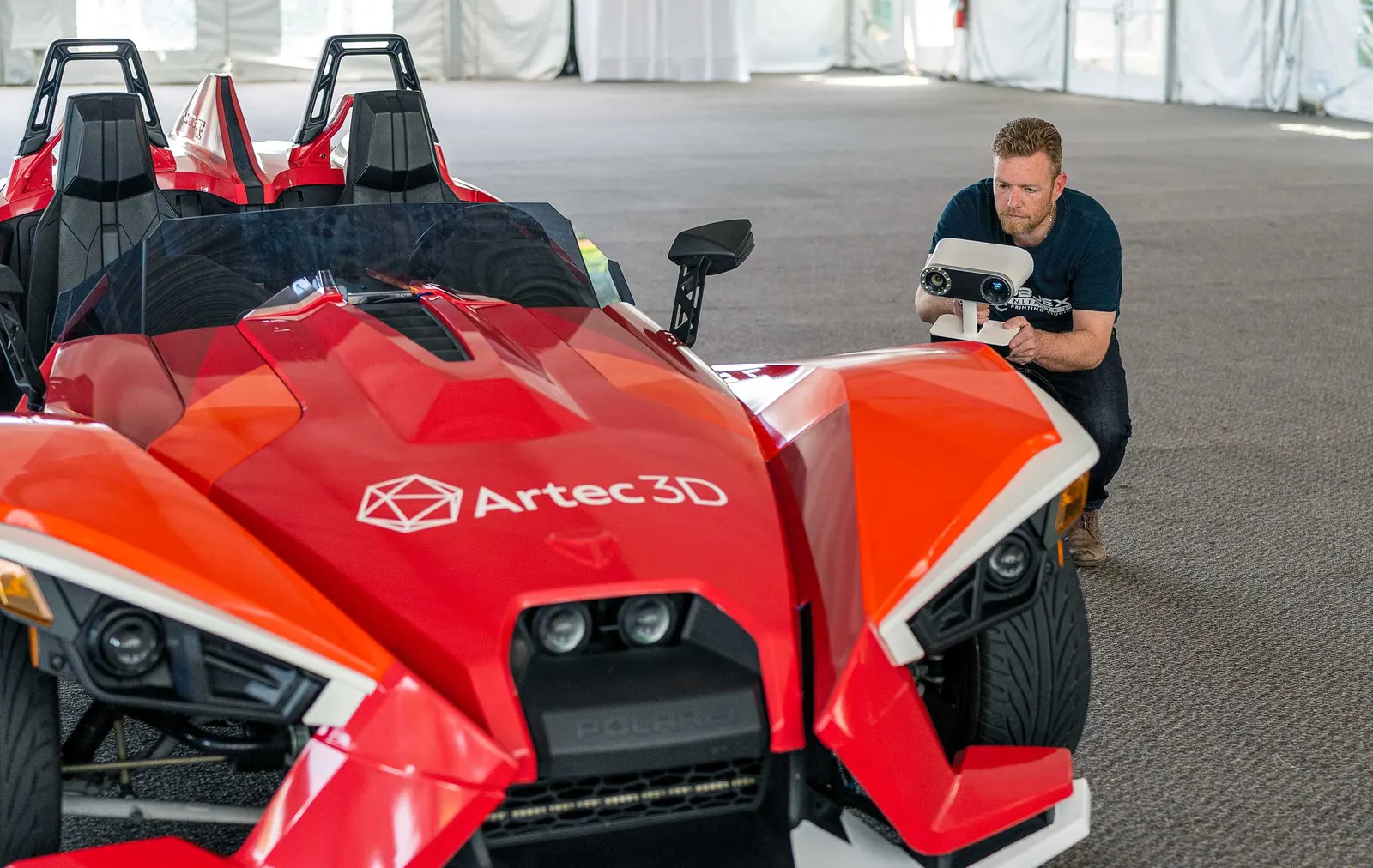
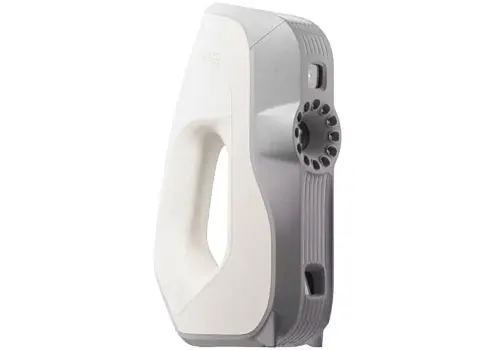
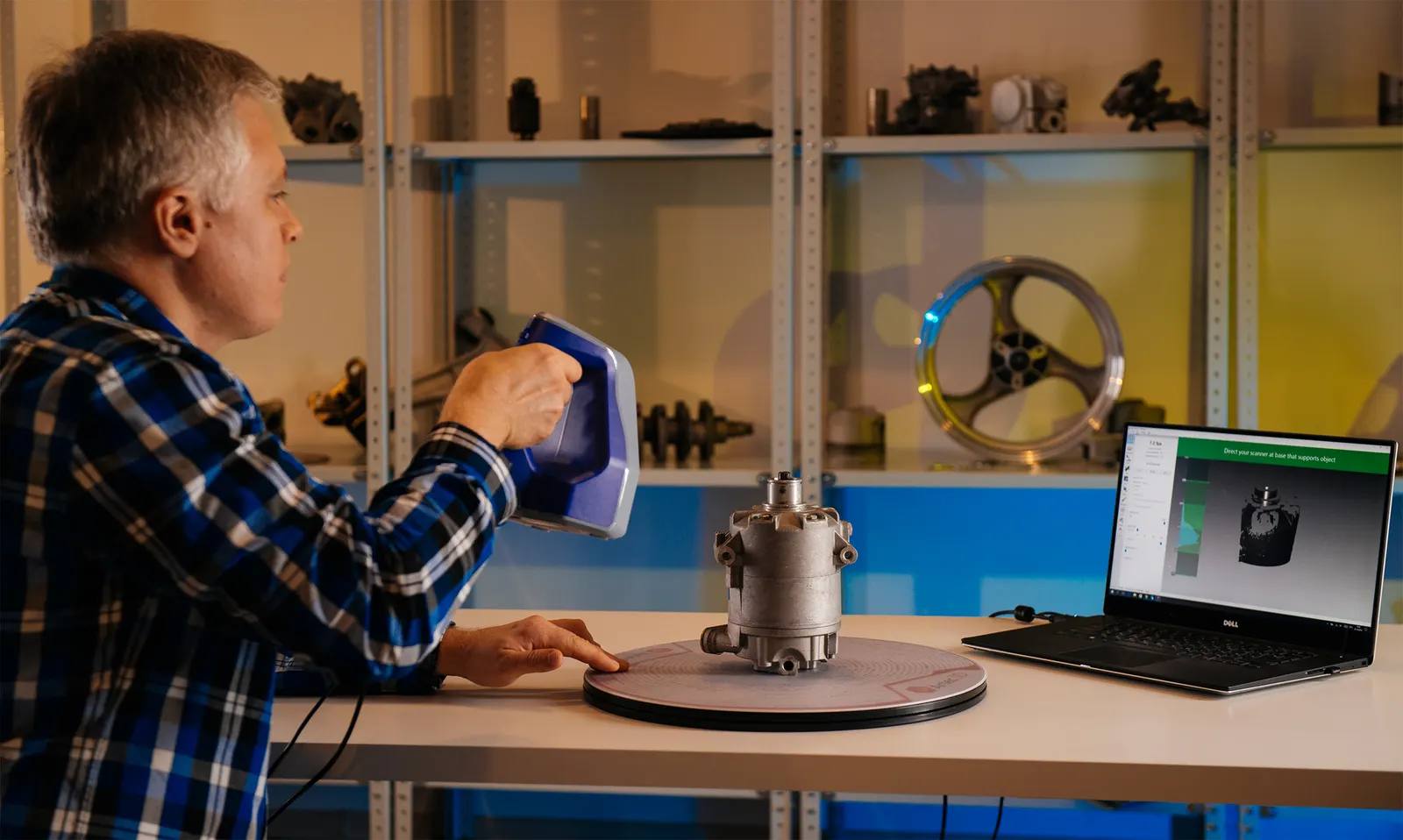
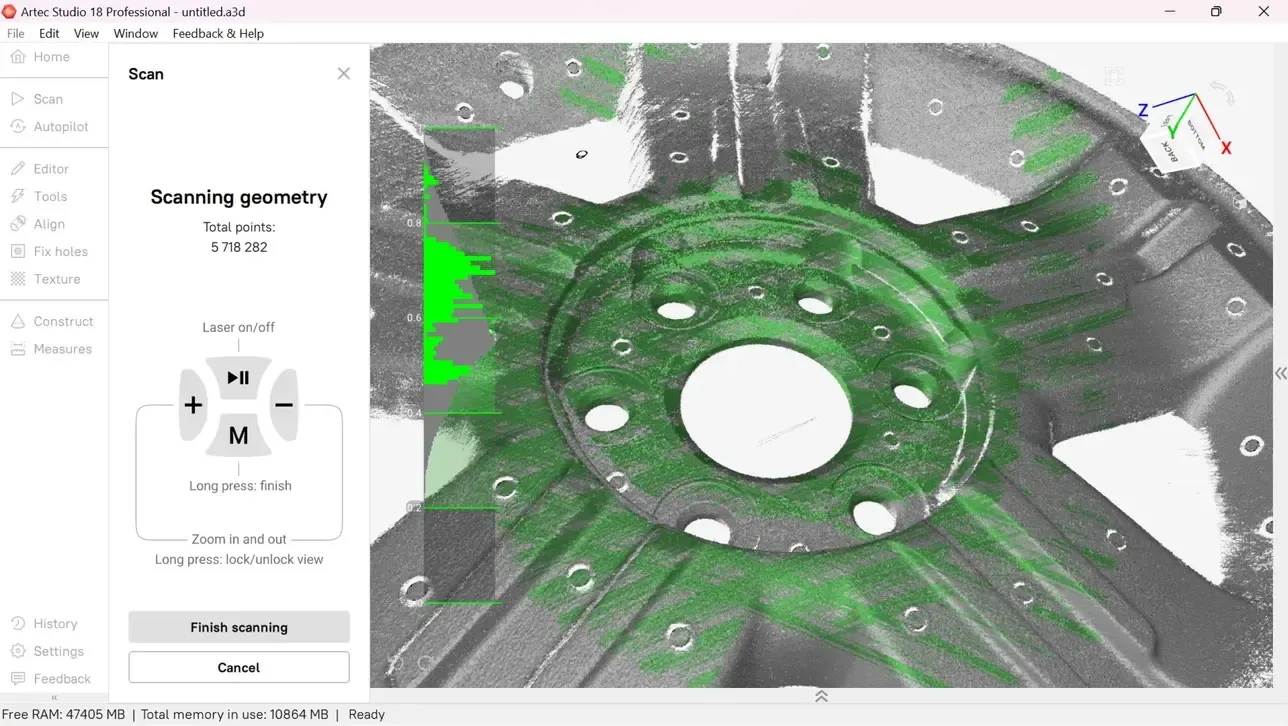
Wireless handheld scanning. Process in Artec Studio, then inspect the mesh in PolyWorks|Inspector.
£29,232Questions we get asked
Does it work with Artec scanners?
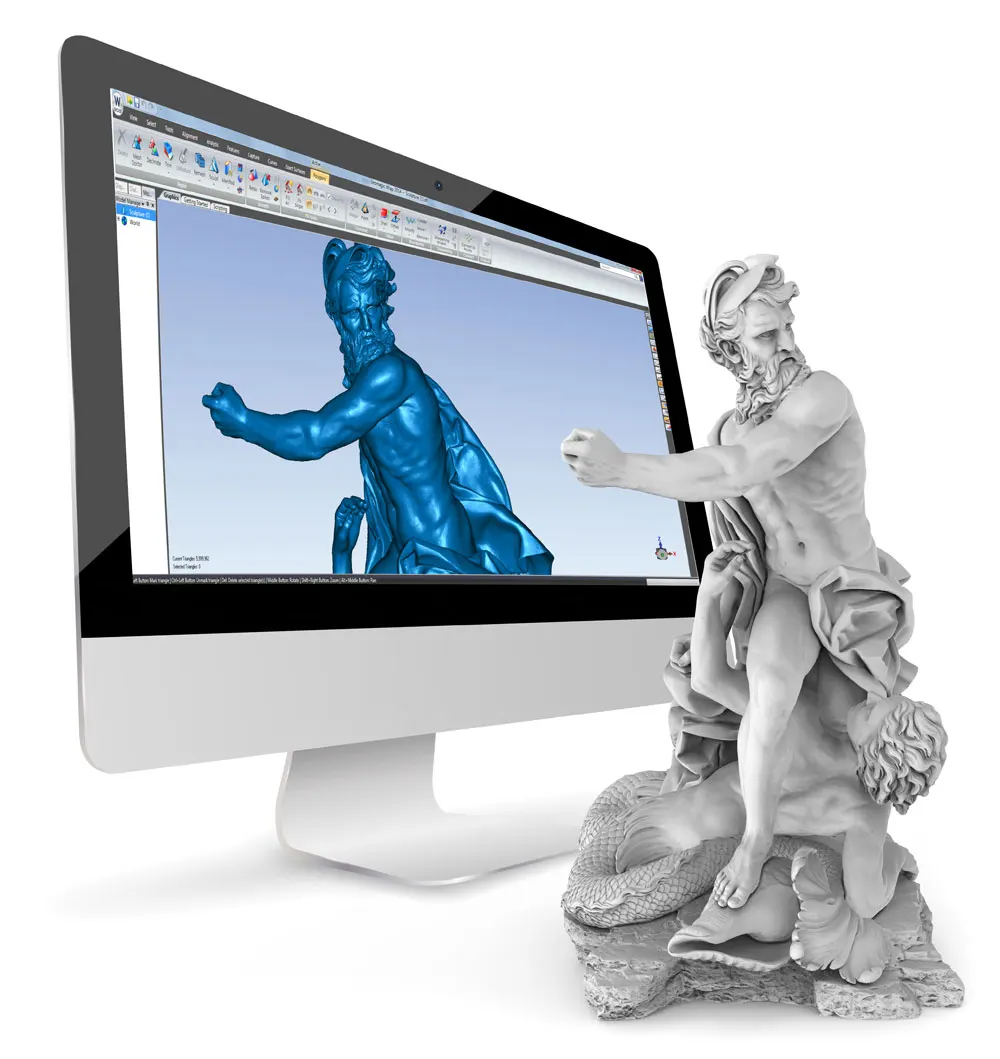
Yes, through the scan data. Export a mesh or point cloud from Artec Studio, then align, measure and report on it in PolyWorks|Inspector. Kreon arms and Kreon scanners connect directly through PolyWorks plug-ins.
What computer does it need?
A 64-bit PC with Windows 11 Pro or Windows 10 Pro. For scanning or large CAD models, InnovMetric recommend an Intel Core i7 class processor, 32 GB of RAM or more plus a professional NVIDIA RTX graphics card. PolyWorks 2027 will need Windows 11 Pro.
What does support include?
The first year of support and maintenance comes with every licence. It covers new major releases, monthly updates with fixes and plug-in updates, technical support by email or phone, plus access to the MyPolyWorks online hub. After that it renews each year.
Can people without a licence see the results?
Yes. PolyWorks|Reviewer is free. Colleagues can open an inspection project to explore the results in 3D.
See PolyWorks on your own parts
Tell us what you measure. We will arrange a demonstration and a price for the right package.
Need this today?
Ring the office and ask — somebody who runs the machines will pick up and answer it properly.
Get a part priced
Upload the file to the instant quote, choose the material and see the price straight away.
Buy from stock
Sprays, targets, calibration plates and printed spares, out of Cheshire the same day if you order before 3pm.