.svg)
INSVISION · Sold and supported in the UK by Europac 3D
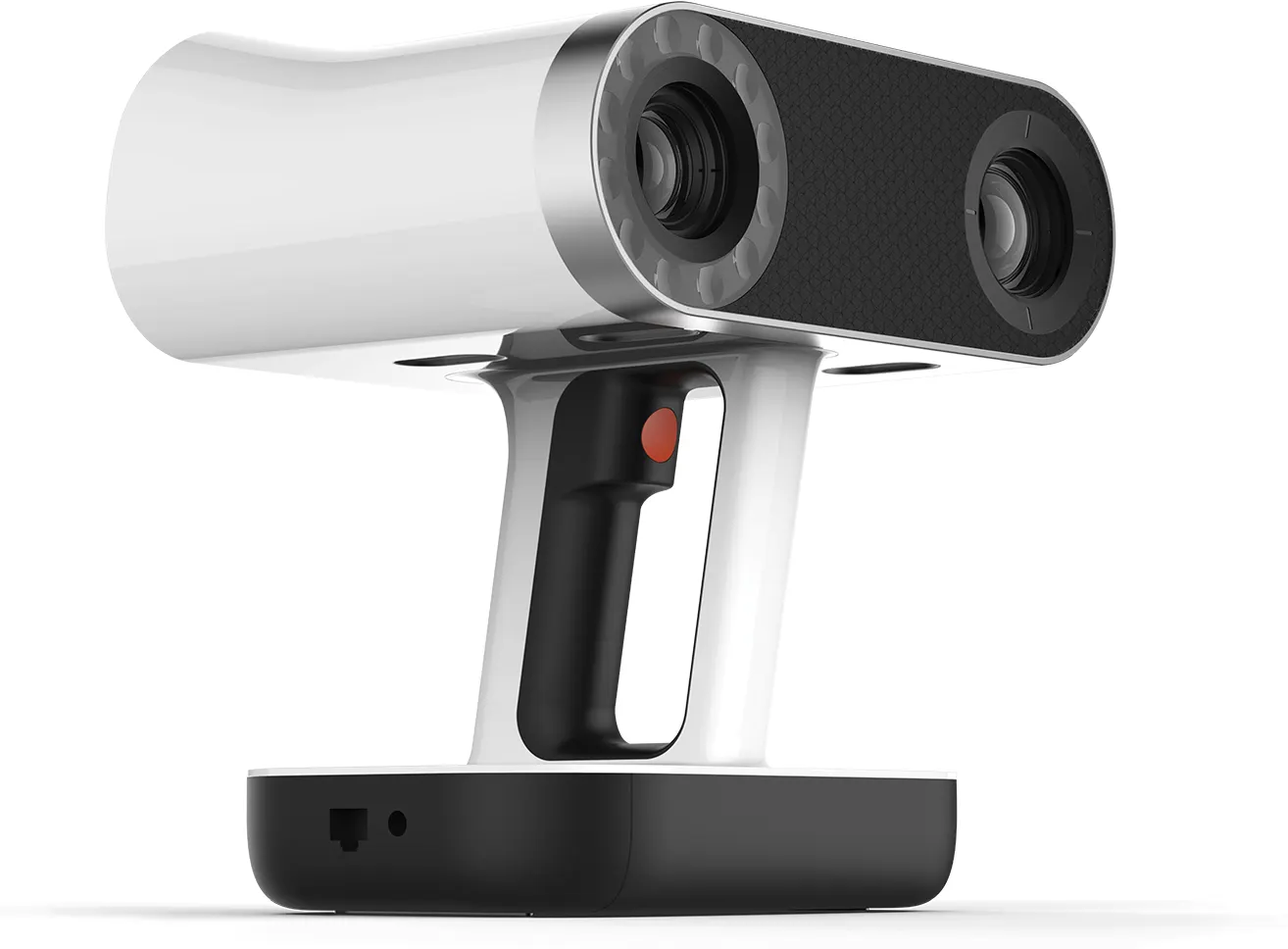
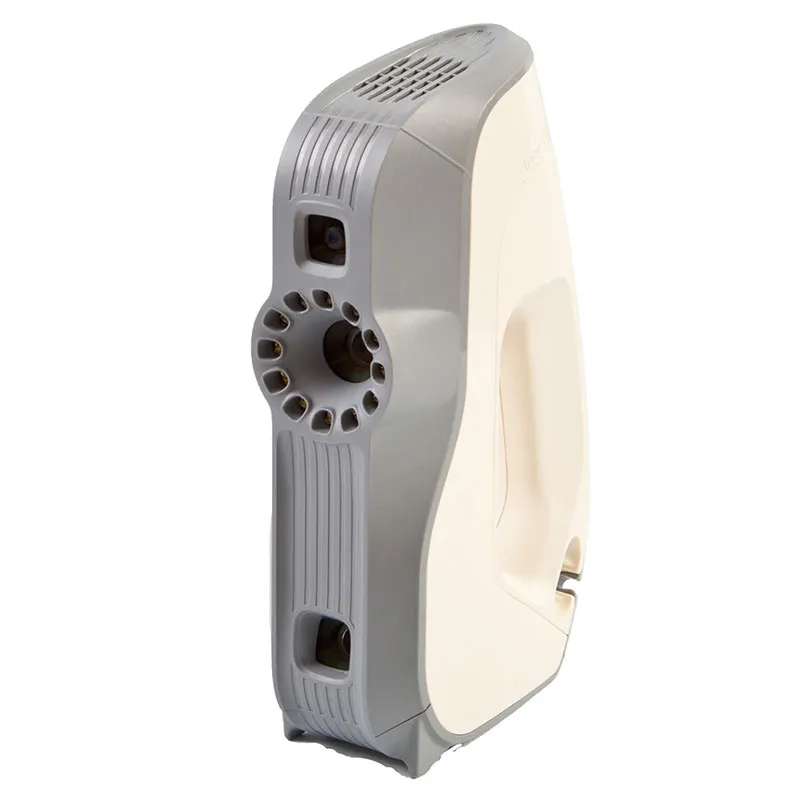
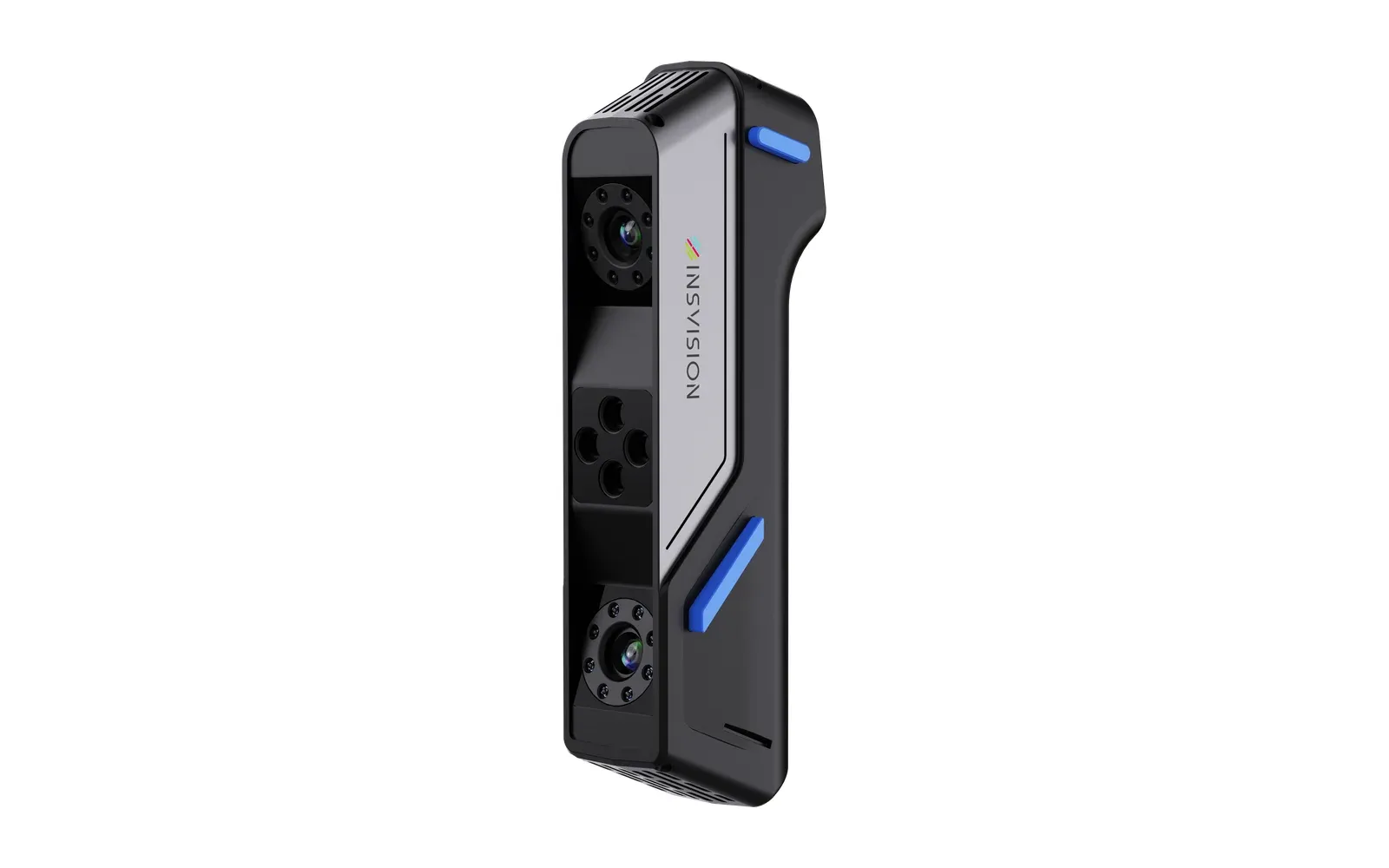
INSVISION Apex 3D
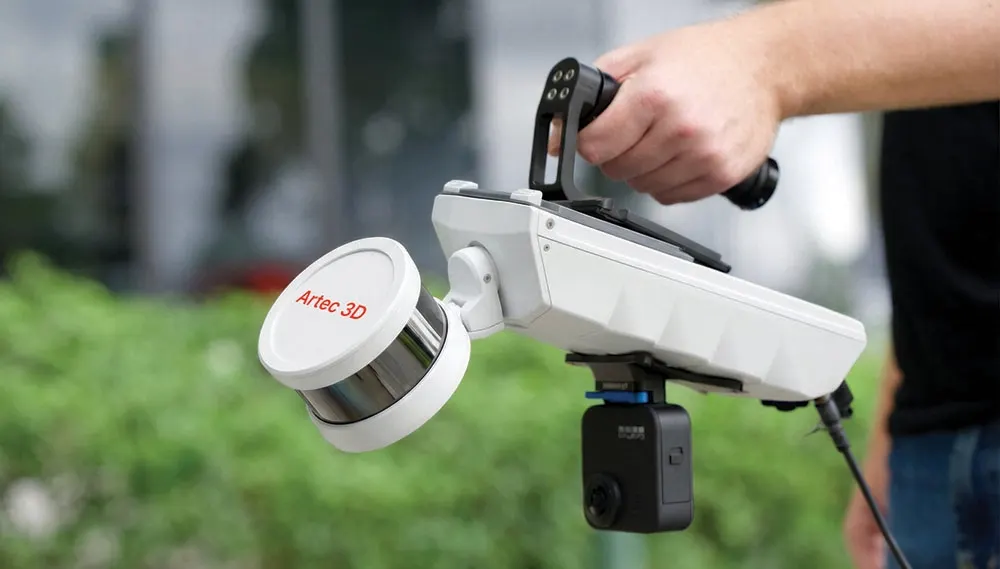
An industrial blue laser scanner that weighs about 450 g. Three scanning modes, accuracy up to 0.03 mm and no targets to stick on, so you can start scanning as soon as it is switched on.
 More from INSVISION
- Accuracy
- 0.03 mm
- Measurements a second
- 6.5M
- Weight
- 450 g
Price ex VAT. A demonstration on your own parts is the best way to judge it.
No scanner of your own yet? Send us the part or have us on site. We scan it with the same INSVISION Apex 3D and send back the data you need.
- A mesh, CAD model, report or point cloud
- At Whitchurch or on your site
- A fixed quote before work starts
- Metrology grade, to VDI/VDE 2634 part 3
- Marker-free scanning, no target preparation
- UK demonstrations, training and support from Europac 3D
Light enough to go anywhere
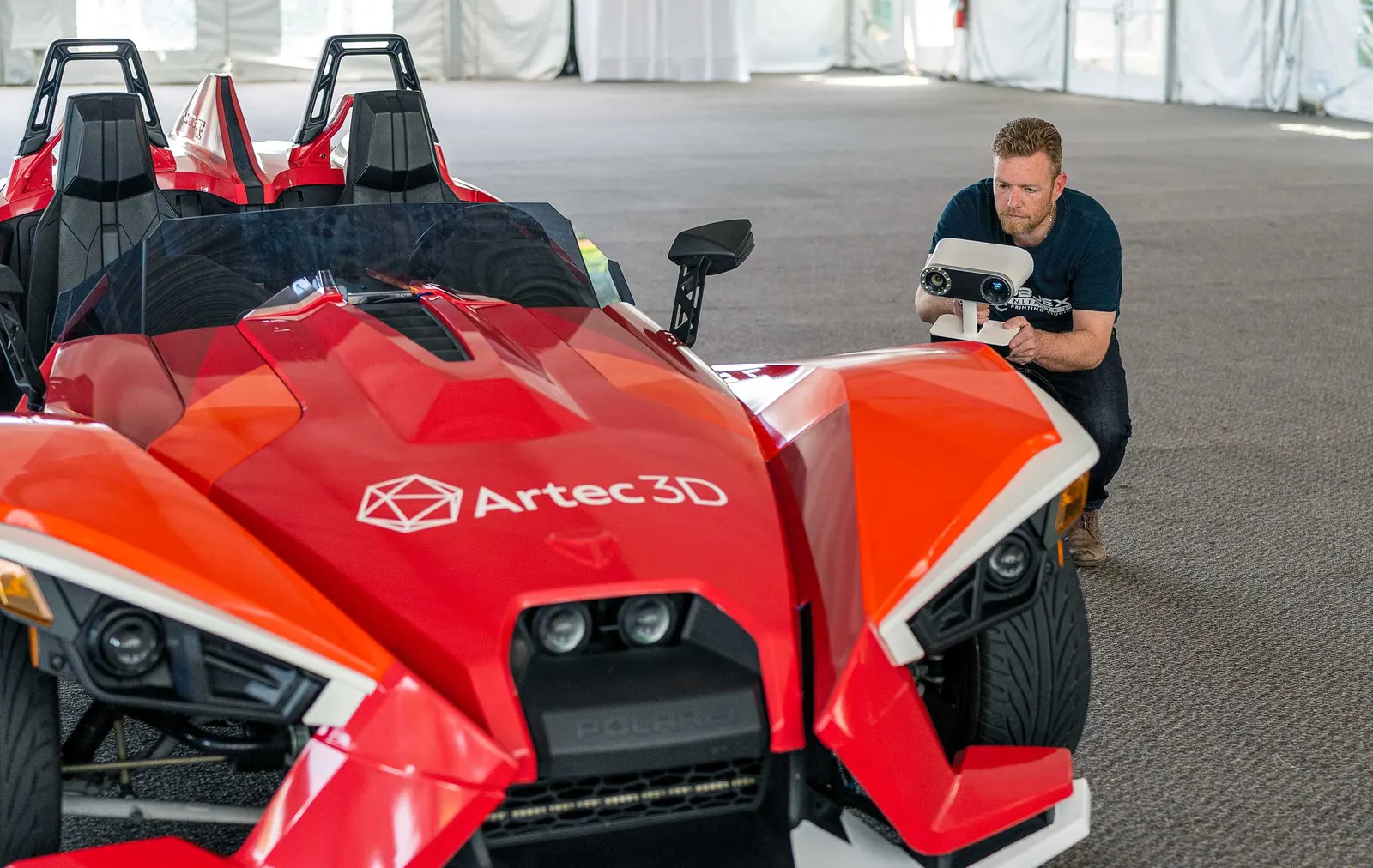
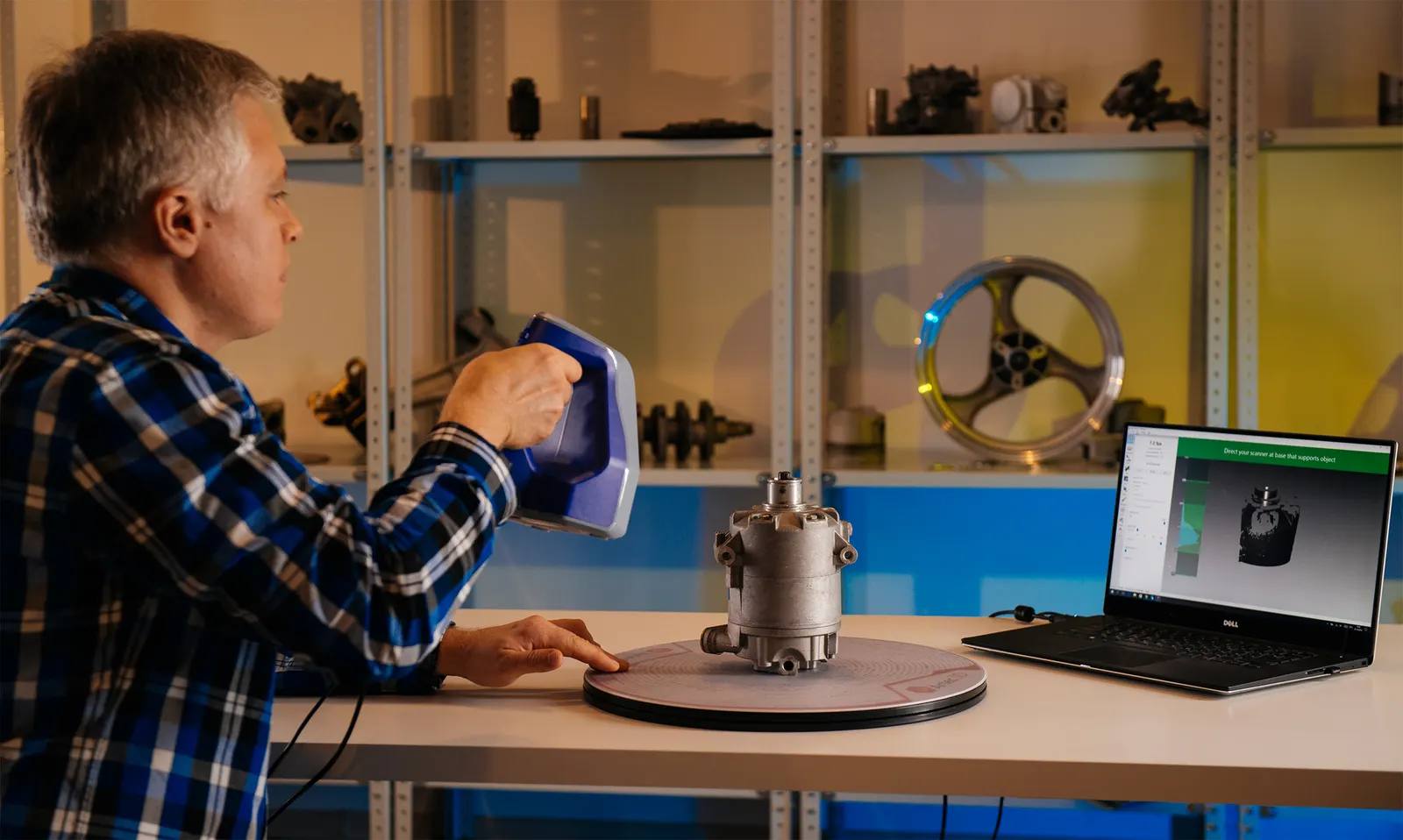
Industrial accuracy in a scanner you can hold all day. The Apex 3D reaches into car interiors, fixtures and machines where a bigger scanner will not fit, and it needs no targets, so there is no preparation before the first scan.
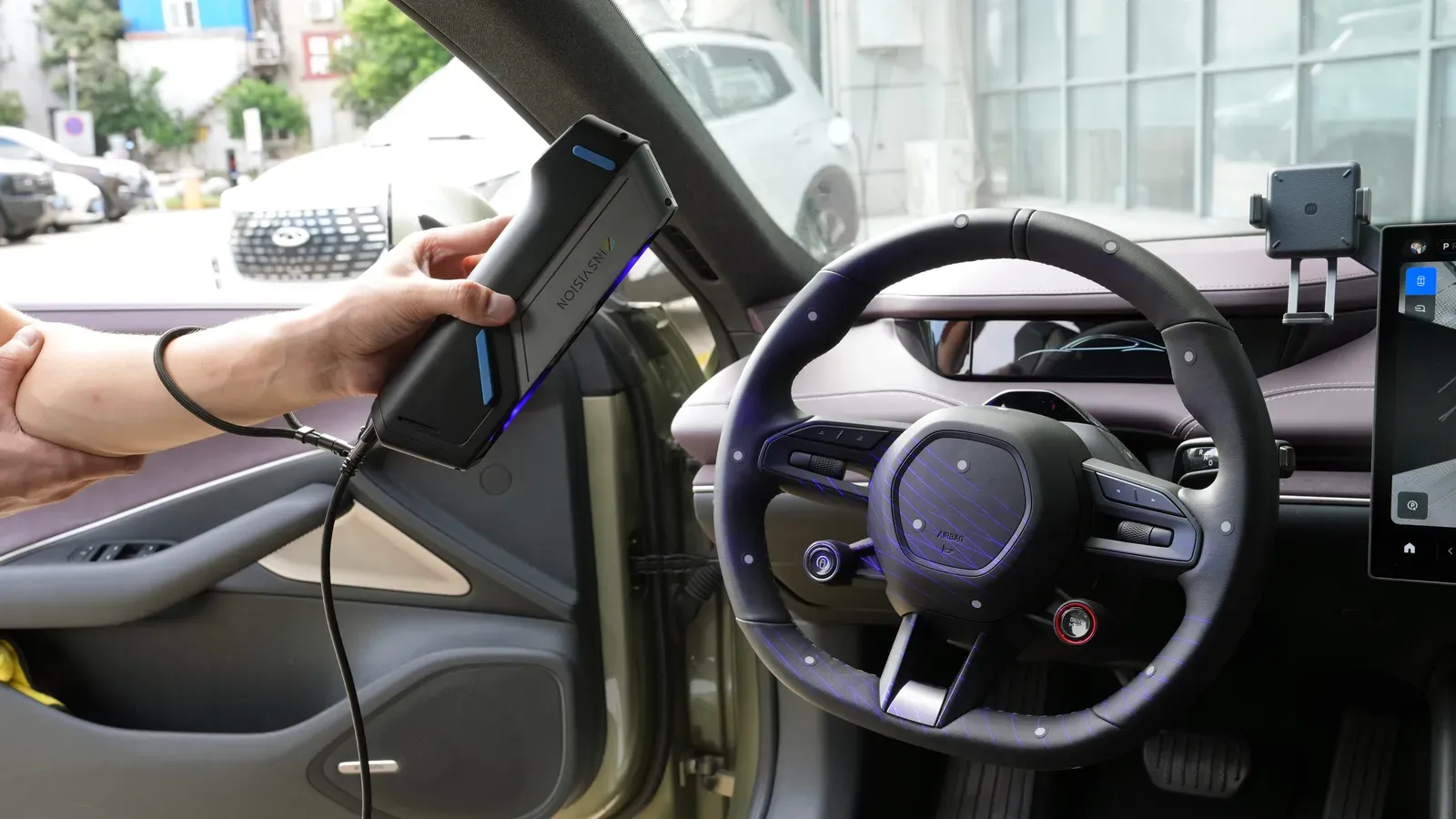
About 450 g
Compact and light, so it gets into confined spaces and stays comfortable through long sessions.
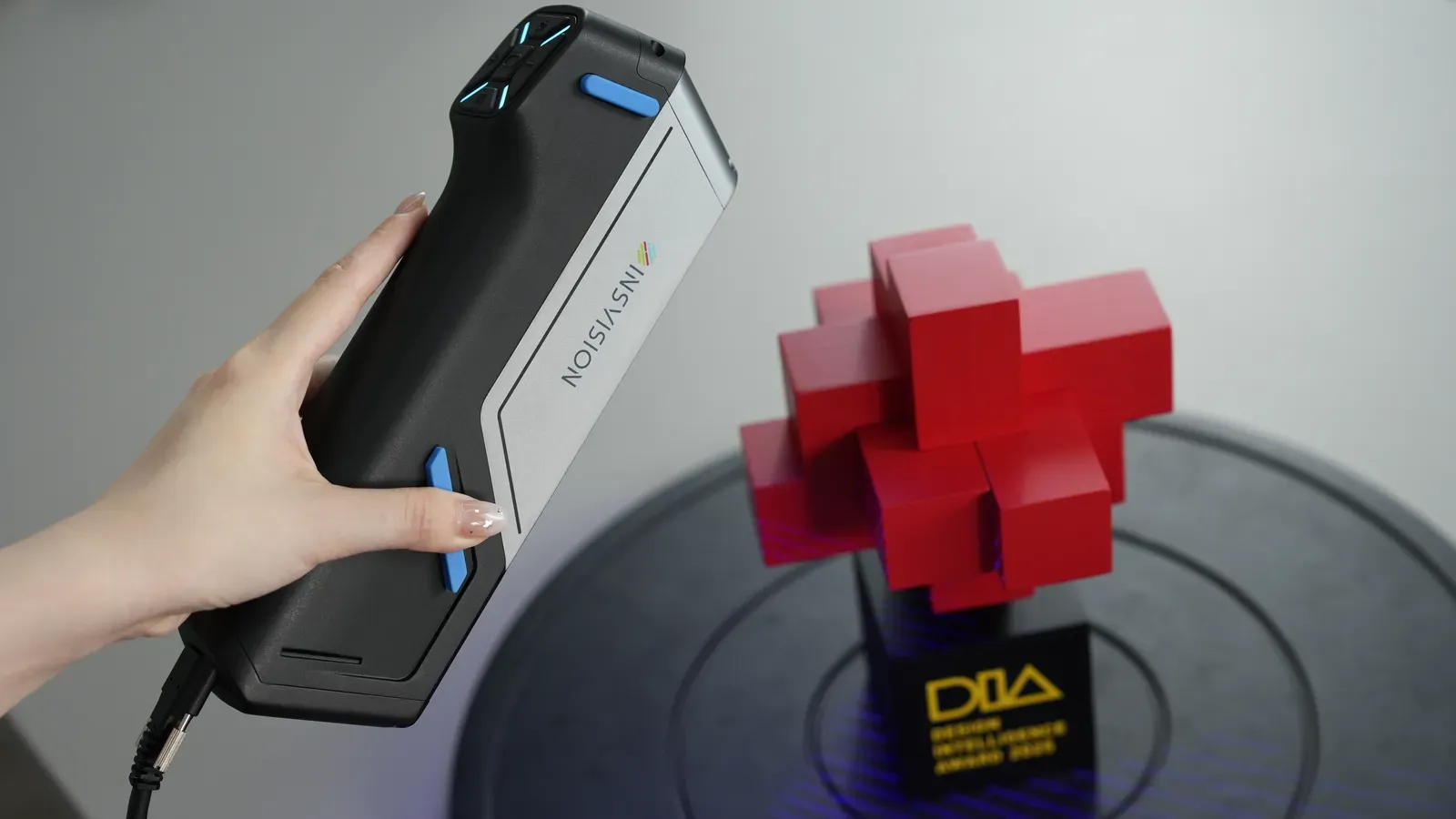
No markers needed
Marker-free scanning means you can capture data as soon as it is powered on, with far less preparation.
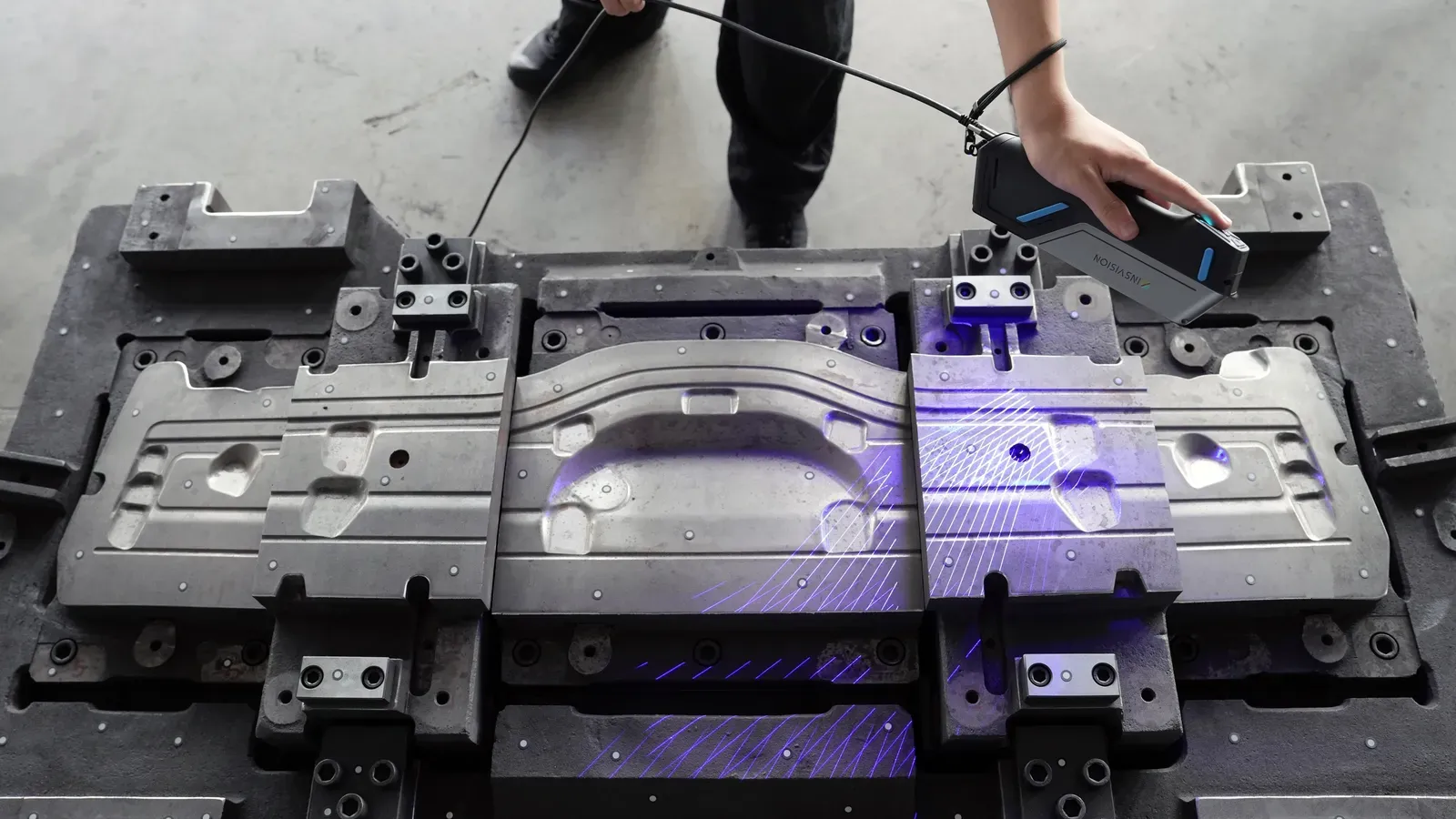
Large-area scanning
Up to 1000 × 800 mm a frame, 650 × 500 mm as standard, for good coverage without losing fine detail.
Three ways to scan
Pick the mode that suits the part, without changing scanner.
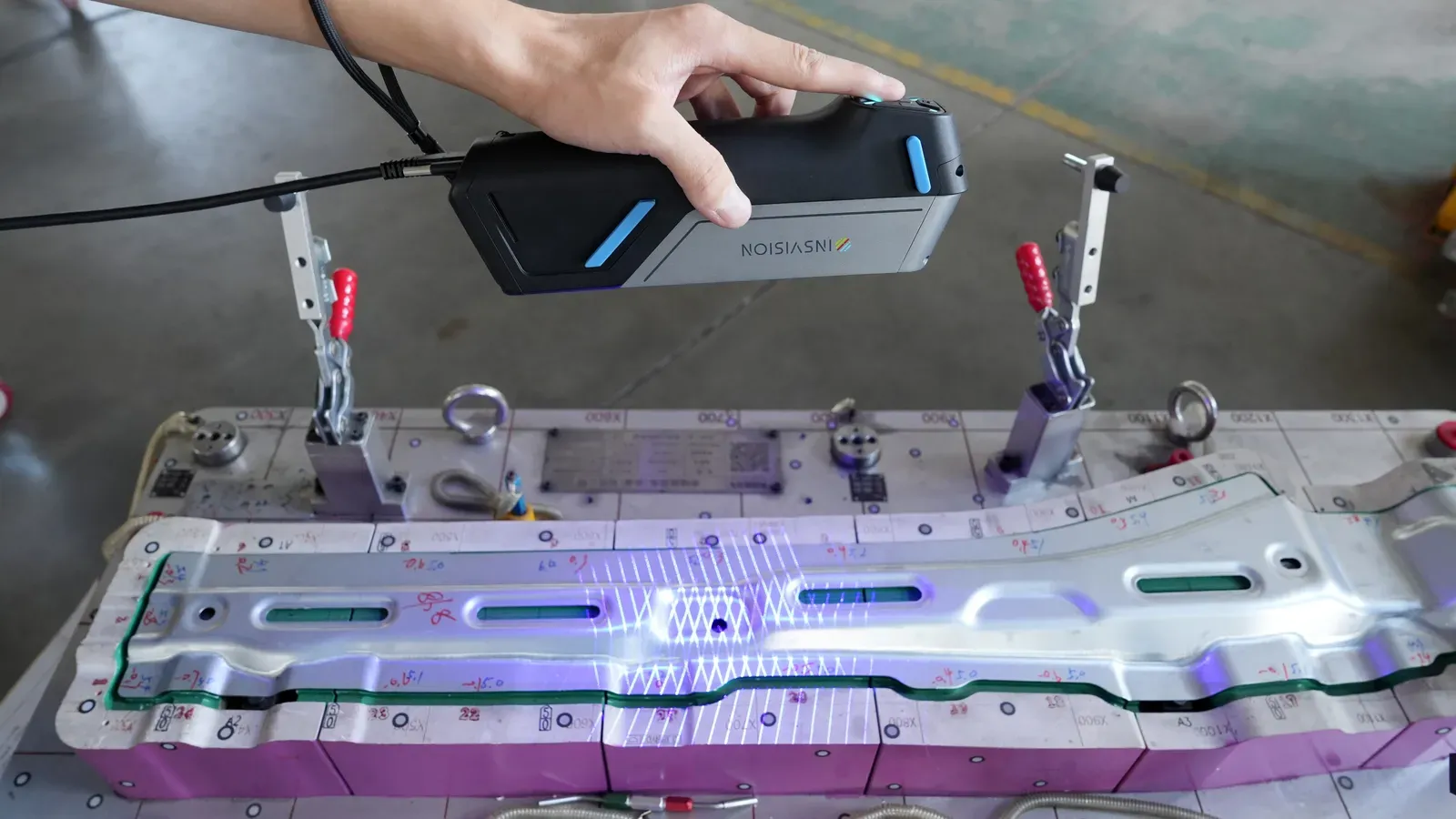
High-speed scanning
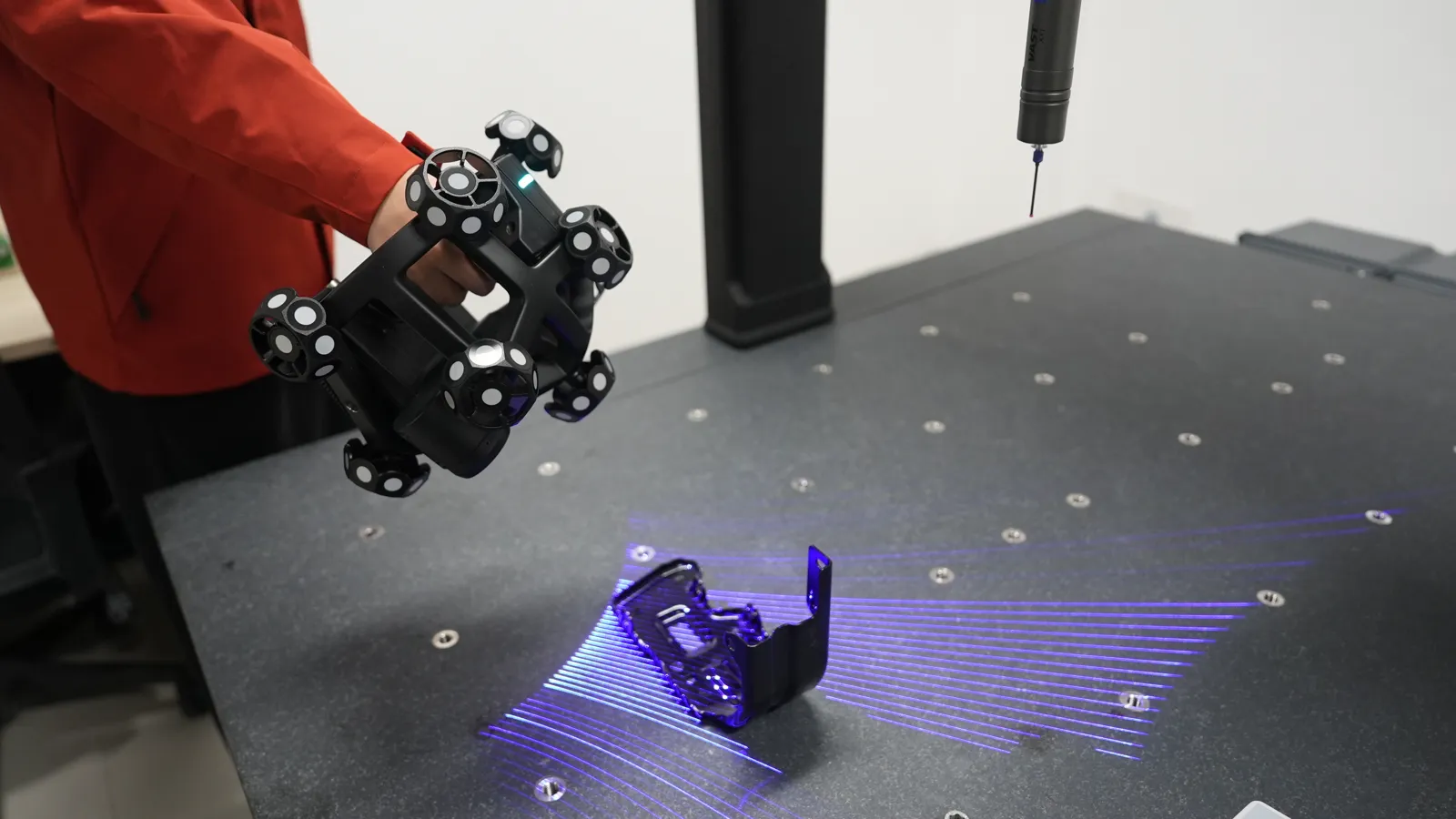
34 crossed blue laser lines for fast coverage of medium and large surfaces.
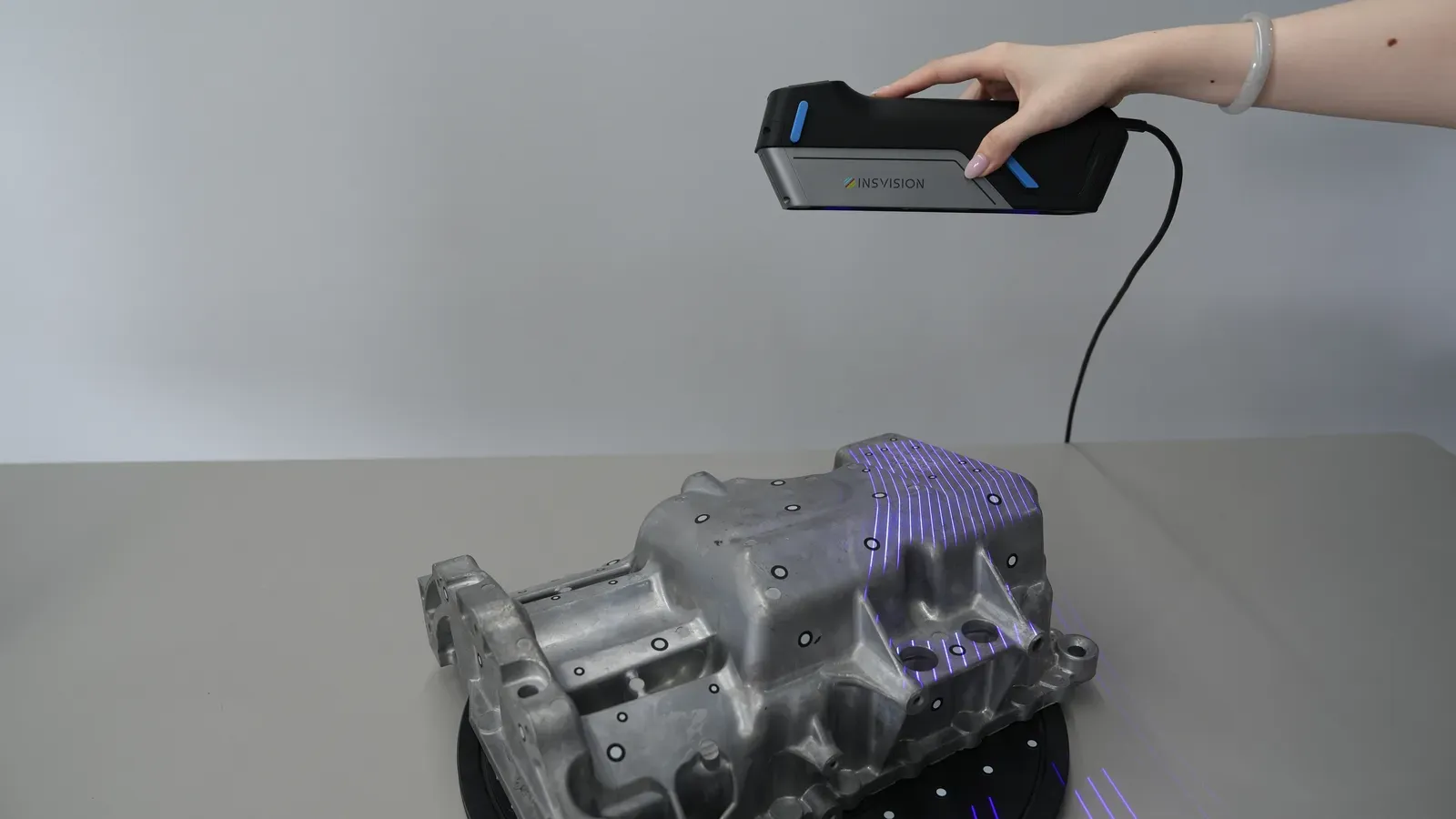
Fine scanning
17 parallel blue laser lines for small features, edges and lettering.
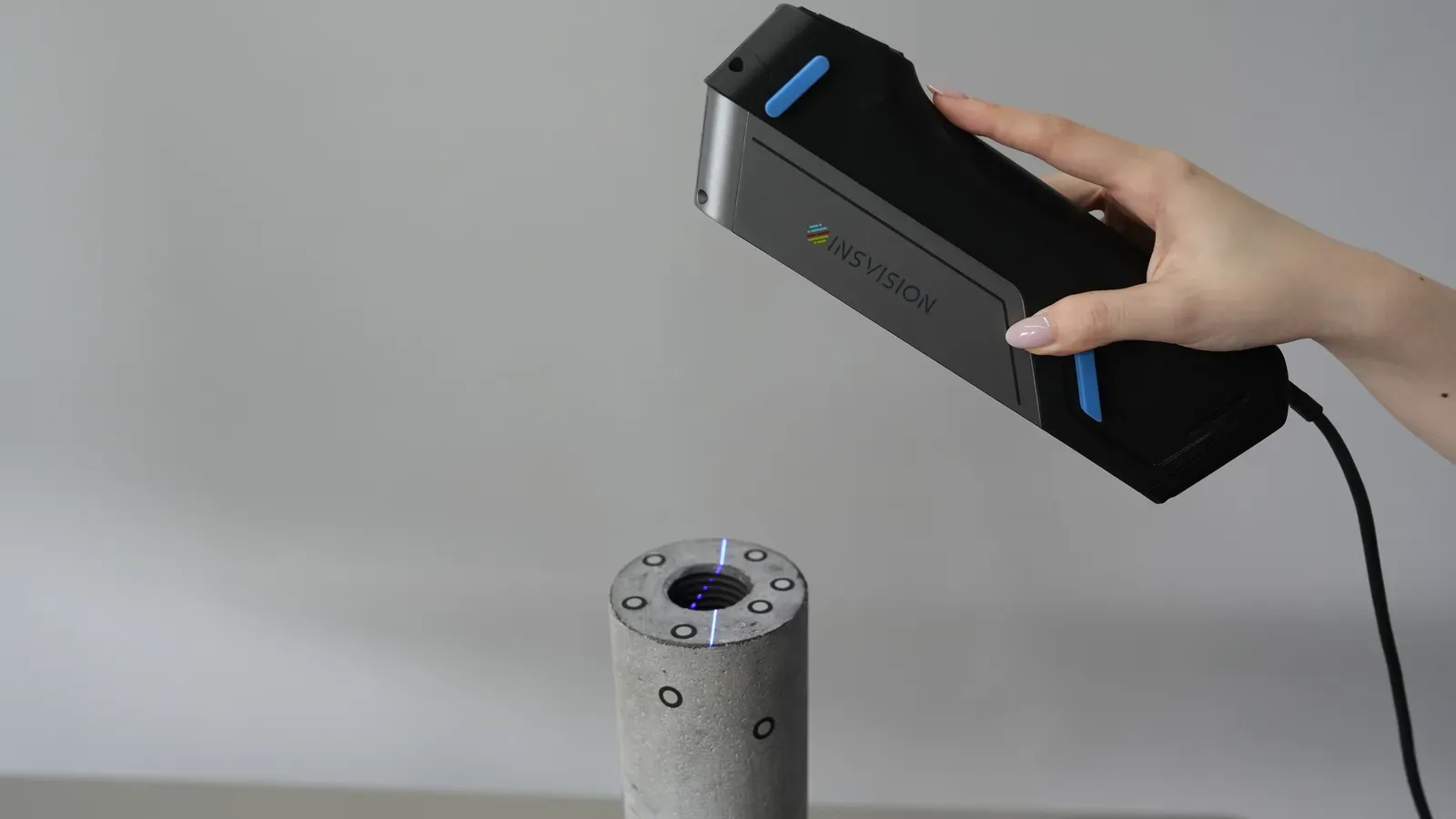
Deep-hole scanning
A single blue laser line reaches into bores and pockets that a fan of lines cannot see into.
Industrial accuracy at a lower price
The Apex 3D brings metrology-grade scanning within reach of smaller teams and second-scanner budgets.
Up to 0.03 mm
Accuracy to VDI/VDE 2634 part 3, with a volumetric accuracy of 0.03 mm + 0.035 mm/m.
6.5 million measurements a second
Fast enough to scan a car seat or a fixture in a few passes.
Resolution to 0.01 mm
Fine detail such as cast lettering and sharp edges comes through clearly.
Blue laser
Copes with dark and shiny surfaces better than red light, with Class II eye-safe lasers.
5 MP industrial cameras
High-definition cameras for clean, detailed data.
Plug in by USB-C
One Type-C connection to the laptop, with a working range of −10 to 40 °C.
What people scan with an Apex 3D
Quality inspection
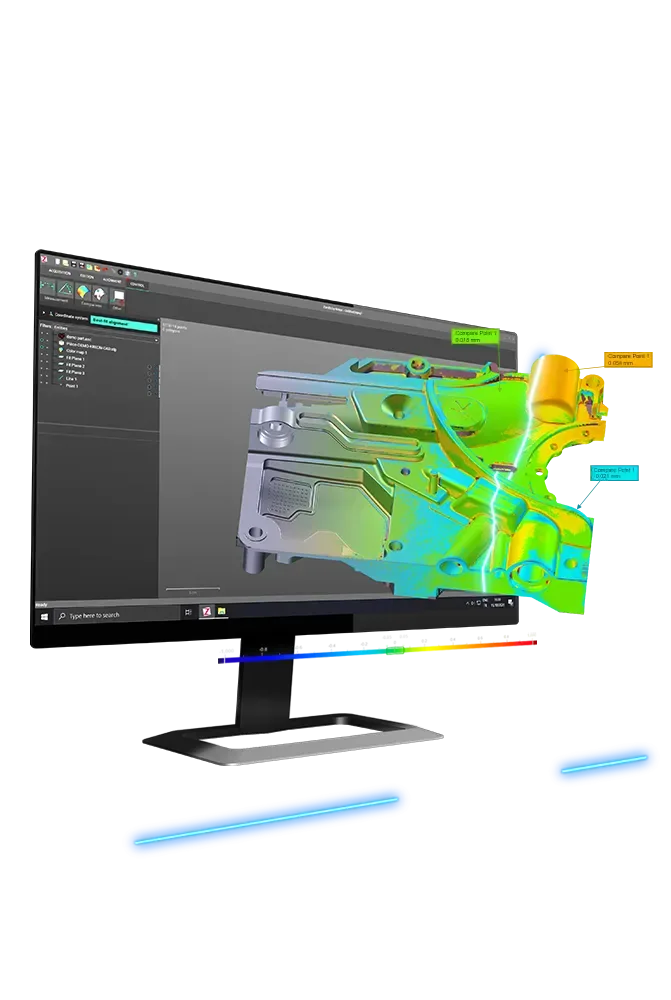
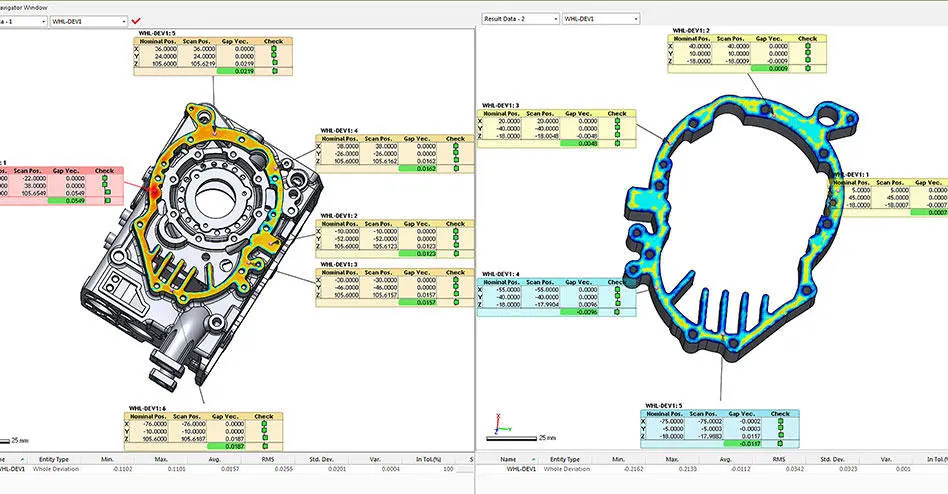
Dimensional checks and colour-map comparisons against CAD.
CAD based inspectionReverse engineering
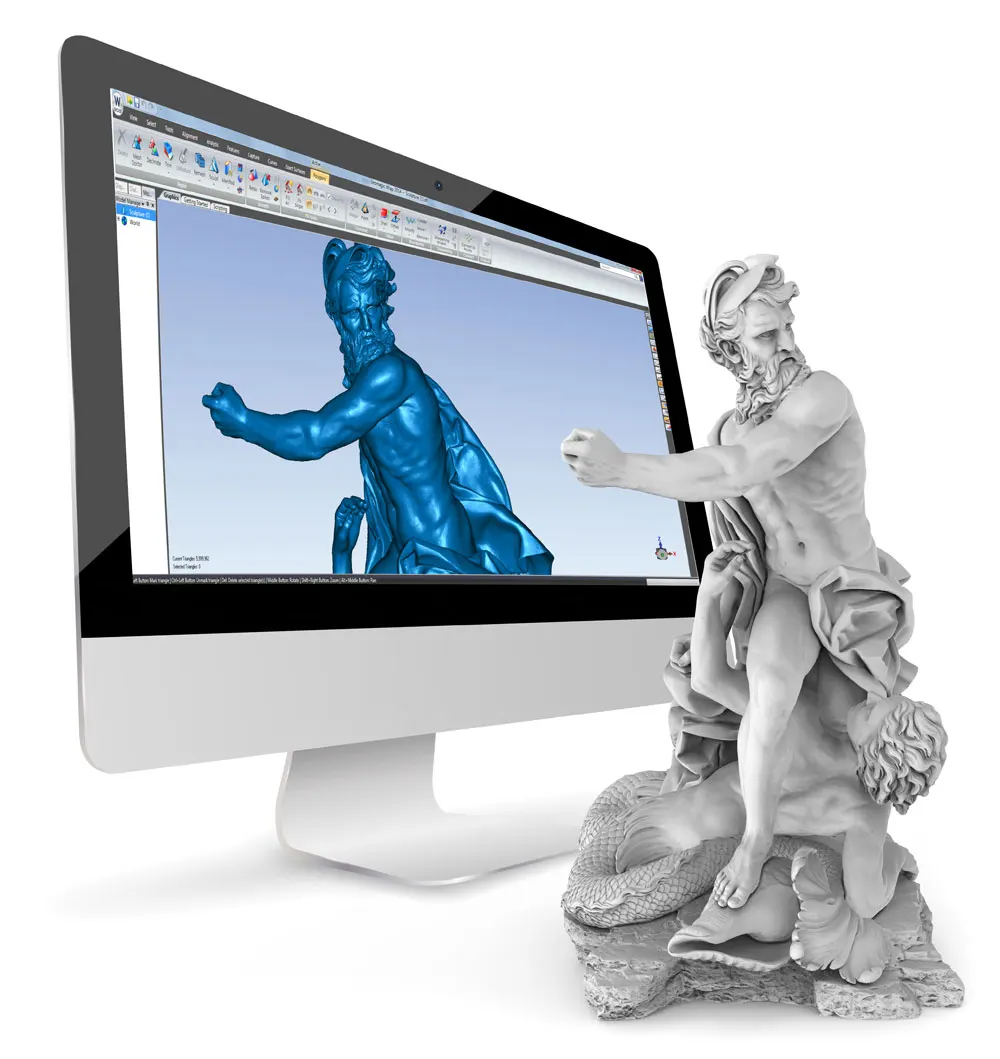
Scan-to-CAD for parts with no drawings.
Reverse engineeringProduct development
Capture prototypes and existing products to design around.
Manufacturing verification
Check first-off parts and tooling on the shop floor.
Automotive
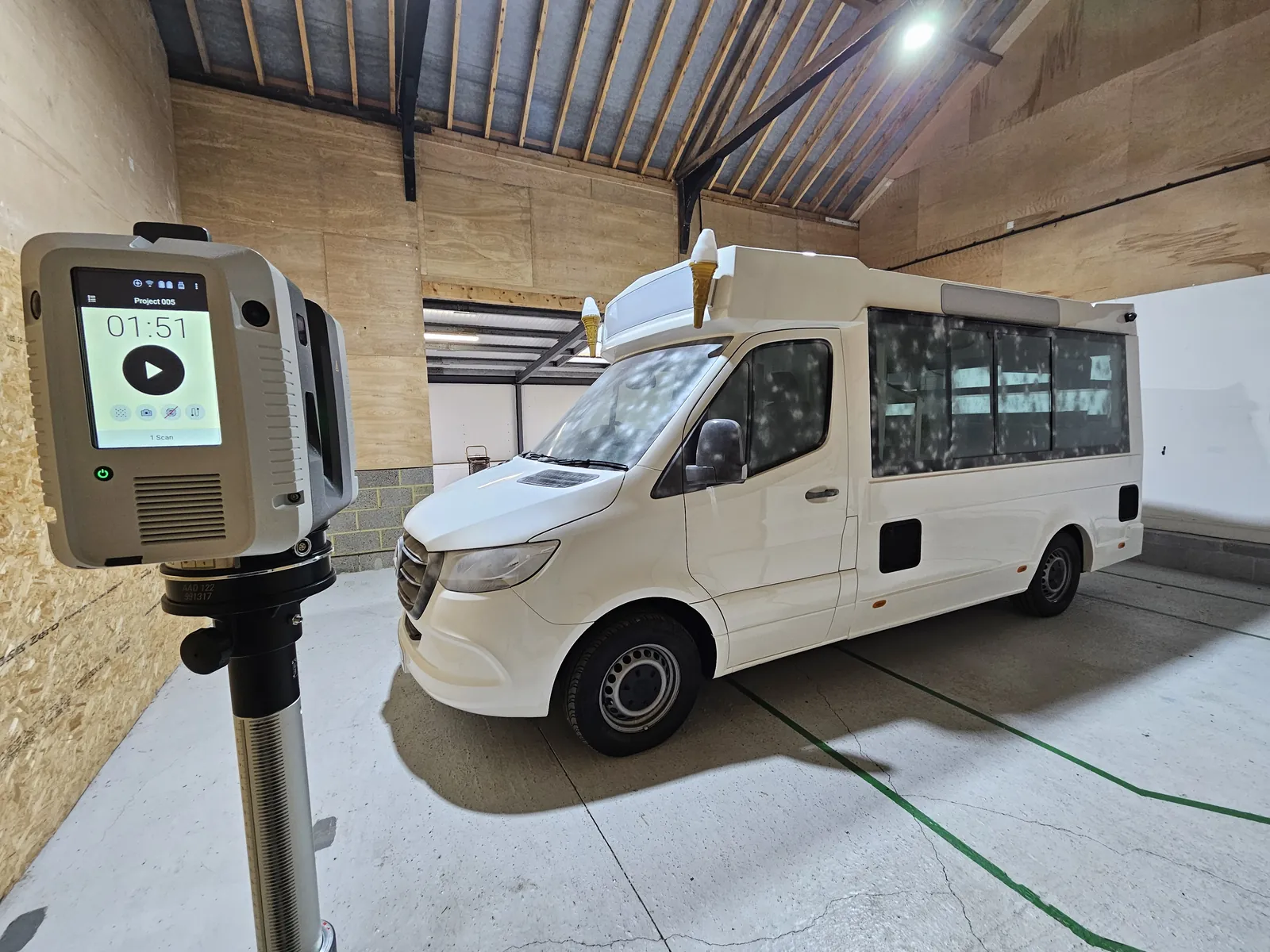
Interiors, trim, panels and fixtures, in places a bigger scanner cannot reach.
Moulds, machinery, rail, aerospace and energy
The industries INSVISION built it for.
Specification
INSVISION published specification.
- Made by
- INSVISION
- Type
- Handheld blue laser scanner
- Best for
- Small to medium parts, tight spaces
- Targets
- None needed
- Standard
- VDI/VDE 2634 part 3
| High-speed scanning | 34 crossed blue laser lines |
|---|---|
| Fine scanning | 17 parallel blue laser lines |
| Deep-hole scanning | 1 blue laser line |
| Accuracy | Up to 0.03 mm |
| Volumetric accuracy | 0.03 mm + 0.035 mm/m |
| Measurement rate | Up to 6,500,000 a second |
| Scanning area | Up to 1000 × 800 mm, 650 × 500 mm standard |
| Resolution | Up to 0.01 mm |
| Working distance | 300 mm |
|---|---|
| Depth of field | 650 mm |
| Laser class | Class II, eye safe |
| Output formats | STL, PLY, OBJ, TXT and others |
| Operating temperature | −10 to 40 °C |
| Weight | About 450 g |
| Connection | USB Type-C |
| Computer | Windows 10 or later (64-bit), NVIDIA RTX 4060 or better with 8 GB, Intel Core i7-13700H or better, 32 GB RAM |
Software selector
Which software do you need?
The Apex 3D comes with INSVISION's scanning software. Add one of these only if your work goes further: pick the column that matches what you do.
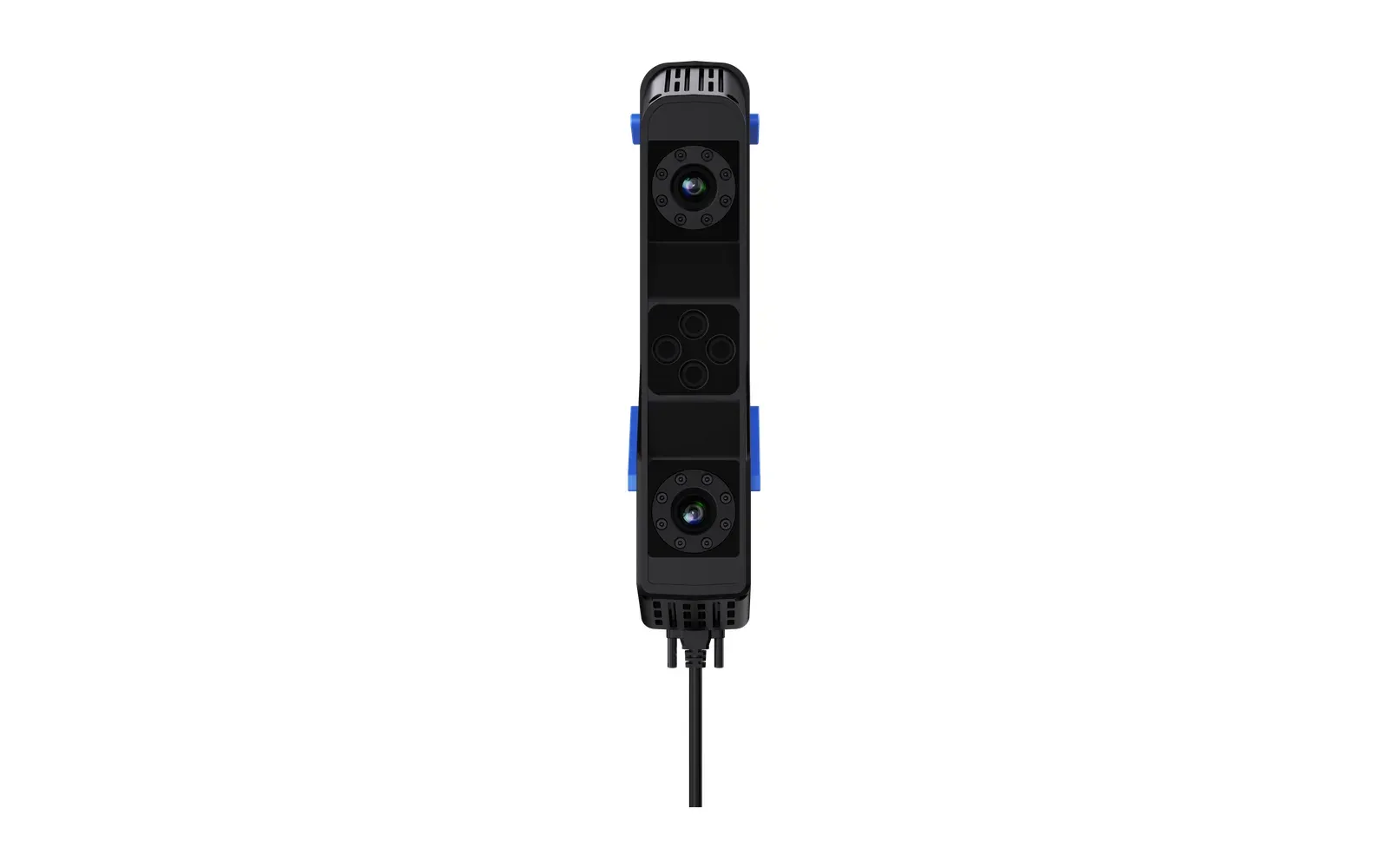
INSVISION scanning software
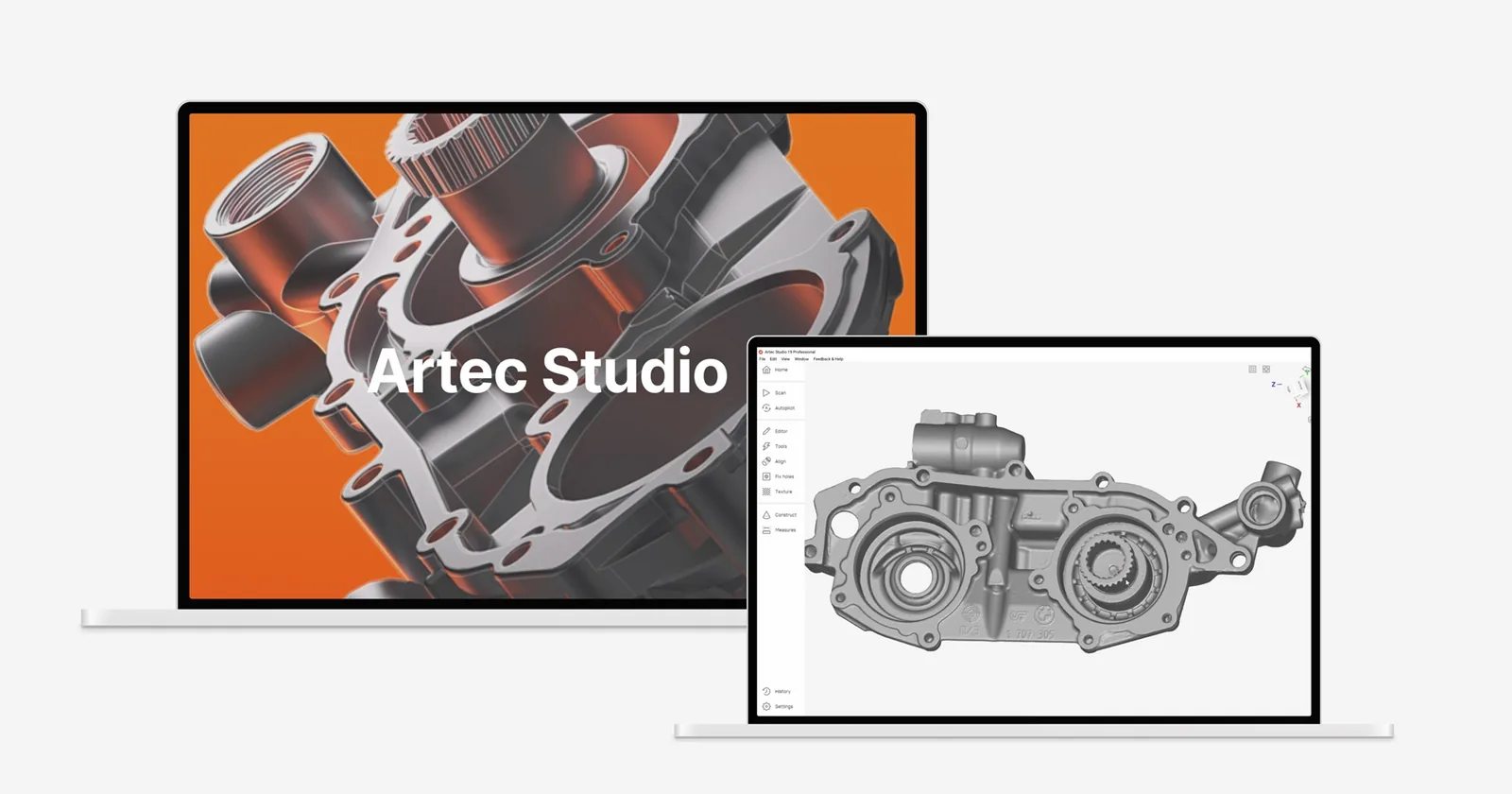
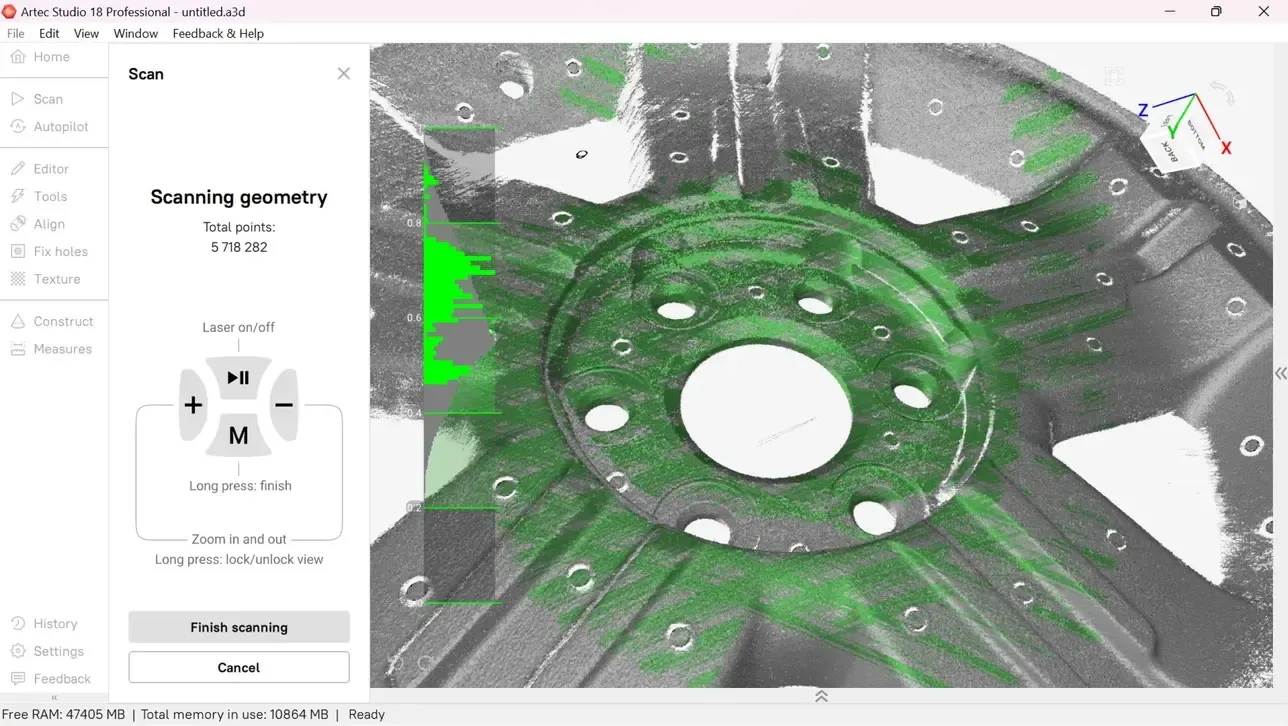
Captures the scan and builds it into an accurate mesh you can export as STL, PLY or OBJ. Pair it with one of the packages below for inspection reports or parametric CAD.
Quality control and inspection
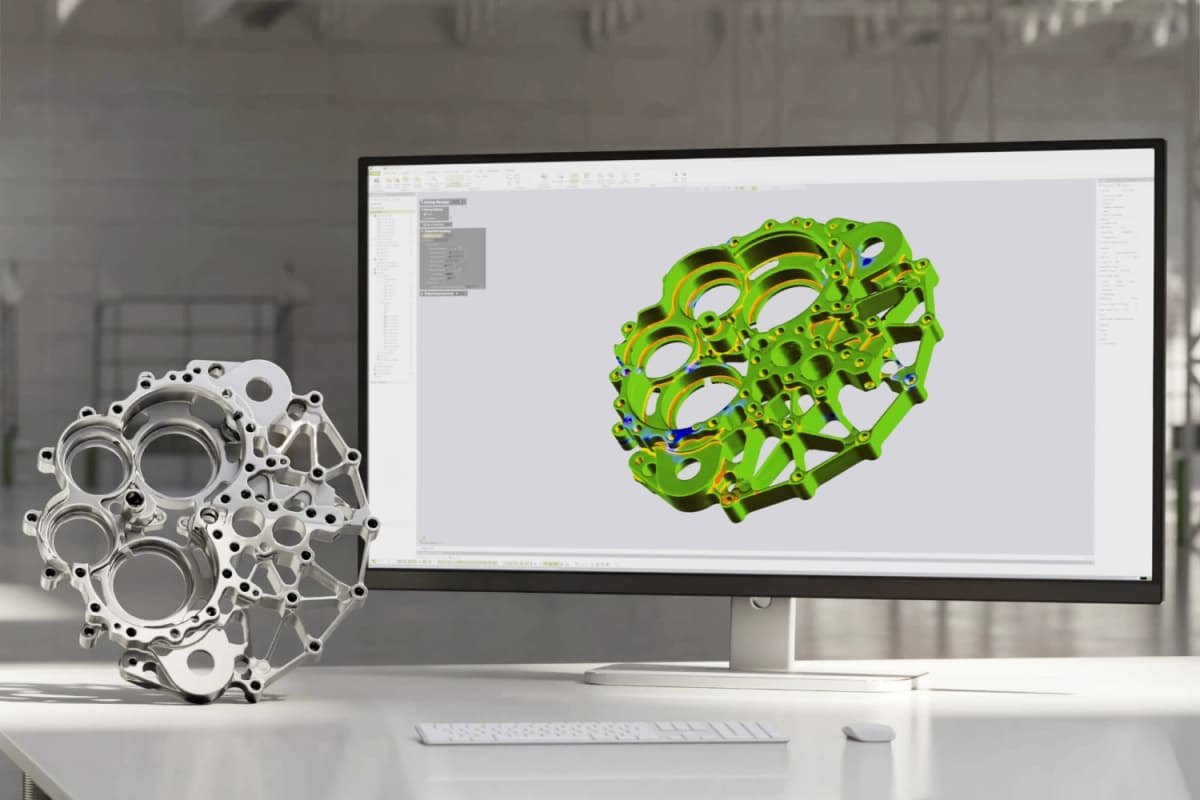
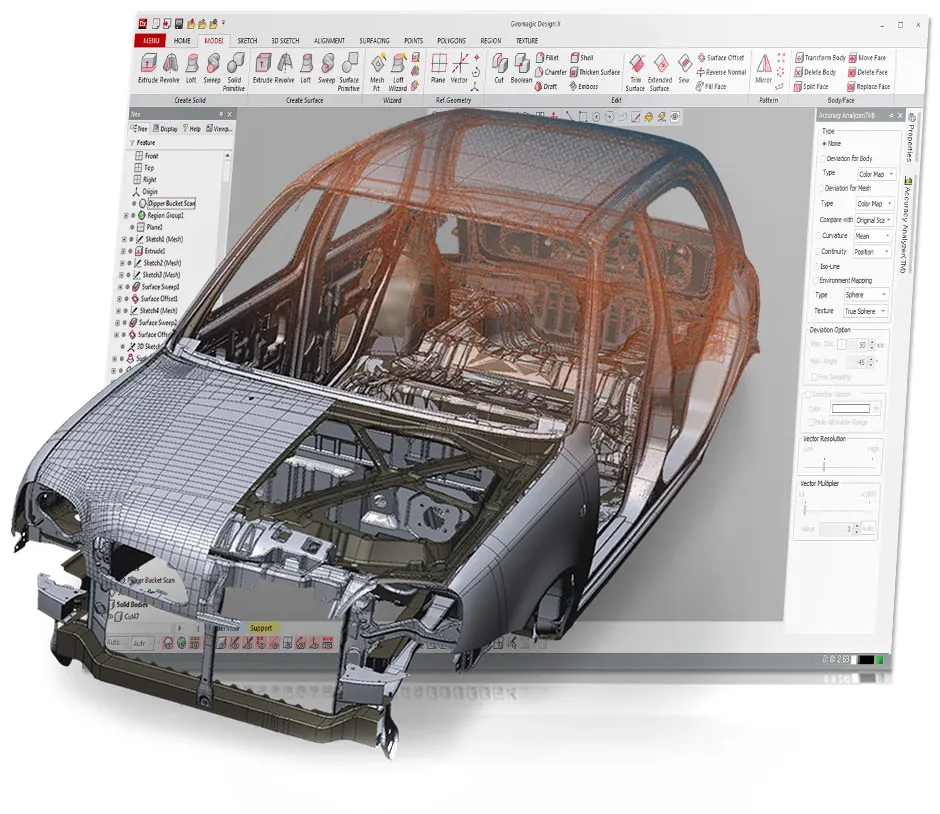
Geomagic Control X
Scan-to-CAD comparison, colour maps, dimensional inspection, GD&T and automated reporting.
From £3,864 ex VAT
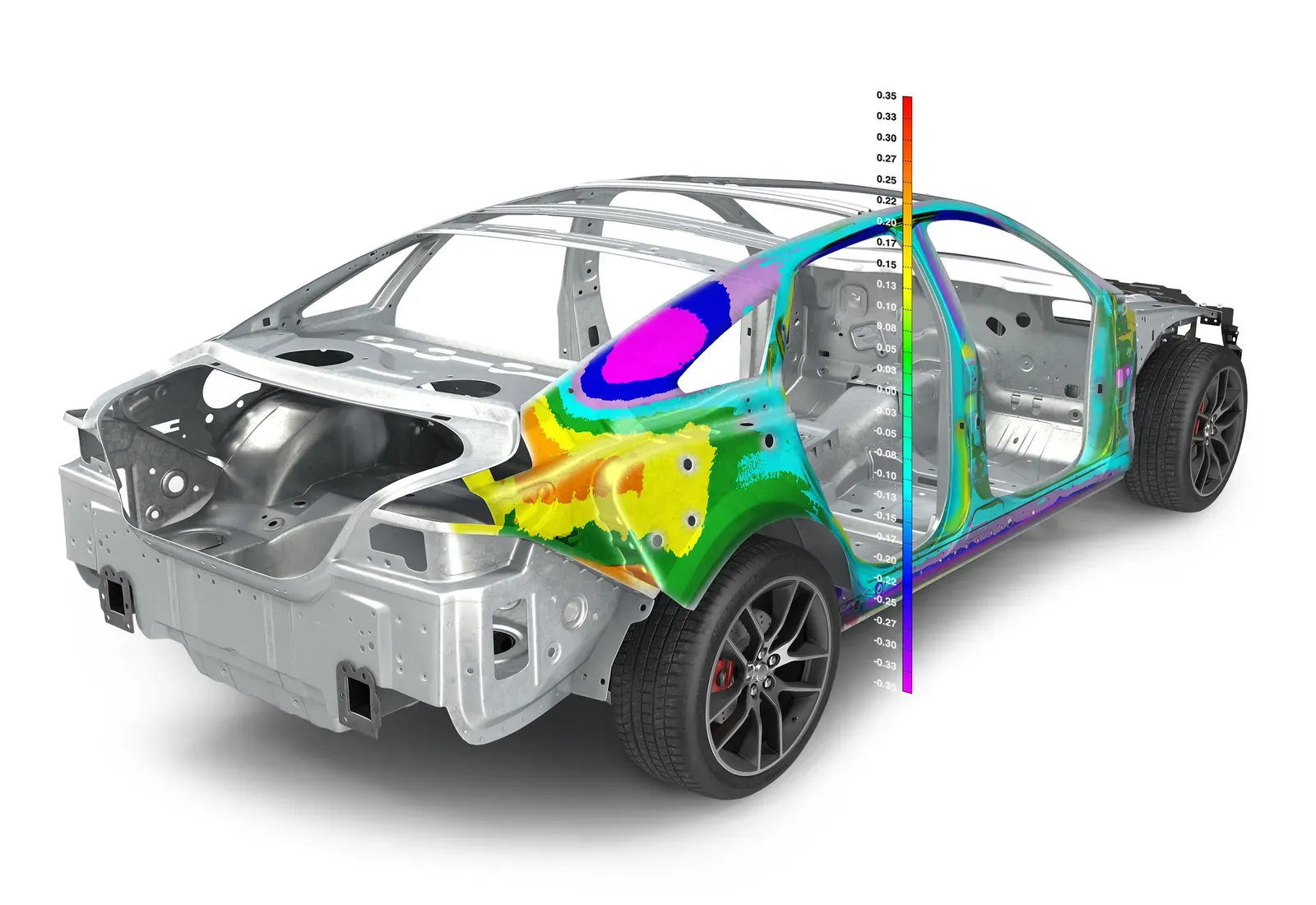
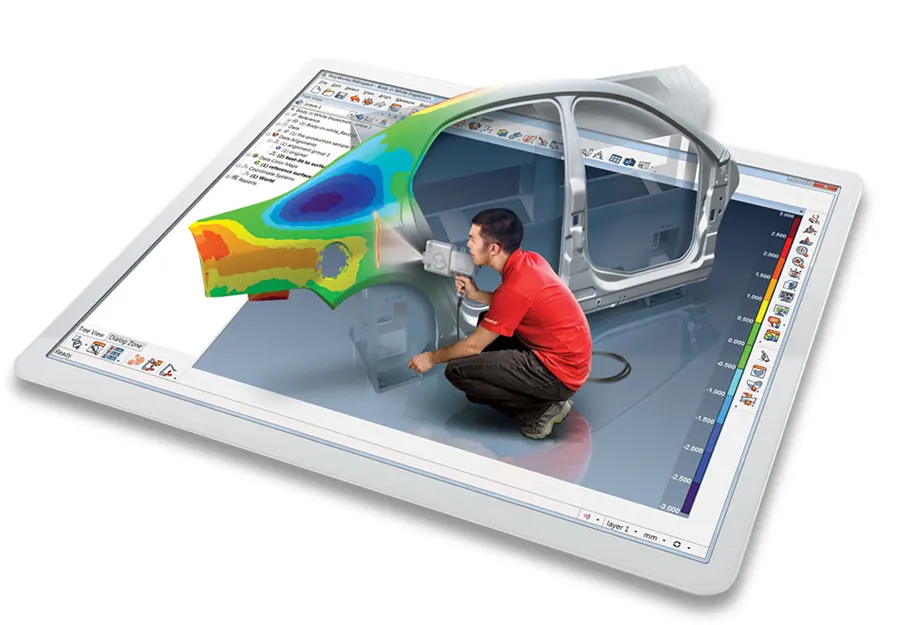
PolyWorks|Inspector
Industrial dimensional analysis, inspection and metrology reporting.
Priced on request
Reverse engineering
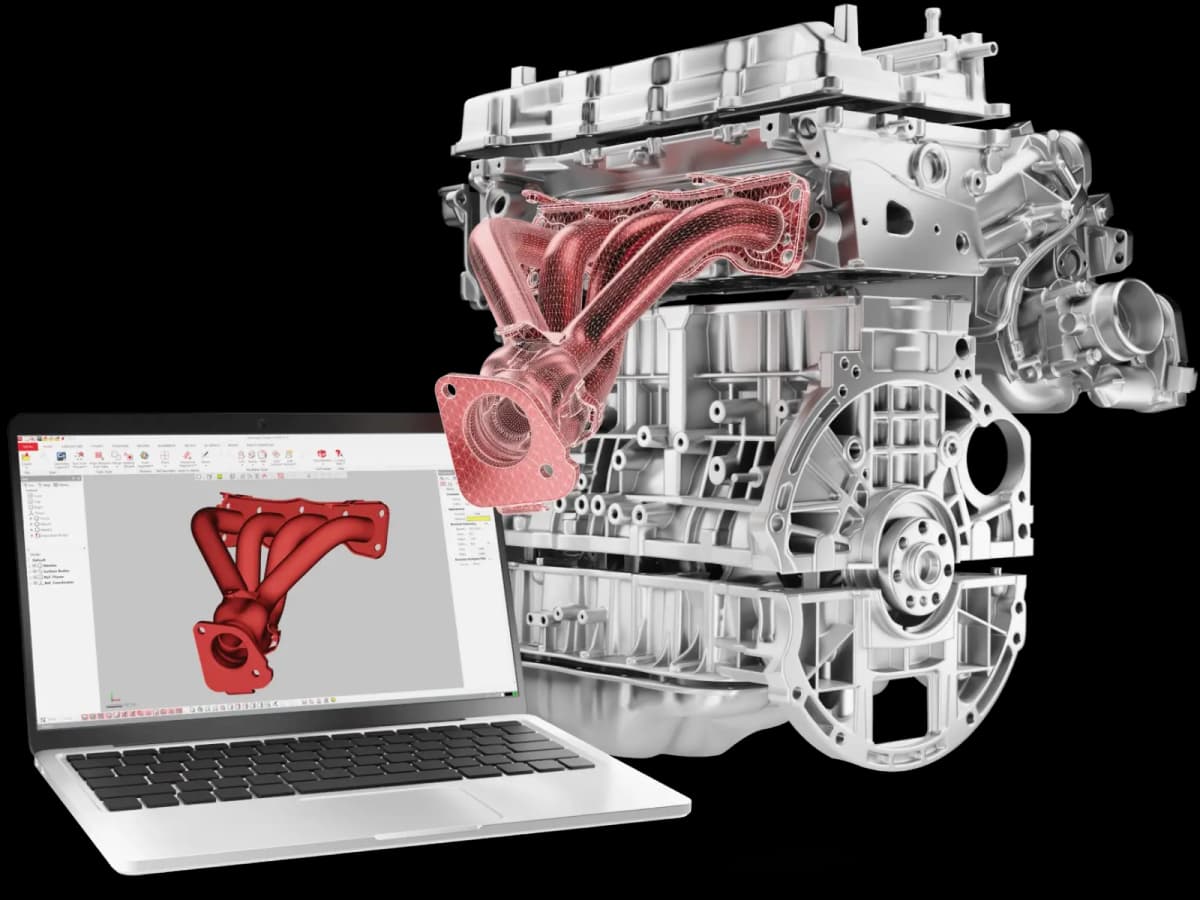
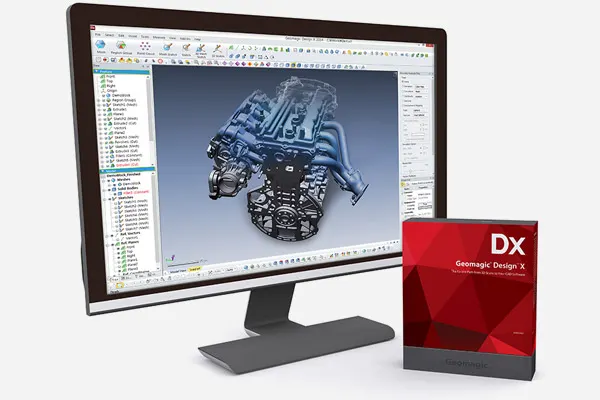
Geomagic Design X
Converts scan data into accurate, editable, parametric CAD models.
From £1,470 ex VAT
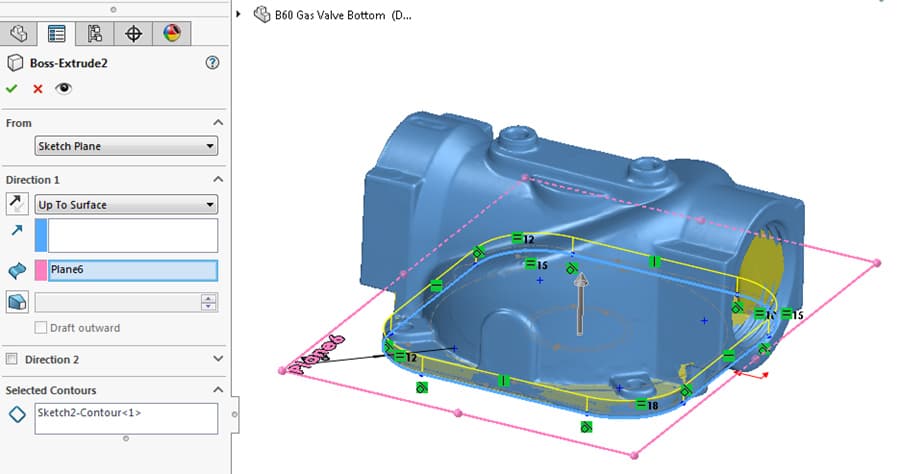
Geomagic for SOLIDWORKS
Creates CAD models from scan data directly inside SOLIDWORKS.
From £1,917 ex VAT
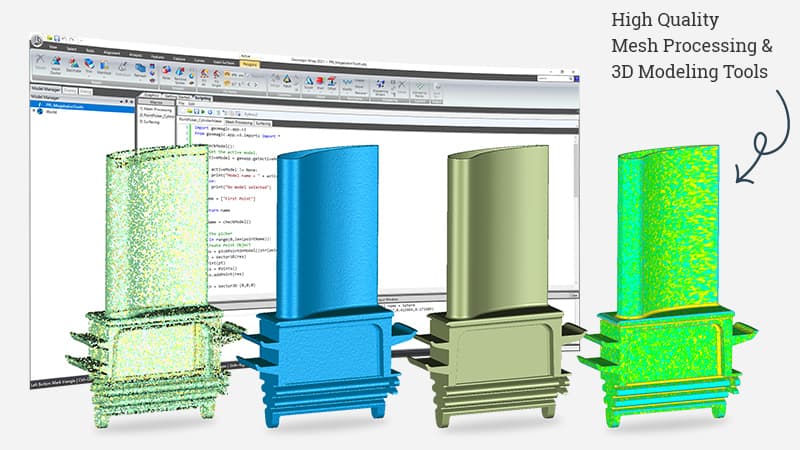
2D flattening
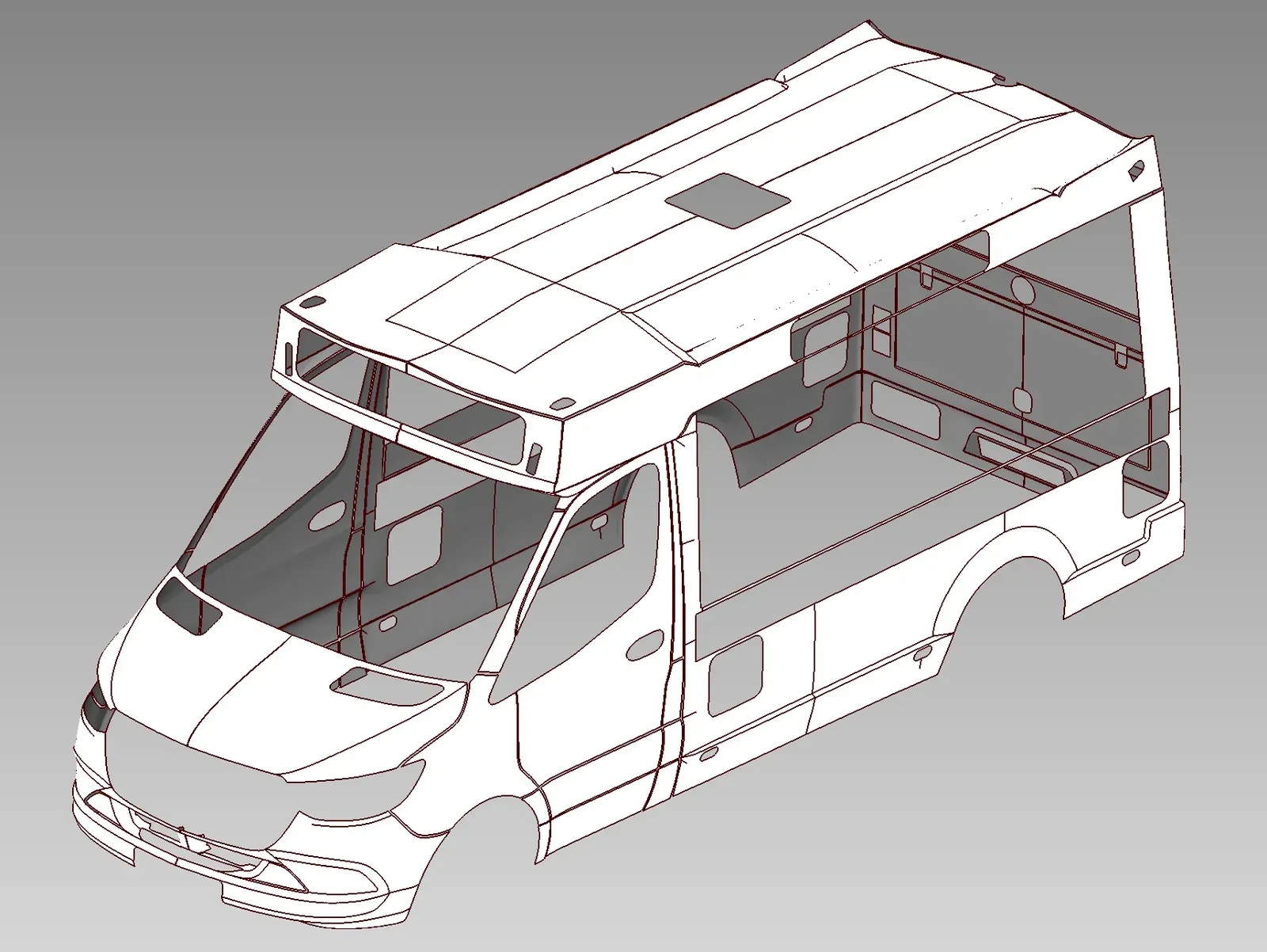
WrapStyler
Converts scanned meshes or CAD models into accurate, production-ready 2D patterns.
Priced on request
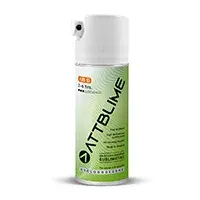
Scanning sprays
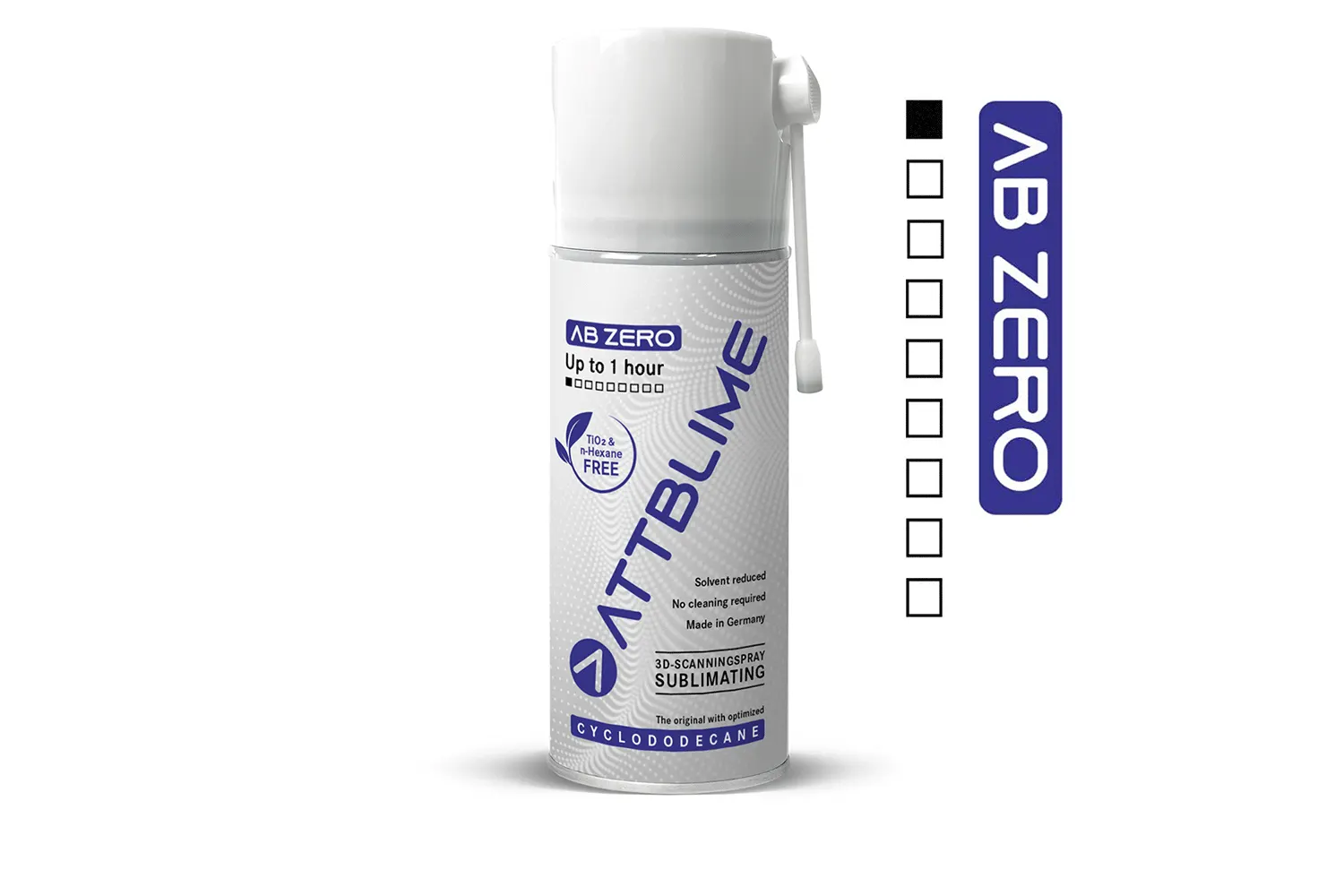
For shiny, dark or clear surfaces. The sublimating sprays vanish on their own, so nothing needs cleaning off the part.

Which INSVISION scanner?
| INSVISION Apex 3D | INSVISION AlphaVista | INSVISION V-Track | |
|---|---|---|---|
| Price | £8,500 | £25,500 | £27,500 |
| Accuracy | Up to 0.03 mm | Up to 0.073 mm | Up to 0.020 mm scanner |
| Volumetric accuracy | 0.03 mm + 0.035 mm/m | 0.1 mm + 0.015 mm/m | 0.105 mm across 5.2 m tracked |
| Largest scan area | 1000 × 800 mm | 2200 × 2200 mm | 2600 × 2200 mm tracked |
| Weight | About 450 g | 1.38 kg | Scanner plus tracker on a tripod |
| Targets on the part | Not needed | Photogrammetry built in | None, the tracker follows |
| Best for | Small to medium parts, tight spaces | Big parts: moulds, bodies, castings | Large parts, no stickers, metrology |
INSVISION Apex 3D questions
Do I need to put targets on the part?
No. The Apex 3D scans marker-free, so you can start as soon as it is switched on, with nothing to stick on or clean off afterwards.
How accurate is it?
Up to 0.03 mm, tested to VDI/VDE 2634 part 3, with a volumetric accuracy of 0.03 mm + 0.035 mm/m and resolution down to 0.01 mm.
Which scanning mode should I use?
High-speed (34 crossed lines) for broad surfaces, fine (17 parallel lines) for small features and edges, and deep-hole (one line) for bores and pockets. You can switch between them on the same part.
What computer does it need?
A Windows 10 or later (64-bit) laptop with an NVIDIA RTX 4060 or better with 8 GB of video memory, an Intel Core i7-13700H or better and 32 GB of RAM.
Apex 3D or AlphaVista?
The Apex 3D is the light, low-cost choice for small and medium parts and tight spaces. The AlphaVista covers up to 2200 × 2200 mm a frame for big parts such as moulds, castings and vehicles.
What software comes with it?
The scanner comes with INSVISION's scanning software, which builds the scan into an accurate mesh. For GD&T inspection or parametric CAD add Geomagic Control X, PolyWorks|Inspector or Geomagic Design X, all of which we supply.
Can I try one before buying?
Yes. Book a demonstration at our site in Cheshire or at yours and bring a part you need to scan.
Who supports it in the UK?
Europac 3D sells and supports INSVISION scanners in the UK. We set the scanner up, train your team and are your first call for technical help.
Try the Apex 3D on your own parts
Book a demonstration and bring the part that is hardest to reach.