.svg)
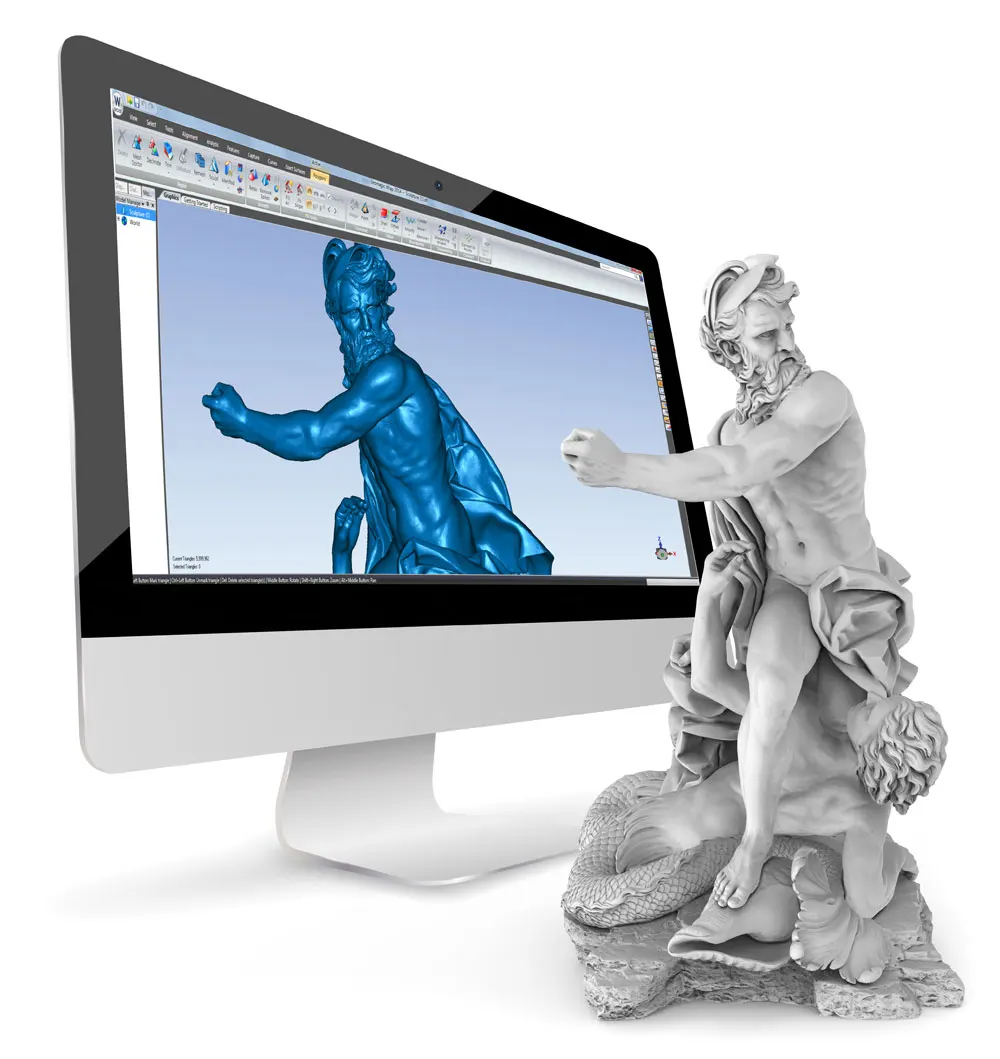

From scan to solid model in six steps
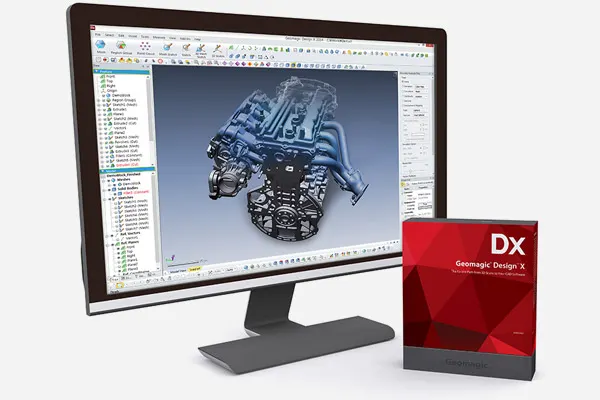
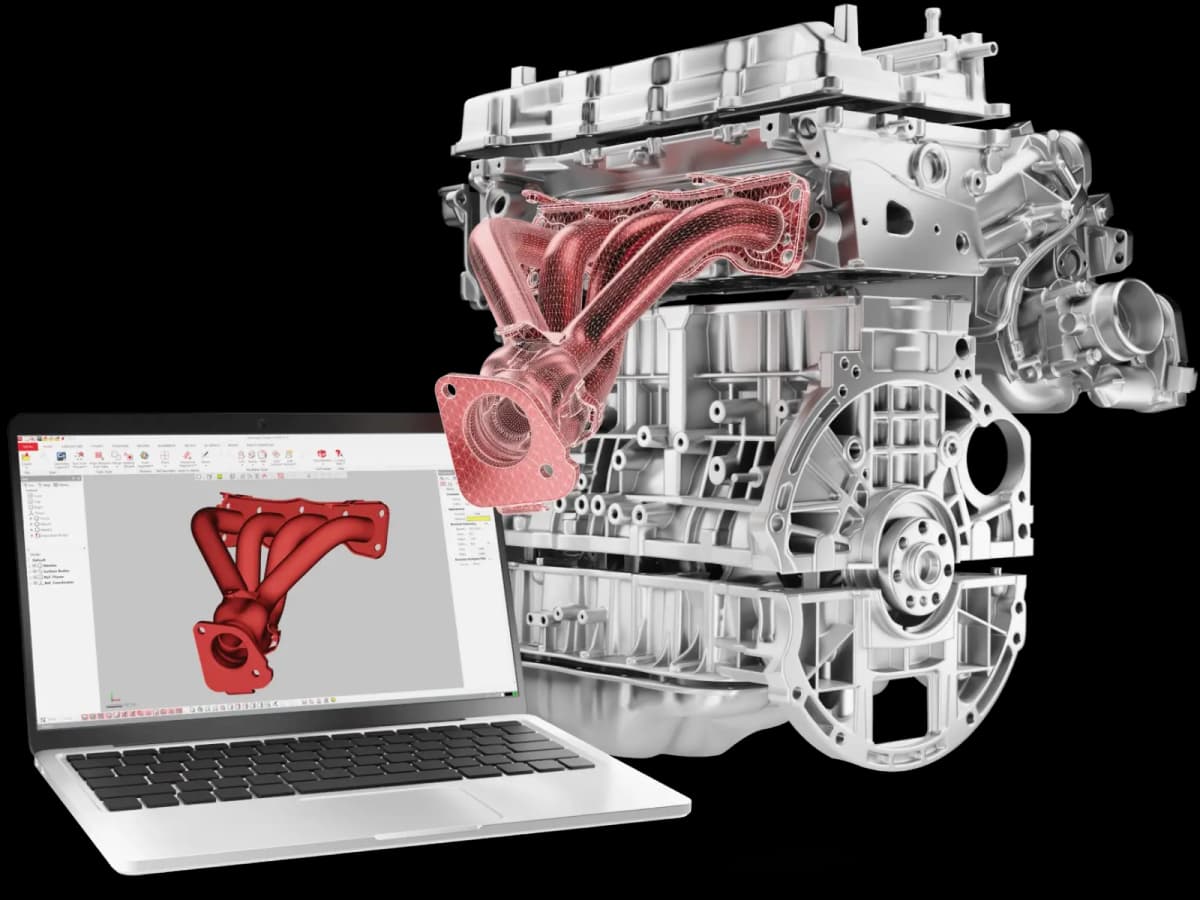
Design X combines history-based CAD with scan processing, so the model you finish with behaves as if it had been designed from scratch.
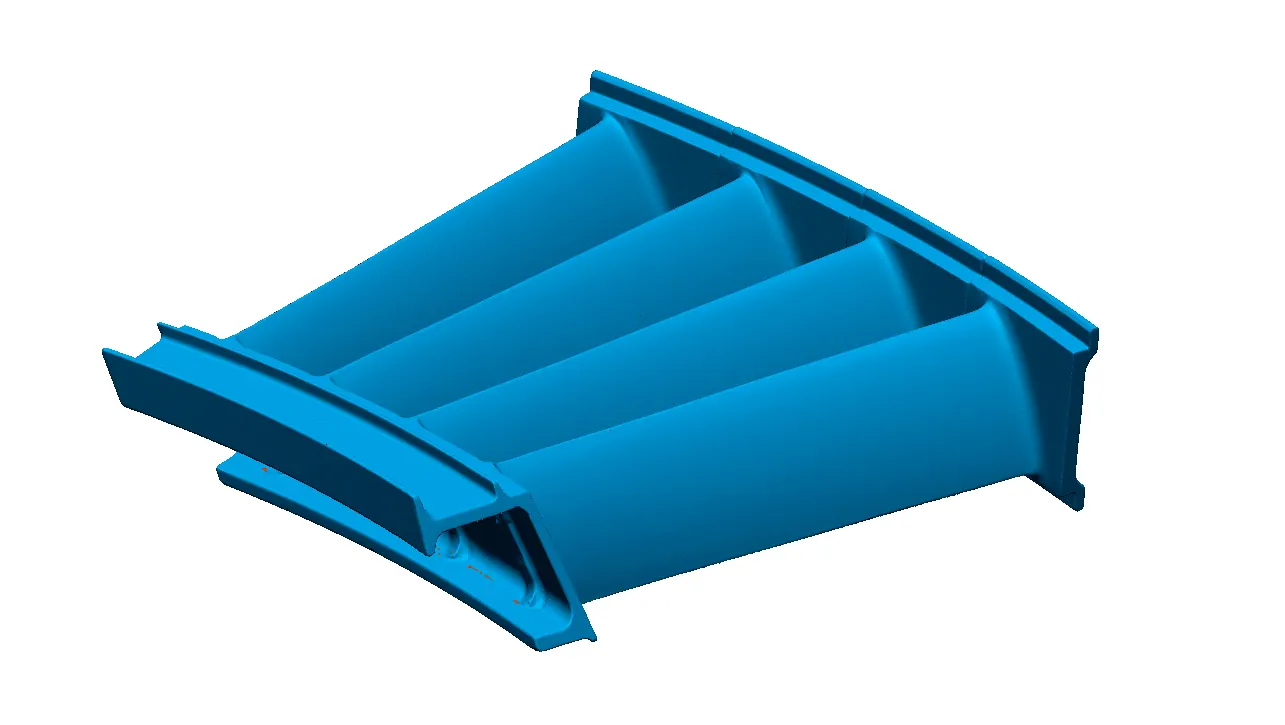
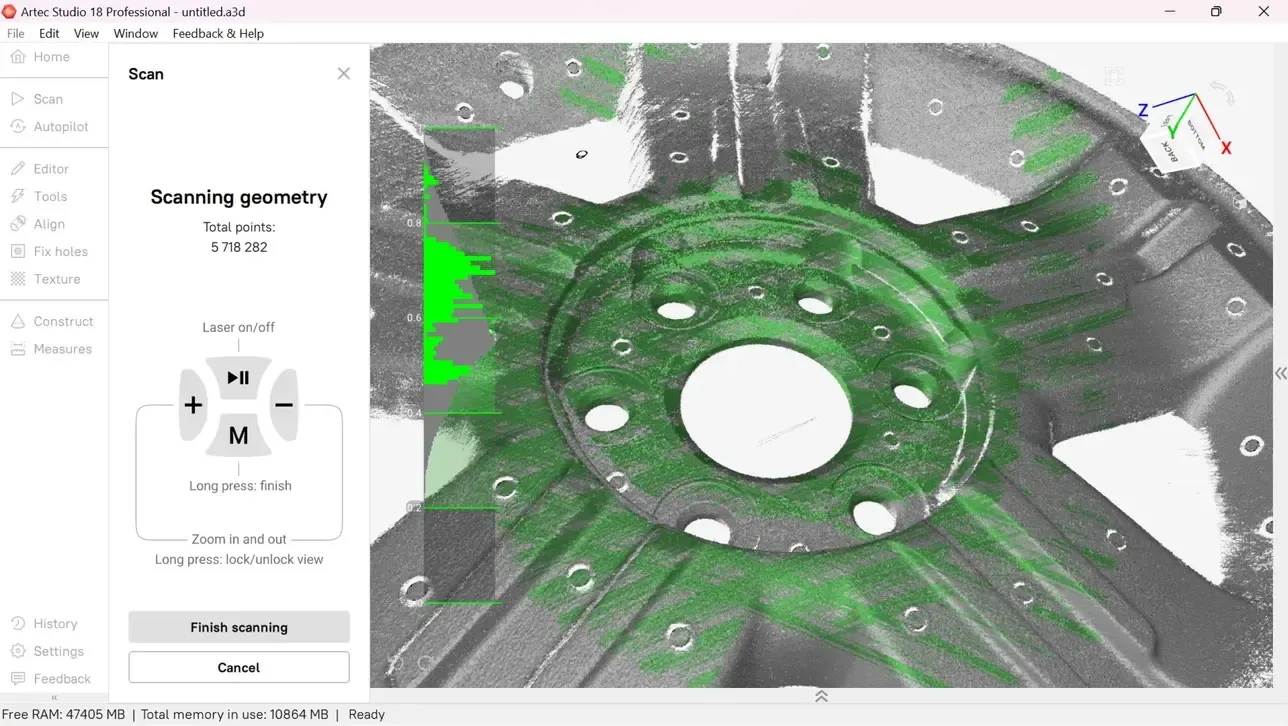
Scan data
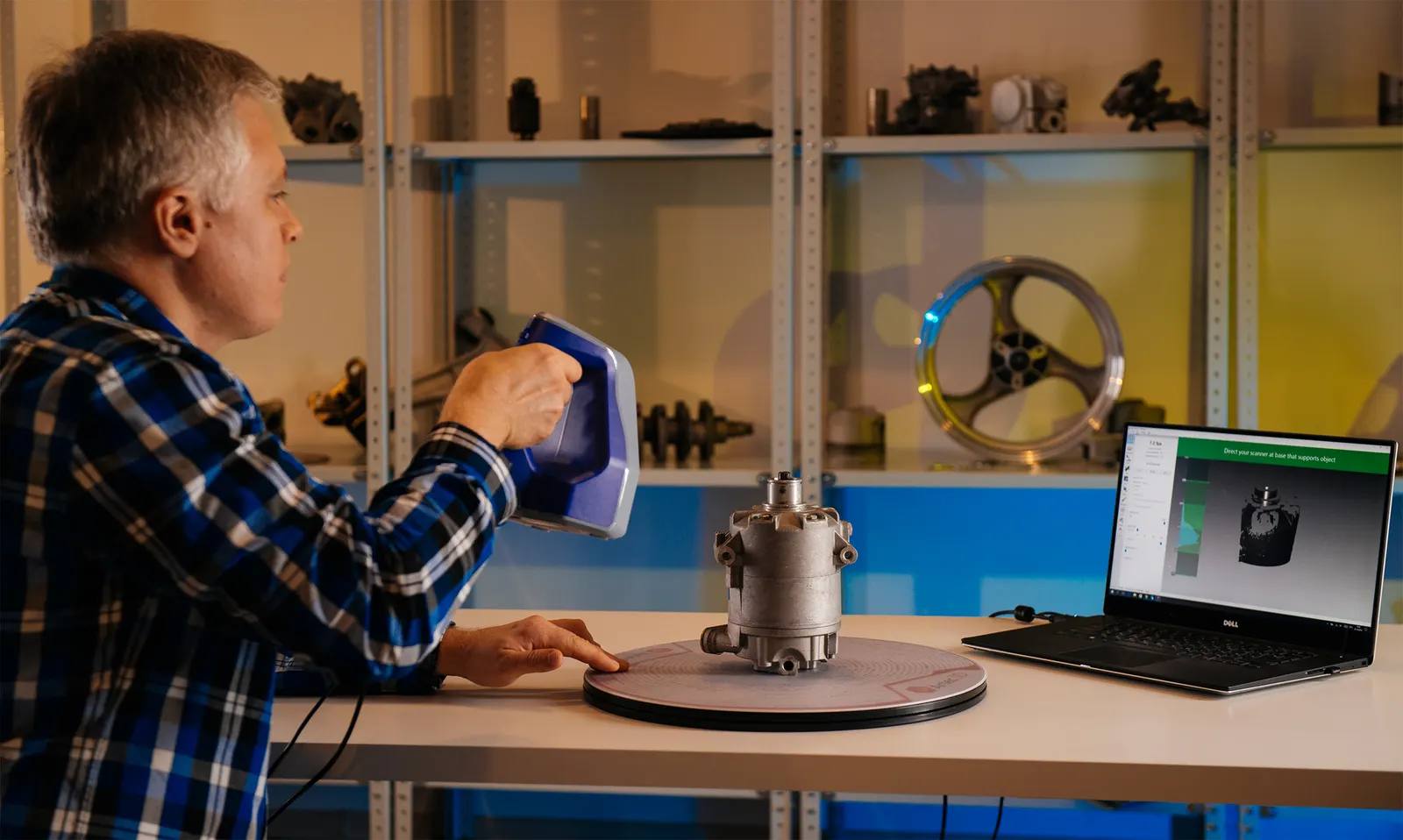
Bring in the mesh from any scanner we sell.
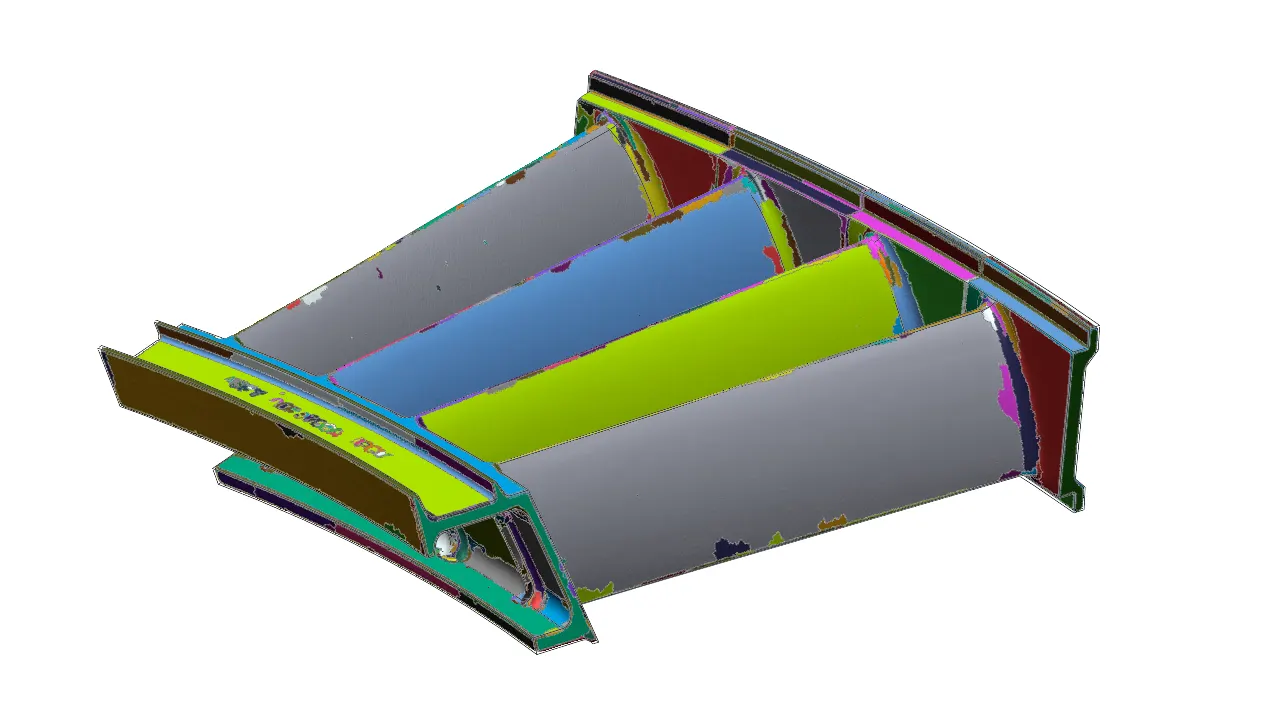
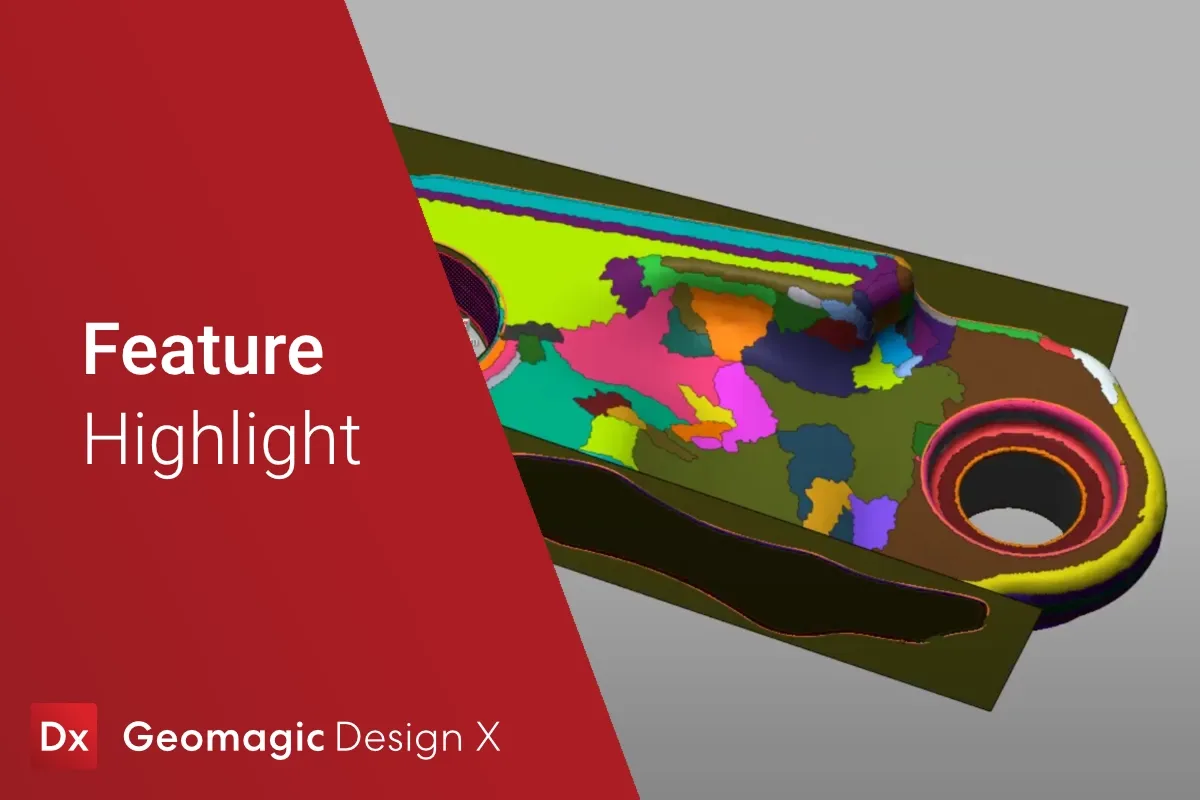
Region segment
The model is split automatically into planes, cylinders, cones and freeform areas.
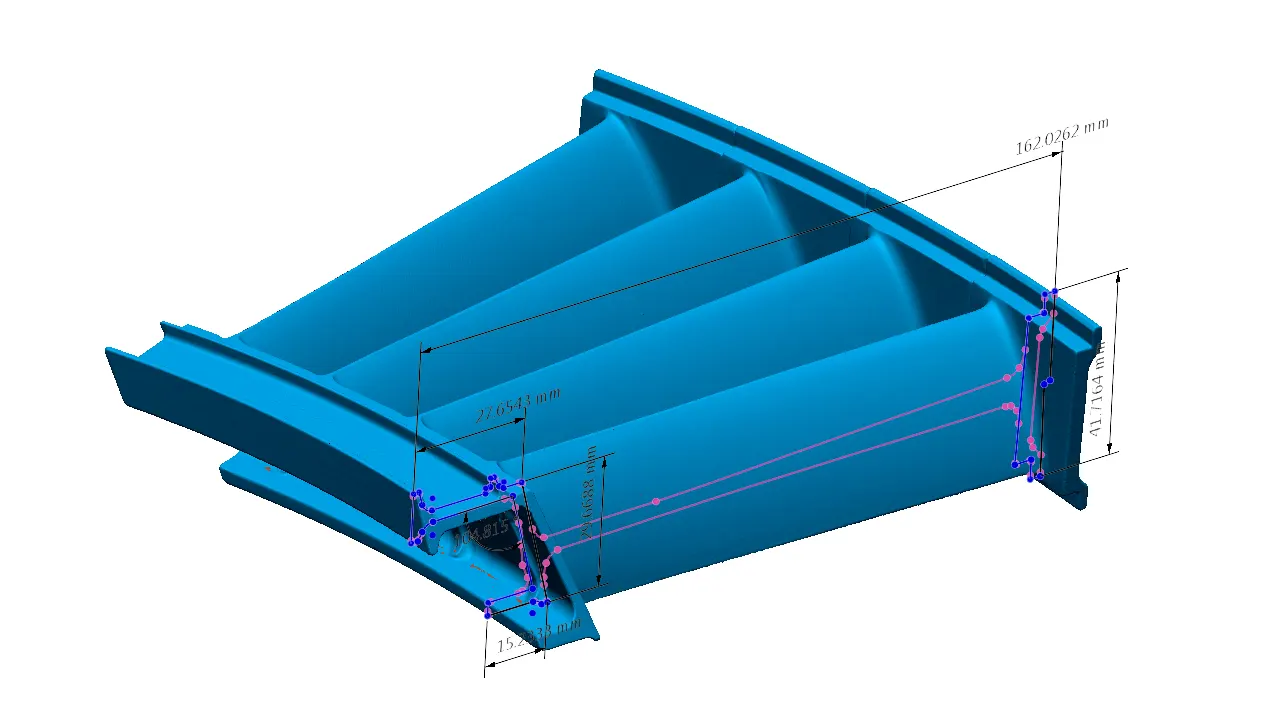
Sketch
Dimension 2D sections as measured, or back to the original design intent.
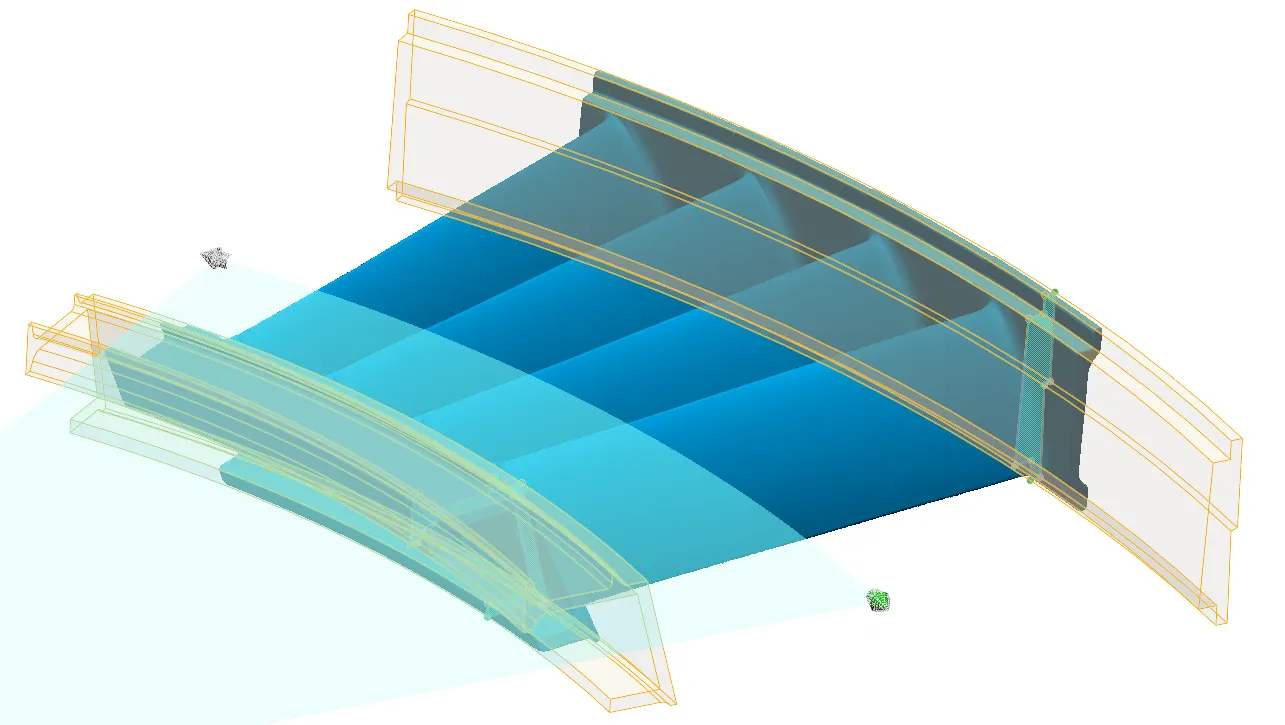
Build features
Extrude, revolve, sweep and loft the part back into CAD.
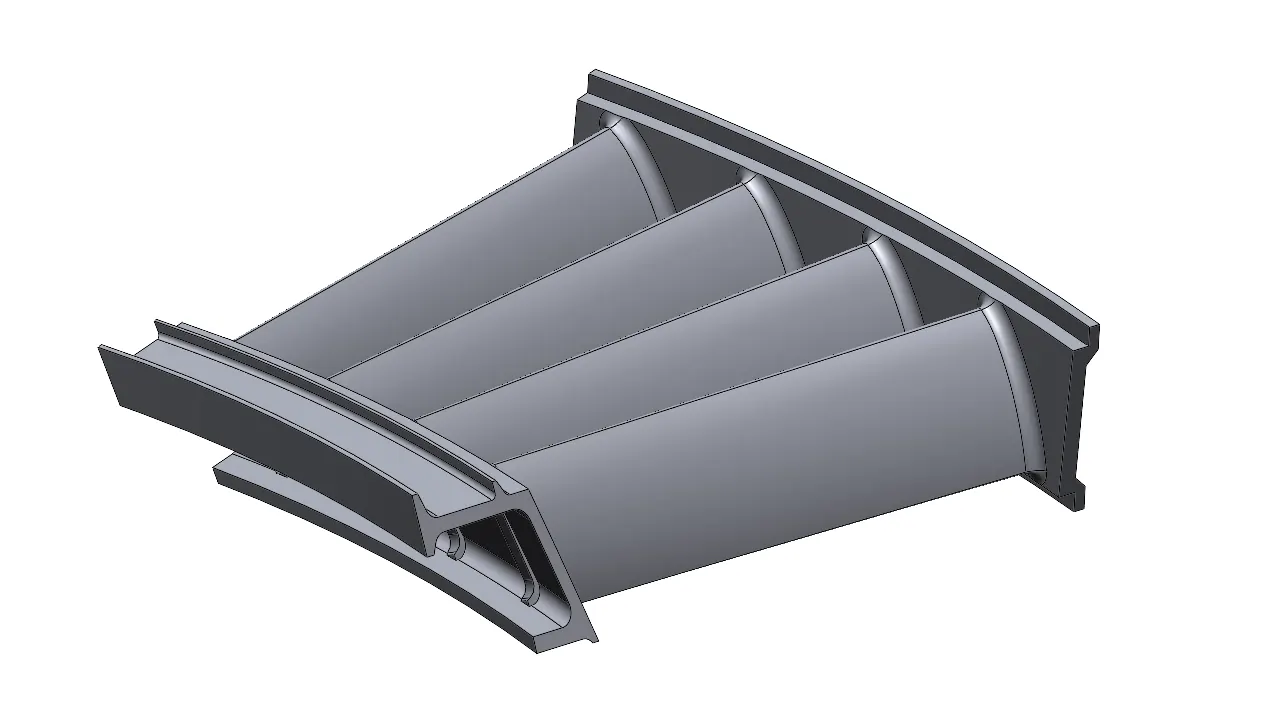
Solid model
A parametric solid with its full history tree, ready for your CAD system.
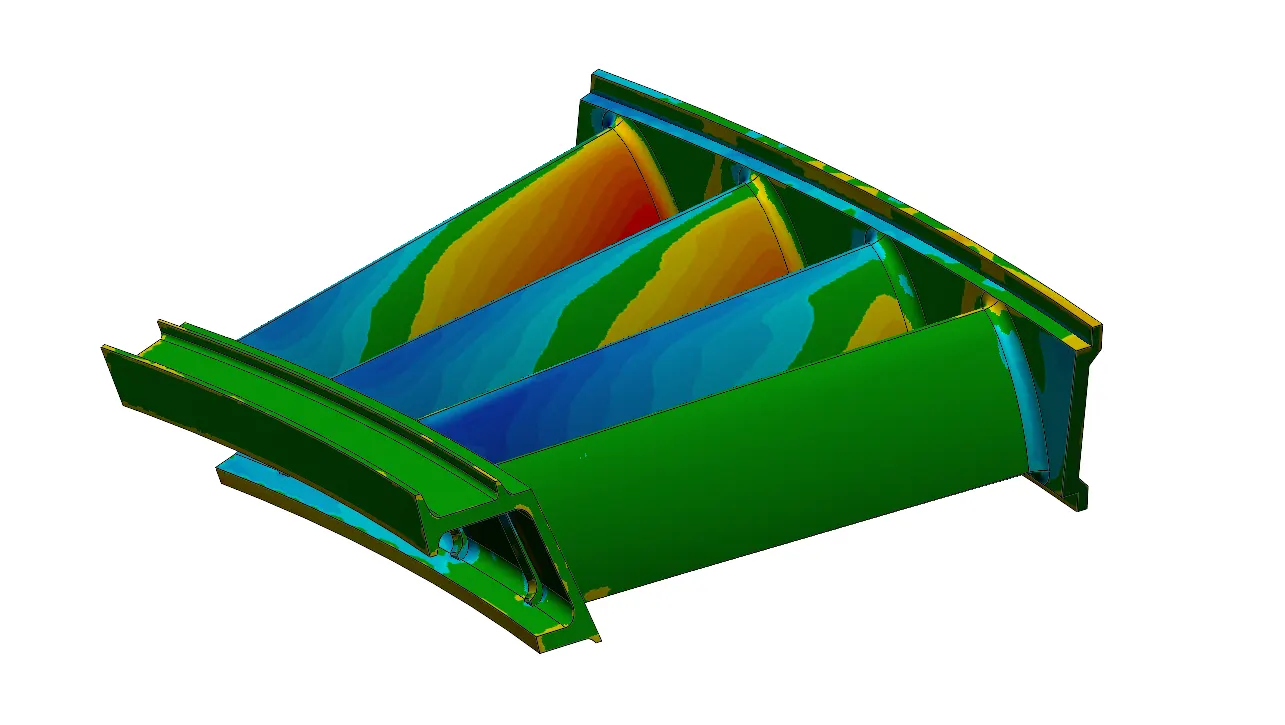
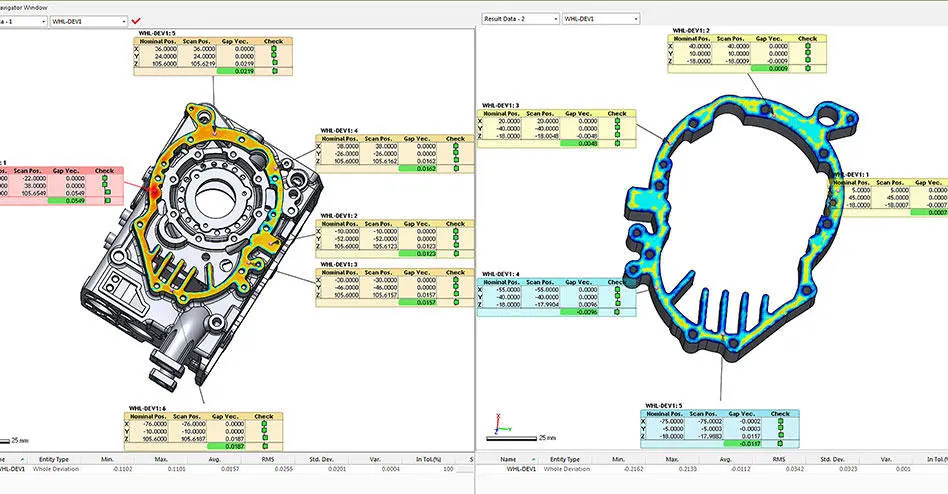
Check it
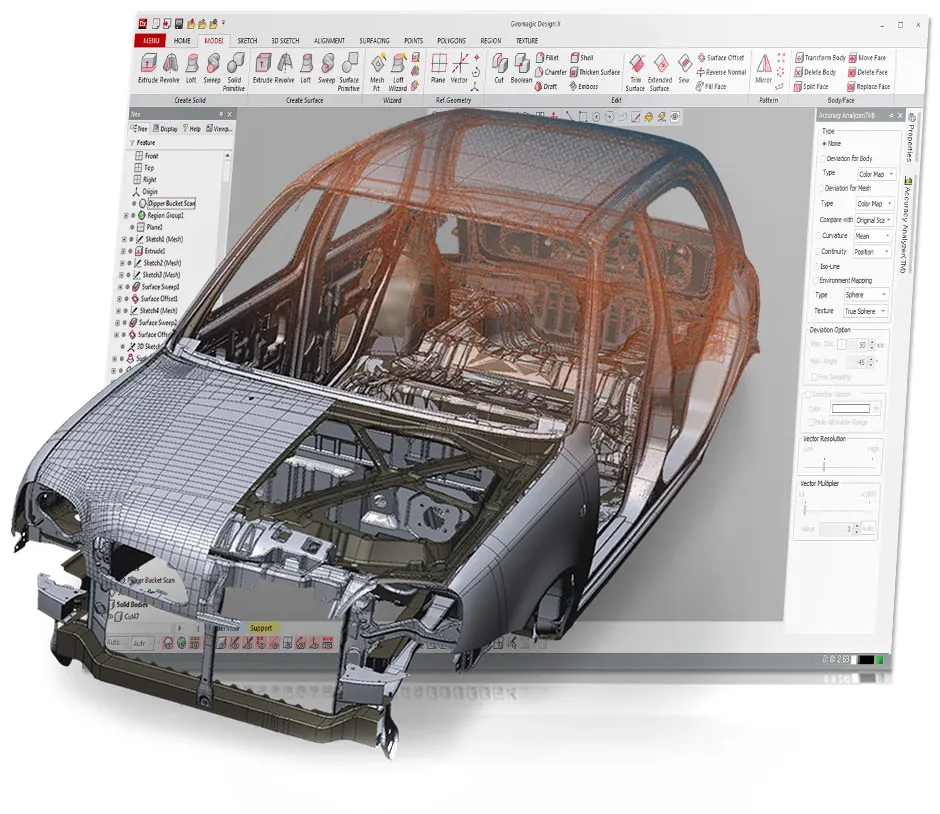
The Analyser shows how closely the model matches the original scan.
What Design X does that nothing else does
Most reverse engineering means choosing between a mesh tool and a CAD tool. Design X is both: history-based CAD built on top of scan processing, with the scan still there to check every feature against.
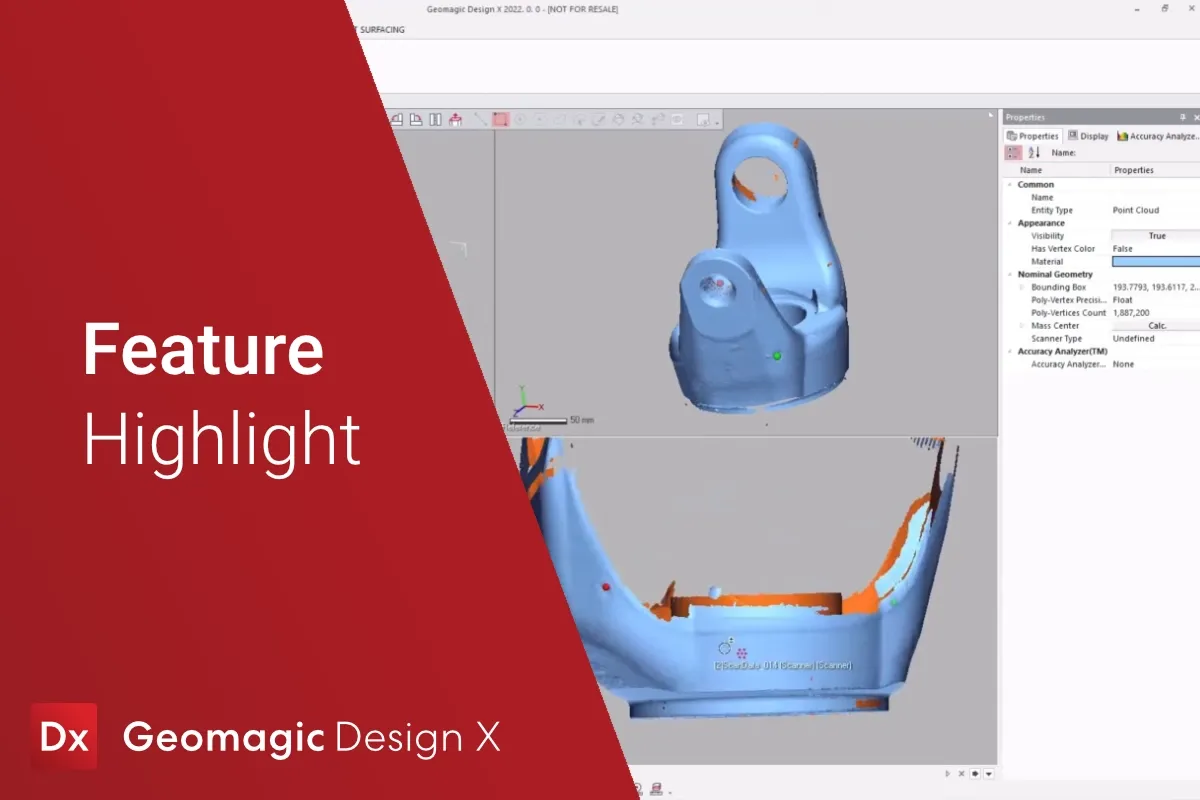
Mesh and point cloud processing
Bring in a scan of any size from any of our scanners and refine it without lag. Align it, clean it, fill it, then turn a point cloud into a watertight mesh.
- Handles very large data sets from long-range or high-resolution scanners
- Imports every common mesh, point cloud or CAD format
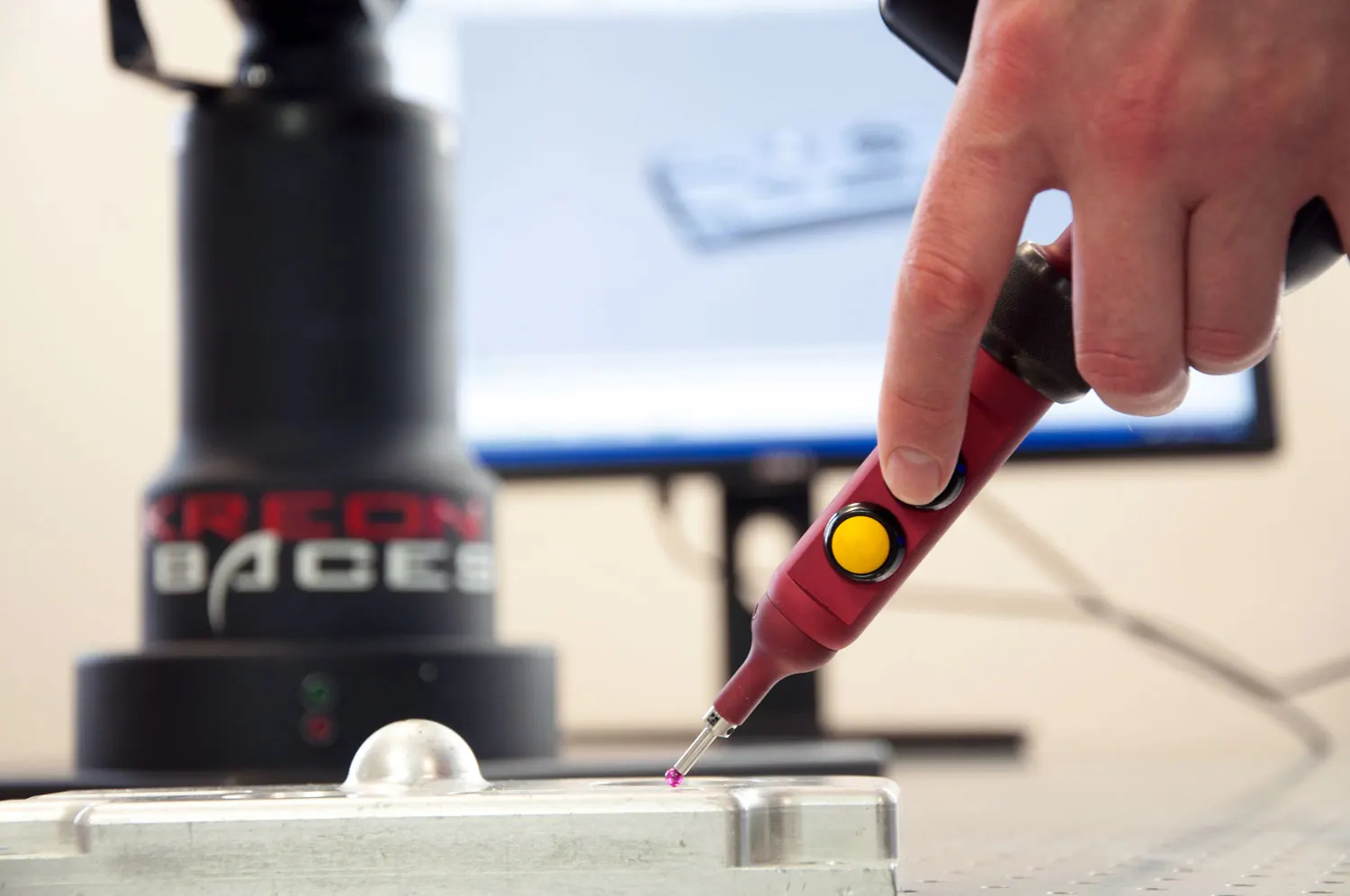
- Live scanning from the Kreon arms in Plus and Professional
Modeling wizards
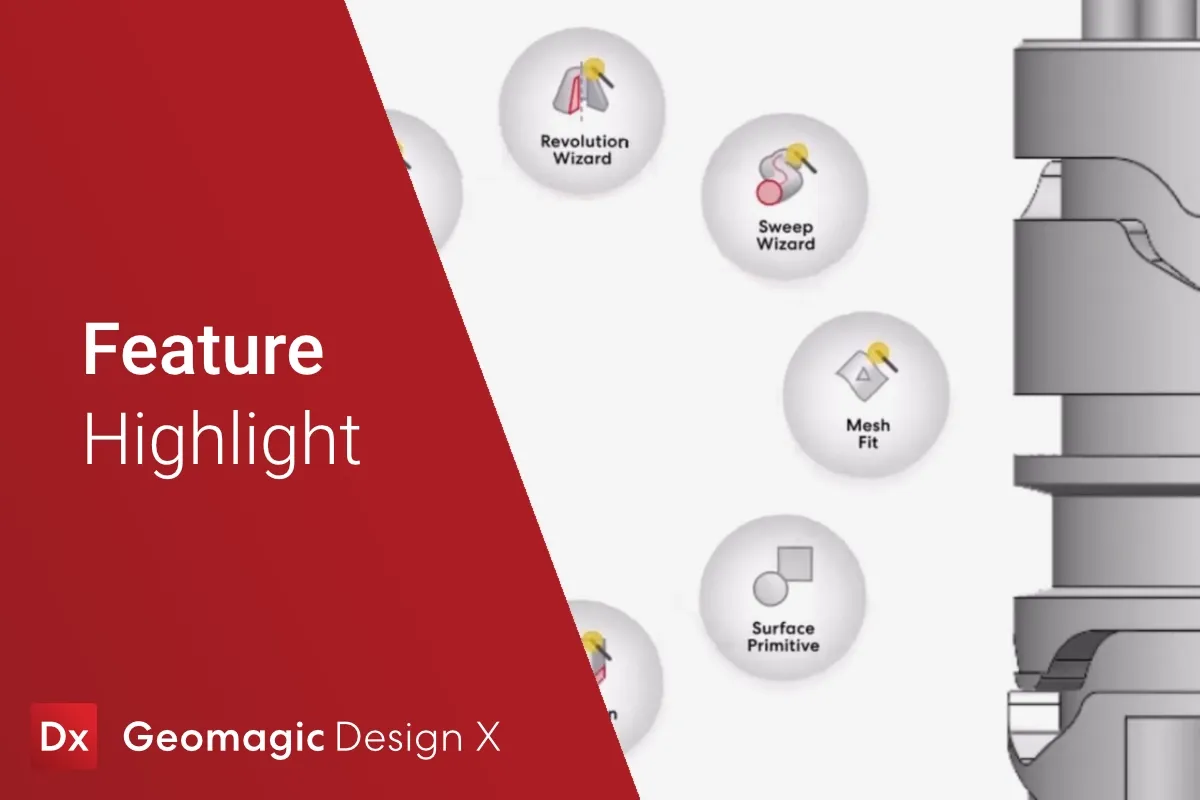
Guided tools pull planes, cylinders, extrusions, revolves and pipes straight off the mesh in a few clicks. They arrive already dimensioned as well as already in the feature tree.
- Automatic sketch fitting: lines, arcs, splines best-fitted to the section
- Common features built automatically, including extrude, revolve, fillet and shell
- Design intent recovered, not just the shape as it came off the machine
Exact and automatic surfacing
Not every region needs design intent. Rough castings, worn surfaces and organic shapes get fitted NURBS surfaces that blend straight into the solid features around them.
- Auto Surface for a whole part in one step
- Selective surfacing for the regions that need it
- Hybrid models: solid features plus fitted surfaces in one body
The Accuracy Analyzer
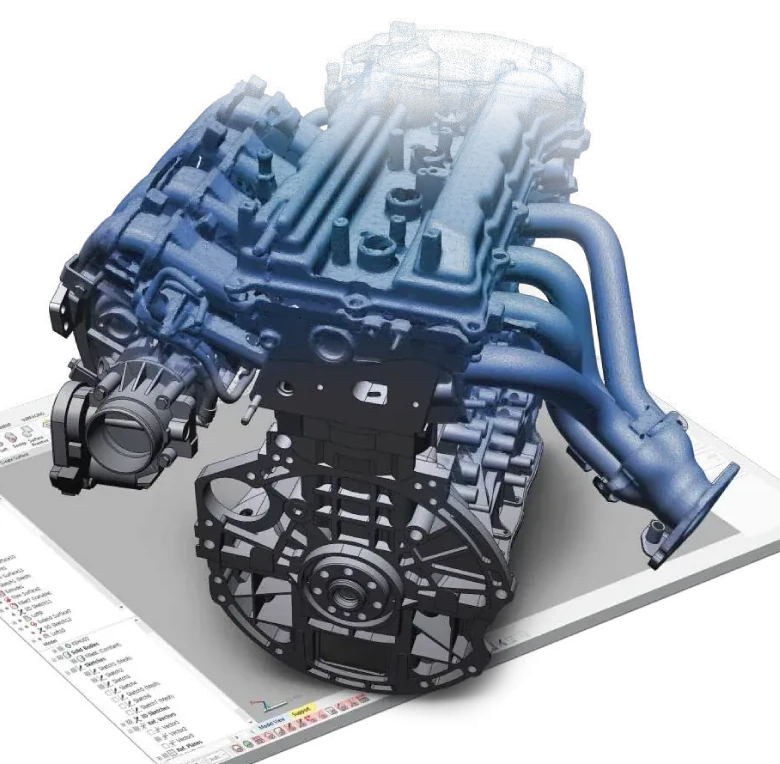
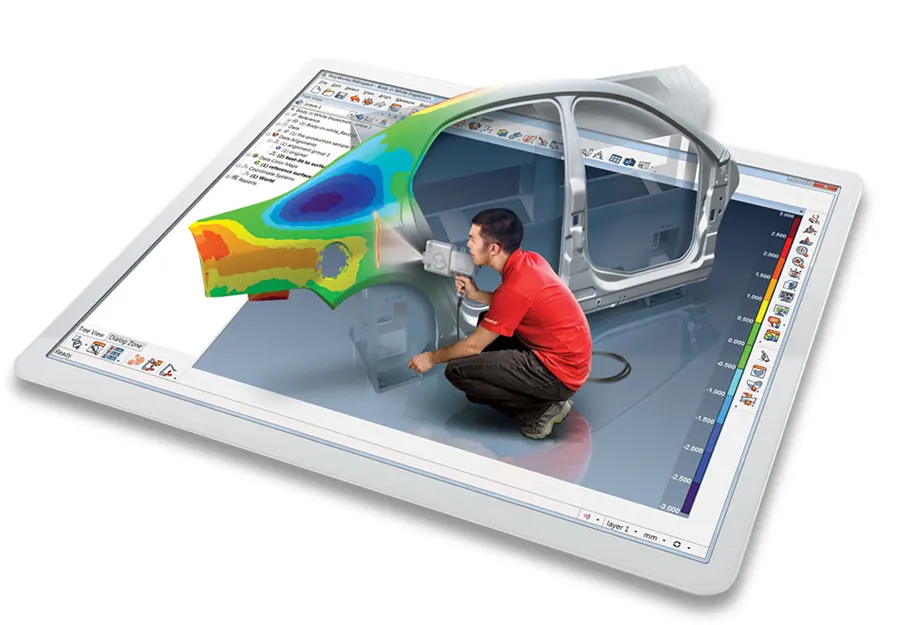
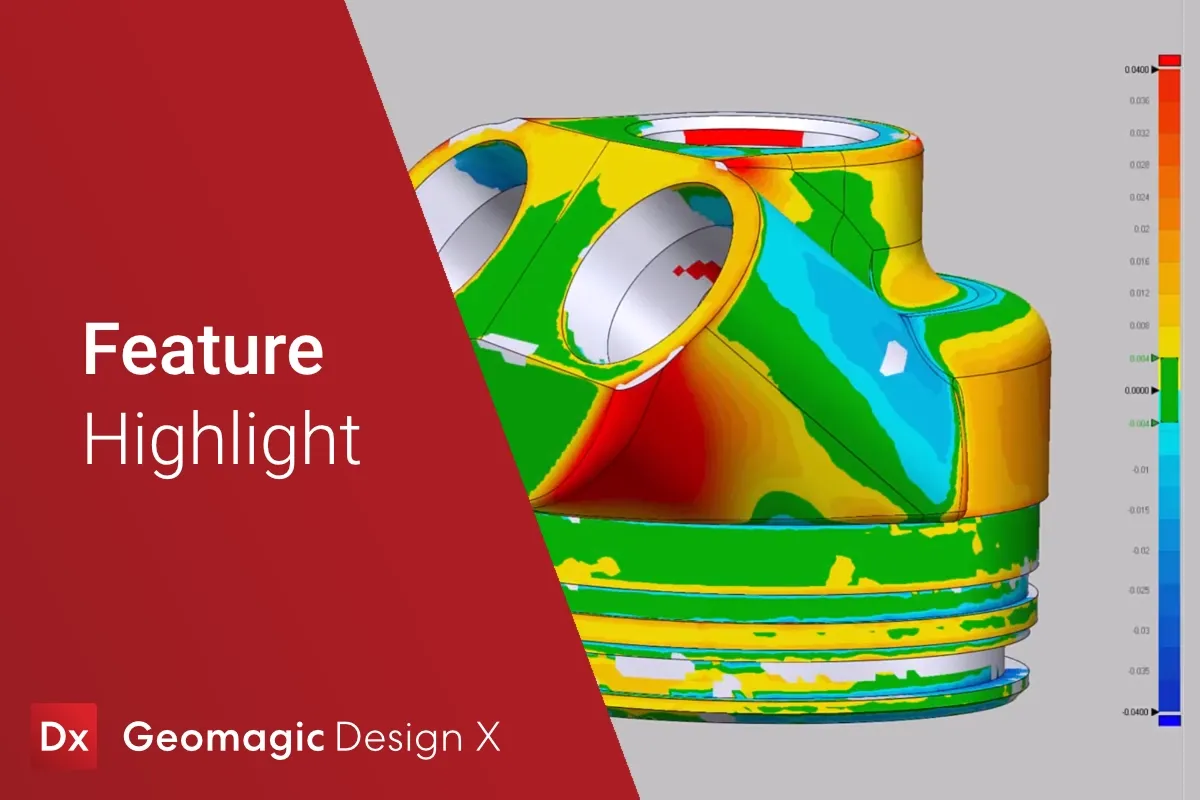
Design X’s patented Accuracy Analyzer compares the model with the scan while you build it, so every feature is checked as it is made rather than at the end.
- A live colour map of model against scan
- Tolerance limits you set for the job
- The answer to “how close is it?” before the customer asks
Straight into your CAD system
LiveTransfer sends the finished model, feature by feature, into SOLIDWORKS, Creo, NX, Inventor, Solid Edge and AutoCAD. It arrives as a native part with its full feature history, as though it had been modelled there in the first place.
Where it earns its keep
Additive manufacturing
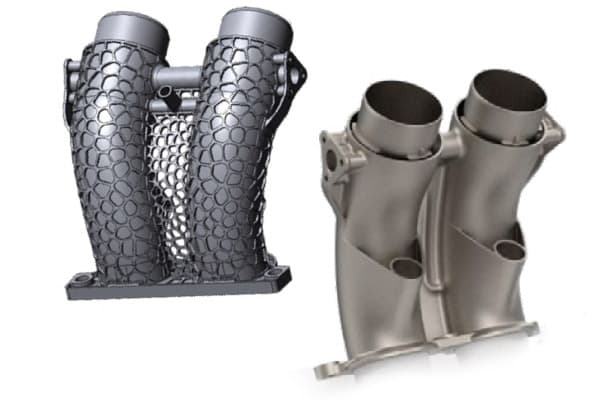
Model the part properly before you print it, or print a replacement where no drawing survives.
Remanufacturing and maintenance
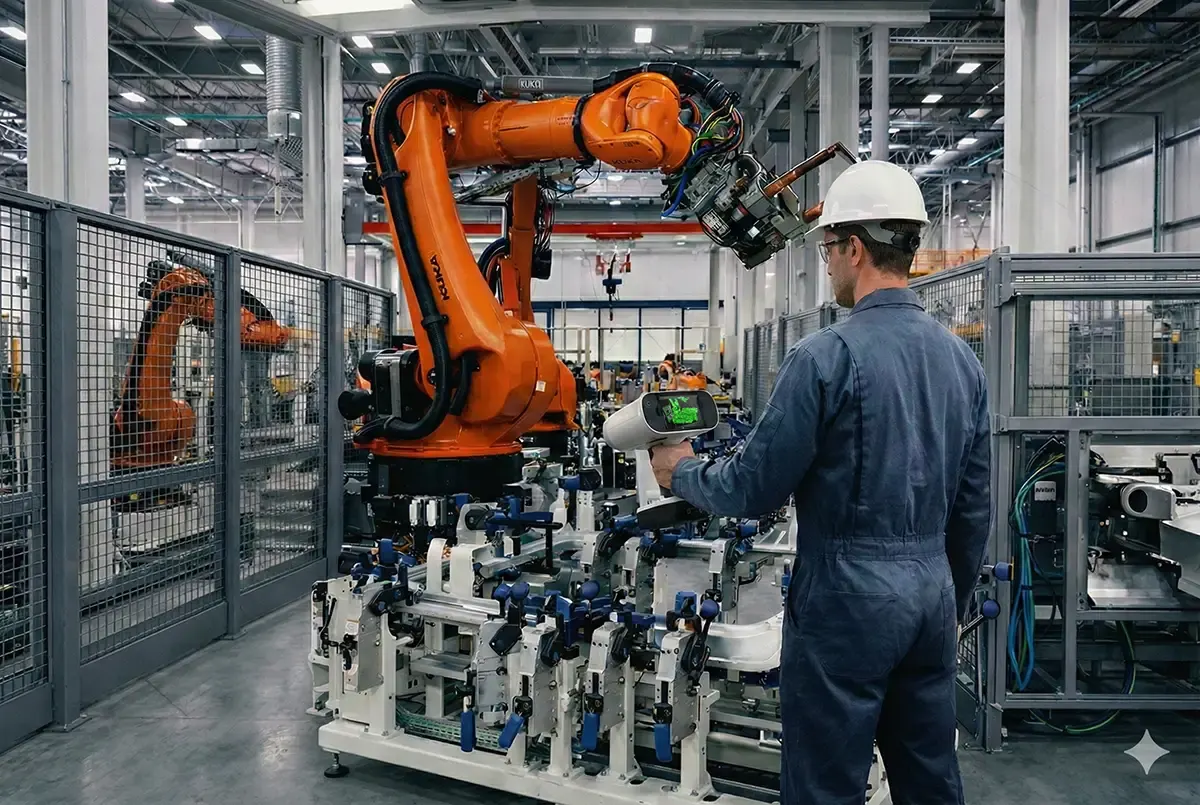
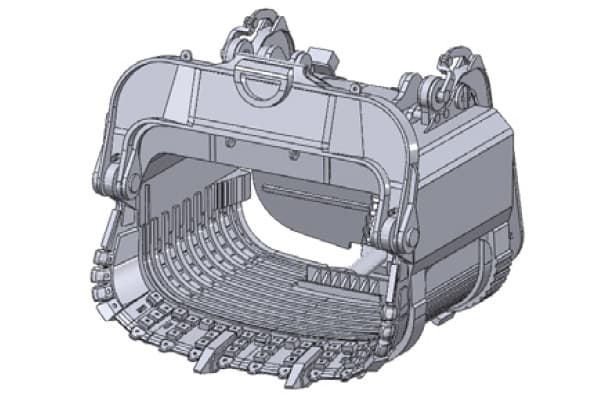
Rebuild CAD for legacy parts and tooling that were never drawn, or whose drawings are long gone.
Sheet metal and stamping
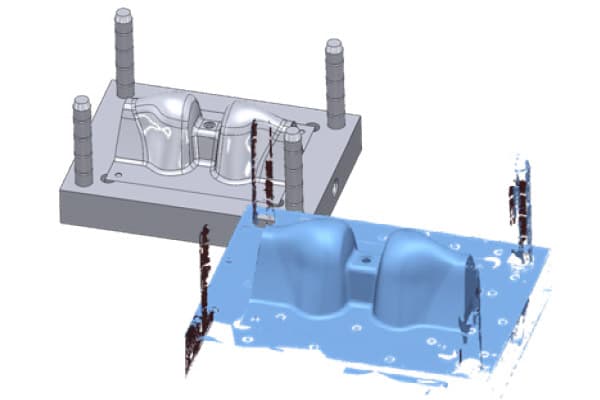
Recover the as-built panel, then compensate the die for springback.
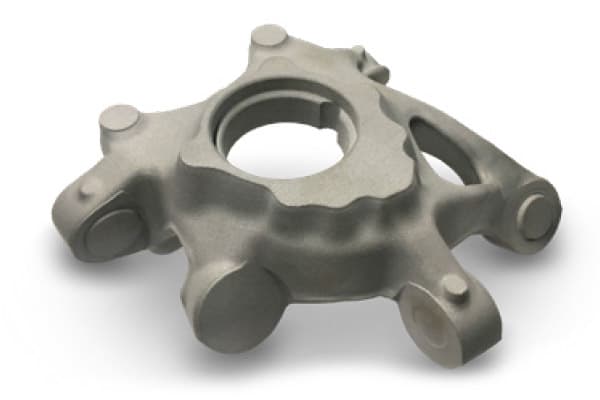
Casting
Model castings as they were poured and machine from the real part, not the drawing.
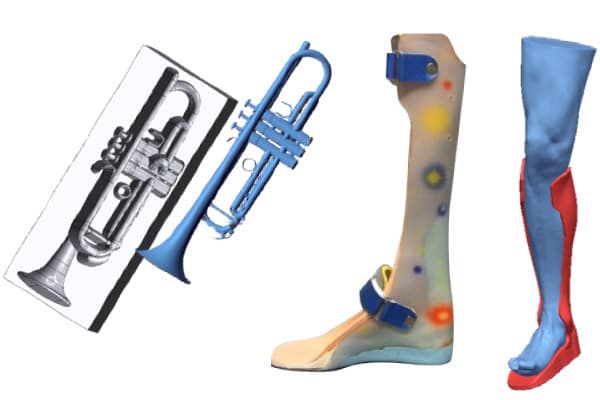
Product design and customisation
Design around the body or an existing product so the new part fits first time.
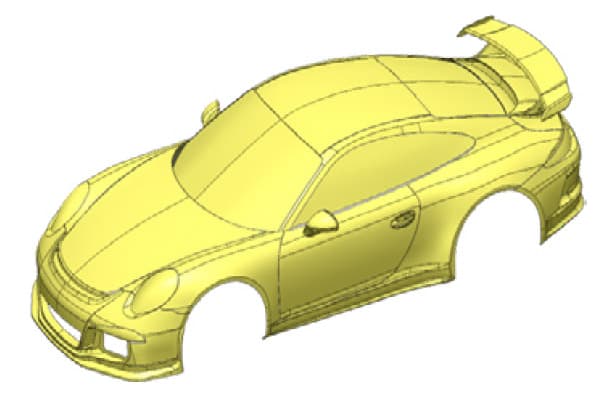
Prototyping
Scan the hand-worked prototype and carry on in CAD, instead of measuring it with callipers.
Why buy it from us
Bought in the UK
Licensed, invoiced and supported by 3D Scanworx in Whitchurch, in sterling, with nobody to chase overseas.
Trained in the UK
Courses at our Whitchurch training room or on your site, run by the engineers who use the software on paying jobs.
Supported in the UK
Installation, licence moves and the questions that come up on a Tuesday afternoon, answered by phone or email.
Which edition?
Each edition has everything in the one before it. All three come as an annual subscription or a lifetime licence.
Go
Start reverse engineering parts with easy-to-use tools.
- Basic sketch, mesh, scan, solid and surface tools
- Fillets, chamfers, primitives and reference geometry
- Measurement, mesh deviation and accuracy analysis
- LiveTransfer to your CAD system
Plus
A stronger toolset that connects straight to your scanner.
- 3D sketch and more 2D sketch tools
- Advanced solids, alignment and accuracy analysis
- Region tools, better mesh and surface tools
- Transform body, delete face, draft, pattern and mirror
Professional
Everything the software can do.
- The advanced sketch, alignment, mesh, region and surface tools
- Modeling wizards and Refit/CAD Correct
- Scan Process Designer
- Texturing
Design X or Geomagic for SOLIDWORKS?
Both turn a scan into CAD. Where your engineers work decides it.
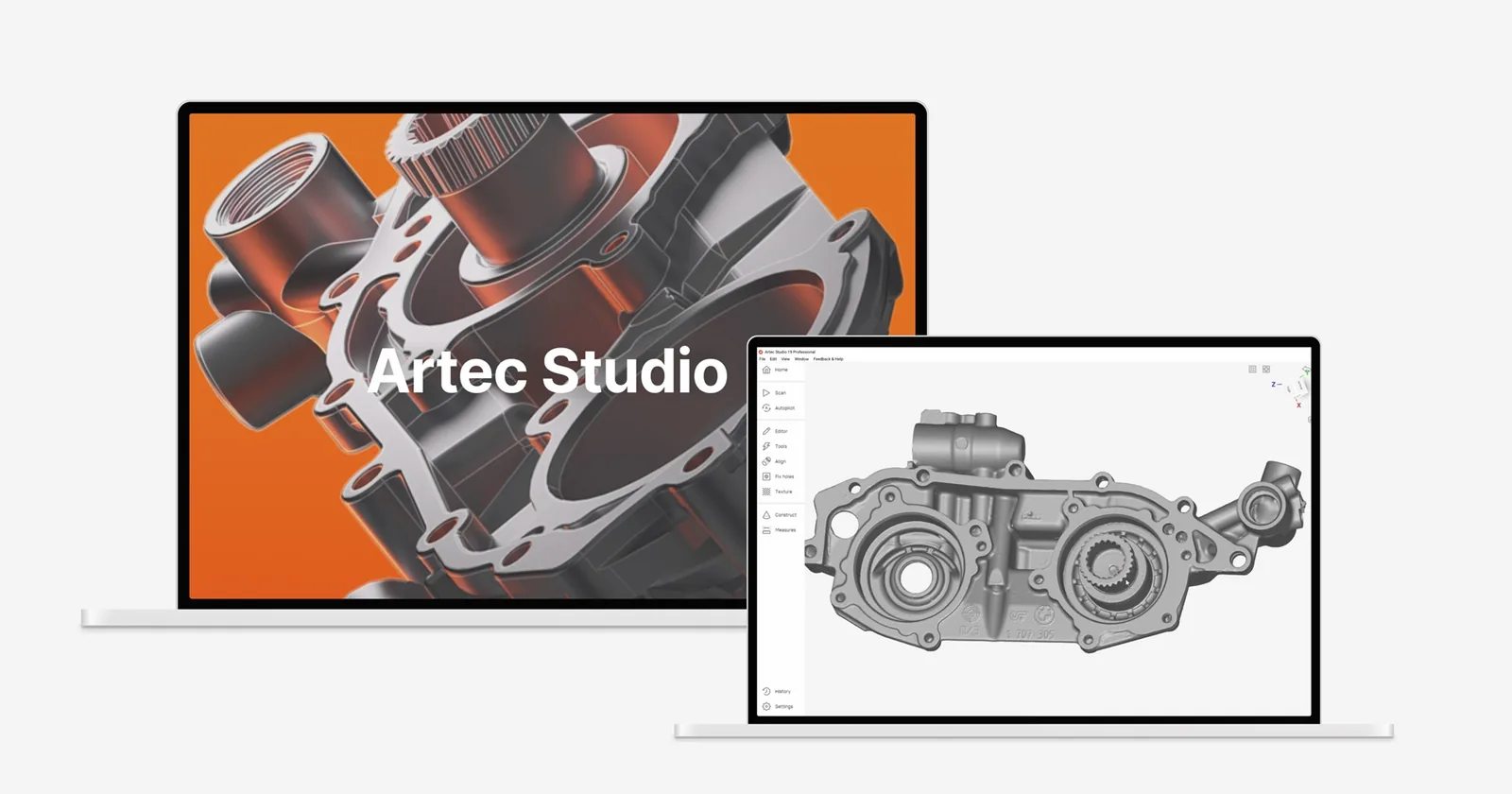
| Geomagic Design X | Geomagic for SOLIDWORKS | Artec Studio | |
|---|---|---|---|
| Where you work | Its own reverse engineering environment | Inside SOLIDWORKS | Artec Studio |
| Feature extraction | The deepest, with full history | Wizards for planes, cylinders, cones, freeform | Primitives and auto-surfacing |
| Output | Parametric solid, LiveTransfer to 4 CAD systems | Native SOLIDWORKS features | Mesh and fitted geometry |
| Licence from | £1,470 a year | £1,917 a year | £1,008 a year |
| Training | 2 or 3 days, from £2,000 | Ask us | 1 or 2 days, from £1,000 |
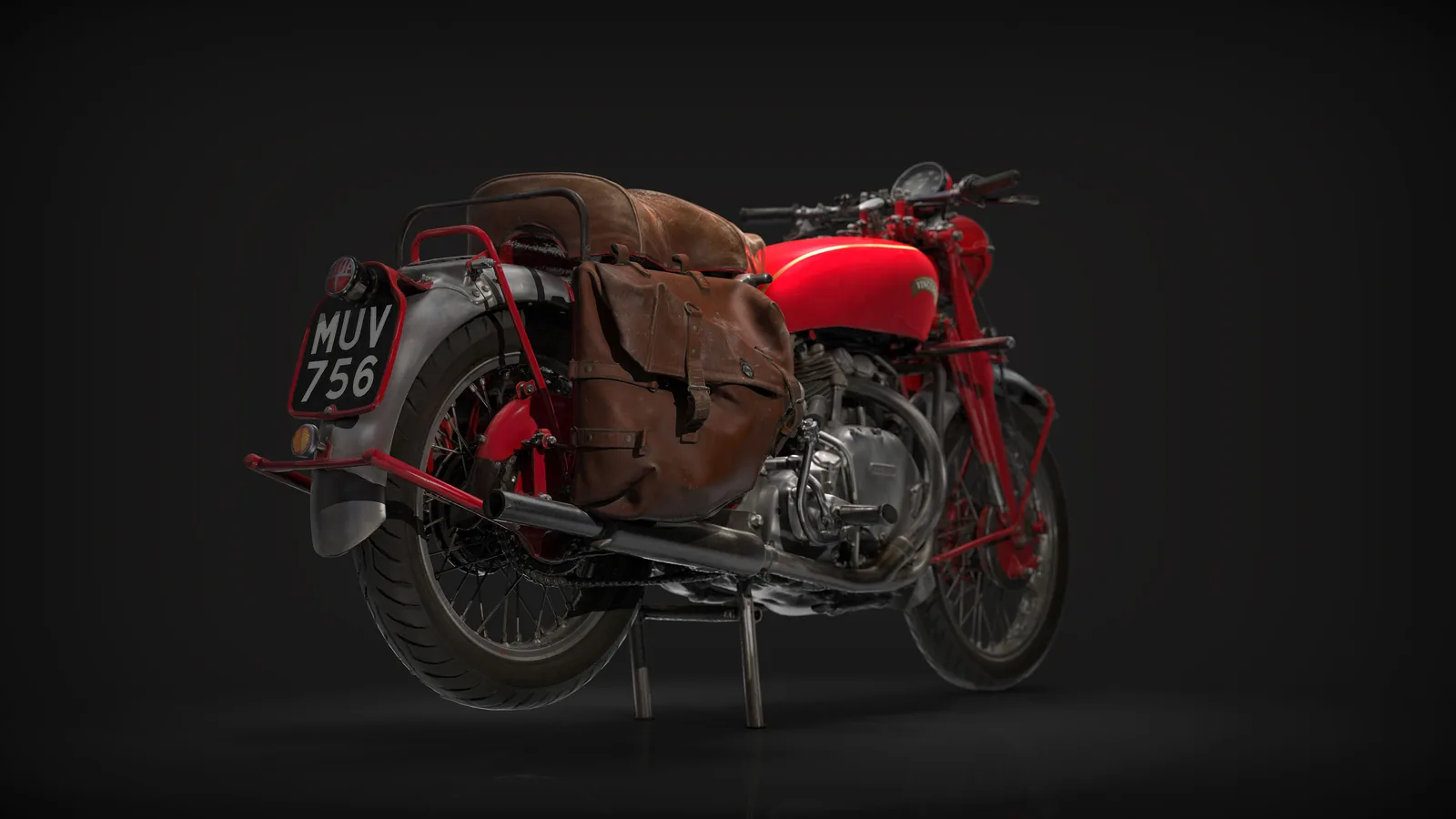
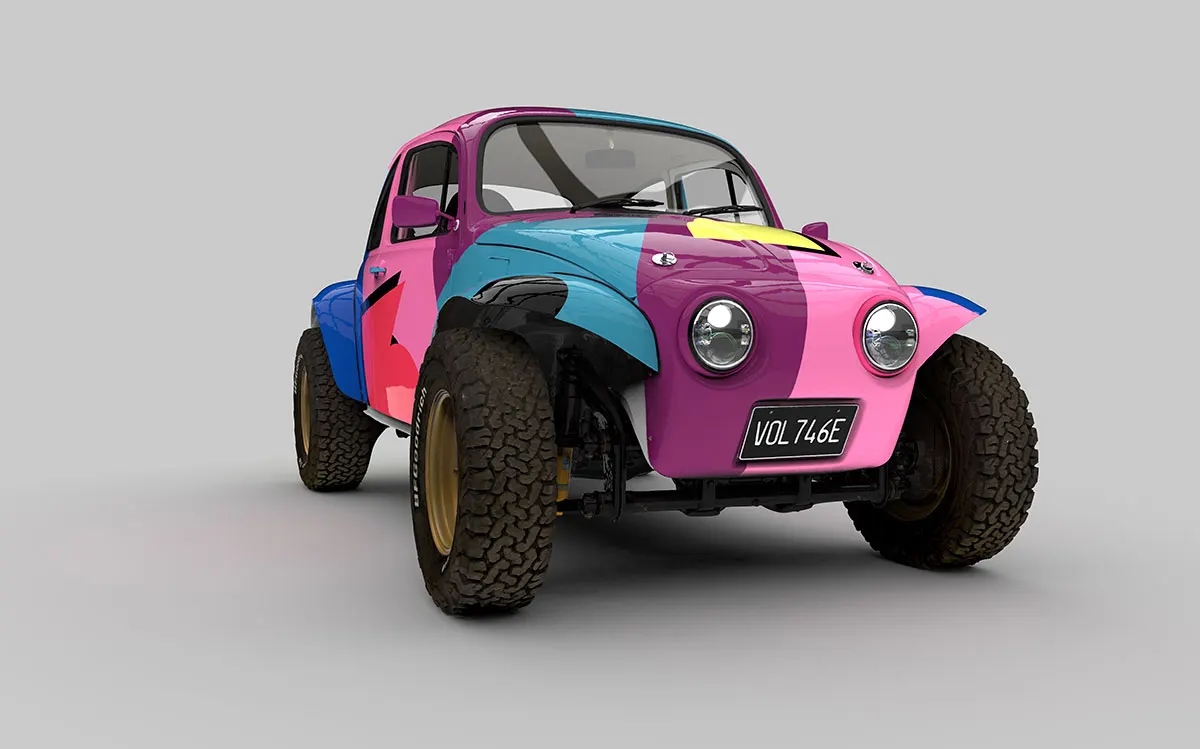
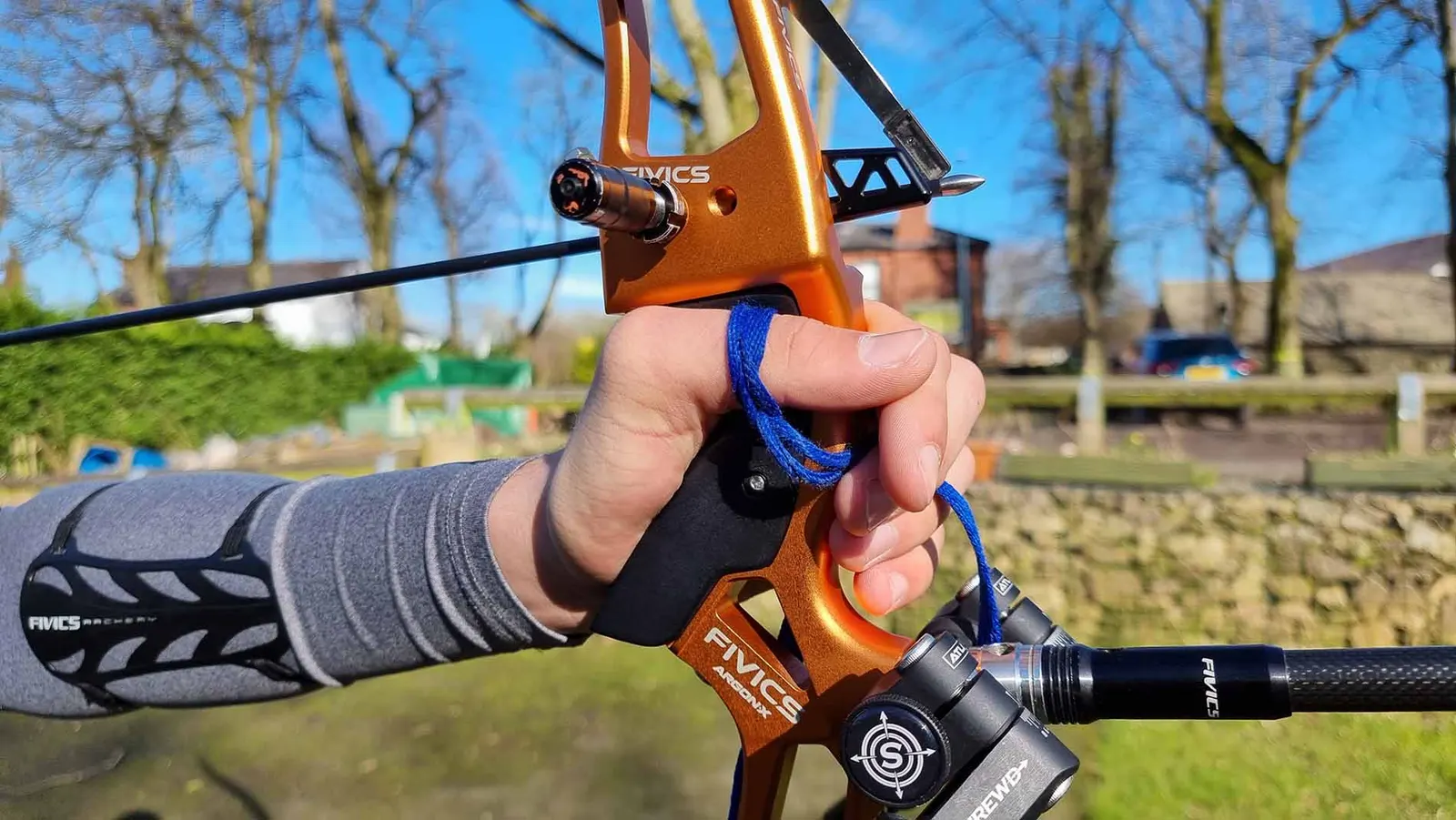
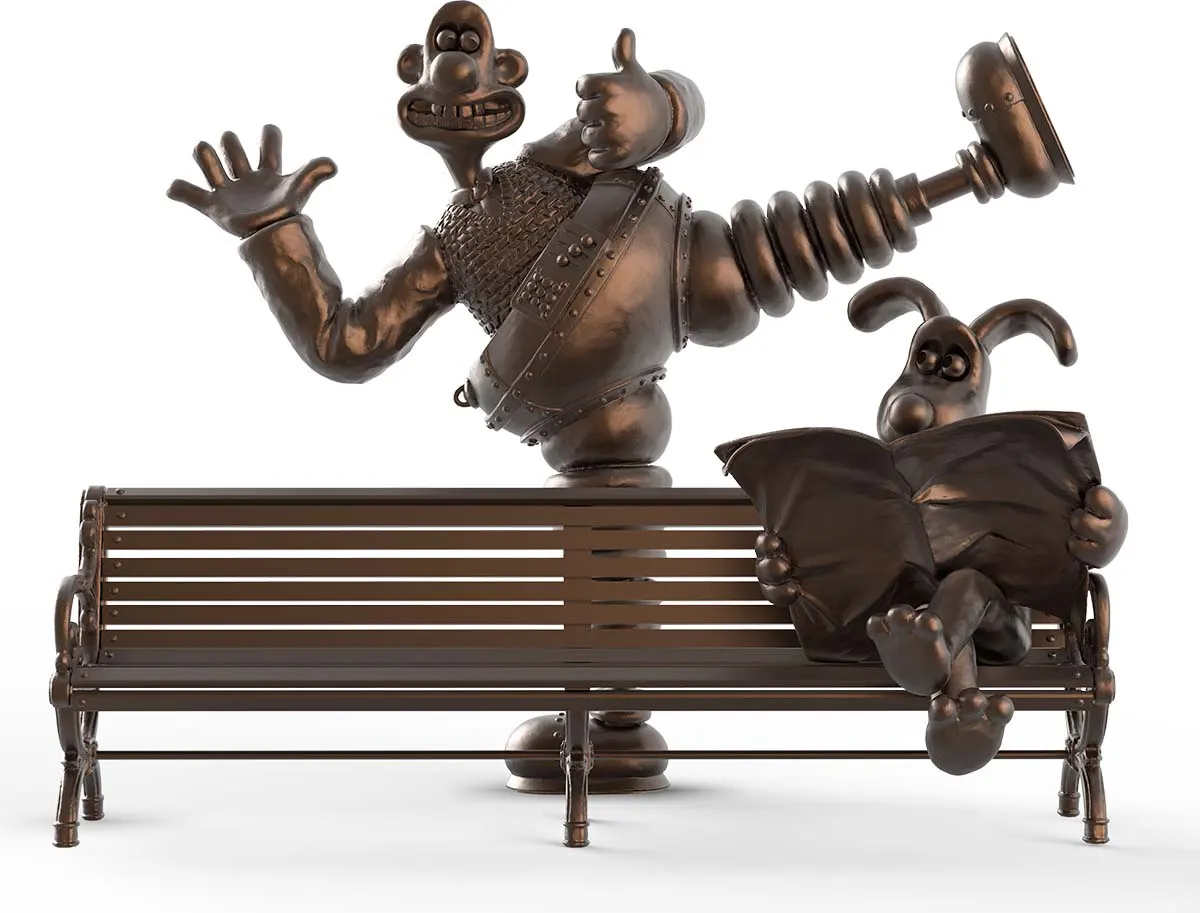
Reverse engineered here
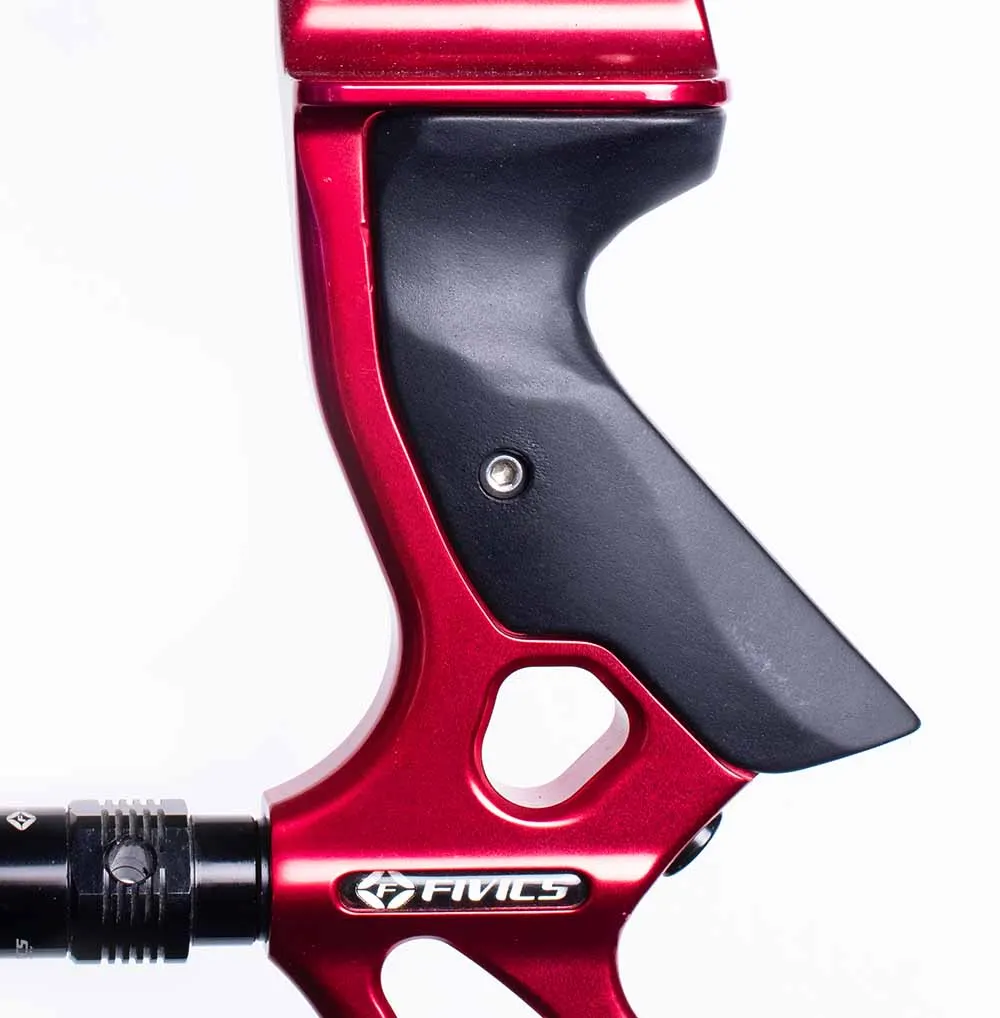
Works with every scanner we sell
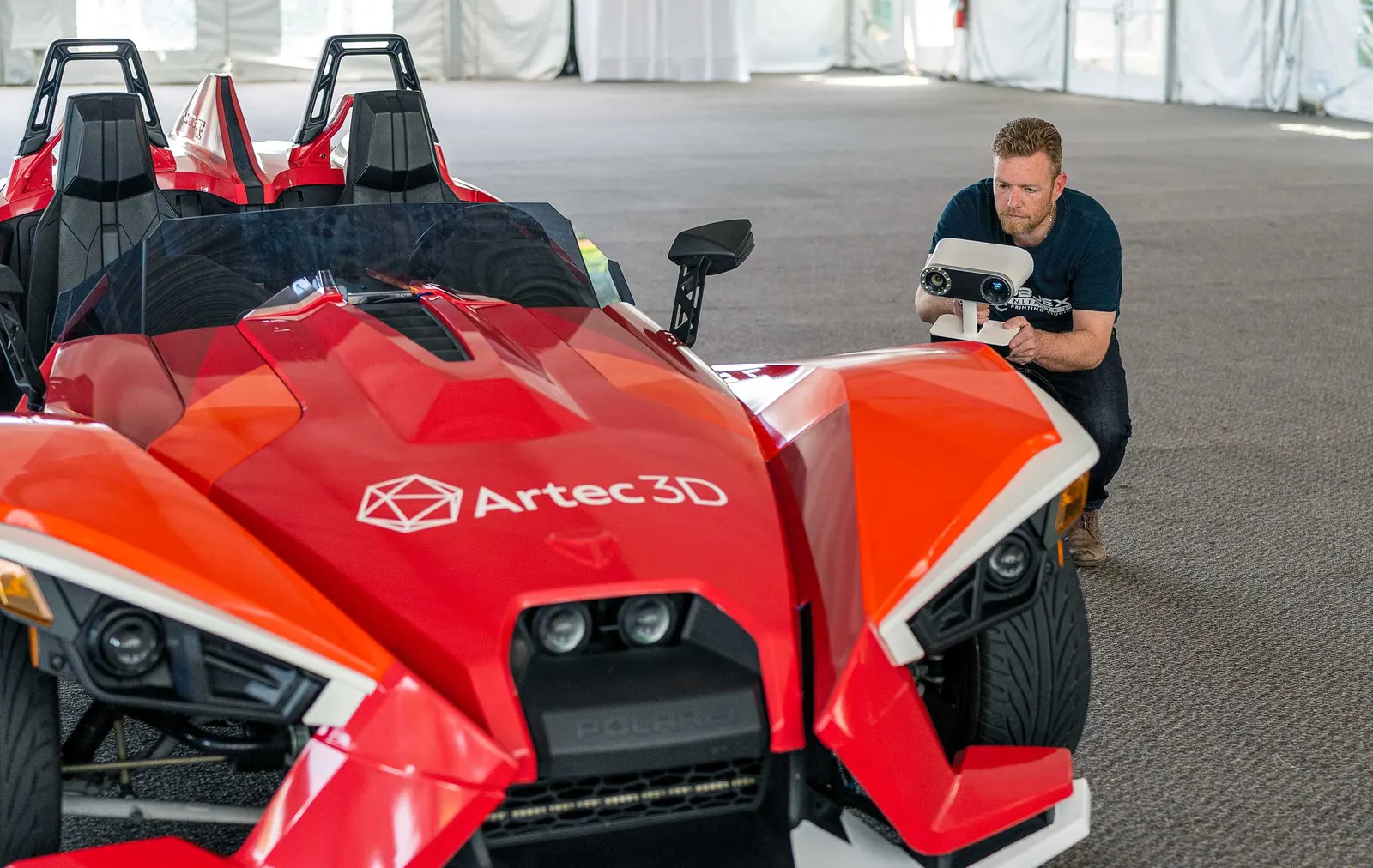
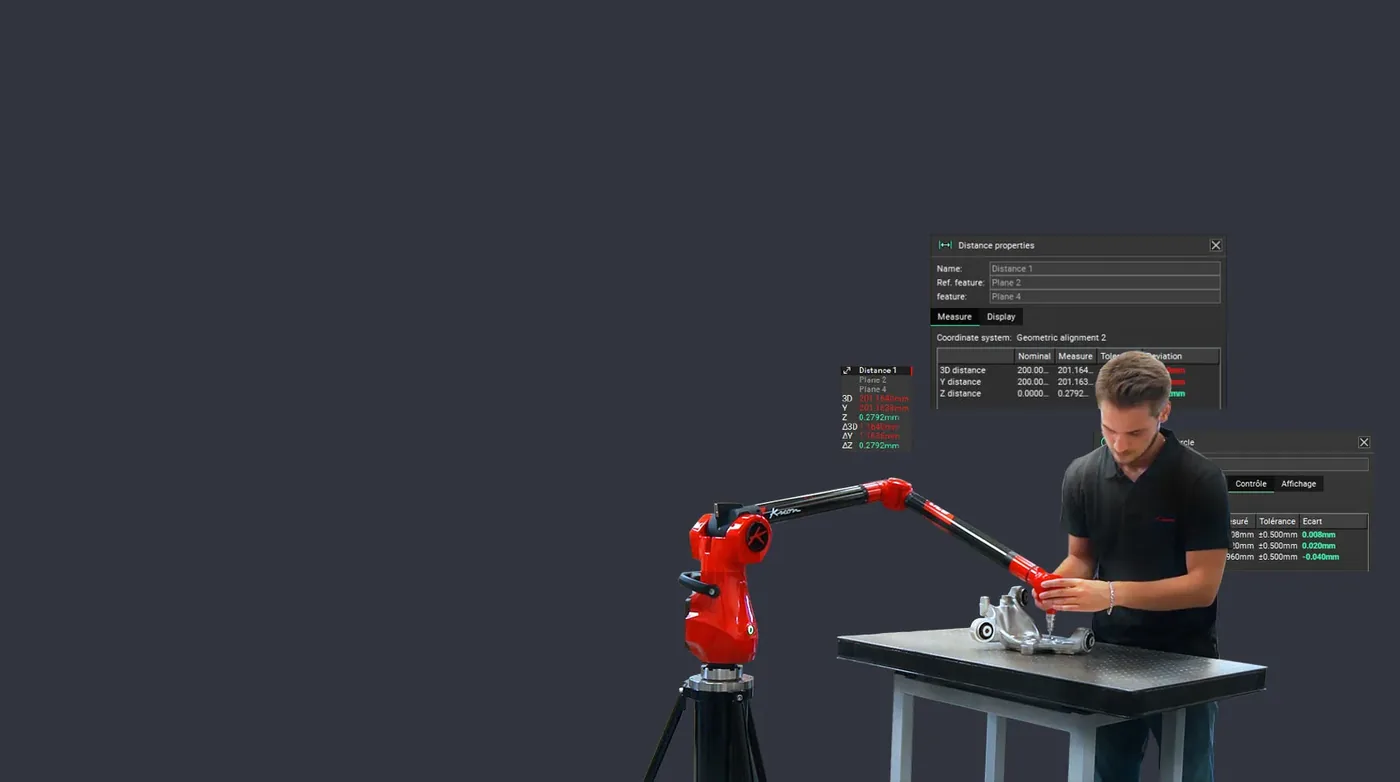
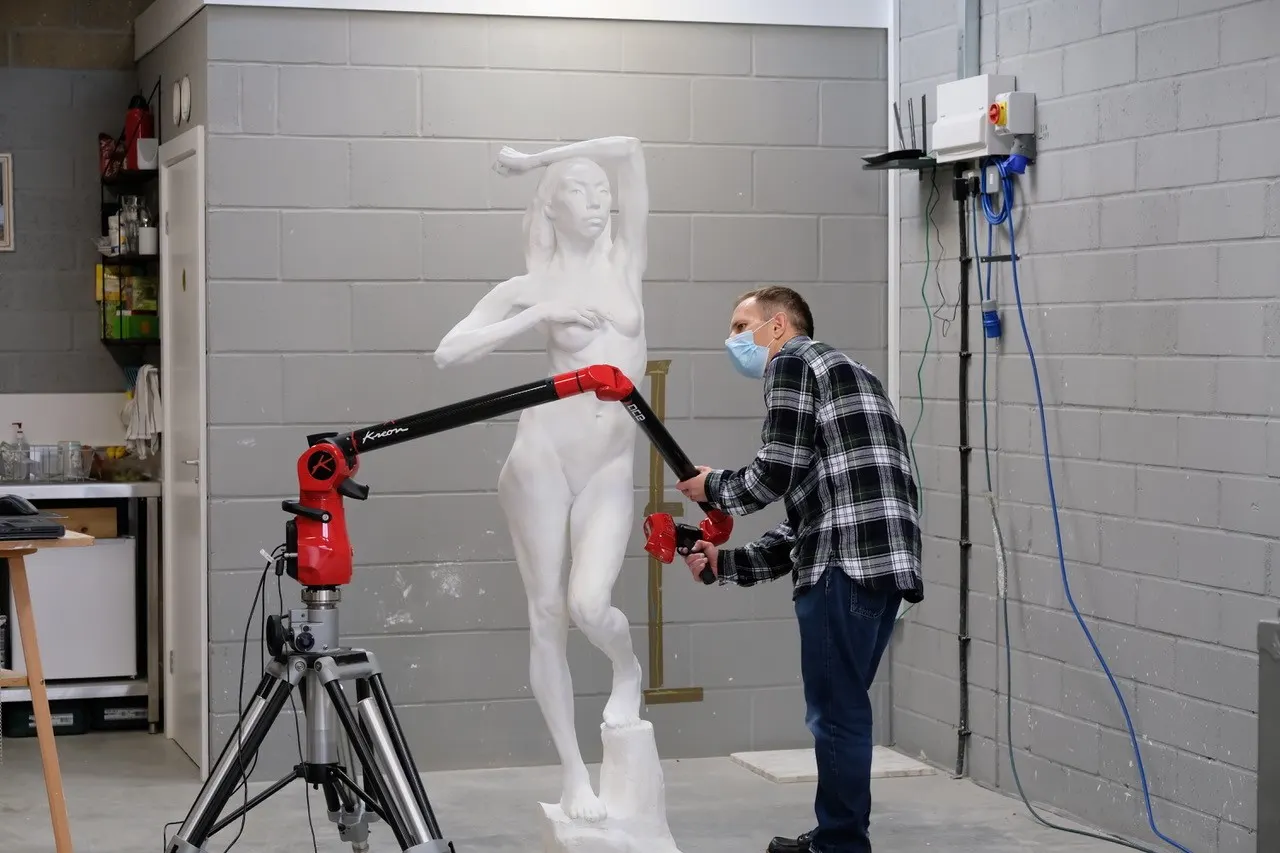
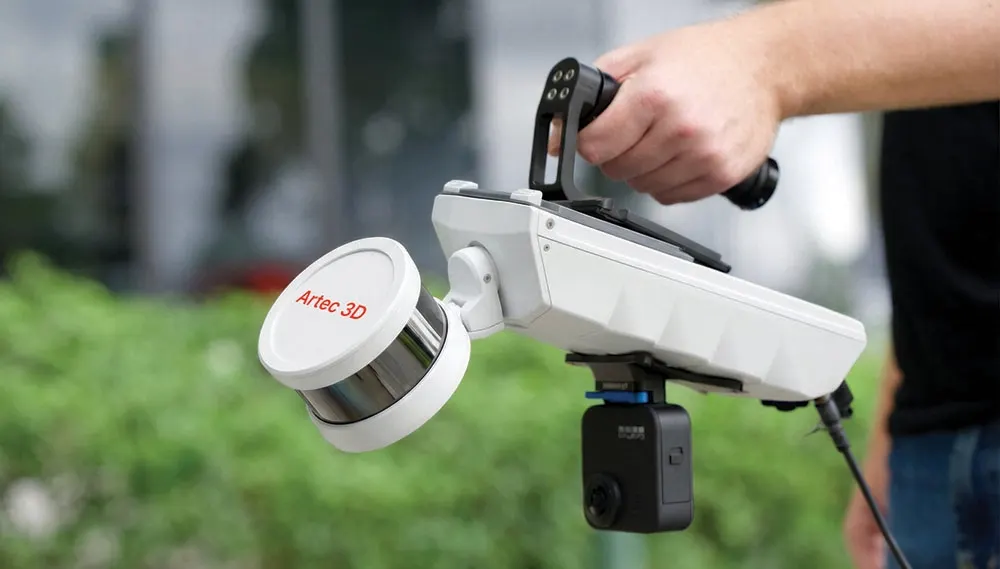
Artec handhelds, Kreon arms and the V-Track all feed Design X.
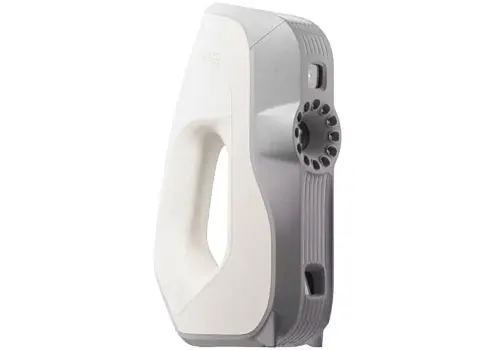
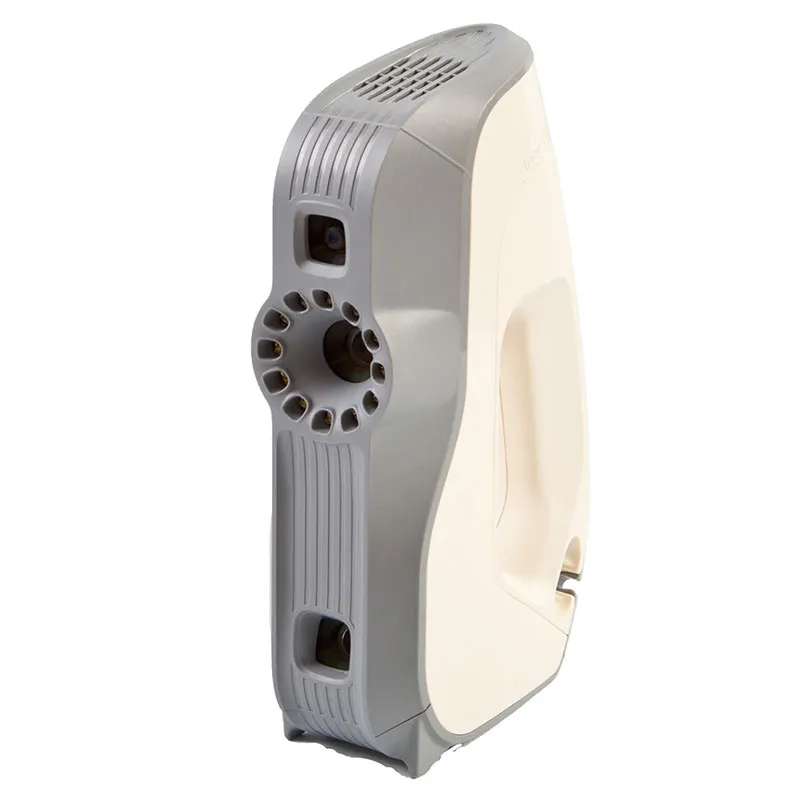
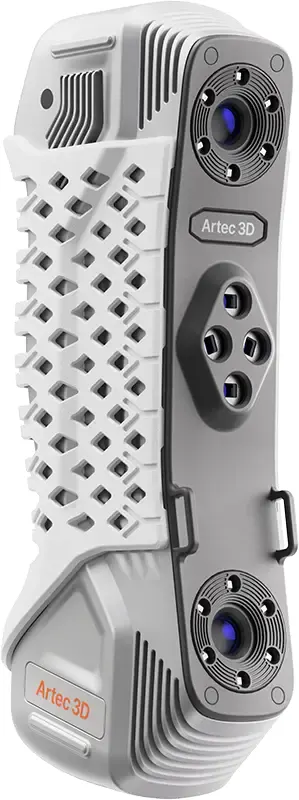
- Artec EvaArtec Eva structured-light handheld 3d scanner, for quick and accurate models of medium sized objects in full colour. It is ideal for scanning objects such as human busts, alloy wheels and motorcycle exhaust systems. Eva is Artec's most popular 3d scanner largely becuase is light, fast and extremely versatile. The structured light system is safe to use and an excellent choice as an all-round scanner for capturing objects of any kind, including those with black and shiny surfaces.View machine →
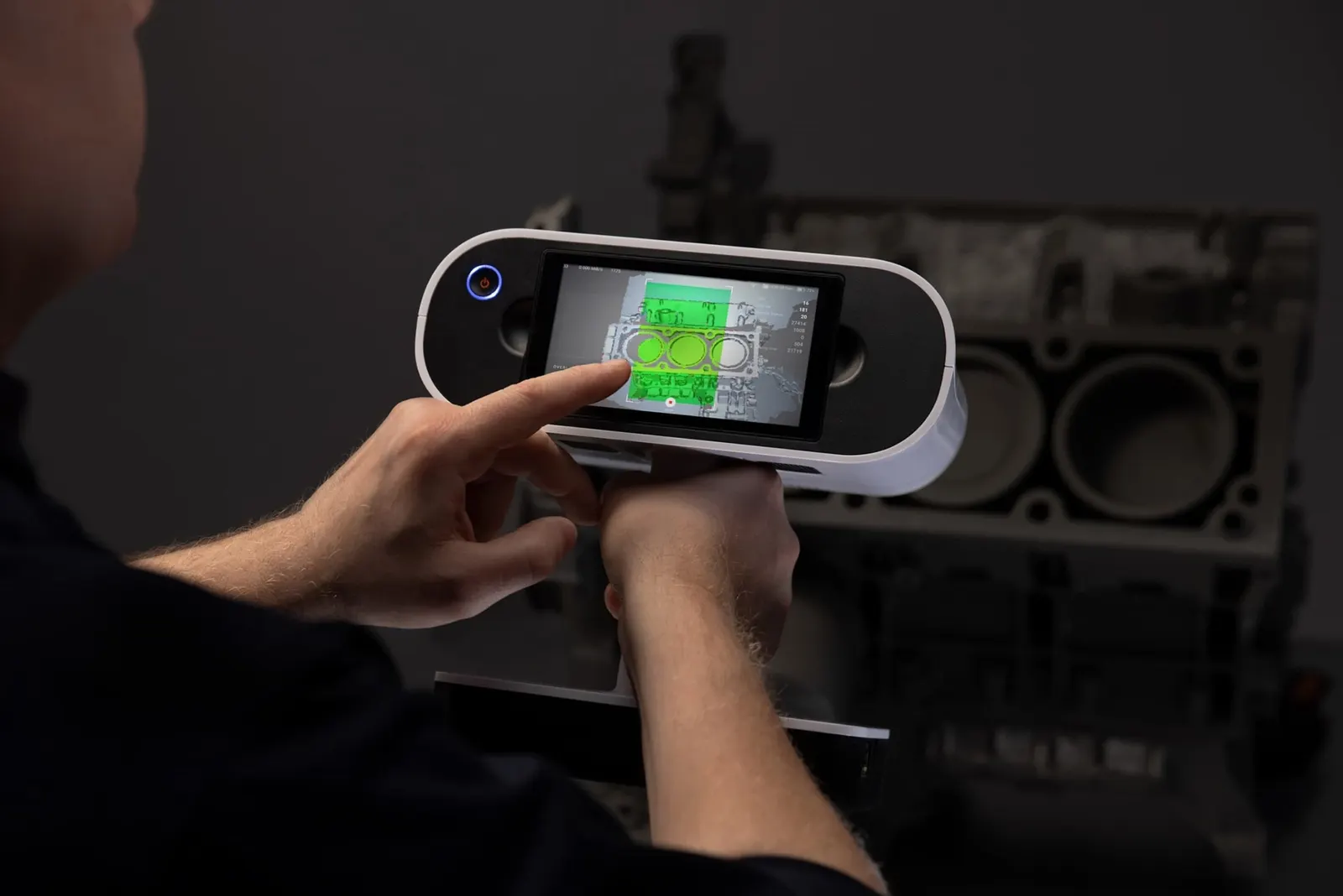
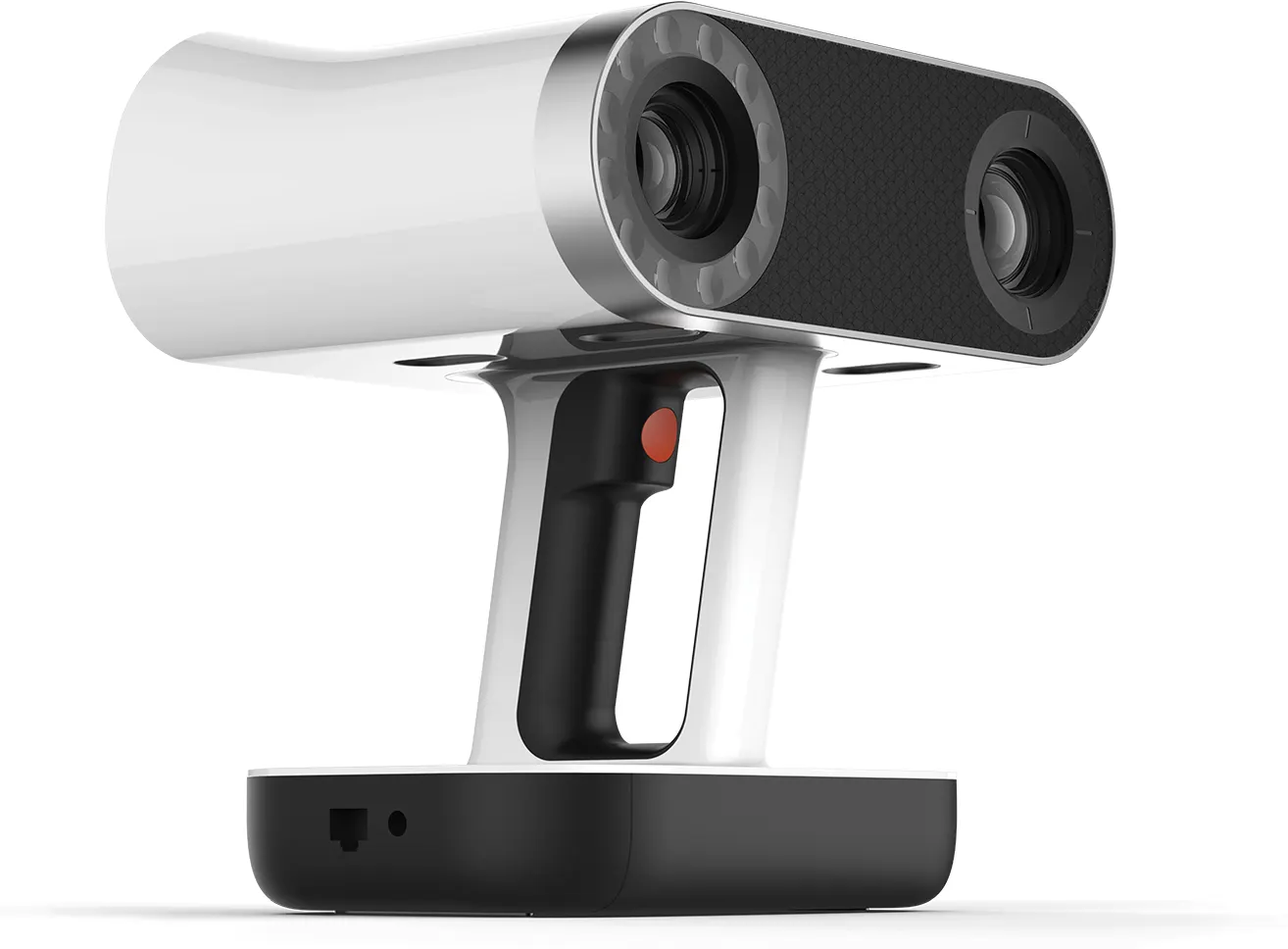
- Artec LeoWireless professional handheld 3D scanner with on-board processing and touchscreen — capture full-colour scans with no laptop or cables. The scanner most of our customers end up buying.View machine →
- Artec Spider IIHigh-resolution handheld scanner for small, intricate parts — sharp edges, thin walls and fine detail, in full colour.View machine →
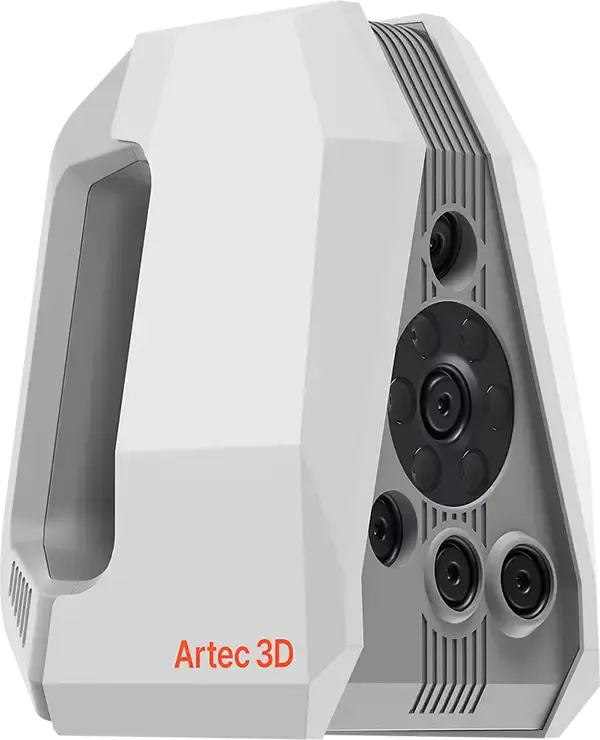
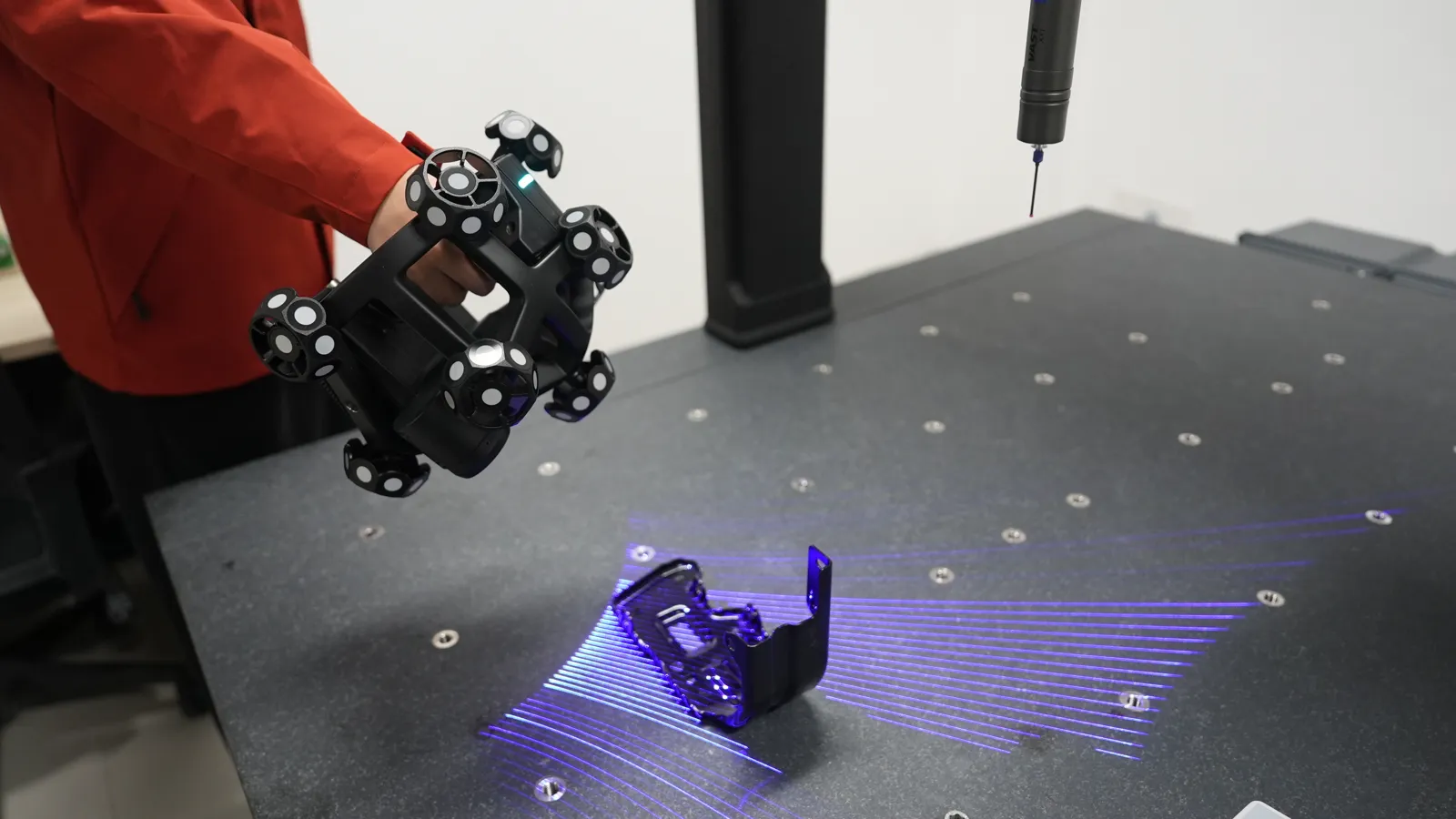
- Artec Point IIMetrology-grade handheld laser scanner using retro-reflective targets for the highest accuracy — inspection, quality control and precision reverse engineering. Launched August 2026; UK pricing on application.View machine →
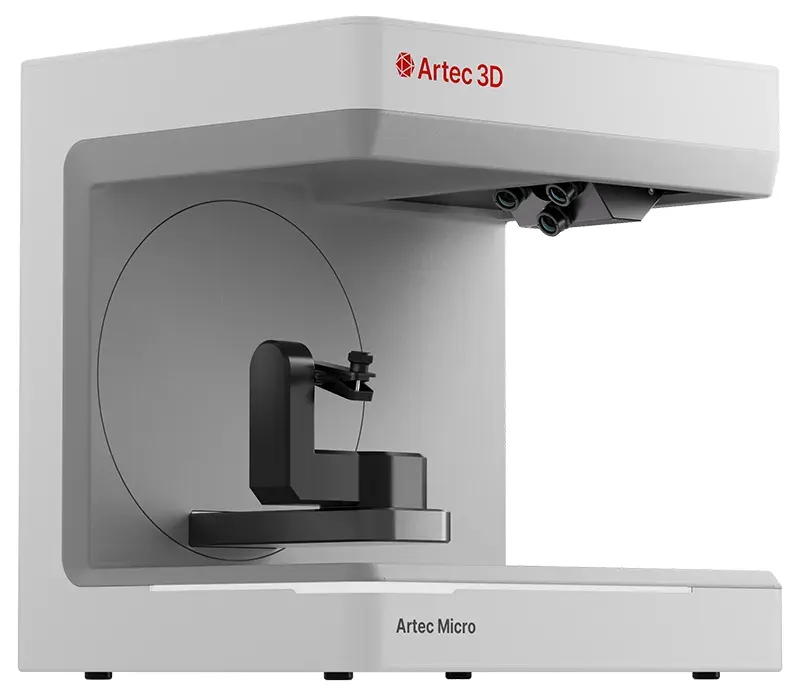
- Artec Micro IIAutomated desktop 3D scanner for very small objects — jewellery, dental, electronics — with micron-level accuracy and one-click capture.View machine →
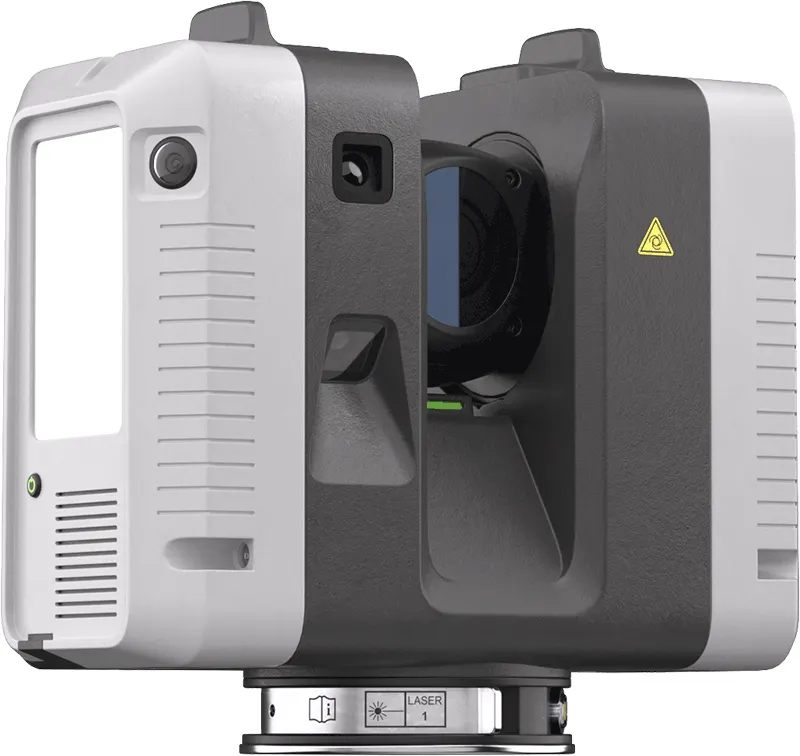
- Artec Ray IILong-range terrestrial LiDAR scanner for buildings, plant rooms, vehicles and large objects — survey-grade point clouds captured from a tripod.View machine →
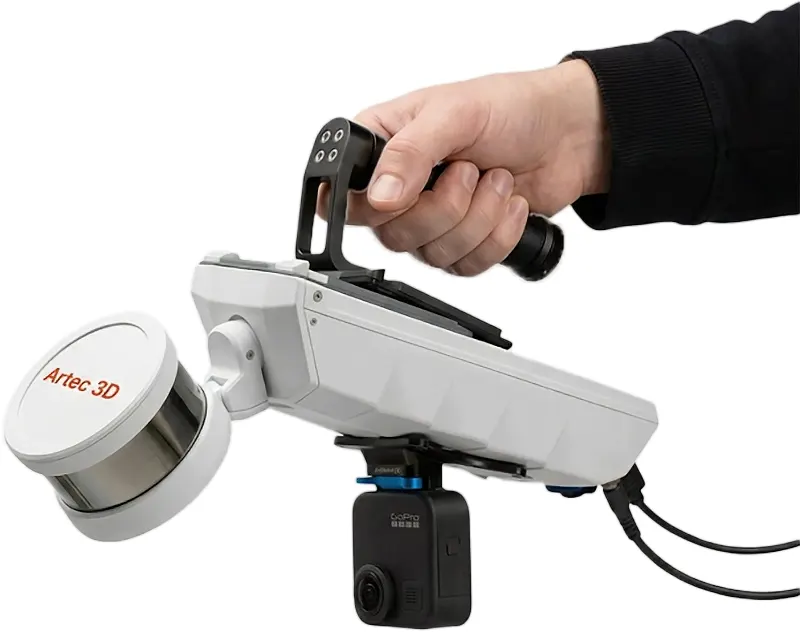
- Artec JetMobile SLAM LiDAR for site and infrastructure capture — walk, drive or fly it through a space and map as you move. Hardware-only price from £33,480 ex VAT, subject to confirmation.View machine →
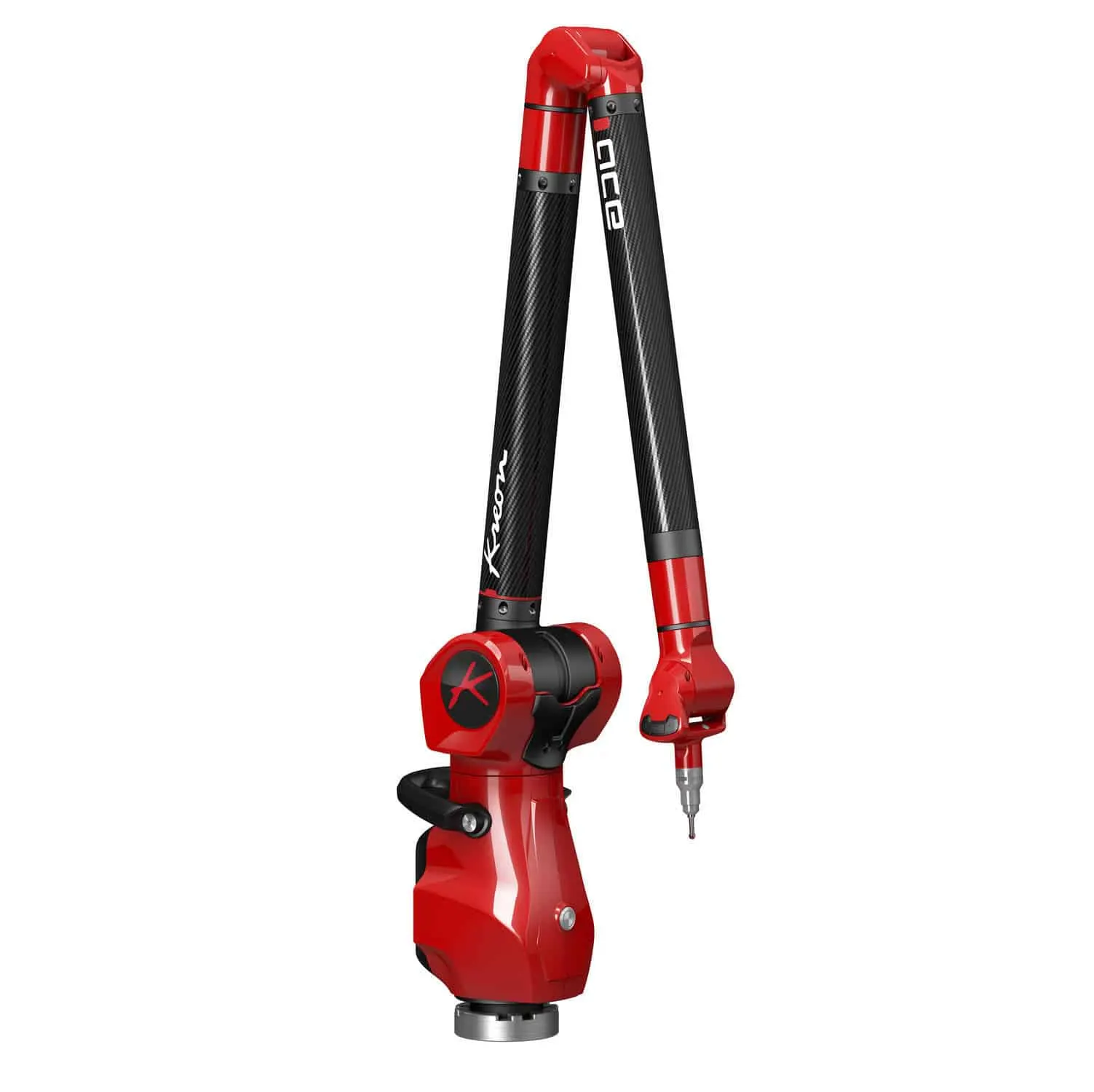
- Kreon Ace SkylineKreon Ace measuring arm bundled with the Skyline laser scanner — portable touch-probe measurement as standard, high-accuracy 3D scanning on the same arm.View machine →
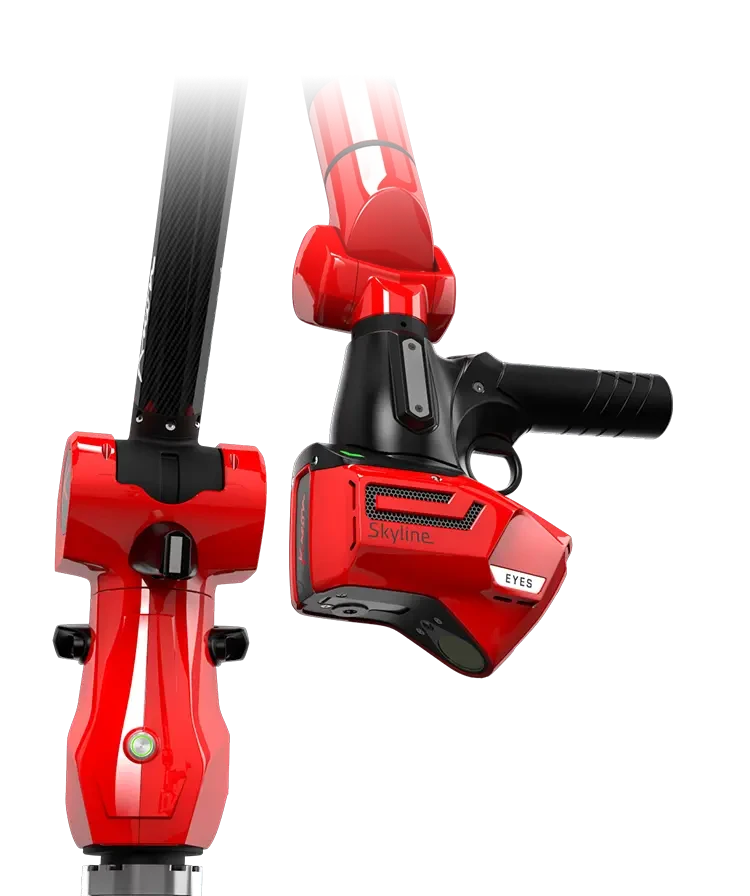
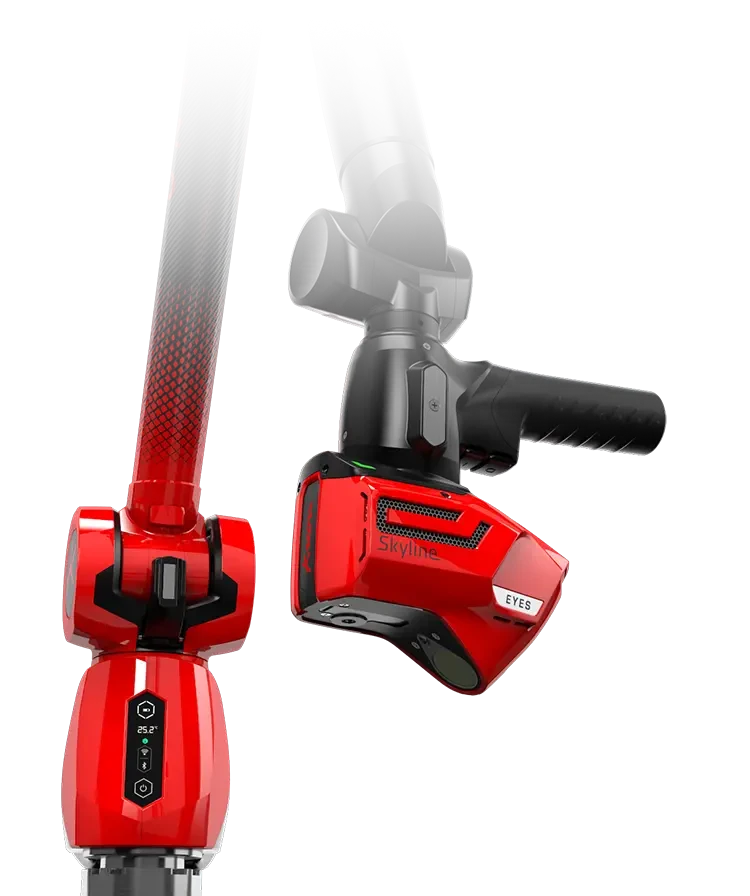
- Kreon Onyx SkylineKreon’s premium Onyx measuring arm with the Skyline laser scanner — the highest-accuracy portable arm-and-scanner combination in the range, with system accuracy from 0.038 mm.View machine →
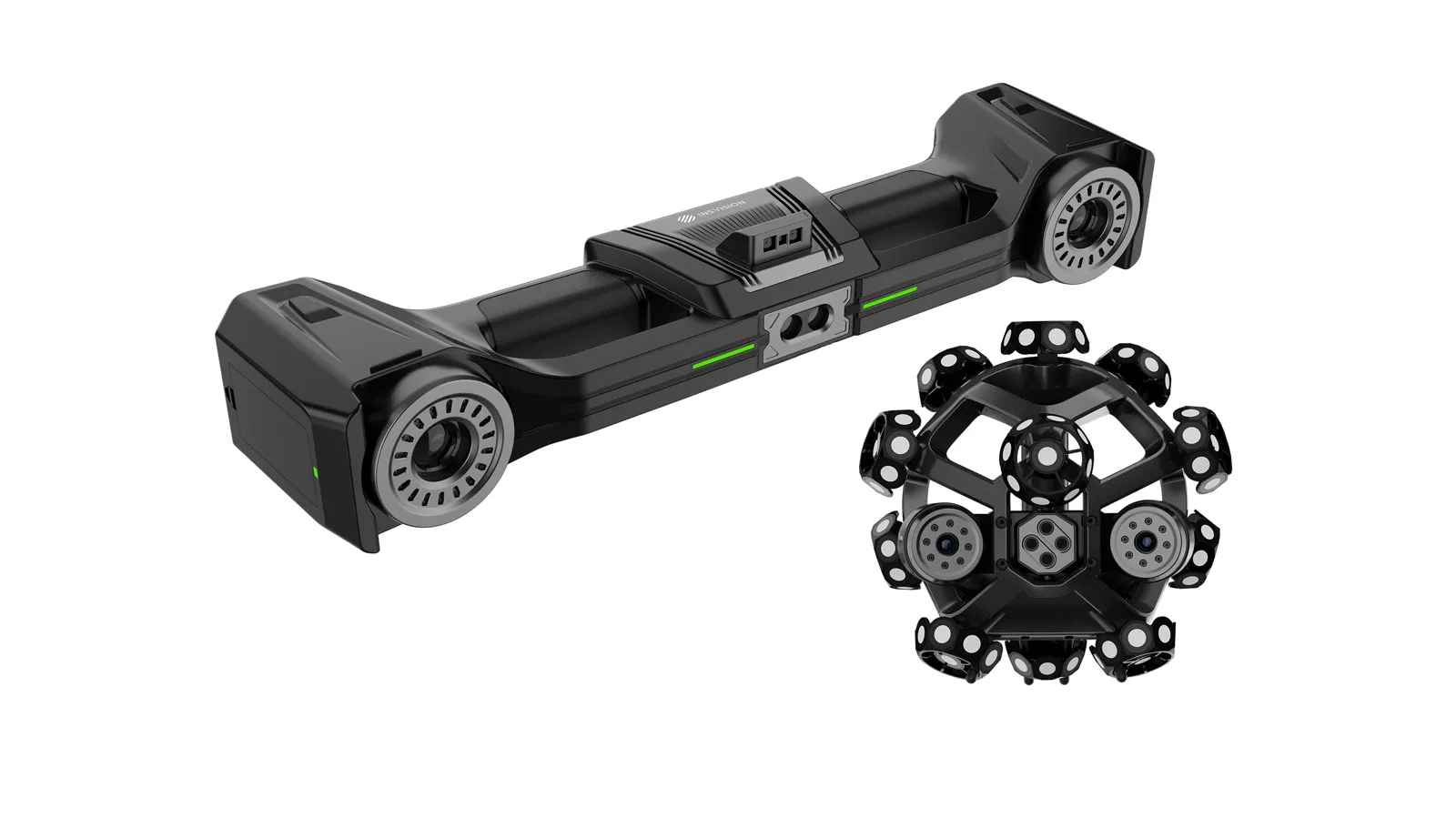
- INSVISION V-TrackINSVISION's optically tracked metrology scanner — the tracker follows the handheld scanner in space, so you get accuracy up to 0.020 mm with no sticky targets on the part and no cables. Ideal where surfaces must not be touched, such as automotive clay models.View machine →
Learn Design X
Two days takes you from scan data to a validated CAD model. The third day covers complex, organic and freeform parts.
Geomagic Design X Essentials
Core training for mechanical scan-to-CAD and parametric reverse engineering, scan data in, an editable, validated CAD model out.
- Design X interface and workflow
- Importing scan and mesh data
- Mesh preparation and repair
- Alignment and coordinate systems
- Region segmentation and editing
- Creating reference geometry
- Introduction to scan-based modelling
- Creating sketches from scan data
- Extracting dimensions and design intent
- Building parametric CAD features
£2,000ex VAT, per course
Geomagic Design X Complete
The full two-day Essentials course plus a third day on complex geometry, freeform modelling and advanced surfacing, for parts that will not reduce to prismatic features.
- Advanced mesh preparation and editing
- Working with complex and organic geometry
- Freeform surfacing
- Selective surfacing techniques
- Auto Surfacing workflows
- Combining parametric and surface modelling
- Choosing the most appropriate reverse-engineering method
- Advanced accuracy checking
- Practical complex-part exercise
£3,000ex VAT, per course