





Free UK delivery over £75 — ordered before 3pm, out the same day0330 229 0175Pay by invoiceSign in
Get a quote
Artec Studio LiDAR Essentials (1 day)

Training · Artec Studio

Artec Studio LiDAR Essentials (1 day)

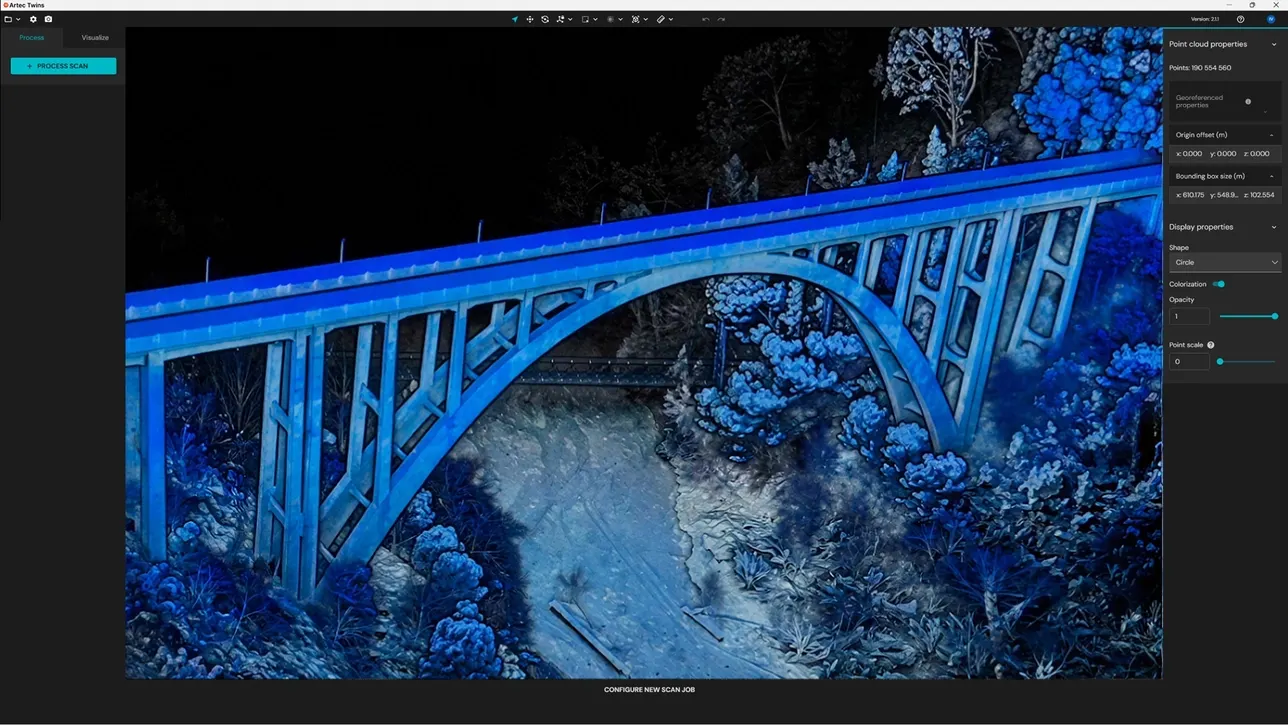
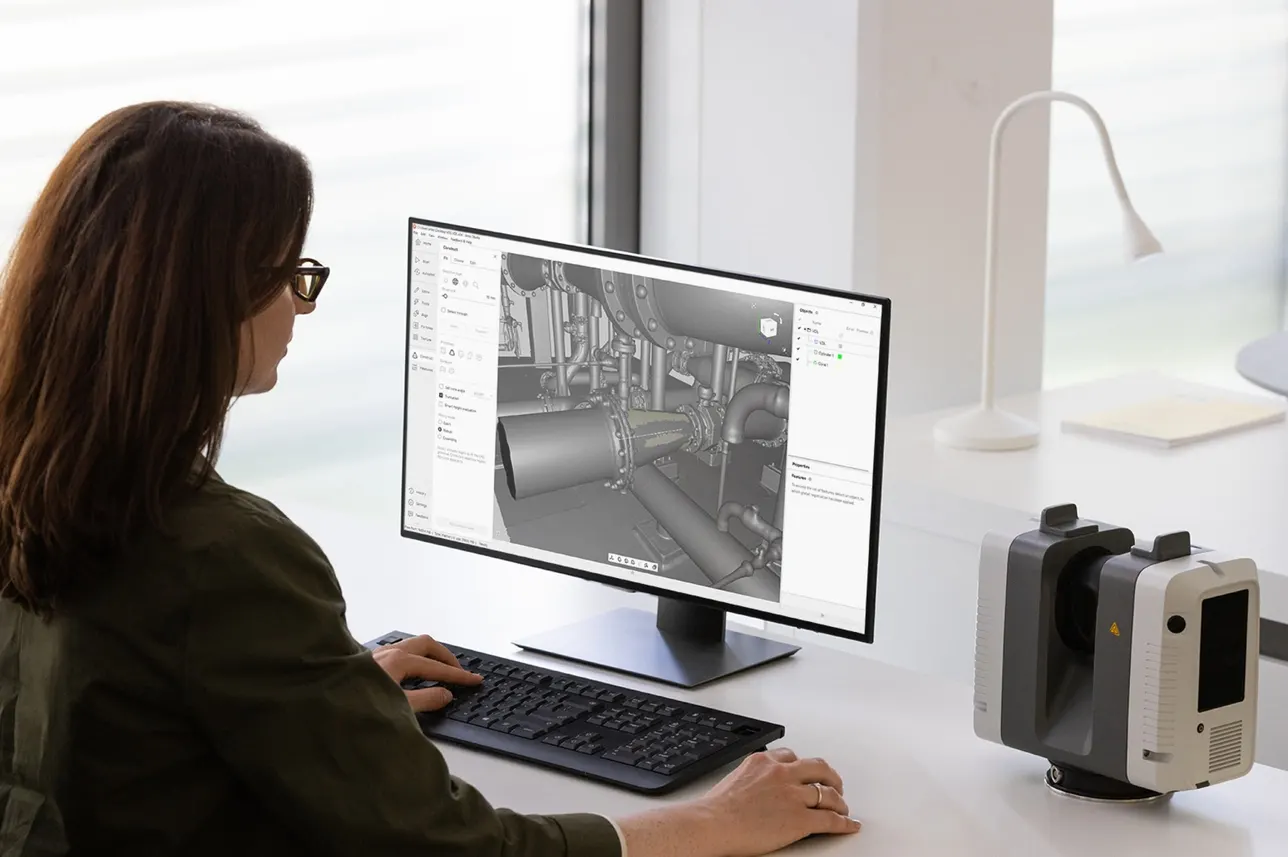
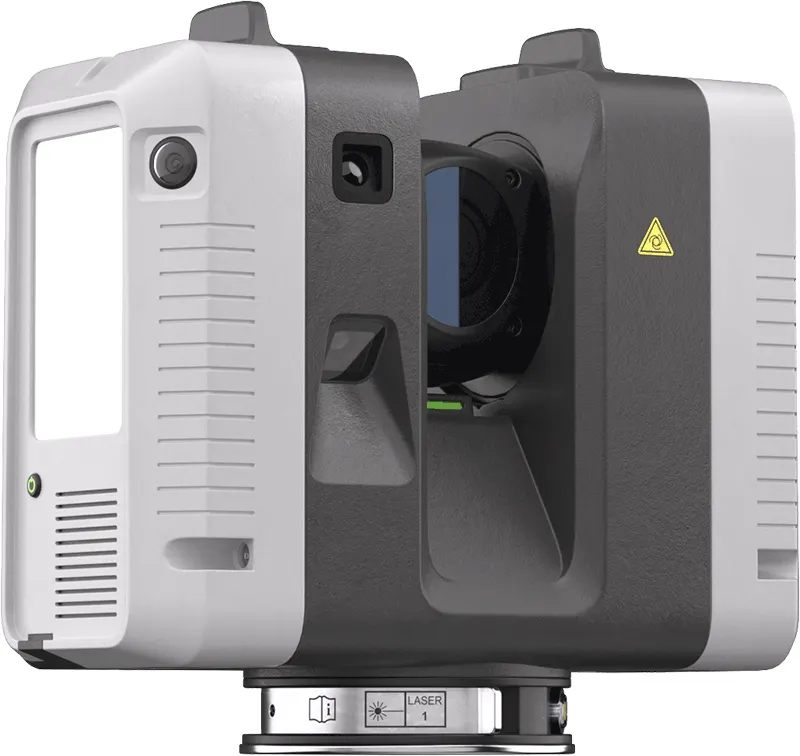
Terrestrial LiDAR for Artec Ray II users — planning a survey, capturing from multiple positions, registering the point clouds and exporting for BIM, Revit and CAD.

Length
1 day
Group size
Up to 3
Software
Artec Studio
Where
Ours or yours

Two ways to run it

At Whitchurch£1,000

Our machines and our sample parts. Bring your own data if you have it.

At your site£1,200

On your bench, with your parts and your network. Mainland UK travel included.

Includes up to 3 people · both prices exclude VAT

Book this courseAsk about dates

Bought a machine from us in the last twelve months? Ring 0330 229 0175 first — training is often already in the deal.

What we cover

Hands on from the start — every session is run on real scan data.

  1. Day 1

    Ray II capture and LiDAR processing

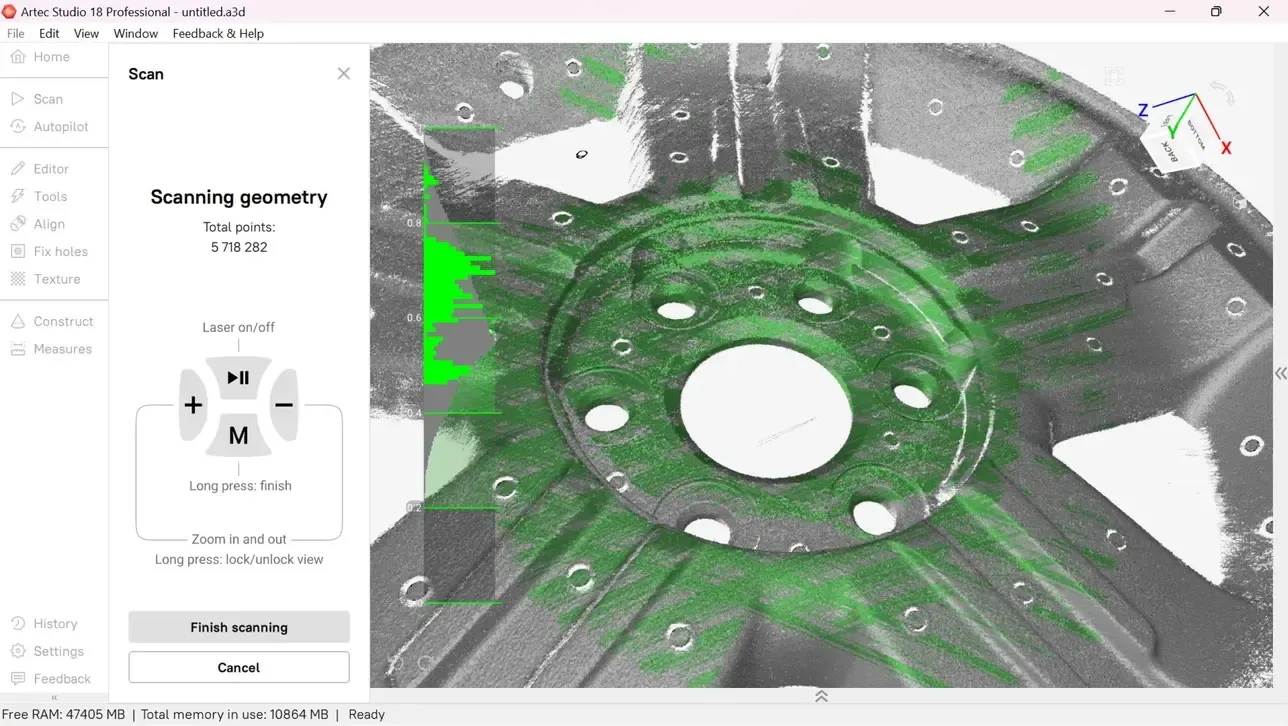
    • Introduction to Artec Ray II and terrestrial LiDAR scanning
    • Planning a successful Ray II scanning project
    • Scanner positioning and achieving good data coverage
    • Using the Artec Remote app for scan capture
    • Working with multiple scan positions
    • Importing Ray II datasets into Artec Studio
    • Cleaning and preparing point cloud data
    • Aligning multiple Ray II scans
    • Global Registration of point cloud scans
    • Geometry and target-based registration methods
    • Creating and optimising 3D models from LiDAR data
    • Combining Ray II data with higher-resolution Artec scanner data
    • Measurements and basic analysis
    • Exporting point cloud data for BIM and CAD workflows, including RCP files for Autodesk Revit
    • Exporting point clouds and models in other common formats
    • Practical Ray II capture and processing exercise

What you leave able to do

Attendees should leave able to take a typical terrestrial LiDAR project through the complete plan → capture → import → align → register → clean → process → export workflow using Artec Ray II and Artec Studio, including preparing point cloud data for BIM, Revit, CAD and other downstream applications.

How it works

Two places to run it

At our Whitchurch facility, where the machines, software and sample parts are already set up — or at your site, on your own hardware, parts and network. The price differs; the course does not.

Three people included

The price covers up to three attendees. Bigger groups are fine — tell us the number and we will price it.

Bring your own parts

The exercises work on our sample data, but they work far better on yours. Send a part or a dataset ahead of the day and we will build the practical around it.

What it goes with

Shorter course

Artec Studio Essentials (1 day)

One day covering the complete scan-to-model workflow in Artec Studio — capture technique, alignment, registration, fusion, texturing and export. The course every new Artec owner should take.

£1,000at Whitchurch£1,200 at your site

See the course

Goes further

Artec Studio Complete (2 days)

The full Essentials day plus a second on advanced processing, multi-scanner projects, reverse engineering, inspection and automation — for teams pushing Artec Studio further than a single scan at a time.

£2,000at Whitchurch£2,400 at your site

See the course

Relevant if you run:

Book this course

Courses run to a date we agree with you rather than a fixed calendar, so this is an enquiry rather than a checkout. Tell us where and roughly when and we will come back with dates — usually the same working day.

Rather talk it through? Ring 0330 229 0175, Monday to Friday 8.30am–5pm, or email sales@europac3d.com.

Enquire about this course

Tell us where and roughly when, and we will come back with dates.

Where would you like it run?

Includes up to 3 people. Prices exclude VAT.