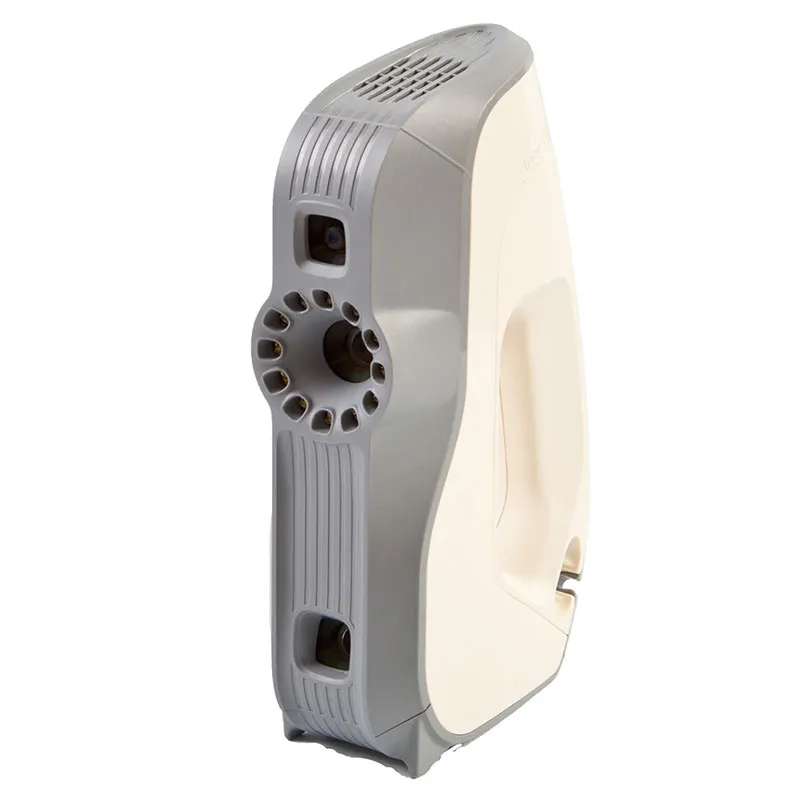
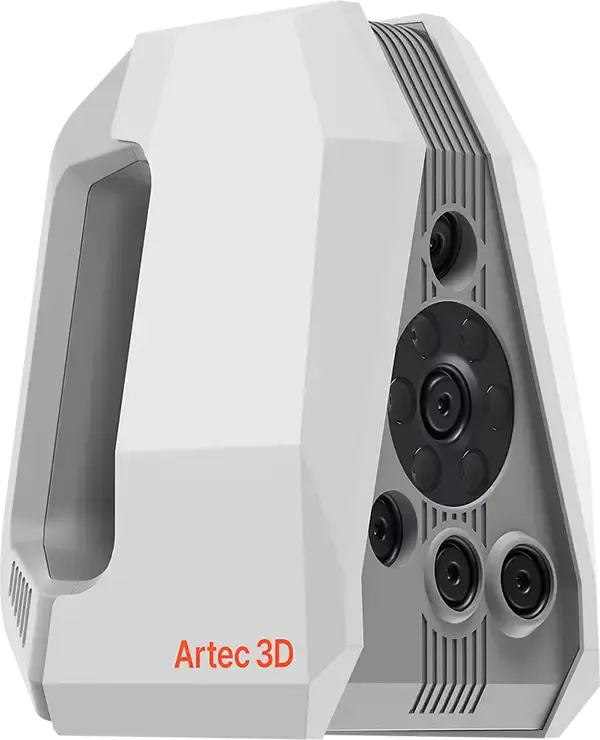
The full Essentials day plus a second on advanced processing, multi-scanner projects, reverse engineering, inspection and automation — for teams pushing Artec Studio further than a single scan at a time.
Length
2 days
Group size
Up to 3
Software
Artec Studio
Where
Ours or yours
Where would you like it run?
Build a kit
Add what goes with the course to the same booking.
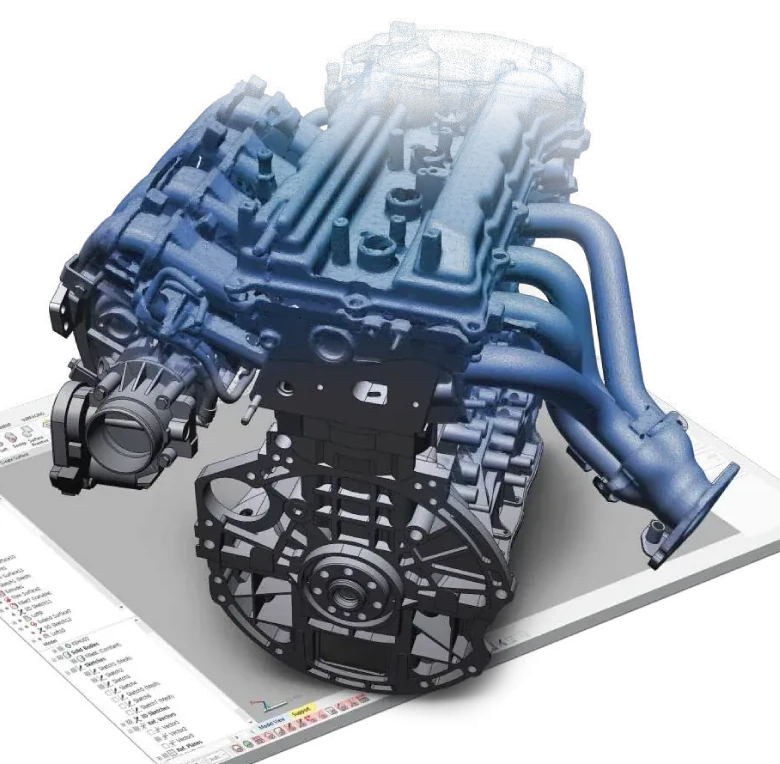
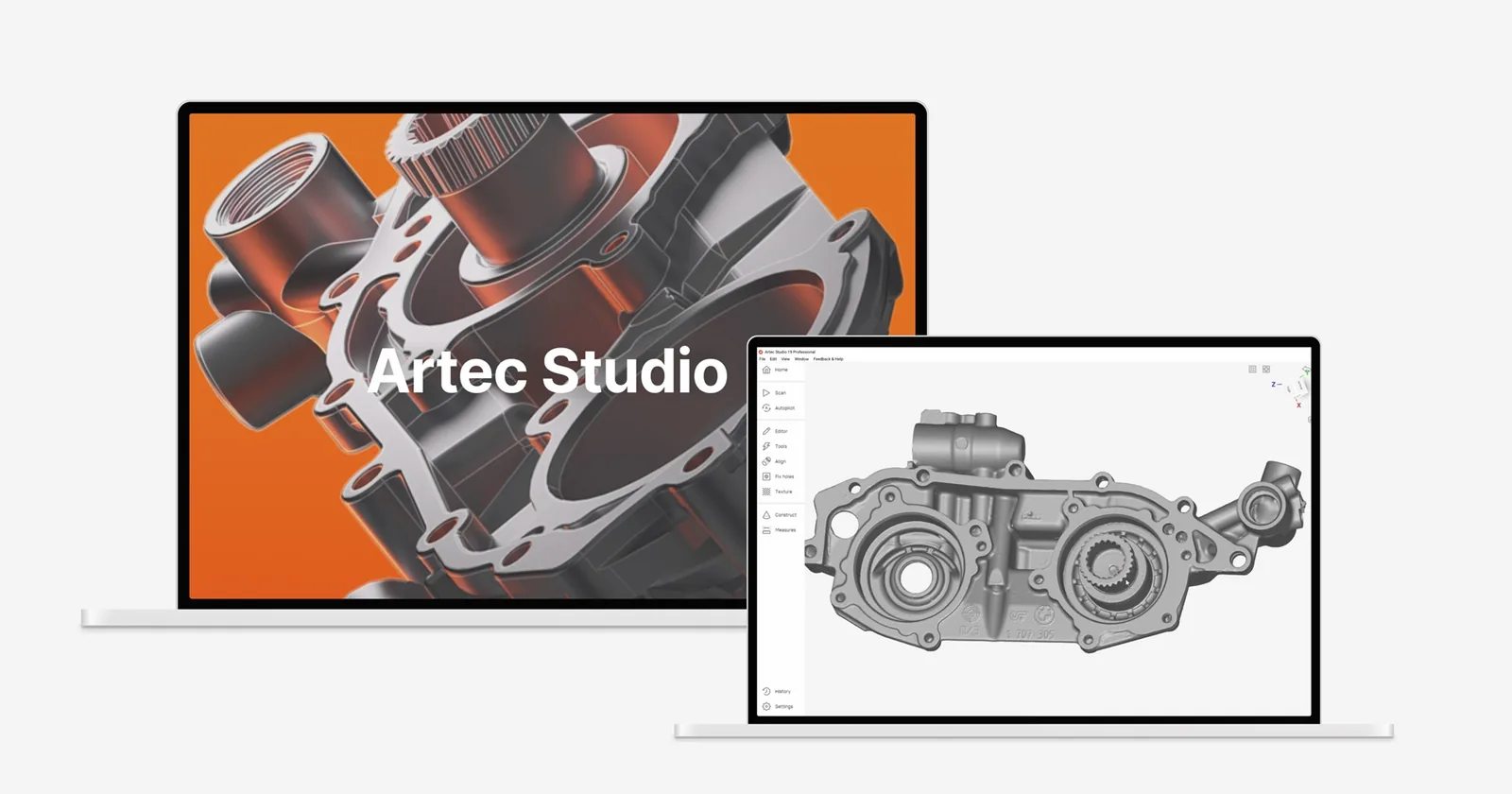
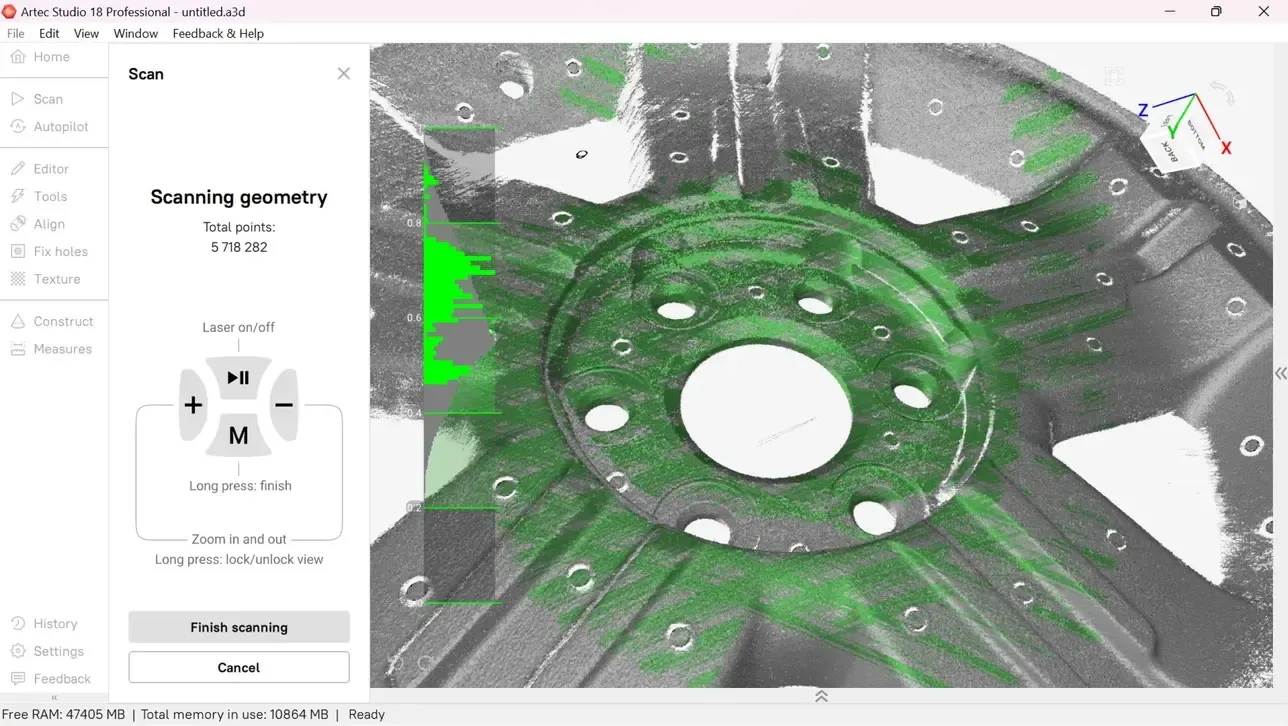
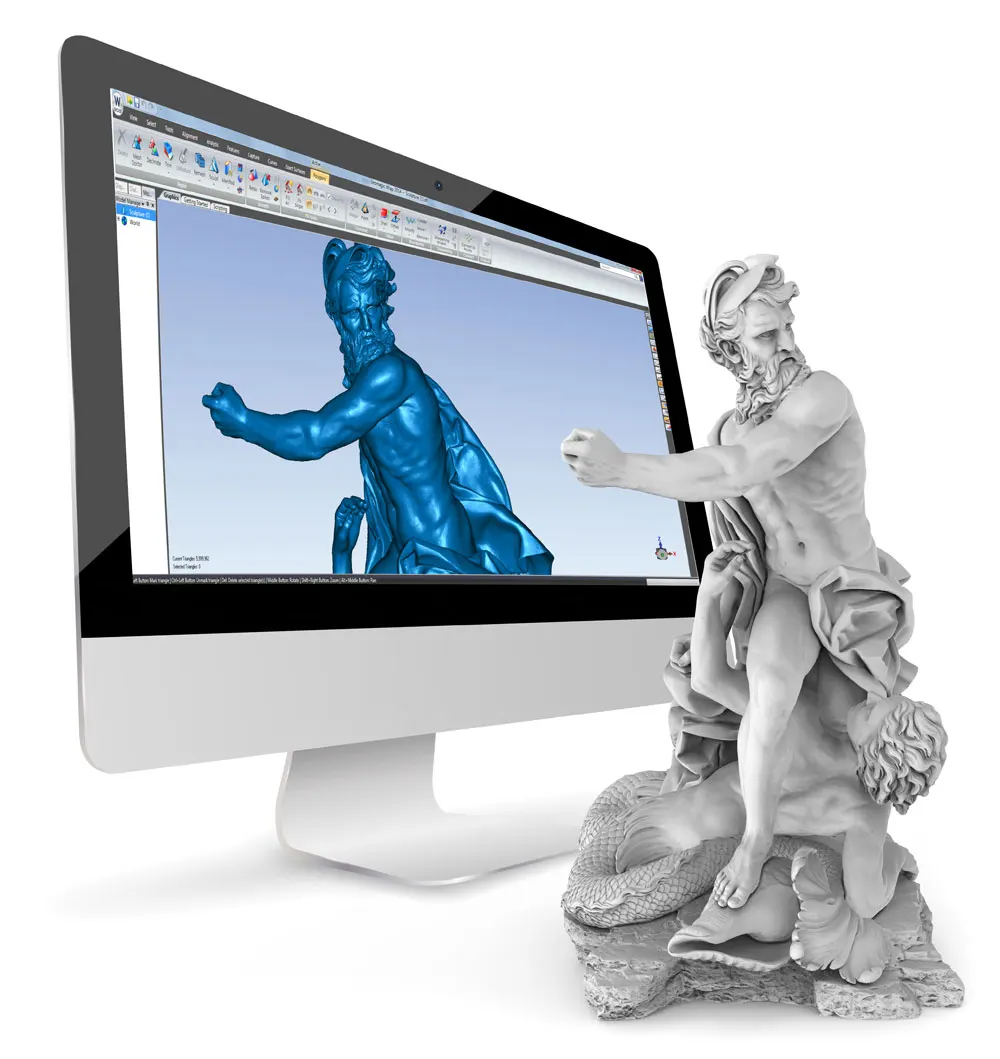
In addition to the core 3D scan processing workflows covered during Day 1, attendees will learn how to handle more challenging datasets, multi-scanner projects and advanced processing, together with Artec Studio's built-in reverse engineering, inspection and automation tools.
Day 1
Scanning, processing and mesh creation
from Artec Studio Essentials
Introduction to Artec Studio and the user interface
Understanding the complete scan-to-model workflow
Good scanning practice and data capture
Importing and managing scan data
Cleaning unwanted scan data
Aligning multiple scans
Global Registration
Creating meshes using Fusion
Mesh editing, smoothing and optimisation
Hole filling and mesh repair
Applying and editing textures
Checking model quality
Exporting STL, OBJ and other common formats
Practical scan-to-model exercise
Day 2
Advanced processing, reverse engineering and inspection
Advanced alignment and registration techniques
Processing difficult or complex scan datasets
Combining scan data from multiple Artec scanners
Smart Fusion and multi-resolution datasets
Advanced mesh editing and optimisation
Creating sections and reference geometry
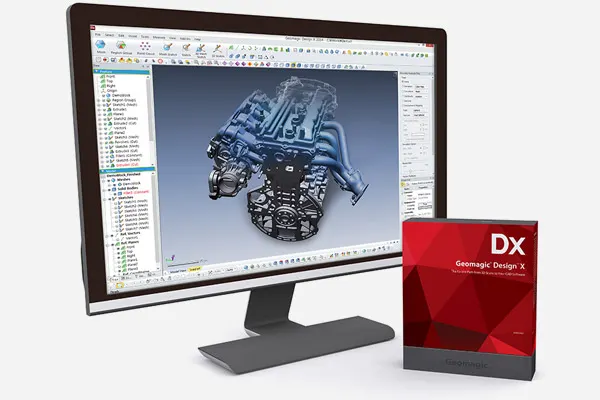
Introduction to scan-to-CAD tools
Primitives, basic feature creation and Auto Surfacing
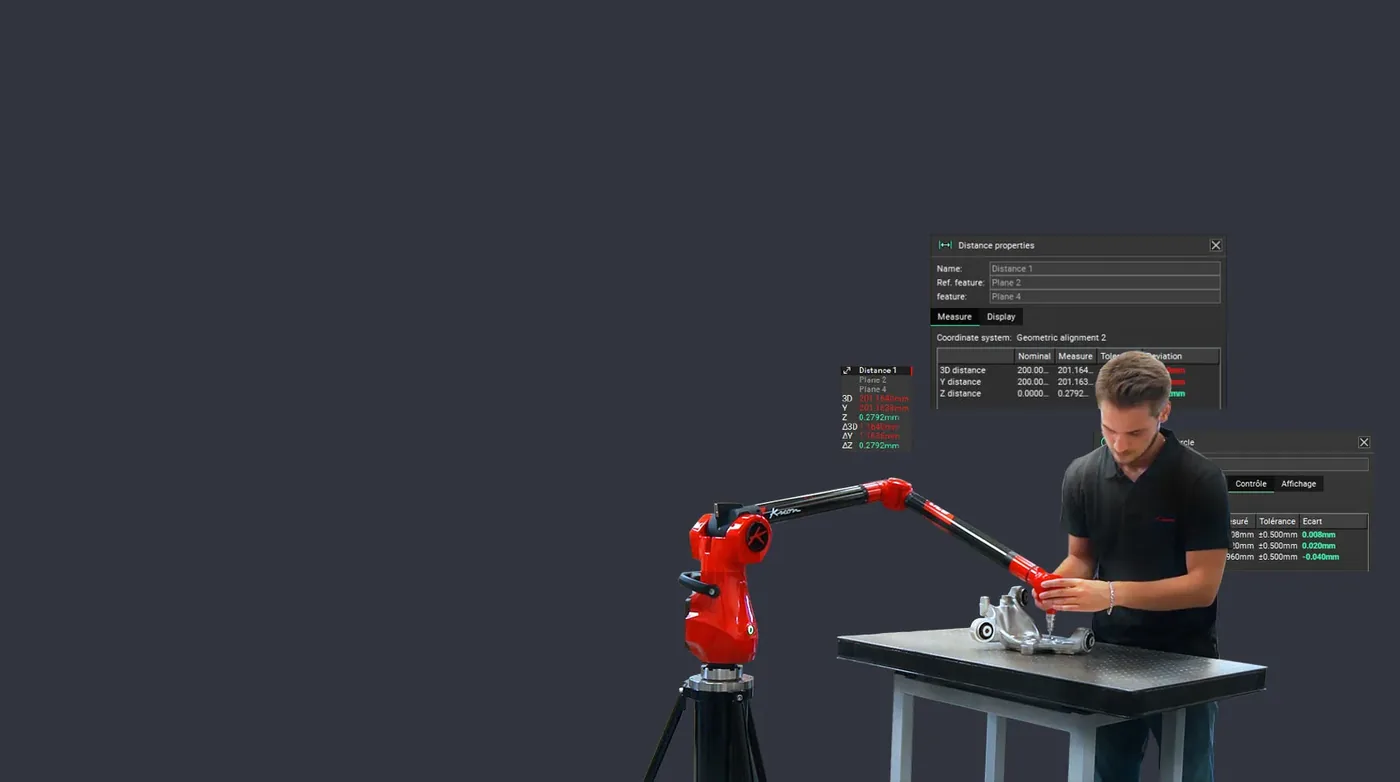
Measurements and dimensional analysis
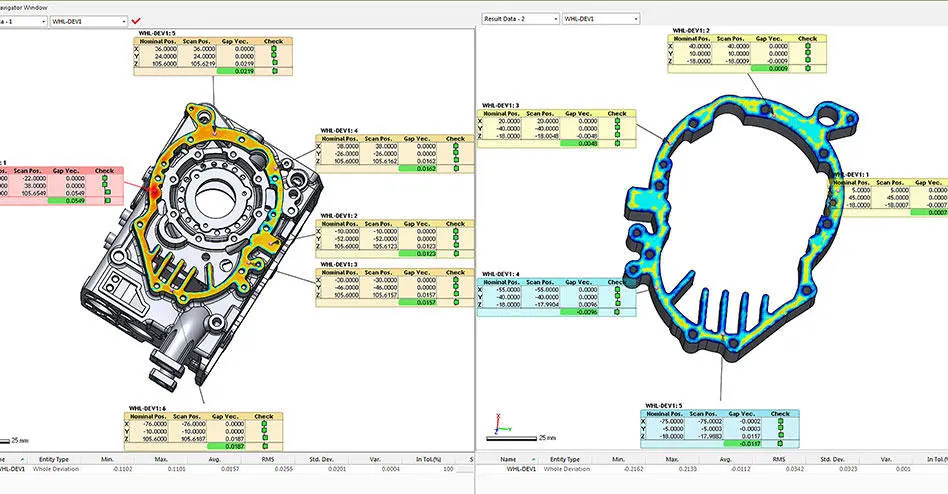
Mesh-to-CAD and mesh-to-mesh comparison
Creating colour deviation maps
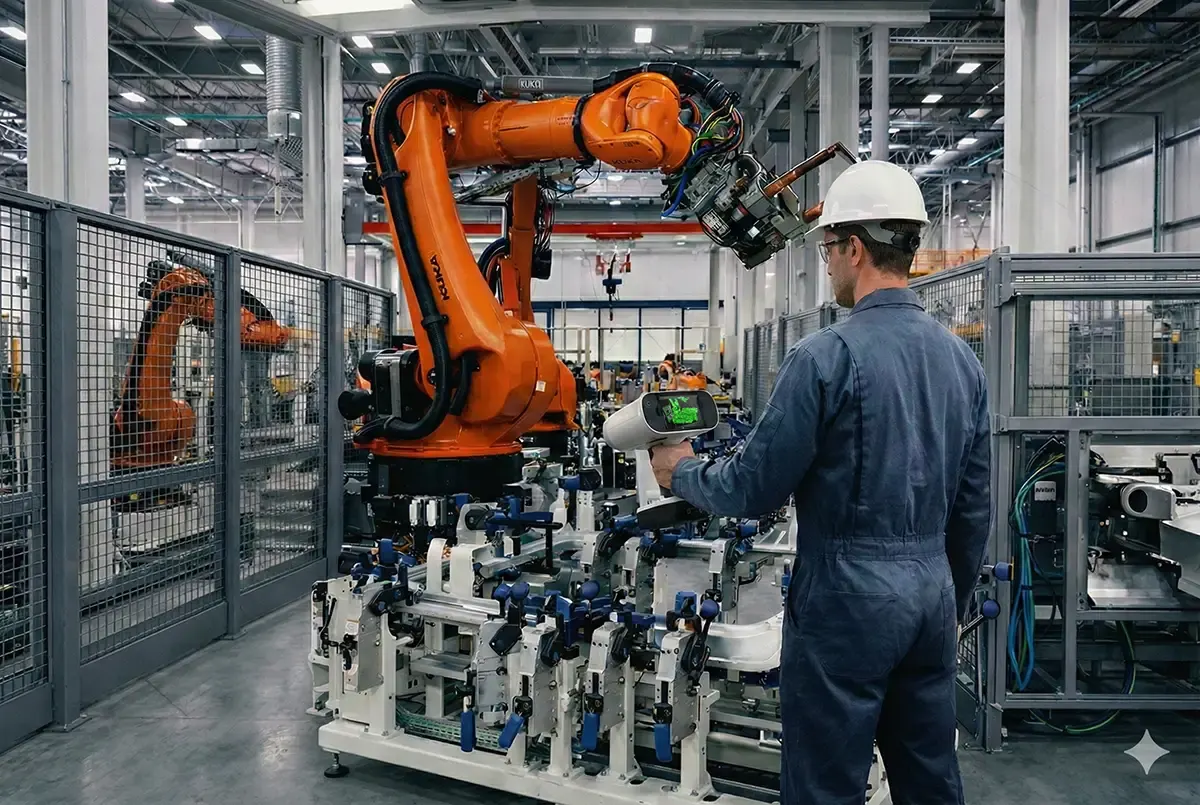
Introduction to automated processing with Workflows
Choosing the best processing strategy for different applications
Practical advanced processing exercise
How it works
Two places to run it
At our Cheshire facility, where the machines, software and sample parts are already set up — or at your site, on your own hardware, parts and network. The price differs; the course does not.
Three people included
The price covers up to three attendees. Bigger groups are fine — tell us the number and we will price it.
Bring your own parts
The exercises work on our sample data, but they work far better on yours. Send a part or a dataset ahead of the day and we will build the practical around it.
Where it sits: reverse engineering
The order we recommend. Each course stands alone, so start wherever your team already is.
One day covering the complete scan-to-model workflow in Artec Studio — capture technique, alignment, registration, fusion, texturing and export. The course every new Artec owner should take.
Terrestrial LiDAR for Artec Ray II users — planning a survey, capturing from multiple positions, registering the point clouds and exporting for BIM, Revit and CAD.
Courses run to a date we agree with you rather than a fixed calendar. Pay for the course above and we arrange the date with you, or tell us here where and roughly when and we will come back with dates, usually the same working day.
.svg)