.svg)
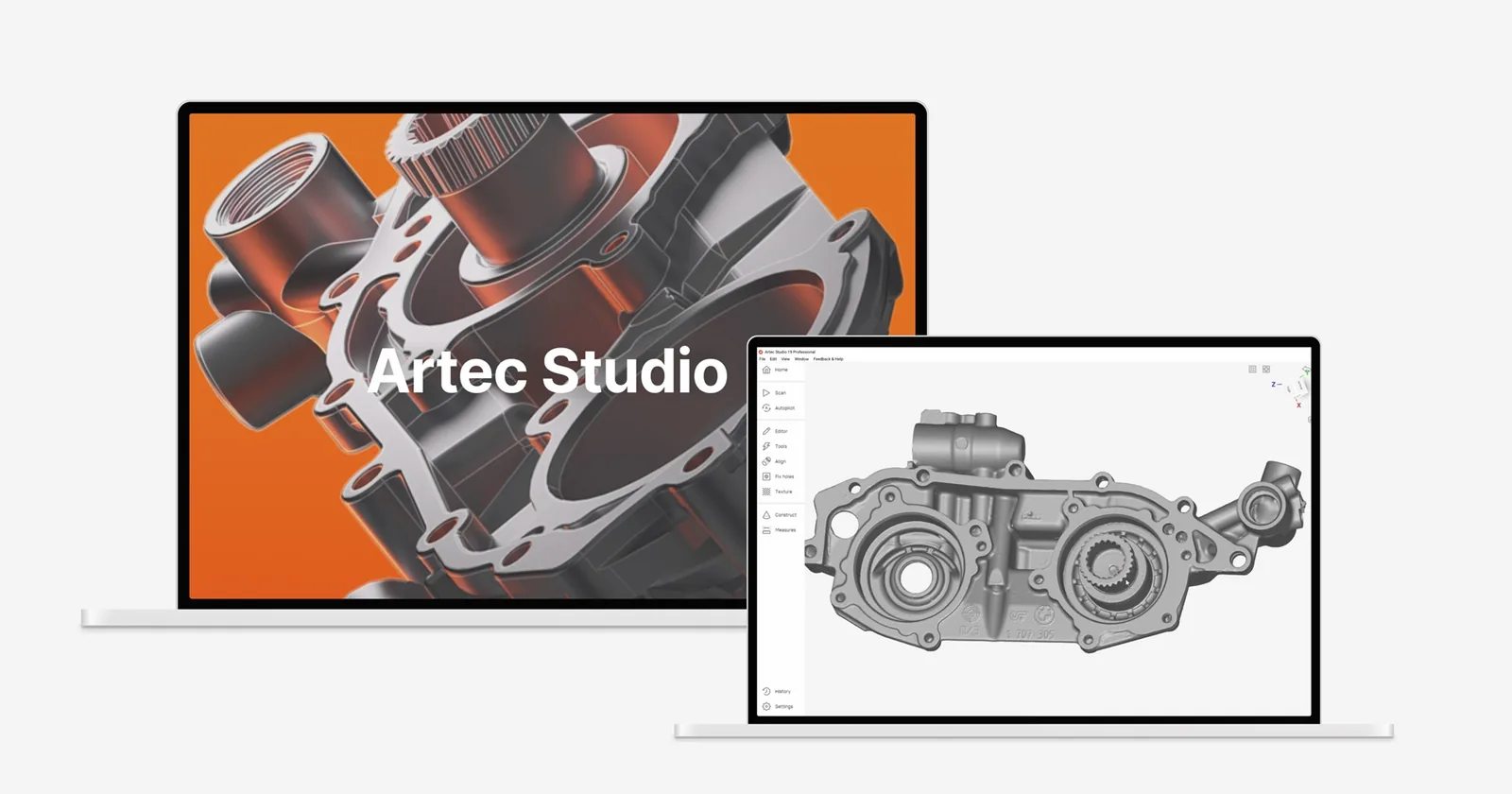
Artec Studio 20
Every Artec scan starts and ends here.
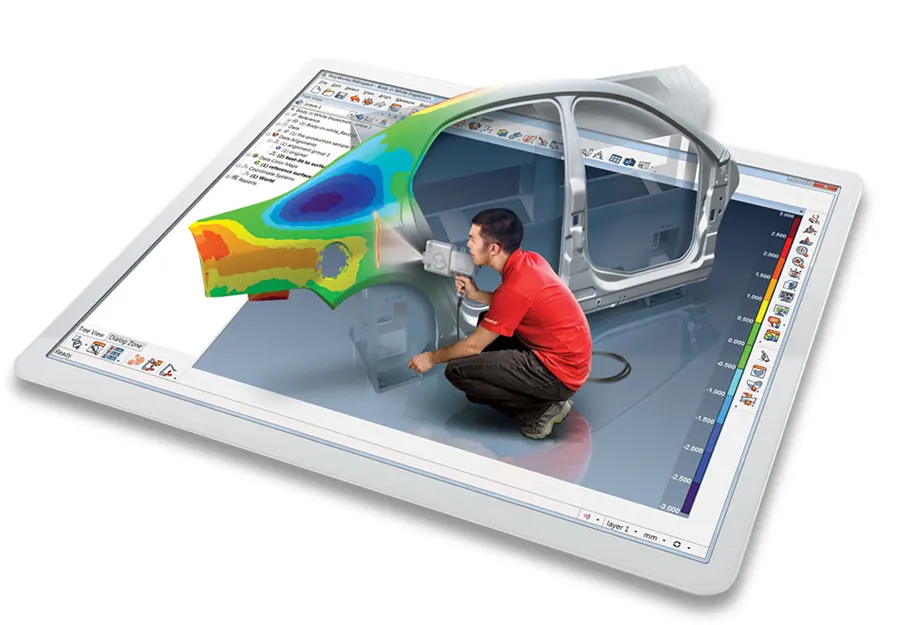
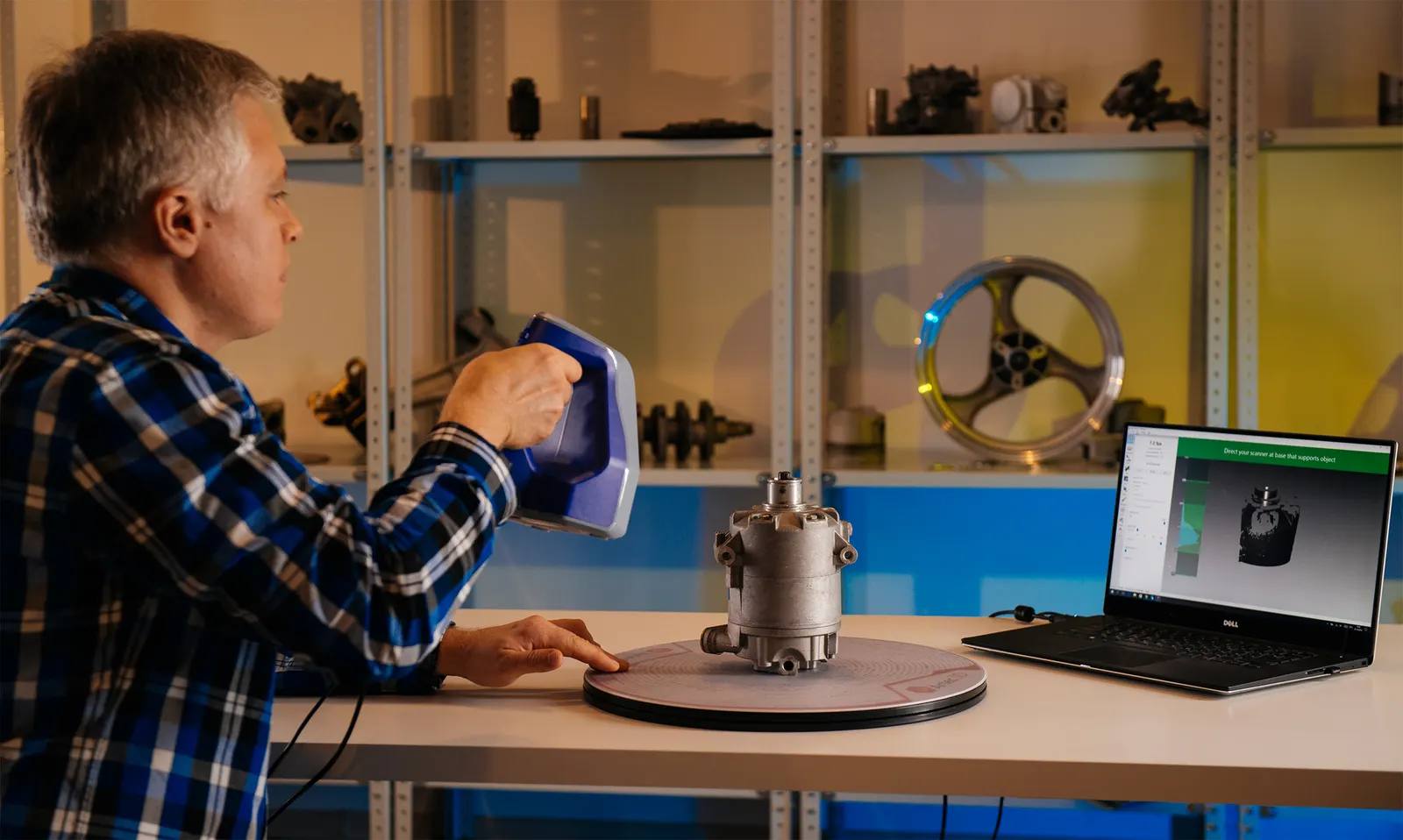
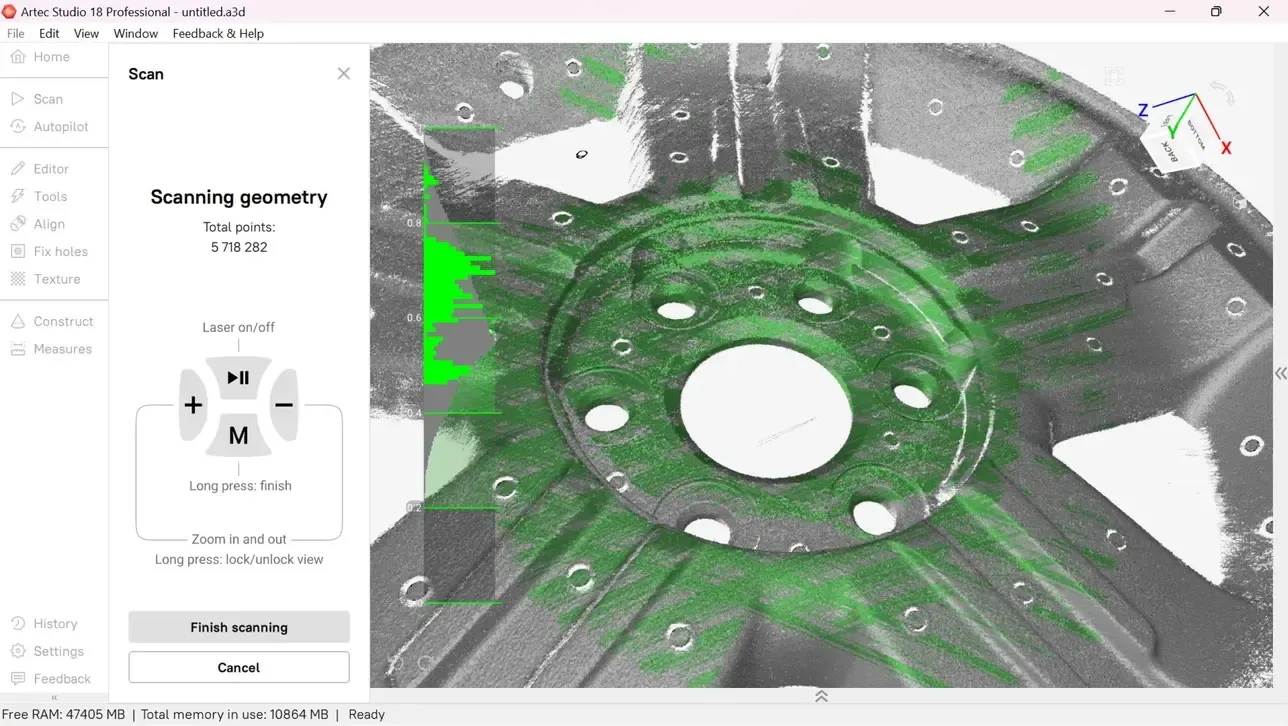
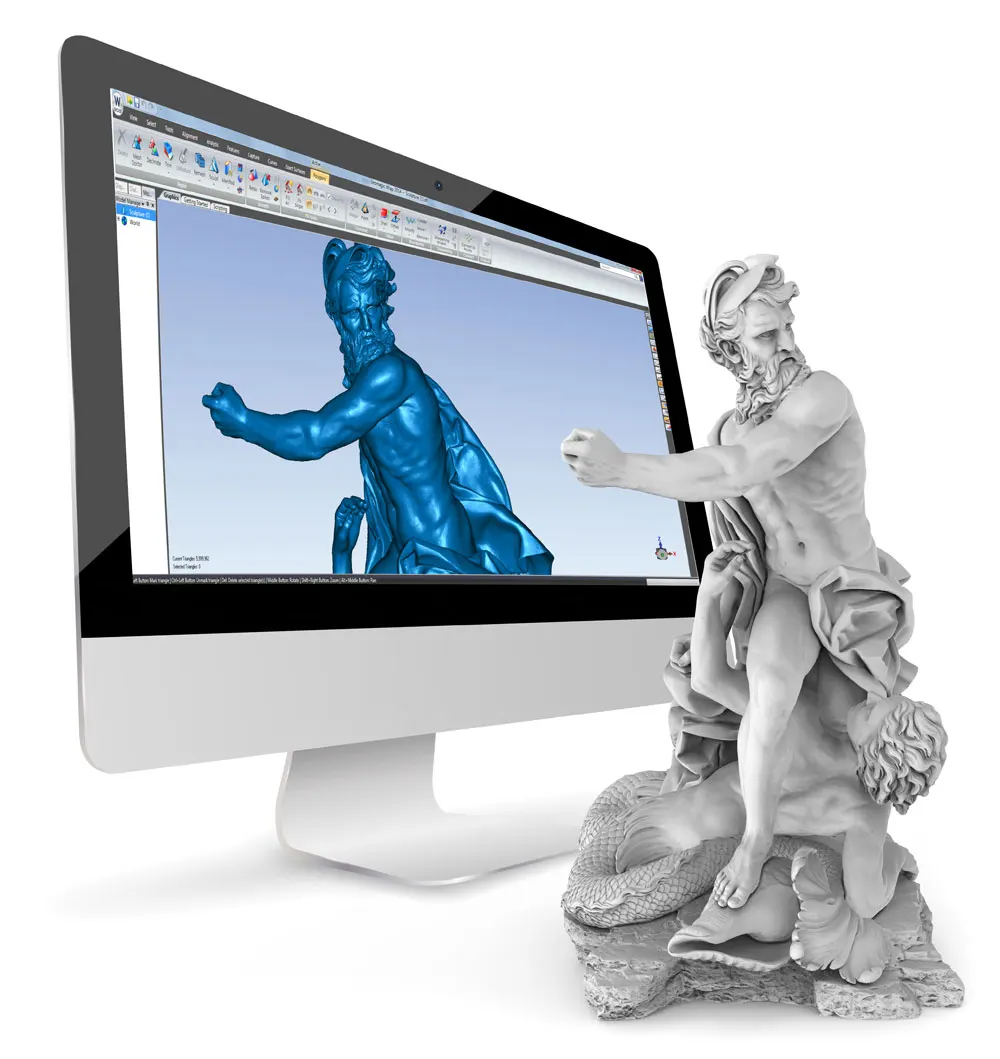
Professional 3D scanning and AI Photogrammetry in one program. Turn scans, photos or video into models for 3D printing, reverse engineering or inspection.
- Yearly
- A major new release every year
- 70%
- Faster processing with Workflows
- Scans + photos
- 3D scanning and AI Photogrammetry
- PTB
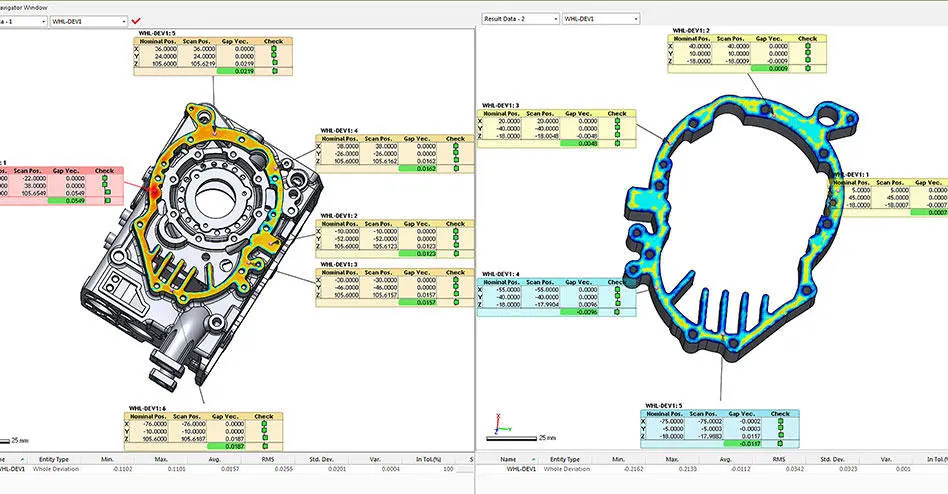
- Certified for inspection work
Artec Studio
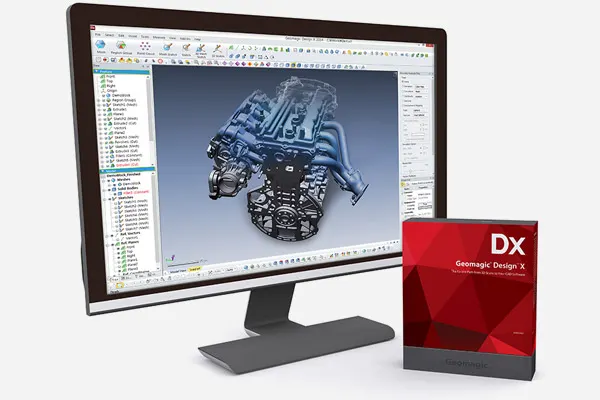
All-in-one 3D scanning and photogrammetry software. Capture, process, model, reverse engineer and inspect in one program. Licensed separately from the scanner. We sell Artec Studio Pro.
 More from Artec 3D
- Current release, updated every year
- AS20
- Jobs in one program, from scanning to inspection
- 5
- Preset workflows to a finished model
- 1 click
Runs every Artec scanner we sell
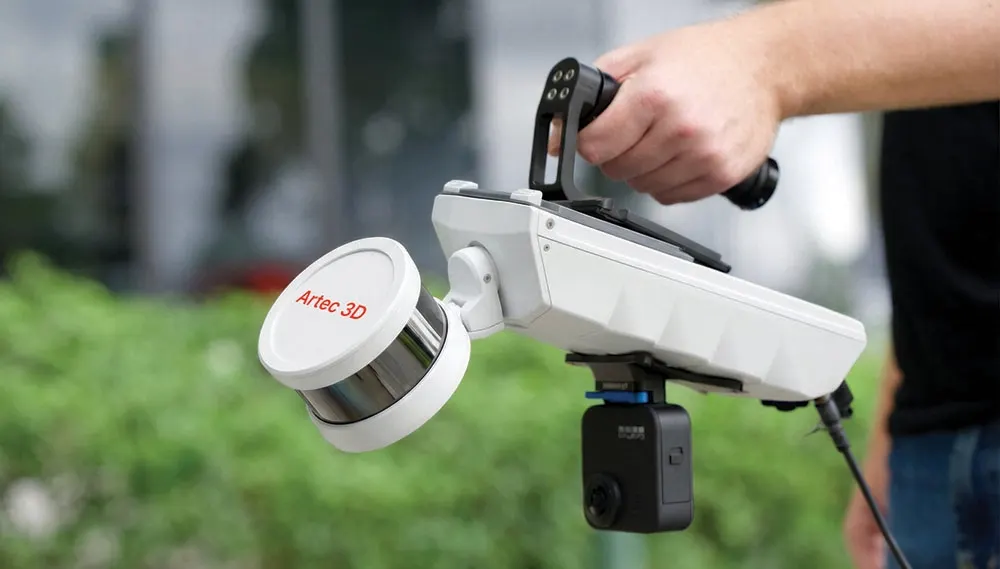
Handheld, desktop and LiDAR. The four below, plus the Micro II, Ray II and Metrology Kit.
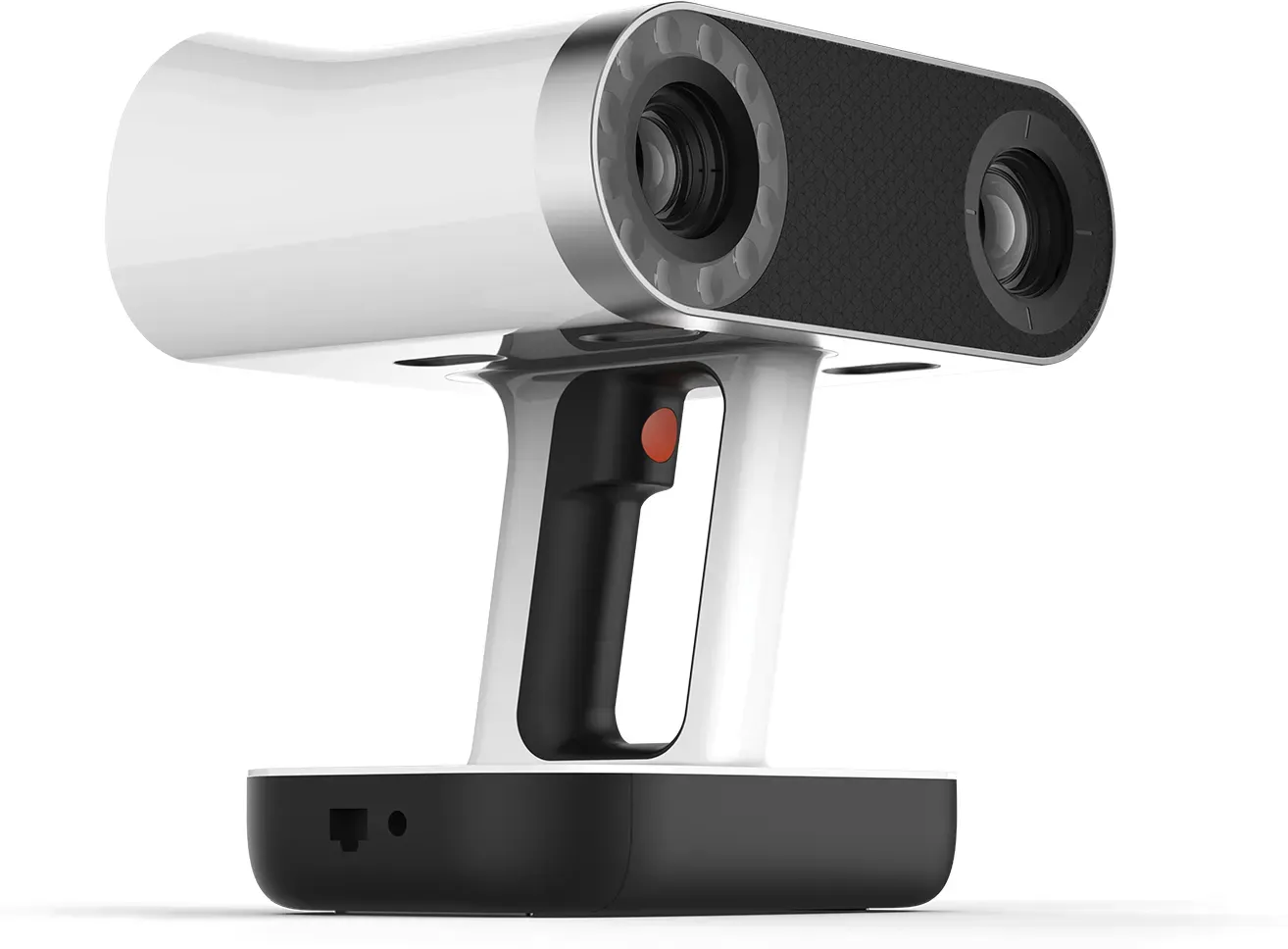
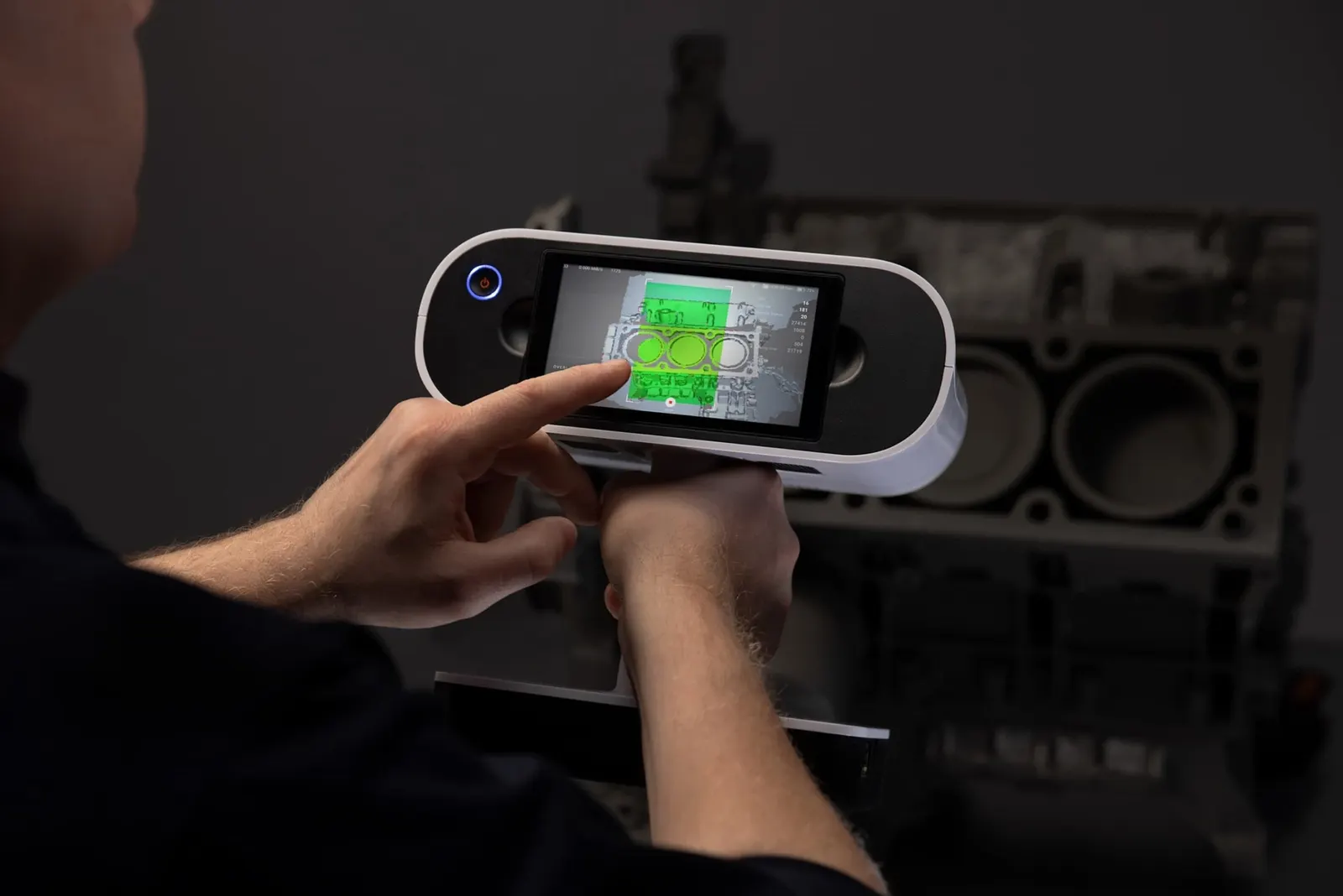
Wireless with an onboard screen. The Leo scans on its own, then Artec Studio processes the data.
£29,232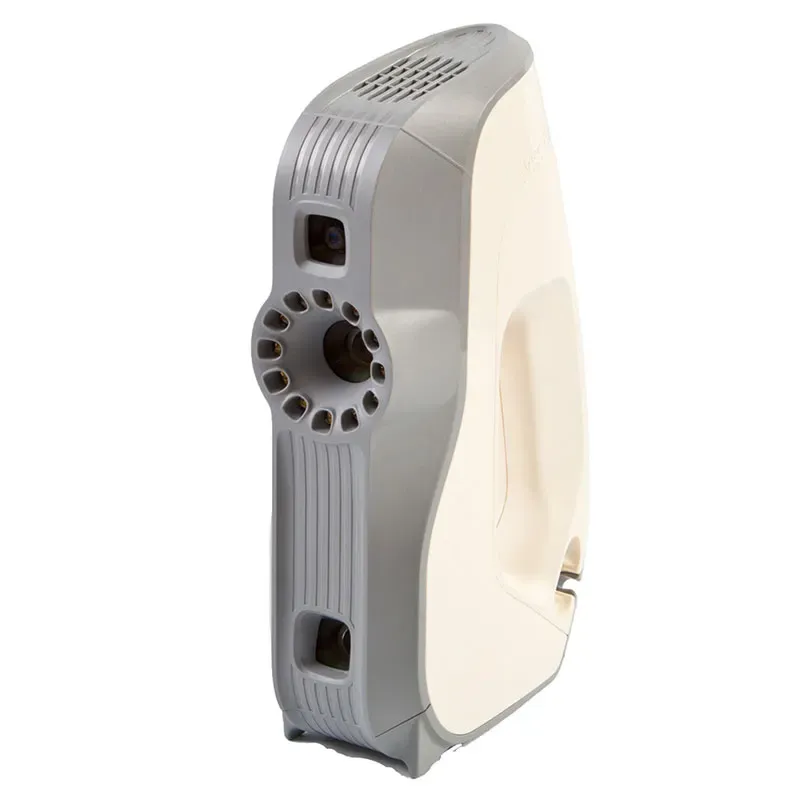
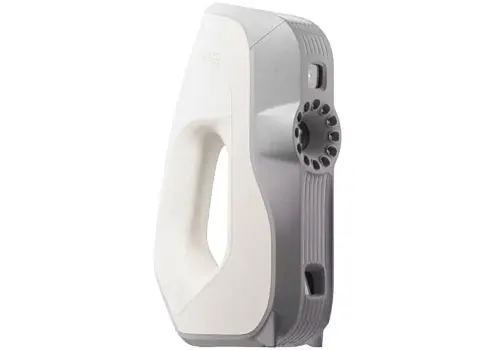
Fast structured-light scanning in full colour for medium-sized objects.
£8,316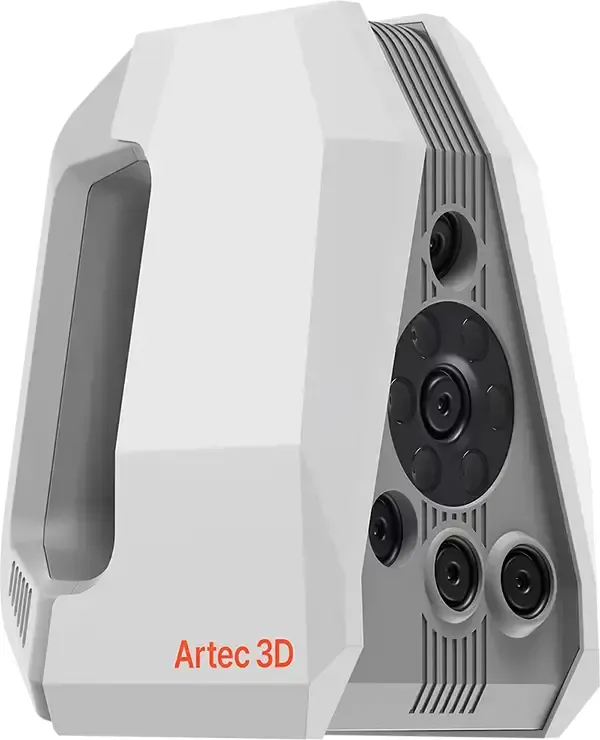
High-resolution scanning of small, intricate parts, now with Autopilot.
£22,680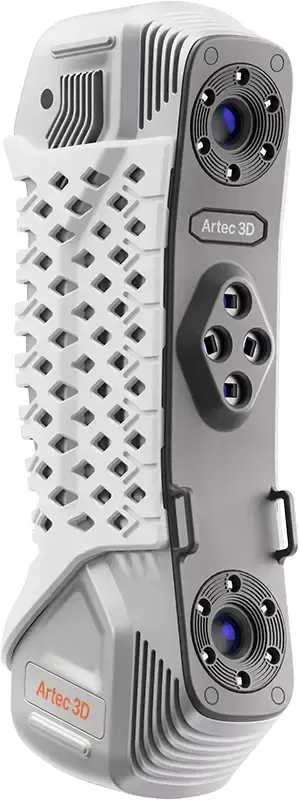
Metrology-grade laser scanning for inspection and reverse engineering.
£20,076Artec Studio Pro at a glance
Artec 3D
- Developer
- Artec 3D, Luxembourg
- UK reseller
- 3D Scanworx, Artec Gold Certified
- Licensing
- Sold separately from the scanner
- Free trial
- 30 days from Artec, without saving or export
| Data in | 3D scans from Artec scanners, meshes, point clouds, CAD, photos and video |
|---|---|
| Scan, mesh and point cloud import | PLY, STL, WRL, OBJ, PTX, E57, BTX, OBC, USD and more |
| CAD import | STEP, IGES, SAT, X_T, X_B |
| Photo and video import | BMP, JPG, PNG, TIF, MOV, MP4, AVI, M4V |
| Mesh export | OBJ, PLY, WRL, STL, AOP, ASC, Disney PTEX, E57, XYZRGB, USD, USDZ |
| Point cloud export | PTX, BTX, XYZ, RCP |
| CAD export | STEP, IGES, X_T |
| Measurement export | CSV, DXF, XML |
|---|---|
| Scanners | Artec Eva, Eva Lite, Leo, Metrology Kit, Micro II, Point, Ray II, Spider II plus earlier Artec models |
| Operating system | Windows 10 or 11, 64-bit |
| Recommended PC | 13th or 14th Gen Intel Core i7 or i9, NVIDIA RTX 4070 8 GB |
| Minimum PC | 12th Gen Intel Core i9, NVIDIA RTX 4060 8 GB, 32 GB RAM |
| Languages | 16, including English, French, German, Italian, Polish and Spanish |
| Licences | Annual subscription with every update and scripting, or a lifetime licence to the version you buy |
Buying Artec in the UK
Artec Ambassador and Gold Certified Specialist
Artec 3D recognise us for advanced product knowledge, extensive practical experience and consistently high standards of customer support. That means we can tell you which scanner is right for your work, show it to you properly, train your team and keep supporting you once it is yours. Installation, onboarding and Artec Studio training from our UK team.
On your own parts, at our site in Cheshire or at yours.
Artec Studio courses from one day, run by the engineers who support you afterwards. See the courses
Ongoing technical support from a UK team, not a ticket queue abroad.
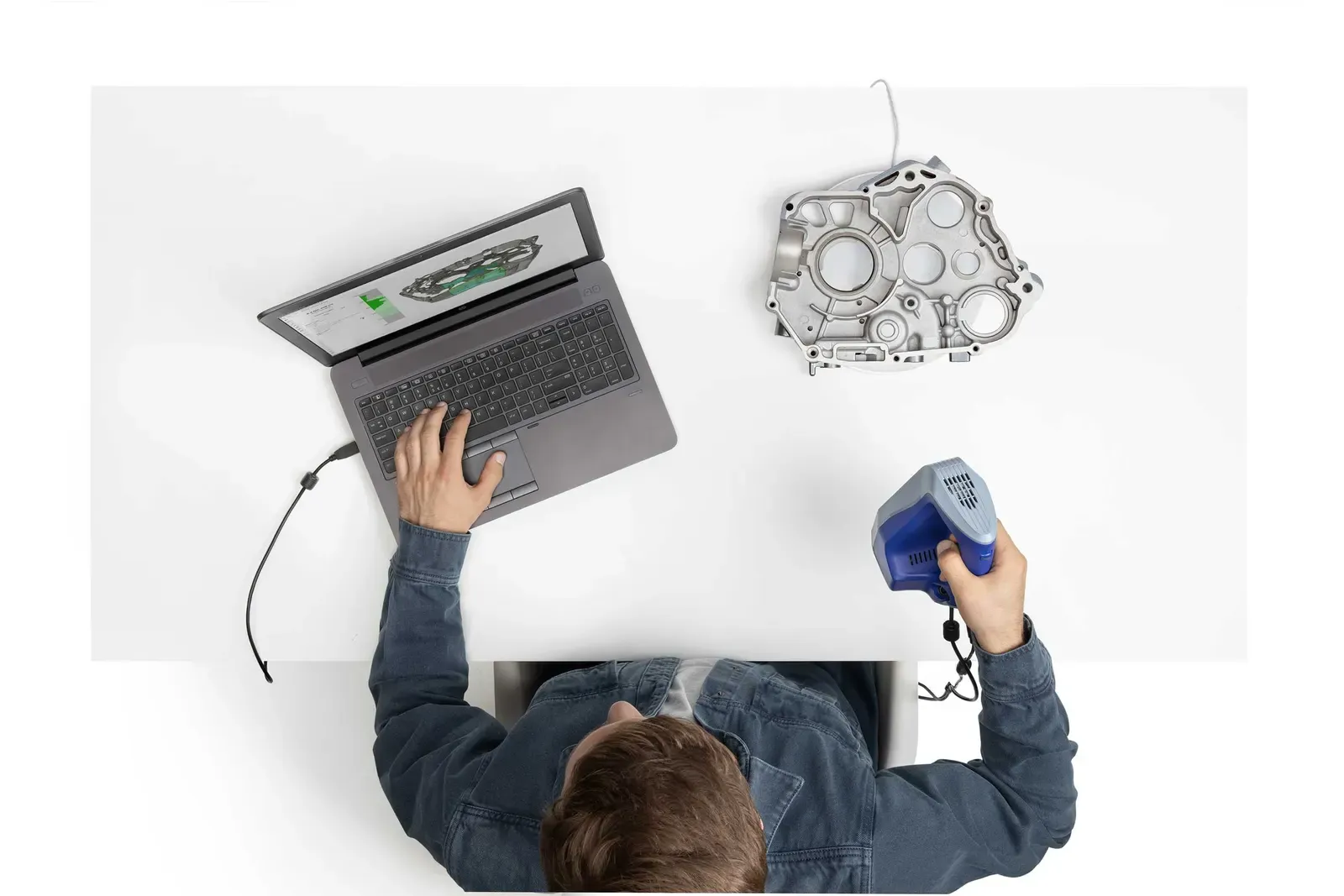
Learn Artec Studio properly
One day takes a project from capture to a clean, exported model. Two days adds the harder scans, reverse engineering and automation.
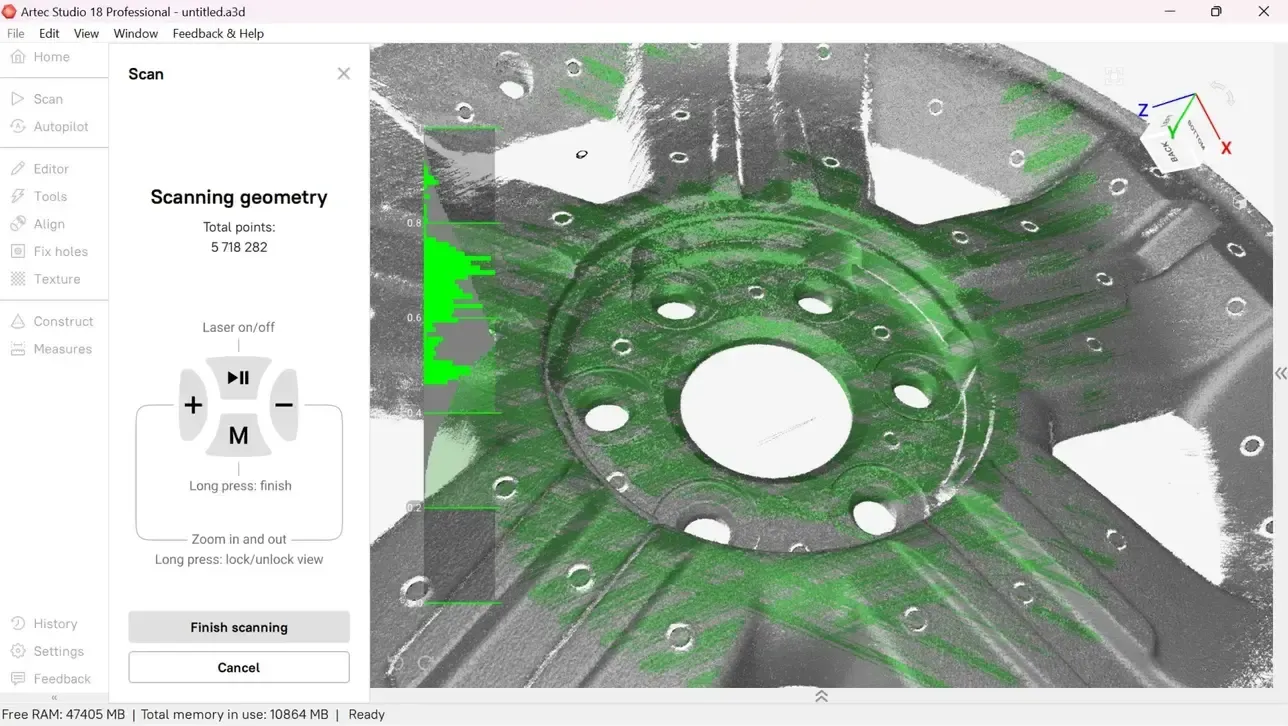
See it on your own data
Send us your scans or parts. We will show them processed, measured and exported in Artec Studio.
Book a demonstrationArtec Studio questions
Does Artec Studio cost extra?
Yes. Artec Studio is licensed separately from the scanner. Choose an annual subscription or a lifetime licence.
What is the difference between a subscription and a lifetime licence?
A subscription includes every major feature update and new algorithm while it runs, plus scripting. A lifetime licence gives permanent access to the version you buy, without scripting.
Which data can I build a model from?
3D scans from any Artec scanner, plus photos or video from almost any camera, smartphones included.
Which scanners does it support?
The whole current Artec range: Leo, Eva, Spider II, Point II, Micro II, Ray II and the Metrology Kit, along with many earlier Artec models.
How does photogrammetry work in Artec Studio?
Photograph or film an object from all angles, then load the files into Artec Studio. Choose object or scene reconstruction and the algorithms do the rest.
When would I use photogrammetry rather than scanning?
Scanning gives the accuracy needed for reverse engineering and inspection. Photogrammetry is less accurate but very realistic. It also works where a scanner cannot go, from a drone or an underwater camera.
What are Workflows?
Saved processing pipelines you run at the click of a button. They automate common tasks, speed up processing by up to 70% and can pass models to other software.
Can I try it first?
Yes. Artec offer a 30-day trial with full Pro features on a sample dataset, though projects cannot be saved or exported. We can also run a demonstration on your own data.
What computer do I need?
A 64-bit Windows 10 or 11 PC with at least 32 GB of RAM plus an NVIDIA graphics card. Artec recommend a 13th or 14th Gen Intel Core i7 or i9 with an RTX 4070. We can check your machine before you buy.
See it on your own data
A demonstration on your own scans is the quickest way to know whether a package fits your work. It takes about an hour.
Need this today?
Ring the office and ask — somebody who runs the machines will pick up and answer it properly.
Get a part priced
Upload the file to the instant quote, choose the material and see the price straight away.
Buy from stock
Sprays, targets, calibration plates and printed spares, out of Cheshire the same day if you order before 3pm.