.svg)
3D Scanning & Meshing Software
Artec Studio 3D Scanning Software
The processing software behind every Artec scanner — capture, align, clean and mesh scan data, with direct exports to CAD and inspection tools. Sold as Artec Studio Pro subscription. (Artec Studio Lite is only available direct from Artec.)
ALL NEW ARTEC STUDIO 16The power is in the processing
Super-Fast Processing
Superior algorithms allow for rapid alignment of scan frames, mesh creation and texture application of huge datasets
Real Time Fusion
Super-fast real time fusion means that you can visualise your completed 3d model on the fly. New glossy rendering in Studio16 allows for improved viewing of the final rendered model.
High Precision
Class leading mathematical algorithms, tracking on both colour and geometry means that accuracy is never compromised.
HD Mode
Using Artec’s AI neurel network to produce incredible high resolution scans from Eva and Leo scanners.
CAD Compatible
Meshes and fitted geometry can now transferred directly to Solidworks and Geomagic Design X
CGI Ready
Create CGI ready full colour models with the all new function to combine Artec scans with high res photogrammetry images from SLR cameras.
Simply Powerful
Rapidly capture and transform scan data into usable precise data using Artec’s acclaimed Studio 16 software.
HD Mode
High Definition AI Results
The all new HD mdoe from Artec3D increases the resolution and accuracy around sharp or fine edges.
Sharp edges
The all new HD mdoe from Artec3D increases the resolution and accuracy around sharp or fine edges.
Standard Definition mode

GLOBAL REGISTRATION 250% MORE POWERFUL!
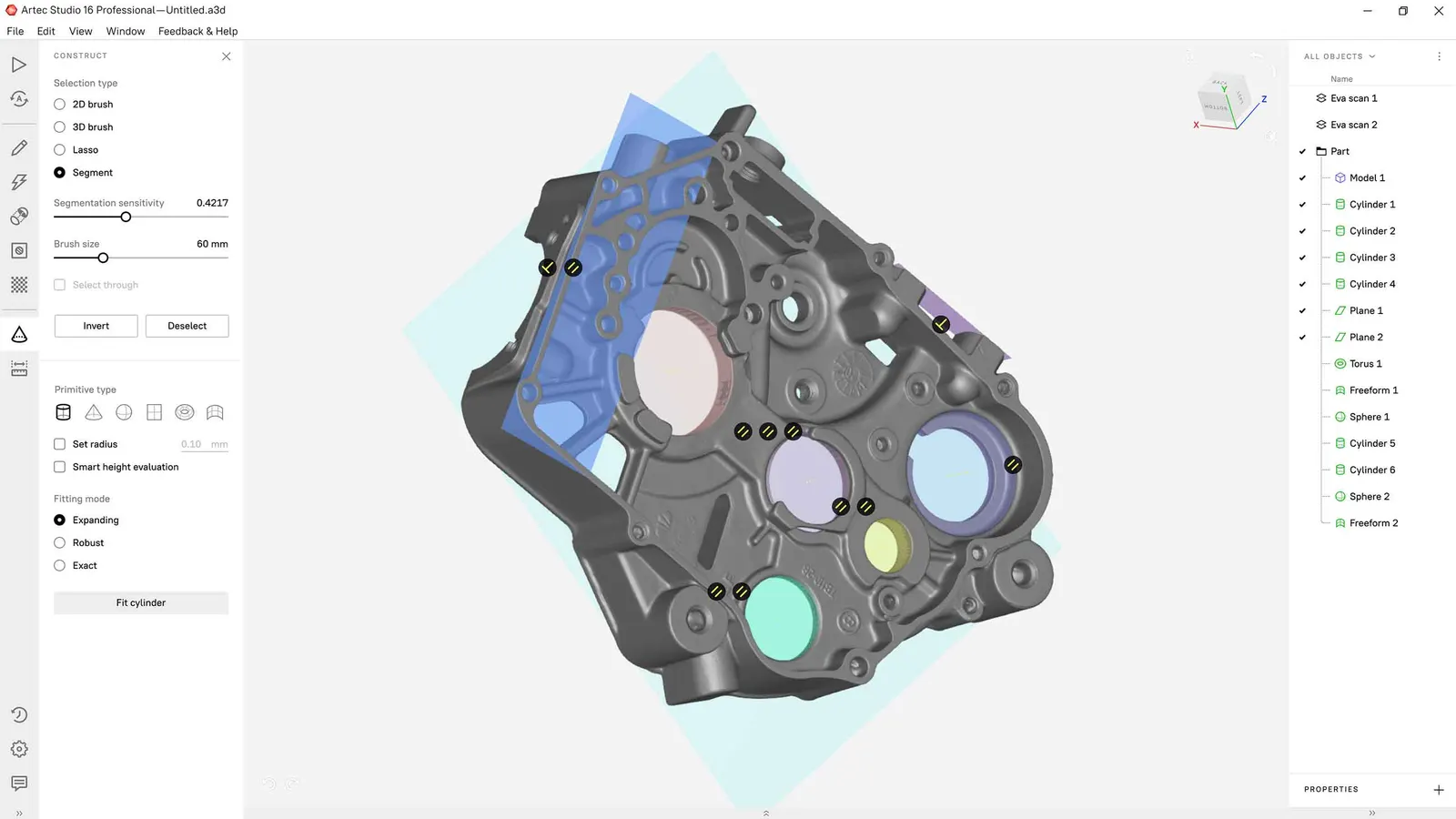
An essential step in 3D data processing, Global Registration is now more effective than ever. The upgraded tool can successfully assemble up to 250% more object types even when scanning conditions were subpar.
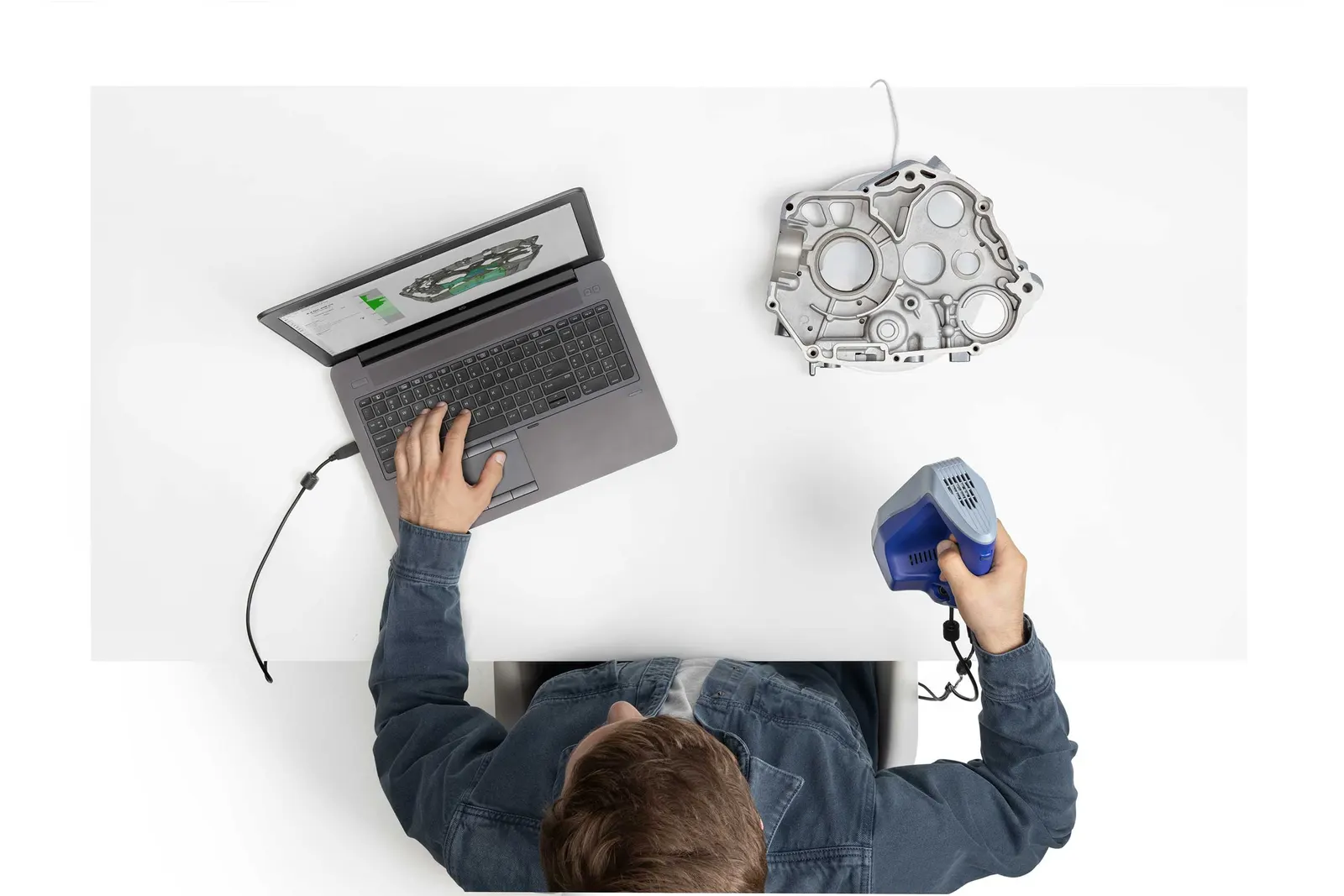
Extremely easy scanning with the all new Radar ModeArtec Studio will show you that you are holding the scanner at the optimal distance by visualizing the real-time 3D data in green. Move the scanner a little too close and the image will turn red, a little too far back and it will turn blue.
Introducing Auto Pilot
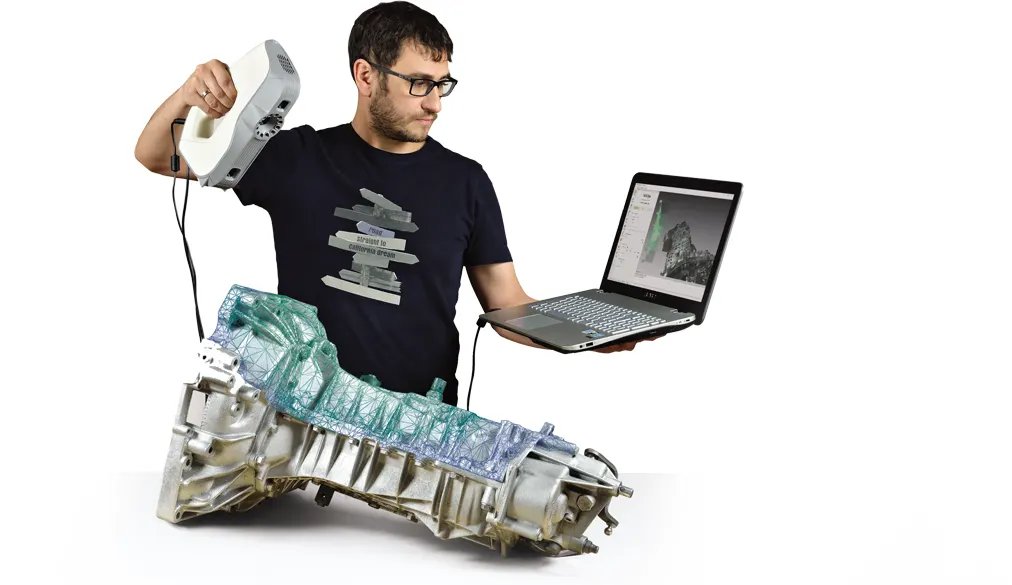
Auto Pilot is an advanced smart mode which guides users through post-processing in a few easy steps, automatically selecting the most effective settings for your data and producing a high precision 3D model. Whether you are new to 3D scanning and require step-by-step guidance in 3D data processing, or are an experienced user looking to speed up your workflow, Artec Studio’s breakthrough automated processing features set a new horizon in 3D scanning.
Automatically applies the optimal post-processing algorithms for your object in order to achieve the best possible result
Full post-processing timeline, totally automatic
Perfect for beginners, a great time saver for advanced users
Sector Suitability
Heritage Architecture Fashion Film & Television
For more information please get in touch
Works with
Confirmed by us, not inferred from a spec sheet. If yours is not listed, ring and we will check.
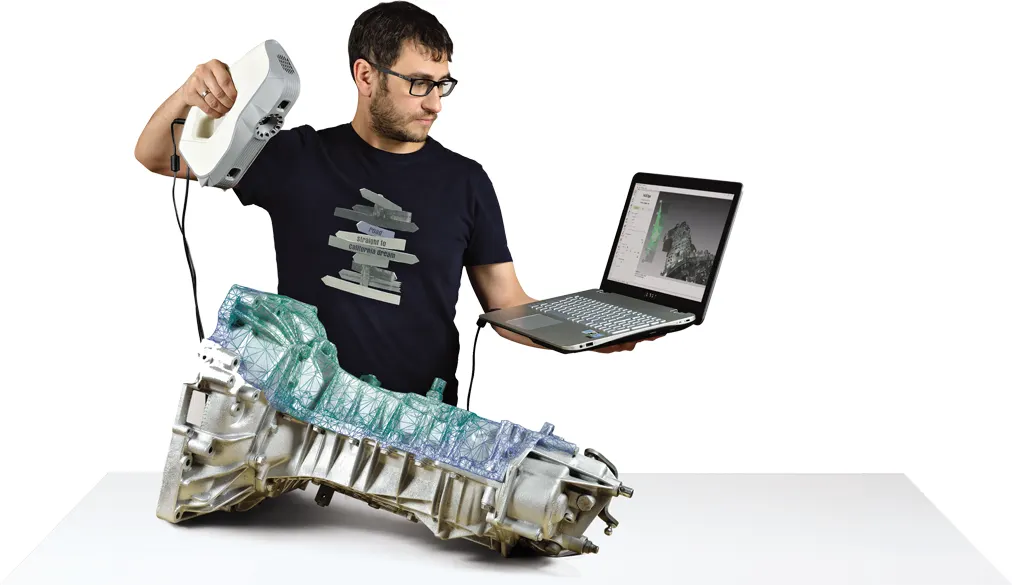
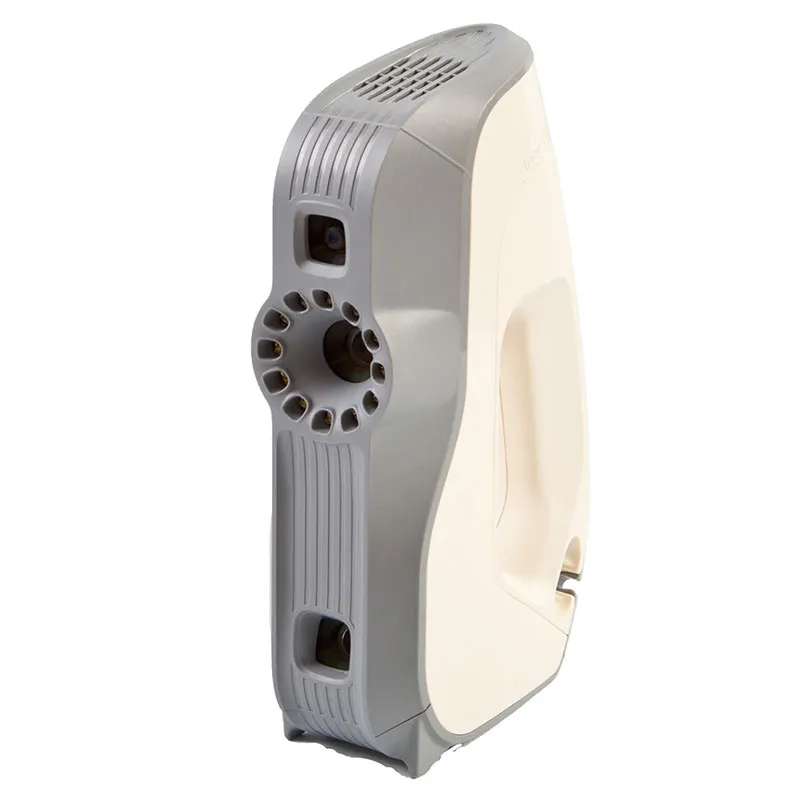
- Artec EvaArtec Eva structured-light handheld 3d scanner, for quick and accurate models of medium sized objects in full colour. It is ideal for scanning objects such as human busts, alloy wheels and motorcycle exhaust systems. Eva is Artec's most popular 3d scanner largely becuase is light, fast and extremely versatile. The structured light system is safe to use and an excellent choice as an all-round scanner for capturing objects of any kind, including those with black and shiny surfaces.View machine →
- Artec LeoWireless professional handheld 3D scanner with on-board processing and touchscreen — capture full-colour scans with no laptop or cables. The scanner most of our customers end up buying.View machine →
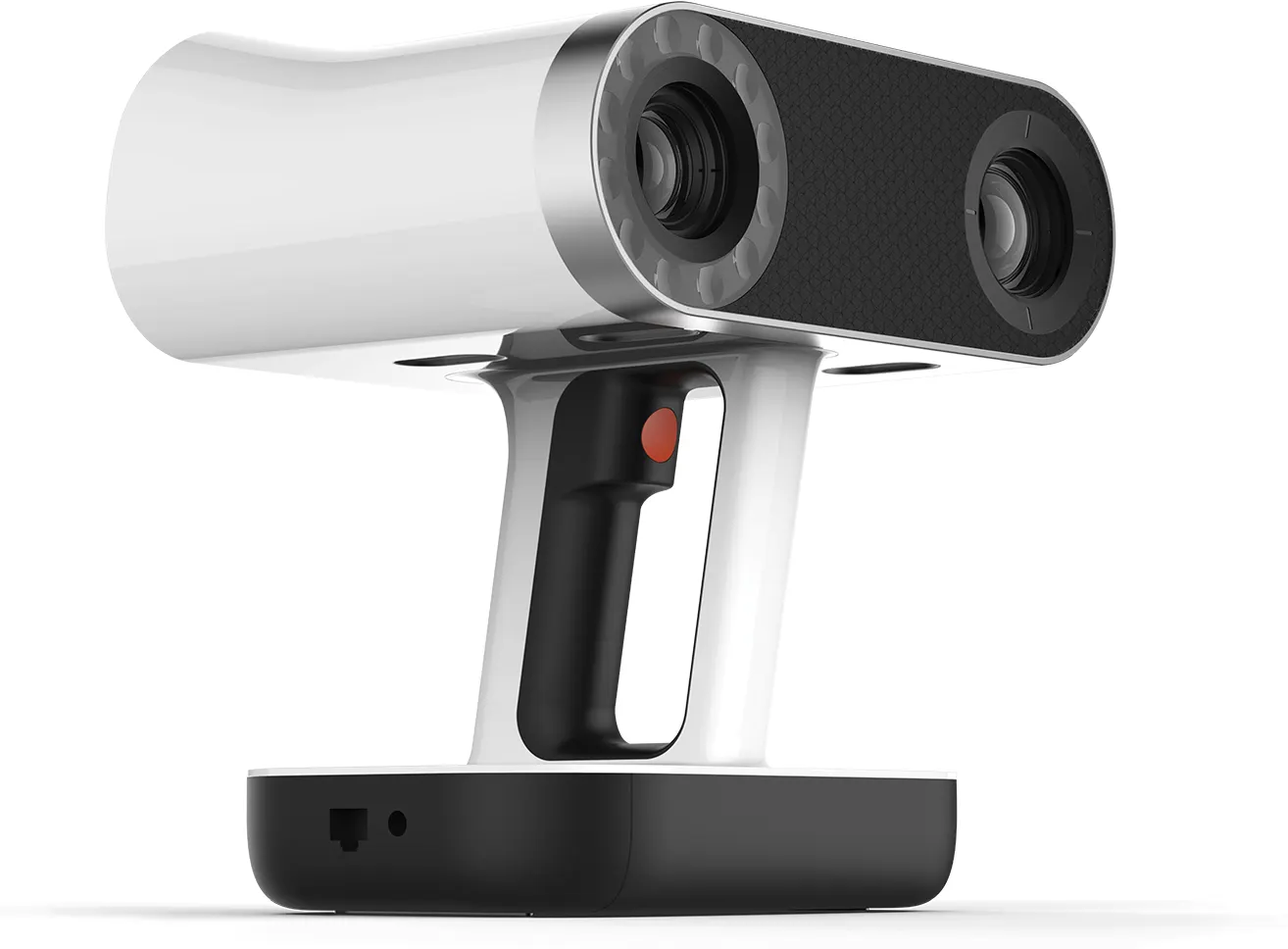
- Artec Spider IIHigh-resolution handheld scanner for small, intricate parts — sharp edges, thin walls and fine detail, in full colour.View machine →
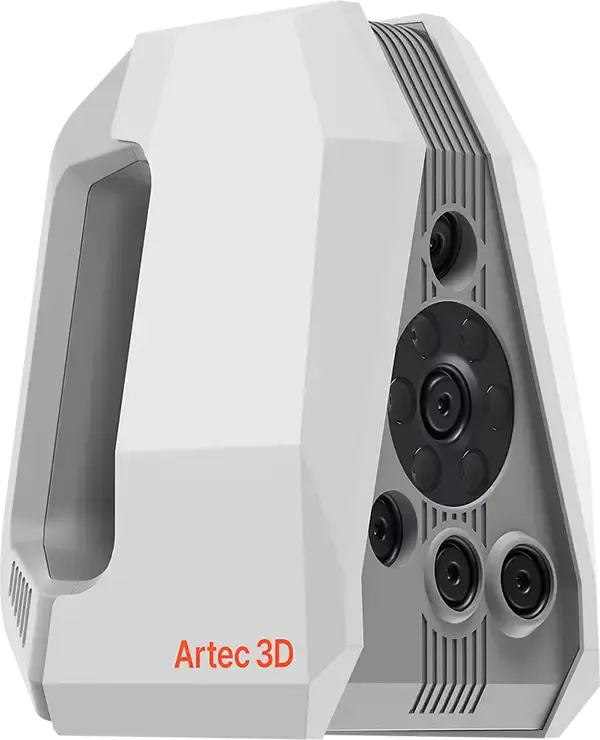
- Artec Point IIMetrology-grade handheld laser scanner using retro-reflective targets for the highest accuracy — inspection, quality control and precision reverse engineering. Launched August 2026; UK pricing on application.View machine →
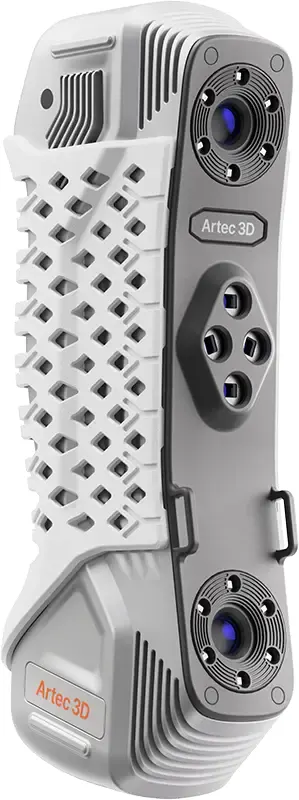
- Artec Micro IIAutomated desktop 3D scanner for very small objects — jewellery, dental, electronics — with micron-level accuracy and one-click capture.View machine →
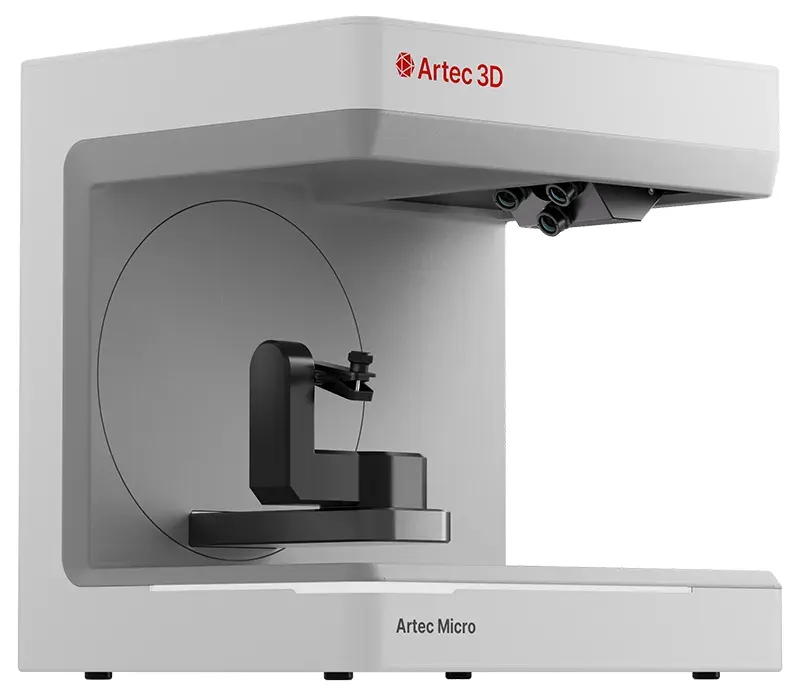
- Artec Ray IILong-range terrestrial LiDAR scanner for buildings, plant rooms, vehicles and large objects — survey-grade point clouds captured from a tripod.View machine →
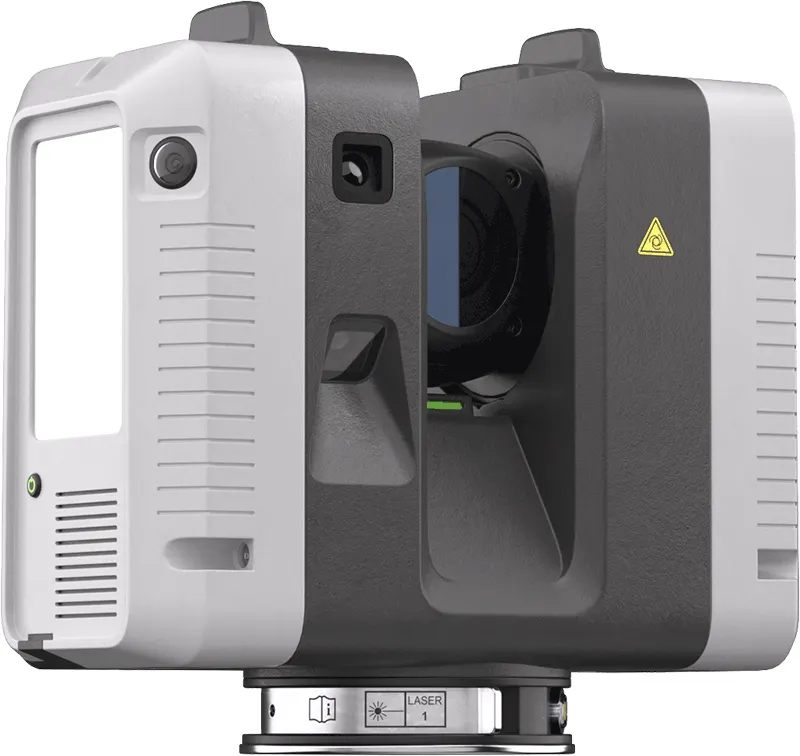
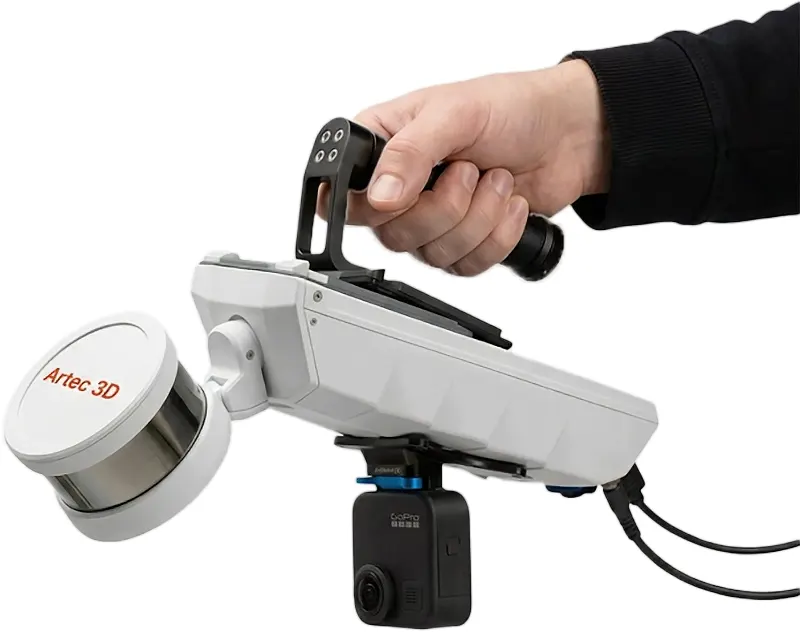
- Artec JetMobile SLAM LiDAR for site and infrastructure capture — walk, drive or fly it through a space and map as you move. Hardware-only price from £33,480 ex VAT, subject to confirmation.View machine →